
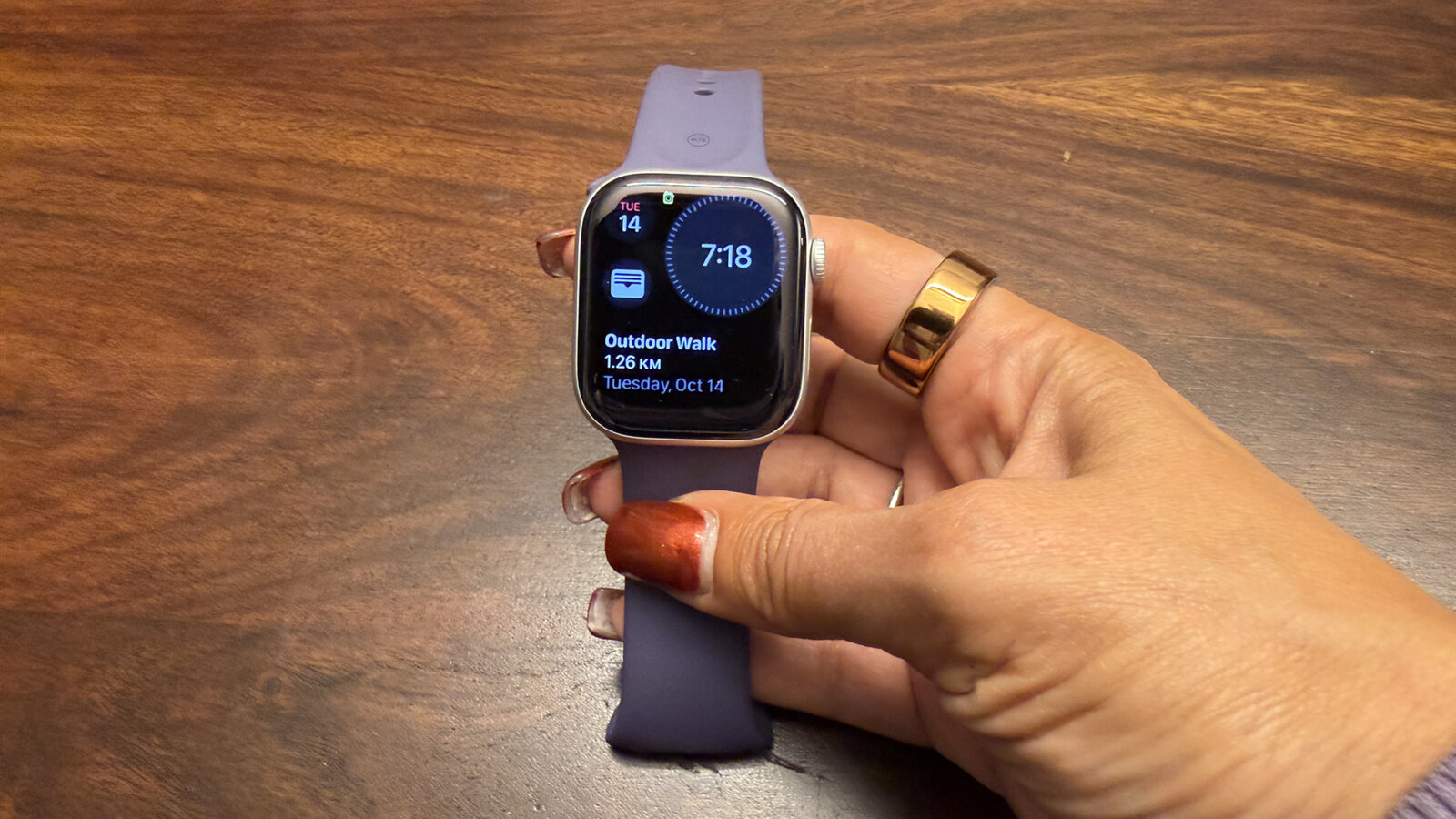
I’m a long-time Apple Watch user ever since officially switching from Fitbit to Apple Watch three years ago. It makes sense since I live within the entire Apple ecosystem. I have been wearing the Apple Watch Series 10 for the past year, and have noticed significant upgrades from the Series 8 model I adorned prior to that. With the Apple Watch Series 11 now available, promising tons more improvements, I was eager to try it out.
About the Apple Watch Series 11
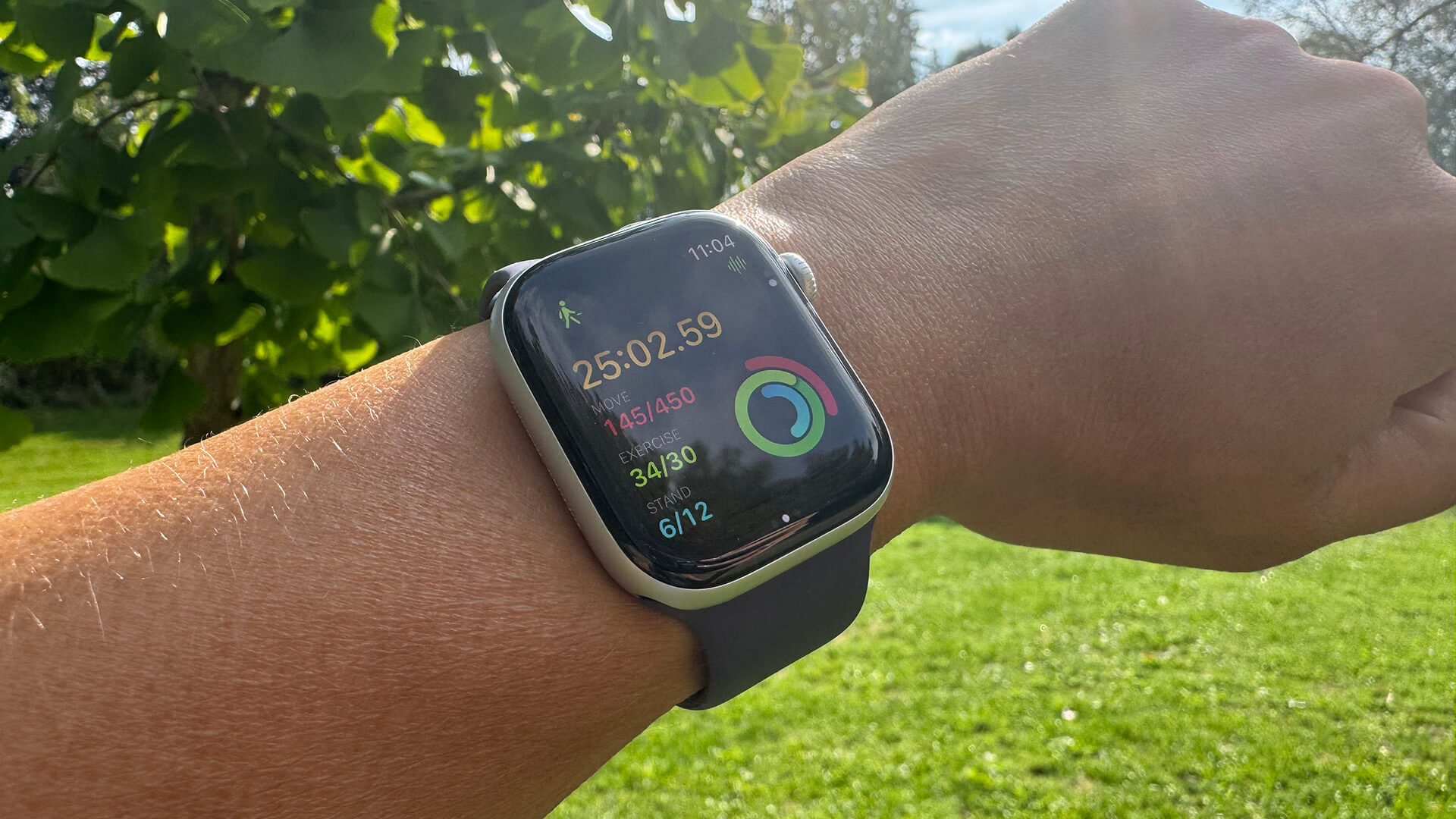
The Apple Watch Series 11 offers new features like sleep score (also available via watchOS update with previous generation models), increased battery life up to 24 hours per charge along with fast charging, a more durable screen, and more. The ultra-thin watch also has a redesigned cellular antenna for those wishing to opt for the cellular edition.
It comes with all the features central to watchOS 26, like Workout Buddy and the Liquid Glass design. As with the other new smartwatches, you can set up music and podcasts right in the Workout app to automatically play when you start a workout. It supports a wrist flick gesture, Smart Stack hints, Live Translation, Notes, and more.

Apple Watch Series 11 is available in 42mm and 46mm sizes in Jet Black, Rose Gold, Silver, and new Space Grey aluminum cases, as well as polished titanium in Natural, Gold, and Slate. Apple Watch Hermès is available in 42mm and 46mm sizes in Silver titanium. Apple Watch Series 11 starts at $549 and comes with three months of Apple Fitness+ and Apple Music for new subscribers.
Apple Watch Series 11 Review
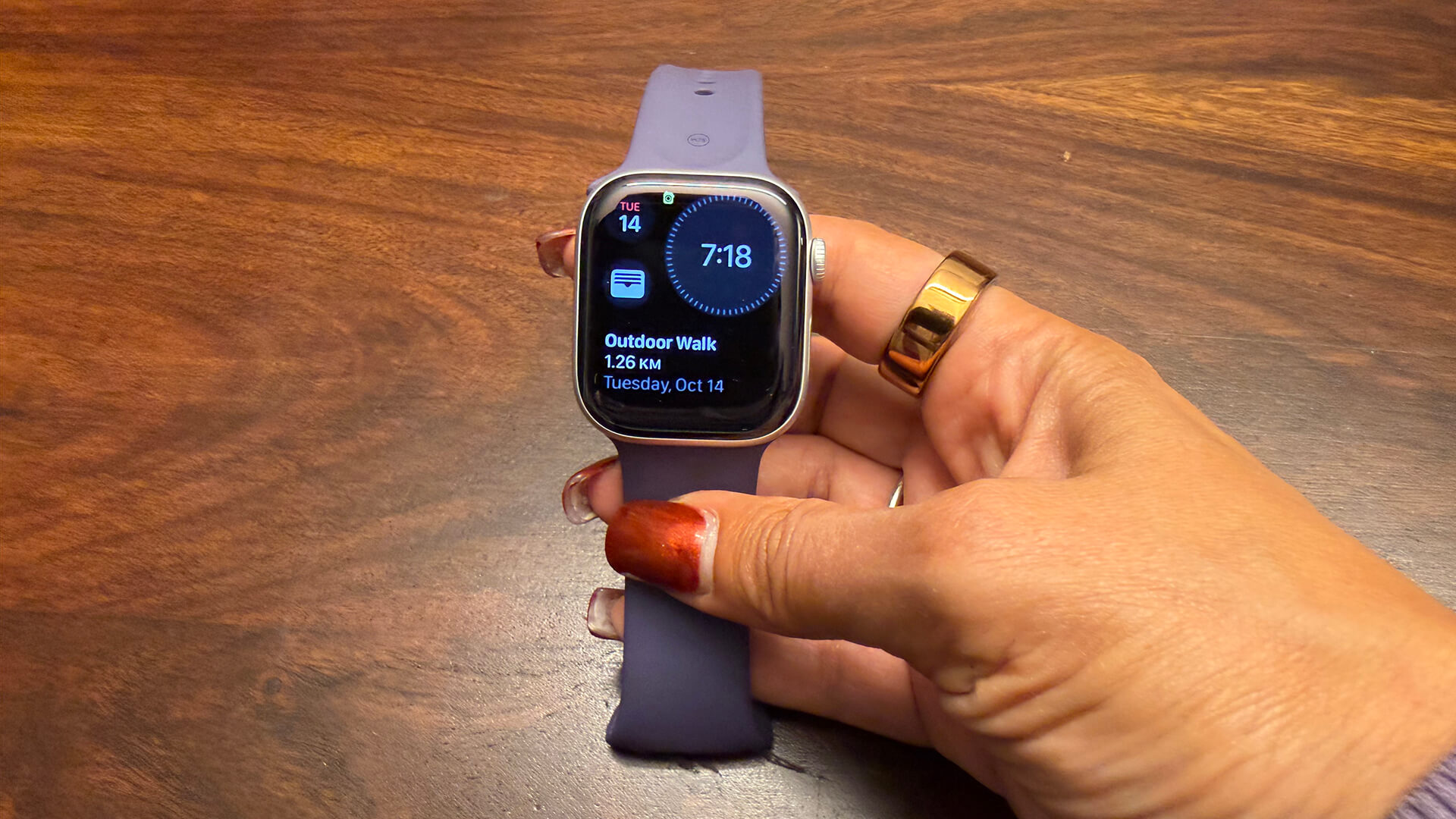
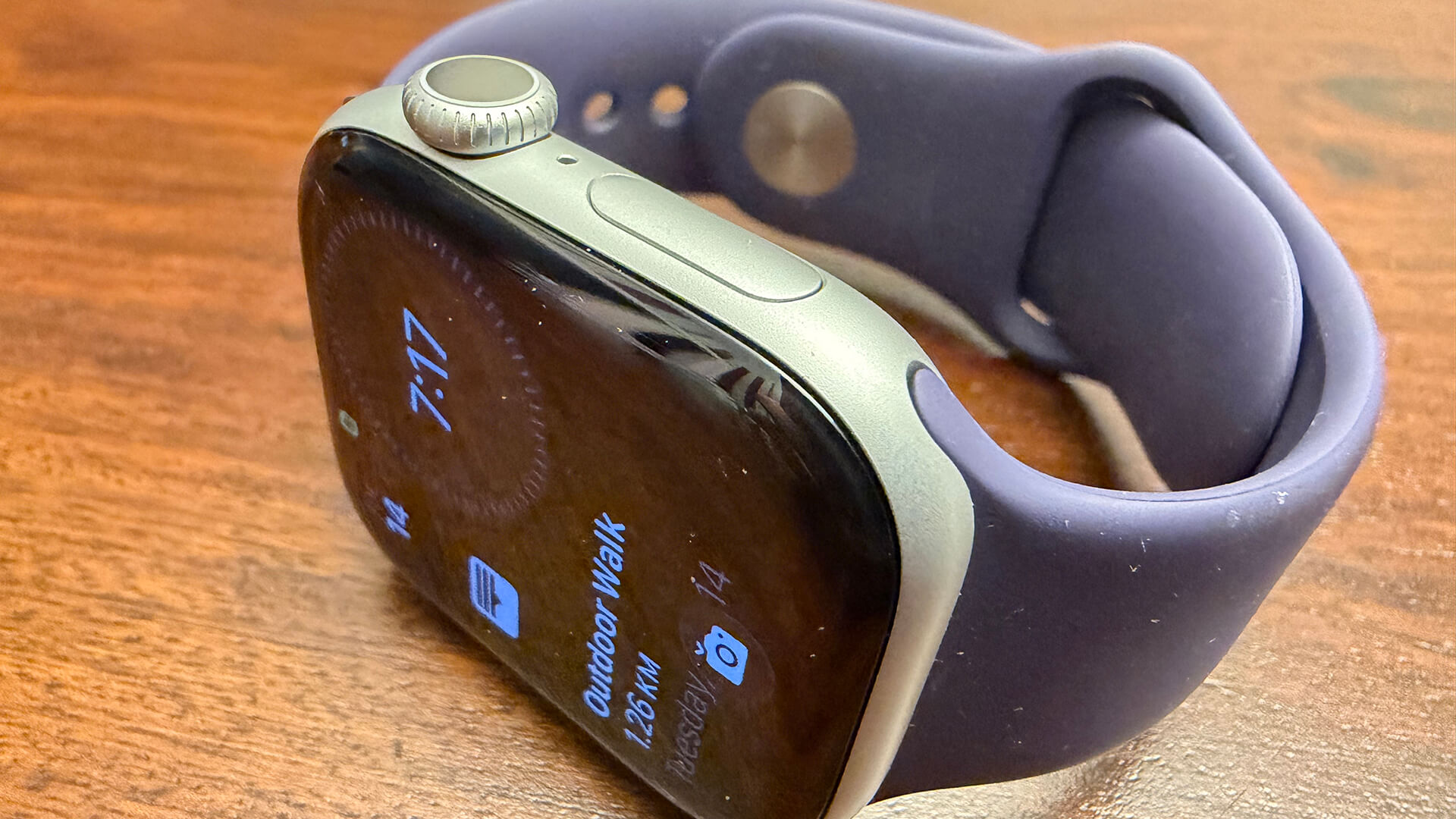
I received the Apple Watch Series 11 in the 42mm size in aluminum Silver with a Purple Fog sport band. It immediately strikes me as looking identical to the Series 10. I’ll just have to trust that the screen is indeed more durable and crack-resistant.
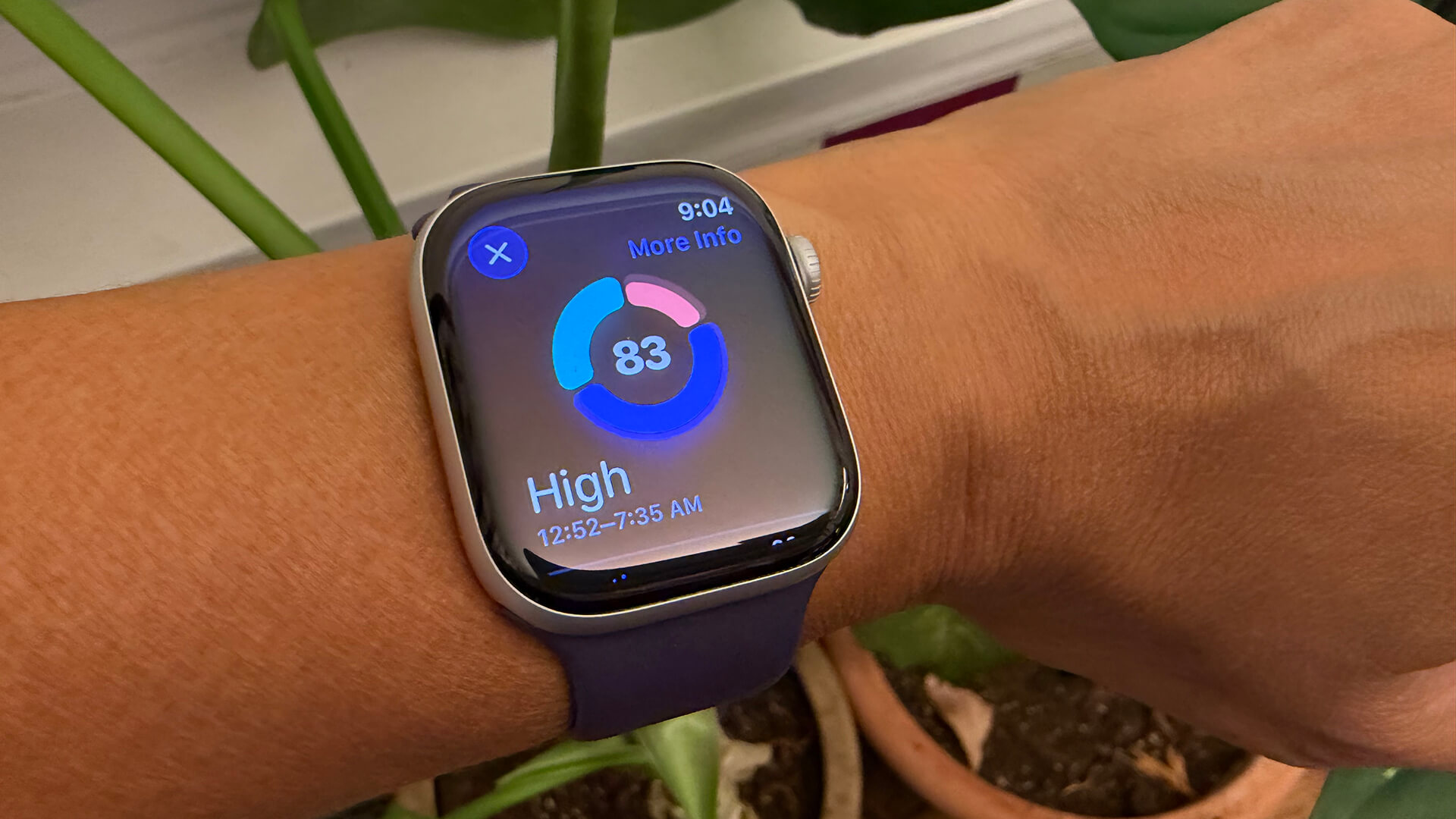
I had already been enjoying Sleep Score with the OS update on my Apple Watch Series 10, and love it. It’s a nice upgrade that brings Apple up to speed with other smartwatch brands that have been offering this feature for some time. Apple uses a point-based system to calculate duration, bedtime, and interruptions, awarding you a score out of 50 for each to determine the result. I find sometimes the score is more generous than other wearables, based on how certain things like going to bed on time or sleeping for more or fewer hours can skew the results. For example, one night, Apple Watch gave me an “Excellent” score of 93 while the Oura Ring 4, which I wore on the index finger of my opposite hand, gave me only a “Good” score of 76, a marked difference. I found the Apple Watch almost always scored higher than other wearables.
Workout Buddy is a fun feature, a welcome audible interruption at various intervals while I’m on a daily walk. The voice provides all types of insights, like how many walking workouts I have done so far that week, how far I have walked in total this year, how many Apple Fitness+ workouts I have completed to date, and where I am in terms of closing my rings for the day. At different intervals, it will jump in to provide stats on my current walk, like pace, average heart rate, and distance. I love that it integrates what I’m listening to in the feedback as well. “Now go continue enjoying the Smartless podcast,” he’ll say. Neat! It works with any pair of wireless earbuds or headphones.
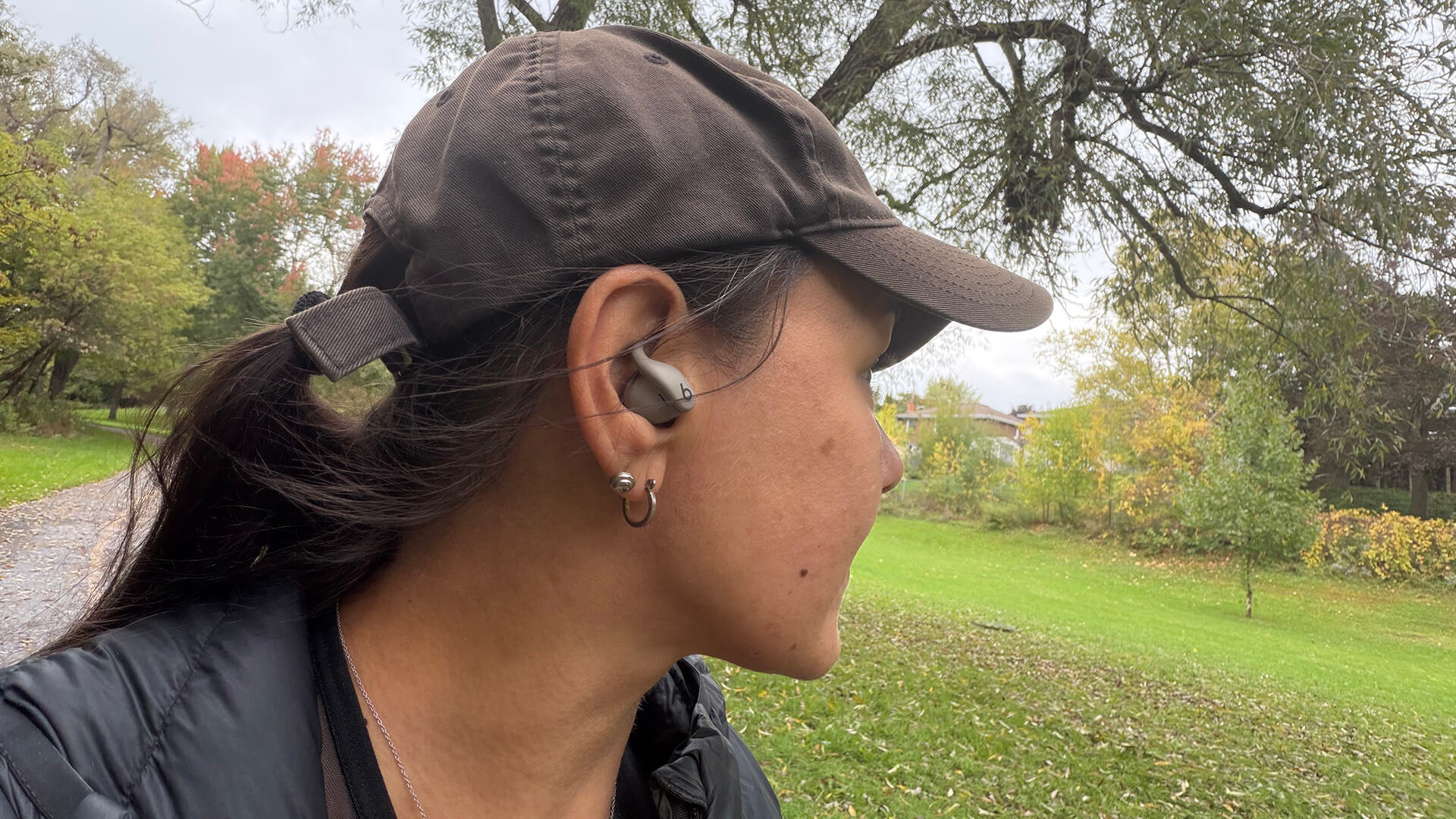
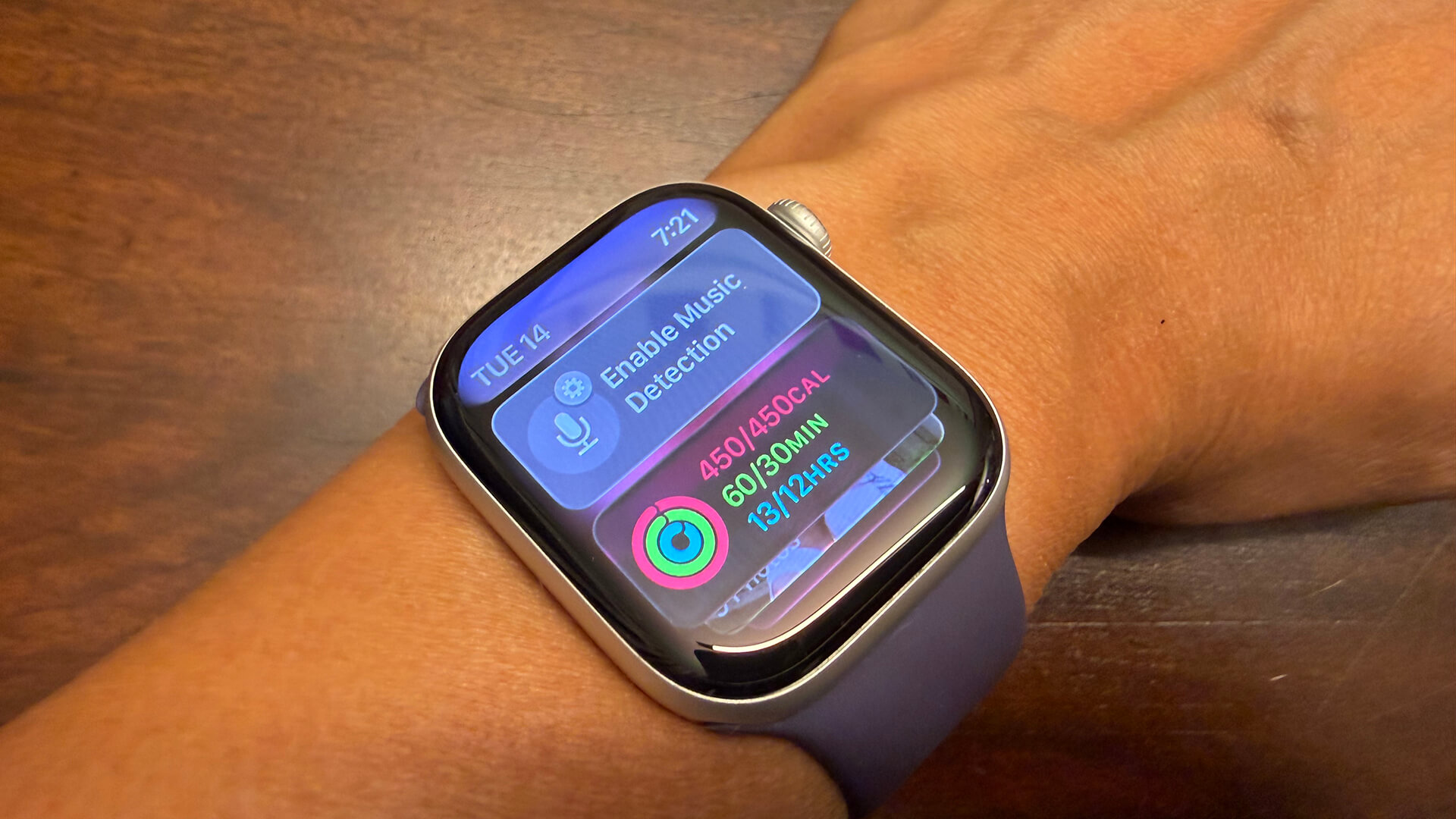
One of the new features is the ability to set the watch to autoplay media as soon as you begin an activity. I set it to autoplay the Smartless podcast I so it would presumably kick in as soon as I initiate an outdoor walk. I love that you can set autoplay based on which specific workout and not be forced to use the same thing for every type, since I listen to music while strength training, for example, versus podcasts. The feature didn’t work with other earbuds, but it does with the Beats Powerbeats Fit. So, it seems you need a pair of Apple buds (Beats is owned by Apple and the Powerbeats Fit are powered by the Apple H1 chip) for the feature to work.
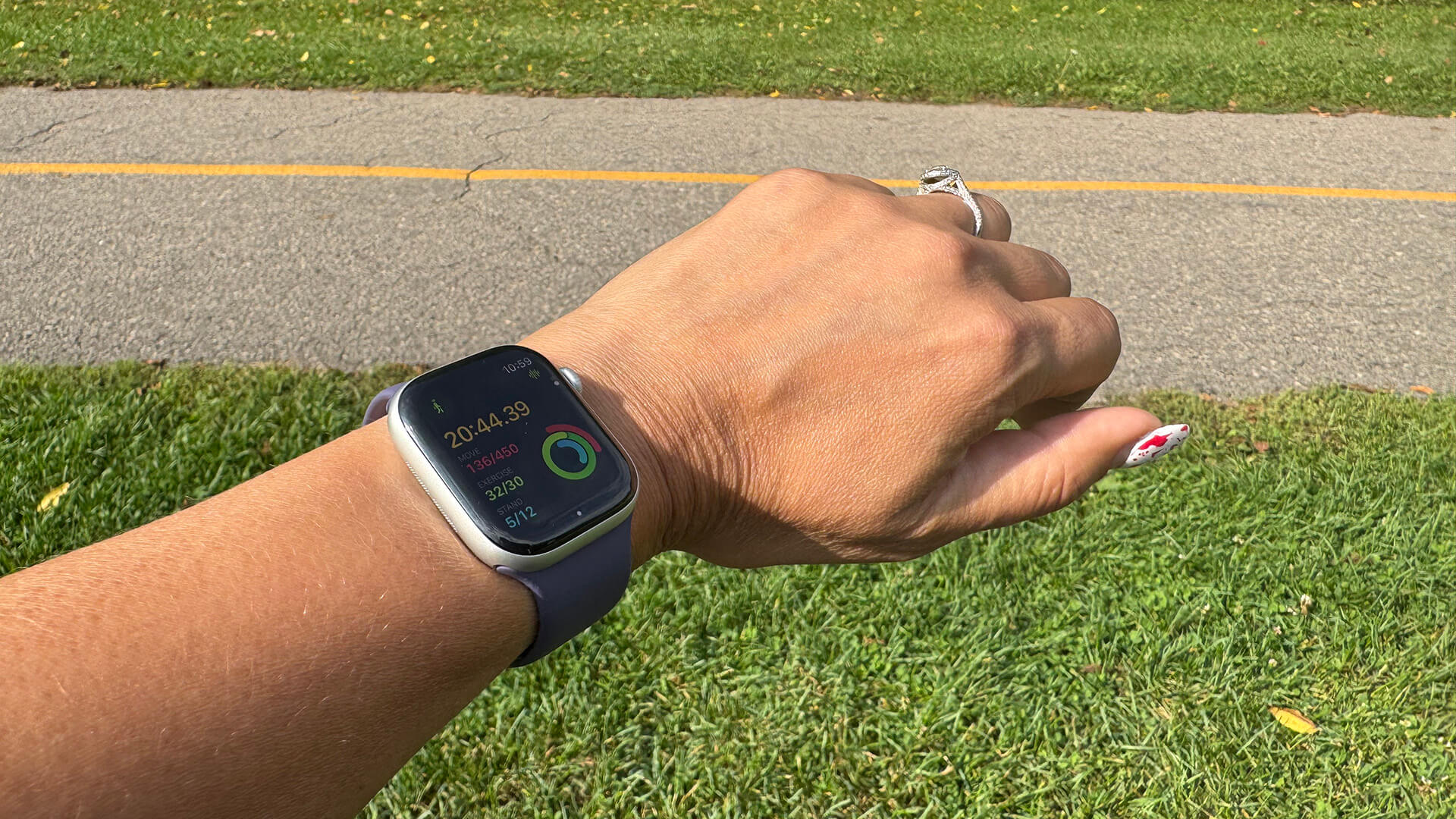
Hypertension notifications is a new feature, which looks for signs of chronic high blood pressure. It uses data from the optical heart sensor to analyze how your blood vessels respond to the beats of the heart. The feature received Health Canada approval in early October, so you can use it on the Watch. I set it up, though the 30 days have not yet lapsed to determine a reading. I personally don’t have hypertension concerns, but it’s a useful feature that those with high blood pressure would appreciate having.
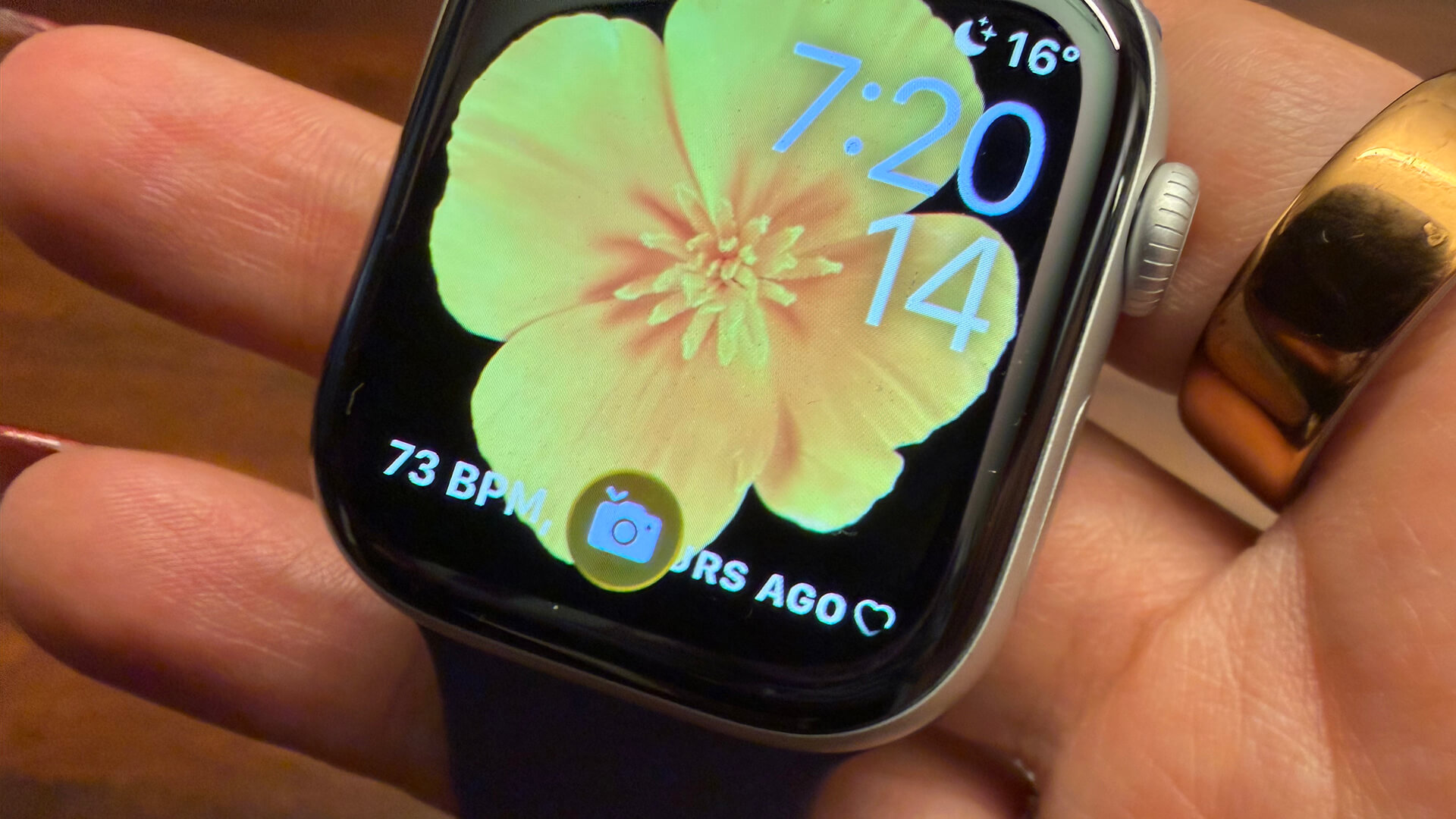
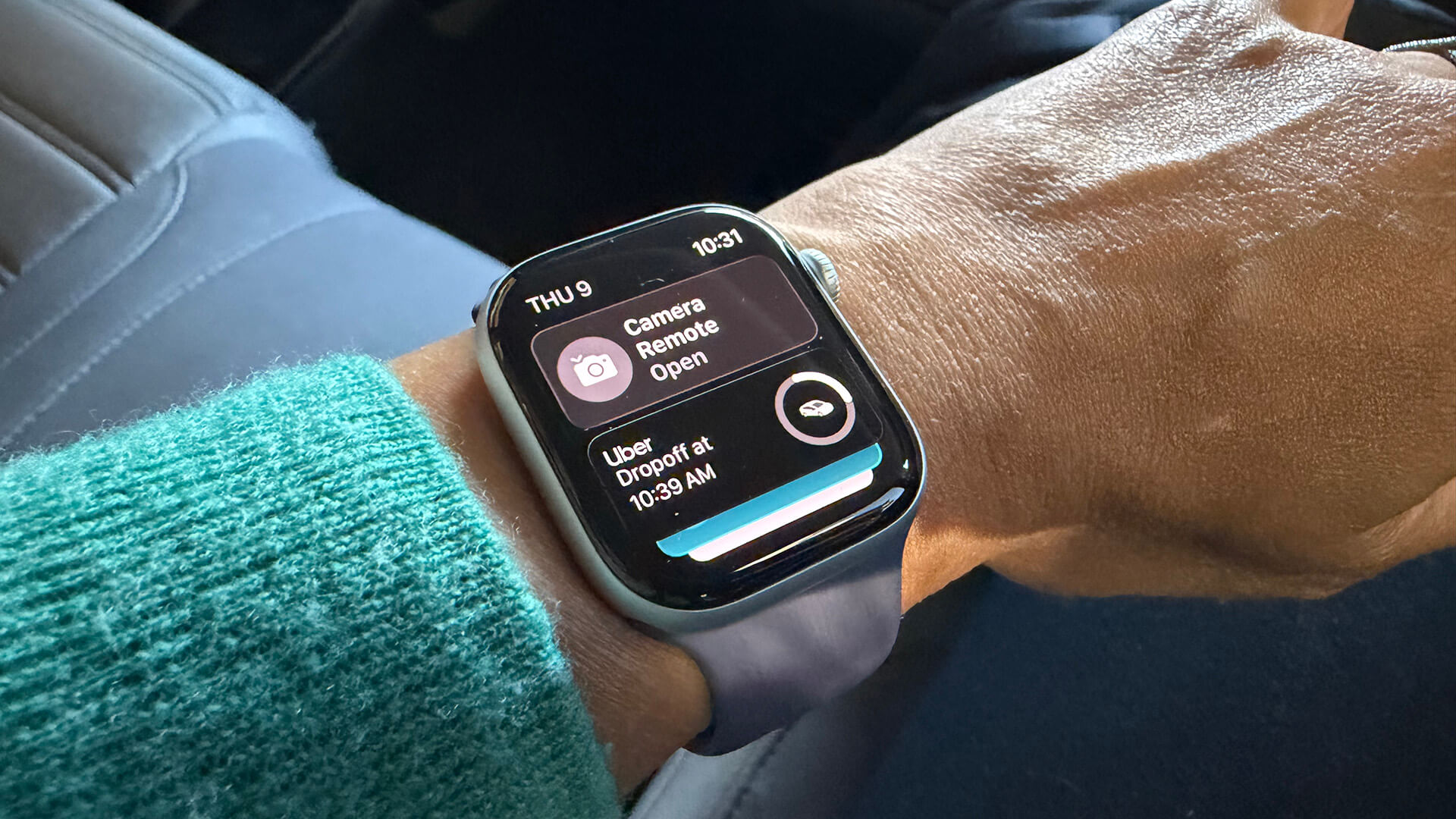
There are a few additional neat features with watchOS 26, like wrist flick gestures to dismiss a notification like a timer, call, or just to return to home screen, and Smart Stack hints. With Smart Stack hints, if you do something like open the Camera app on your iPhone, a tiny camera icon will pop up on the watch reminding you you can use the Watch as a camera remote. The Smart Stack also shows live activities, like an Uber ride in transport.
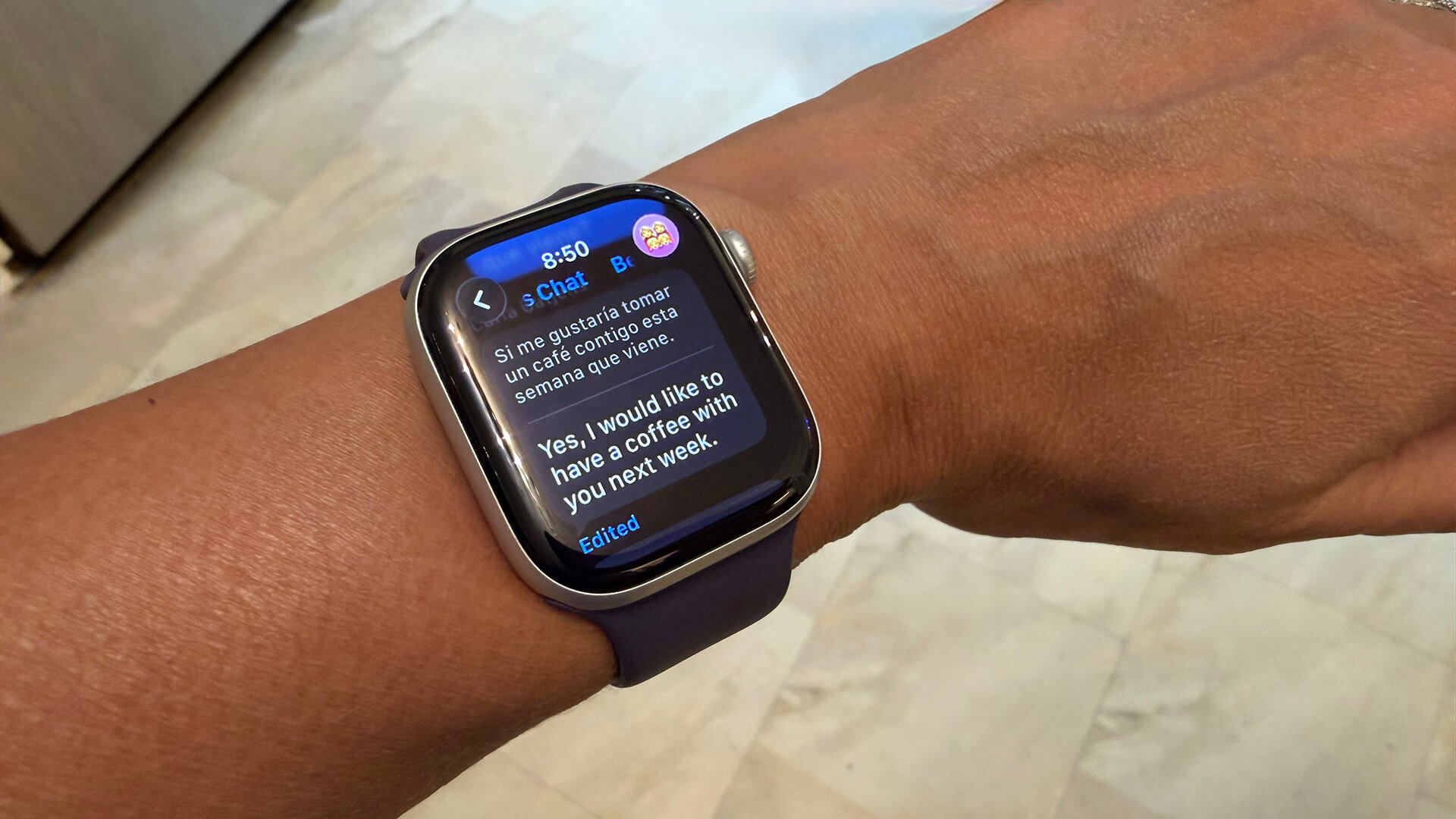
Additionally, there’s live translations in iMessages. Once set up, you can see the translation of a message sent in another language, either alongside the native language or in replacement of it. It’s a great way to converse with family members, friends, or even colleagues, from a different country, or who might feel more comfortable speaking in their native language. I tried it out with a few friends, having them send me messages in Spanish, and it worked flawlessly. There are just a few steps you need to take first, however, including downloading the language in the Translate app and turning on auto-translate for that conversation.
The one fitness related feature I’m still waiting for Apple to add, and this is across the board not just for this Apple Watch model, is the ability to hold weekly competitions with more than one contact. Often, my two friends and I want to engage in friendly competitions to see who will close all their rings for a week. But we can only compete one-on-one. It’s such a simple feature in theory I wish Apple would add.
Overall, the experience with the Apple Watch Series 11 is much the same as it is with the Apple Watch Series 10 with slight improvements to battery life and durability.
Should You Buy or Upgrade to the Apple Watch Series 11?
It’s always recommended to get the latest and greatest device, but it isn’t always necessary. I would suggest upgrading to the Apple Watch Series 11 only for those with an Apple Watch Series 8 and older, even arguably from those with Series 6 or 7.
When Should You Upgrade?
The Apple Watch Series 9 is still relatively “new,” and you can get all the watchOS 26 goodies with that model (technically, you can get them all the way back to the Series 6 and SE 2). If you don’t need the sleeker, slimmer design, the Series 9 watch is still a solid device. While I did not use the Series 9, I did notice a massive improvement in battery life and charging speed between the Series 8 and 10 (and 11), enough to say that alone justifies upgrading.
Apple Watch Series 11 vs. Series 10
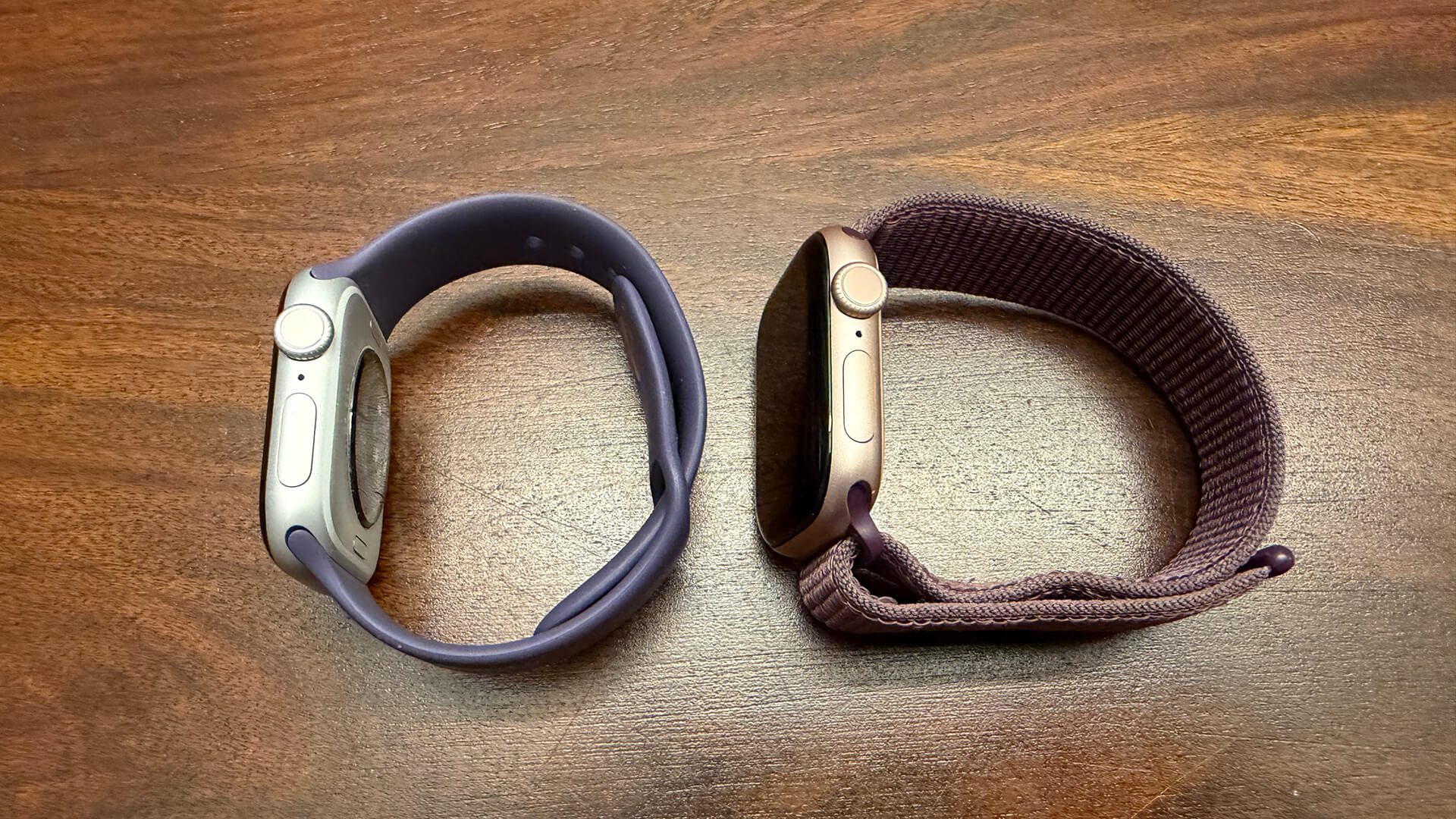
When it comes to the Apple Watch Series 11 versus Series 10, you won’t notice a huge difference since both can be upgraded with watchOS 26, where most of the innovative new features lie. What is different? The screen is more durable, twice as scratch-resistant with Ion-X glass. There’s an upgraded cellular antenna (only relevant to those who get the cellular model), and it has features like hypertension notifications and the wrist flick gesture to instantly close an app and go back to the home screen (compatible with Series 9 and up models).
Notably, battery life is improved, affording an extra six hours per charge and an extra two in low power mode, which is a pretty big deal. With a quick 15-minute charge, you can get an extra up to eight hours of use while five minutes will you get eight hours of sleep tracking. Finally, there’s the new space grey aluminum finish and the casing is slightly heavier, but not enough to notice.
Should You Get the Apple Watch Series 11 or SE 3?
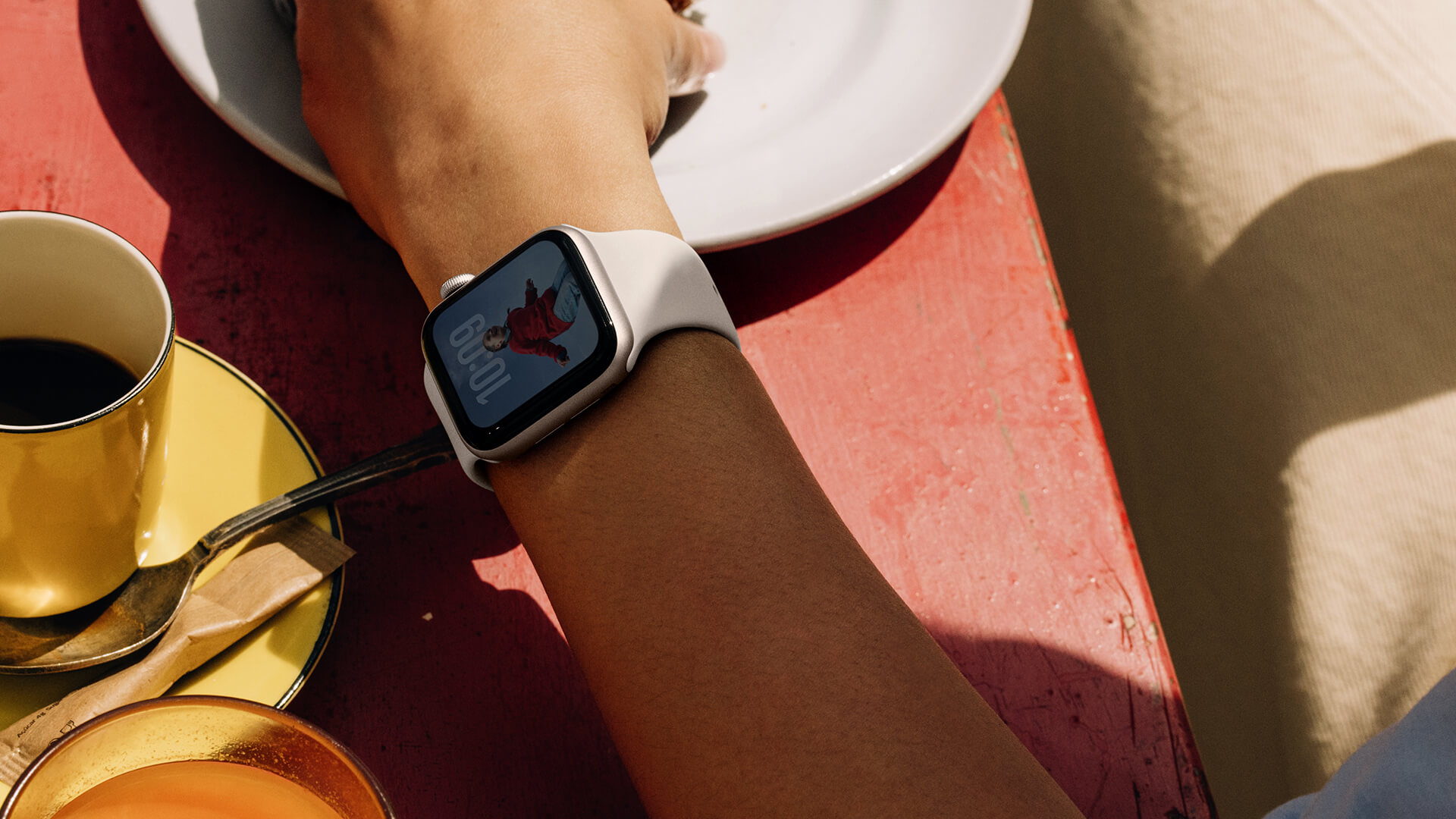
Now comes the question about whether you should go with the Apple Watch Series 11 or Apple Watch SE 3? The latter has been drastically improved so it has tons of premium features that make you wonder why bother paying more for the Series 11?
The main difference is that the Apple Watch Series 11 comes in different sizes (46mm and 42mm versus 44mm and 40mm), has a brighter, more durable wide-angle display, includes access to the ECG and blood oxygen app, has a depth gauge and water temperature sensor, precision finding for iPhone, longer battery life with faster charging, and titanium finish options.
The Apple Watch SE 3 is indeed a premium smartwatch for a less premium price. But there are concessions making it more suitable for entry-level users or as a secondary watch for a teen or tween connected to your account.
This is the Best Apple Watch For Most

Overall, the Apple Watch Series 11 is an iterative update over the Apple Watch Series 10 so I wouldn’t suggest it’s necessary to upgrade if you already have that model. The upgrades are nice, but they aren’t groundbreaking. With the new design, the same sported in the Series 10, the Series 11 is a visual upgrade from the Series 9. But I still wouldn’t rush to buy it if you are happy with that model.
For Series 8 and older owners, that’s when I’d recommend jumping in. OS support will continue for that model for a few years, so forking over money for a new model isn’t urgently essential right now. (If you have a Series 6, I’d start saving to upgrade soon). But if you find a killer deal on the Apple Watch Series 11, go for it. While the differences might be subtle, they’re meaningful for those who rely on their smartwatches 24/7, day and night for health, wellness, and fitness monitoring and metrics, notifications, and assistance.