

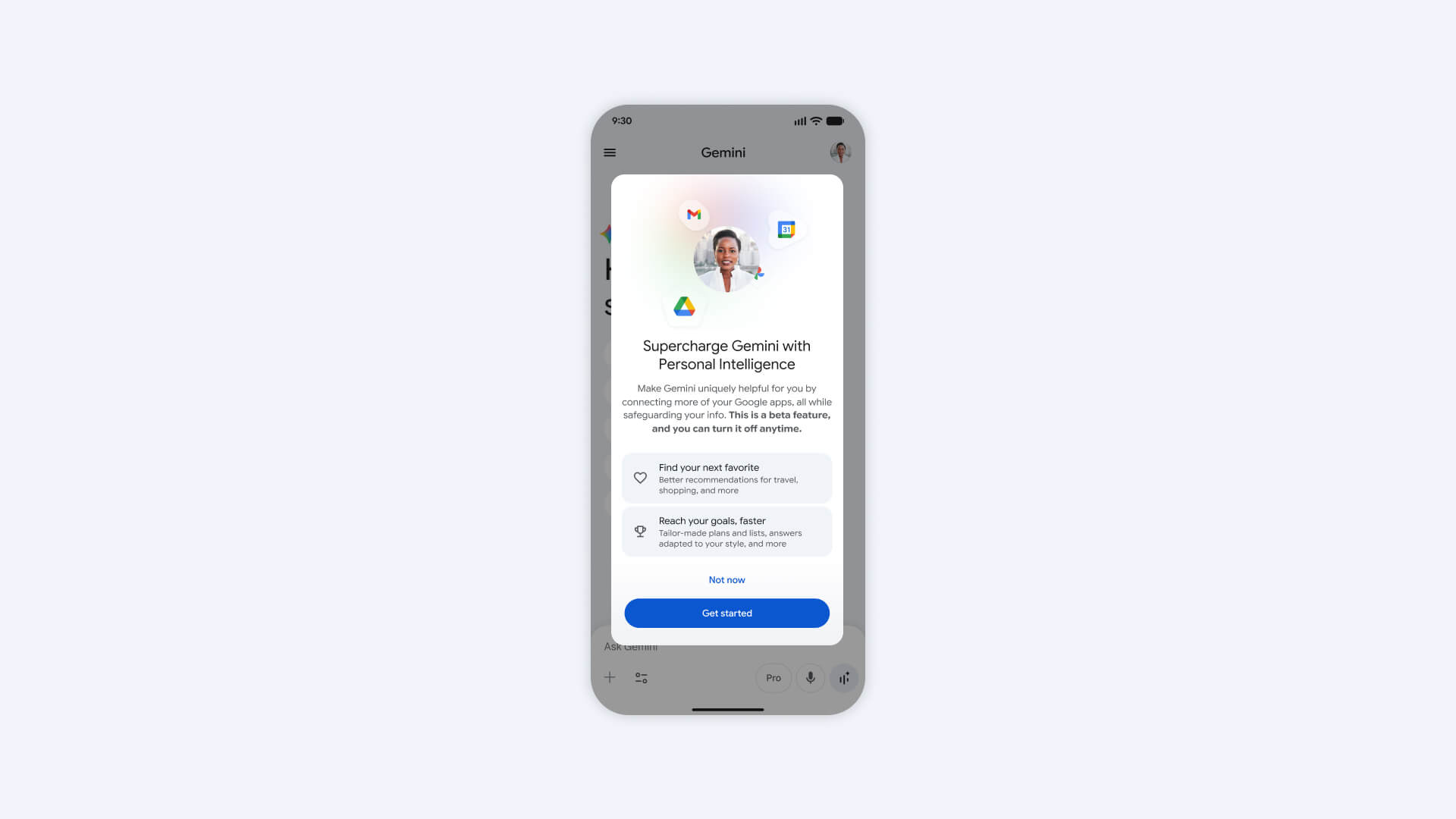
Google has rolled out Personal Intelligence for the Gemini app in Canada. The feature, which tailors responses more specifically to you through connection across your Google ecosystem, launched in beta in the U.S. in January 2026, and has now made its way north of the border.

Personal Intelligence for the Gemini app in Canada connects across Google apps like Gmail, Photos, Search, and YouTube History. While retrieving information from these apps was already possible, with Gemini 3, it can now reason across your data to surface proactive insights. This might be to already know what car you own to recommend the right tires, for example, from a simple request to find a good pair of new tires for your vehicle. Or maybe you need to input your license plate into a form and can’t remember it, but there’s a photo in your album Google can intelligently retrieve to remind you. It can do things like retrieve specific details from an e-mail or a photo to answer your question, and work across text, photos, and videos.
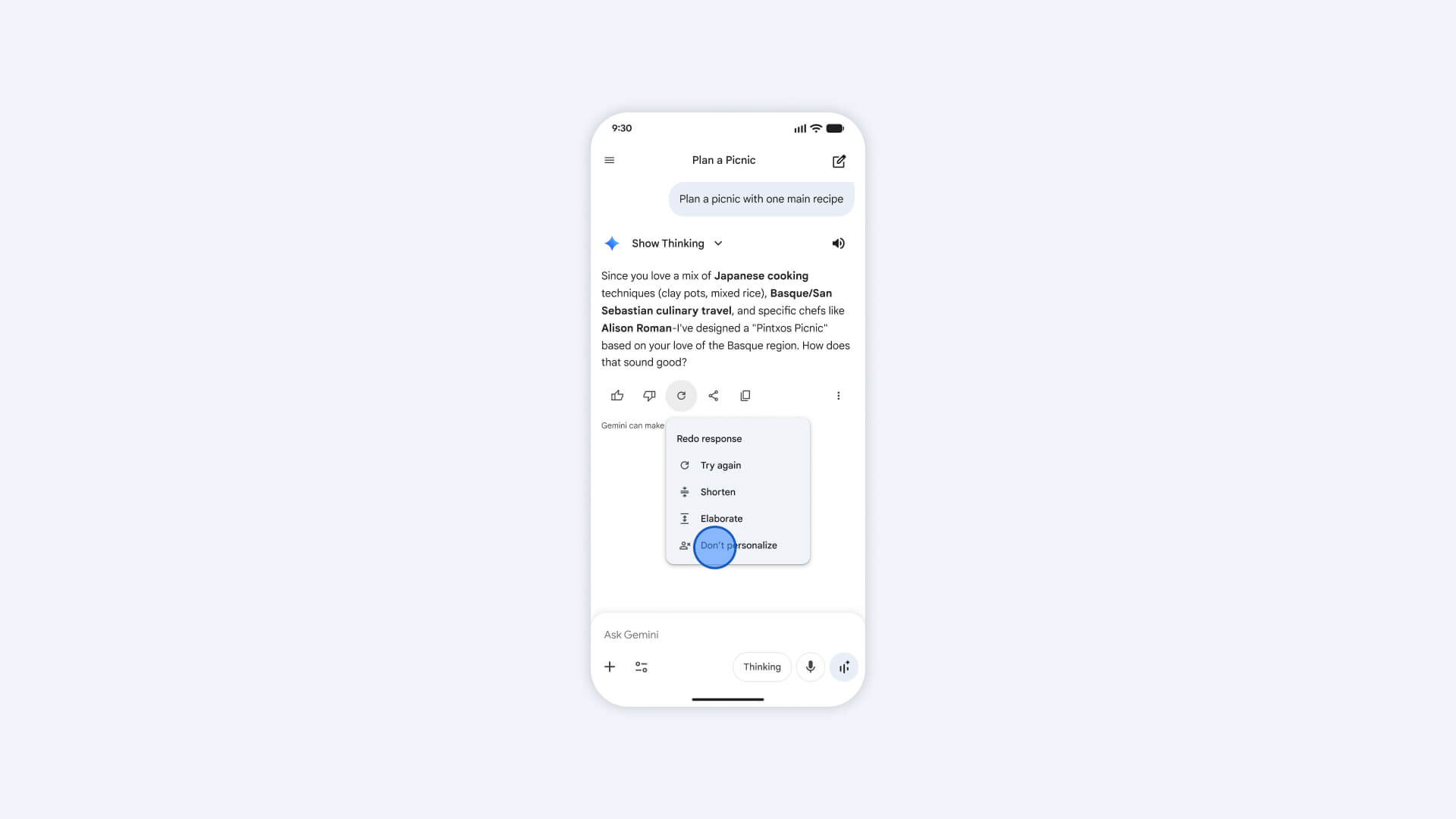
If you don’t like a personalized response at any time, you can use a “try again” button to get another one. You can also correct a response, like reminding it that you are vegan. You’ll know where an answer comes from for verification, and you can ask for more details. You can choose to regenerate a response without personalization or use temporary chats without personalization. There are guardrails to ensure that it doesn’t make proactive assumptions about sensitive data like health.
Personal Intelligence is now available for Google AI Plus, Pro, and Ultra subscribers in Canada and will be rolling out to free users in the next few weeks. Once enabled, it works across web, Android, and iOS and with all the models in the Gemini model picker. It remains off by default unless you choose to turn it on and it is only used when Gemini determines that doing so will be helpful. You can also choose to connect some apps and not others. It will reference past chats by default, but you can change this by turning off the “Past Gemini chats” setting and managing and deleting your chats at any time.