
Pros
- Deep Gemini integration with useful features
- Good cameras
- Compact and lightweight
- Magic Capture is a standout
- Rambler fixes your droning on
Cons
- Less RAM for the base model
- Could use a bigger battery
Google Pixel phones are quickly rising up the ranks in an Android world that’s dominated by leading brands like Samsung and rapidly growing Chinese brands like Xiaomi. Pixel phones sit nicely in the middle as premium options that come in at affordable prices. They aren’t the cheapest you’ll find, but with the power of Google and its AI permeating everything from the UI to the cameras, you can’t help but recognize the value.
I have reviewed many Pixel phones over the years, and the latest one to cross my desk, gifted by Google, is the Google Pixel 11 Pro. I spent the last few months with it, testing everything from usability and AI features to battery life and the cameras.
Design and Basics
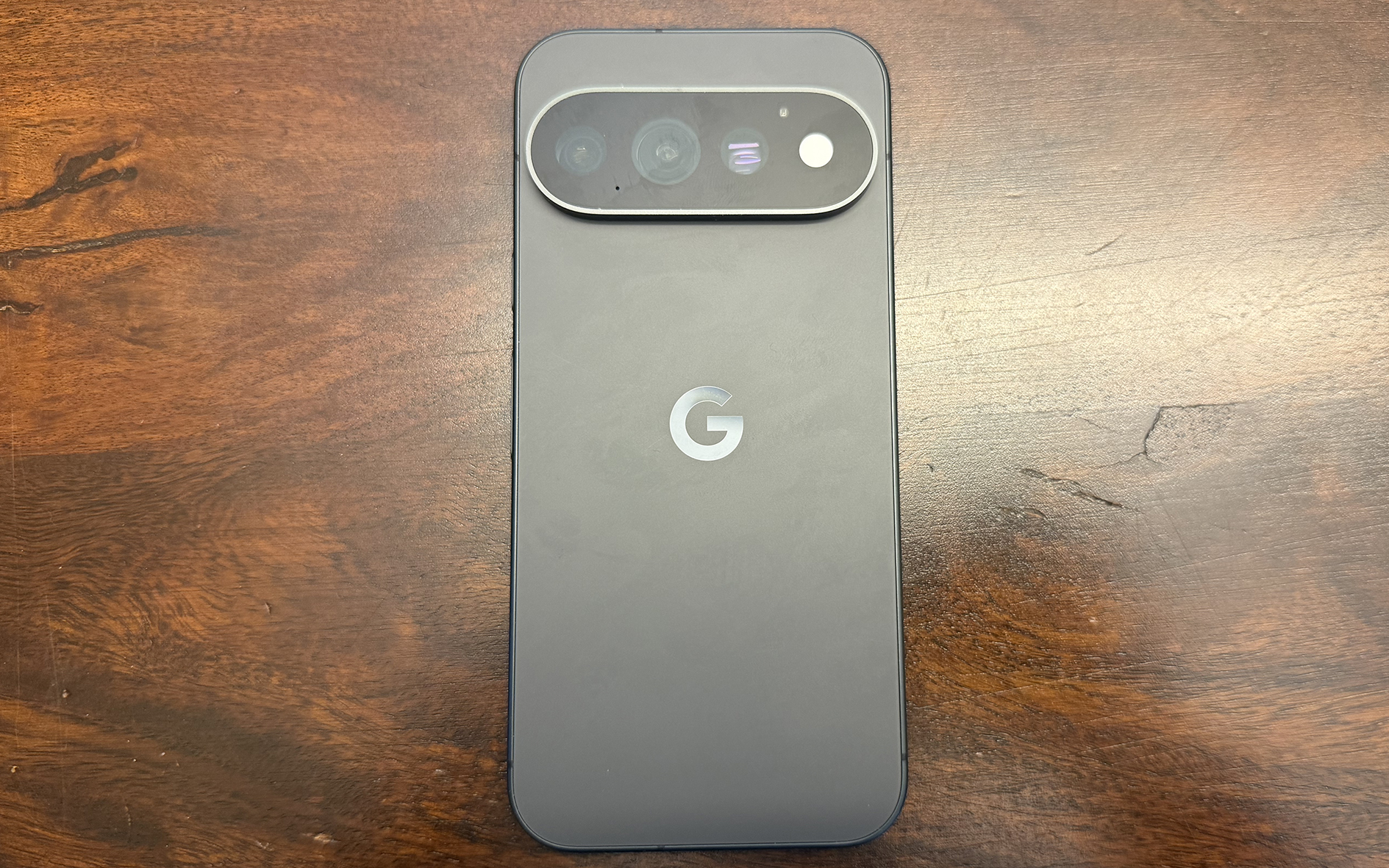
The Google Pixel 11 Pro comes in Canyon, Olive, Fog, and Obsidian. It has a 6.3-inch 2,856 x 1,280 Super AMOLED display with adaptive refresh rate from 1-120Hz and up to 3,600 nits brightness, making it slightly brighter than the Pixel 10 Pro. It adds an anti-scratch shield to the Gorilla Glass screen along with HDR support.
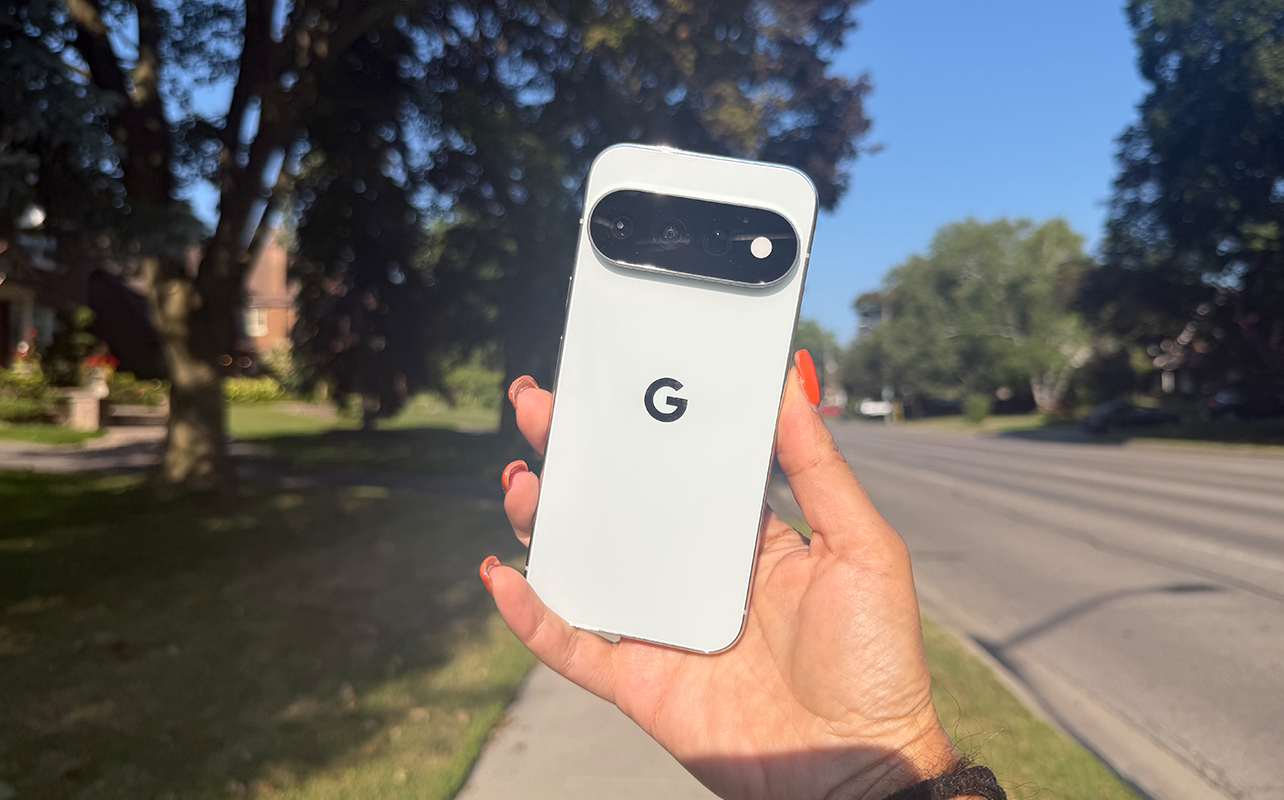
It feels delicate yet durable, an interesting mix that touches on two important design desires at same time. The signature camera island protrudes in its pill-shaped design on the back, but the phone can still lie flat on a surface, which is appreciated. The finish is sleek, my review sample arriving in the elegant matte Obsidian.
Performance and the HiLight
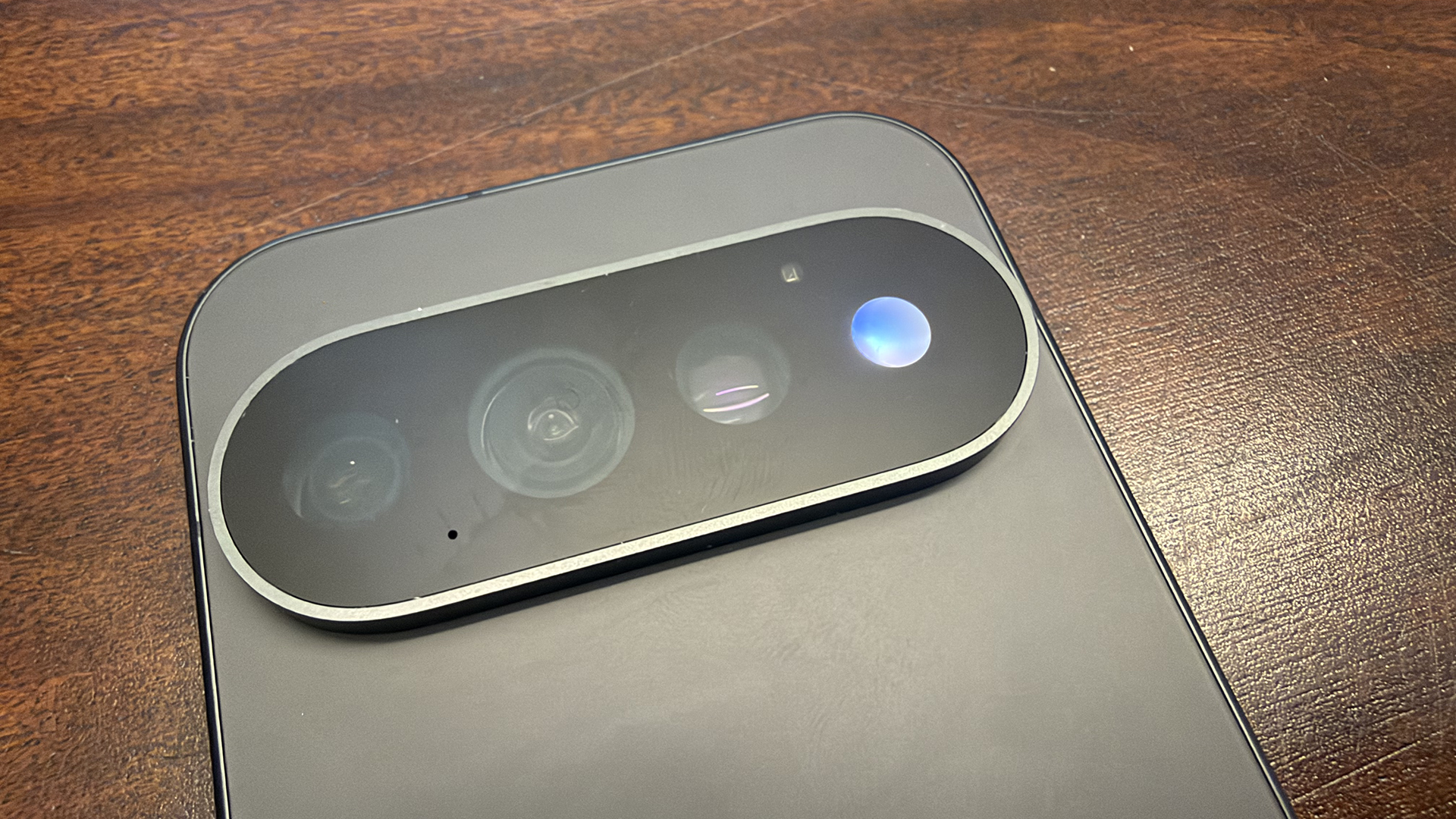
The Google Pixel 11 Pro comes with 12GB or 16GB RAM with the larger 1TB option. This is an odd decision since the Pixel 10 Pro and 10 Pro XL came with 16GB RAM for every storage variant. It boasts the Google Tensor G6 processor and Titan M3 security coprocessor.
A notable addition from a usability perspective in the Pro series is called HiLight, an ambient LED light built around the camera’s flash. You can set it such that when your phone is face down, it will illuminate either when a favourite contact reaches out (via the Phone app or WhatsApp for now) and for both calls and messages, or when you summon Gemini. You can colour code contacts, too, so you know blue is your partner while purple is your bestie.
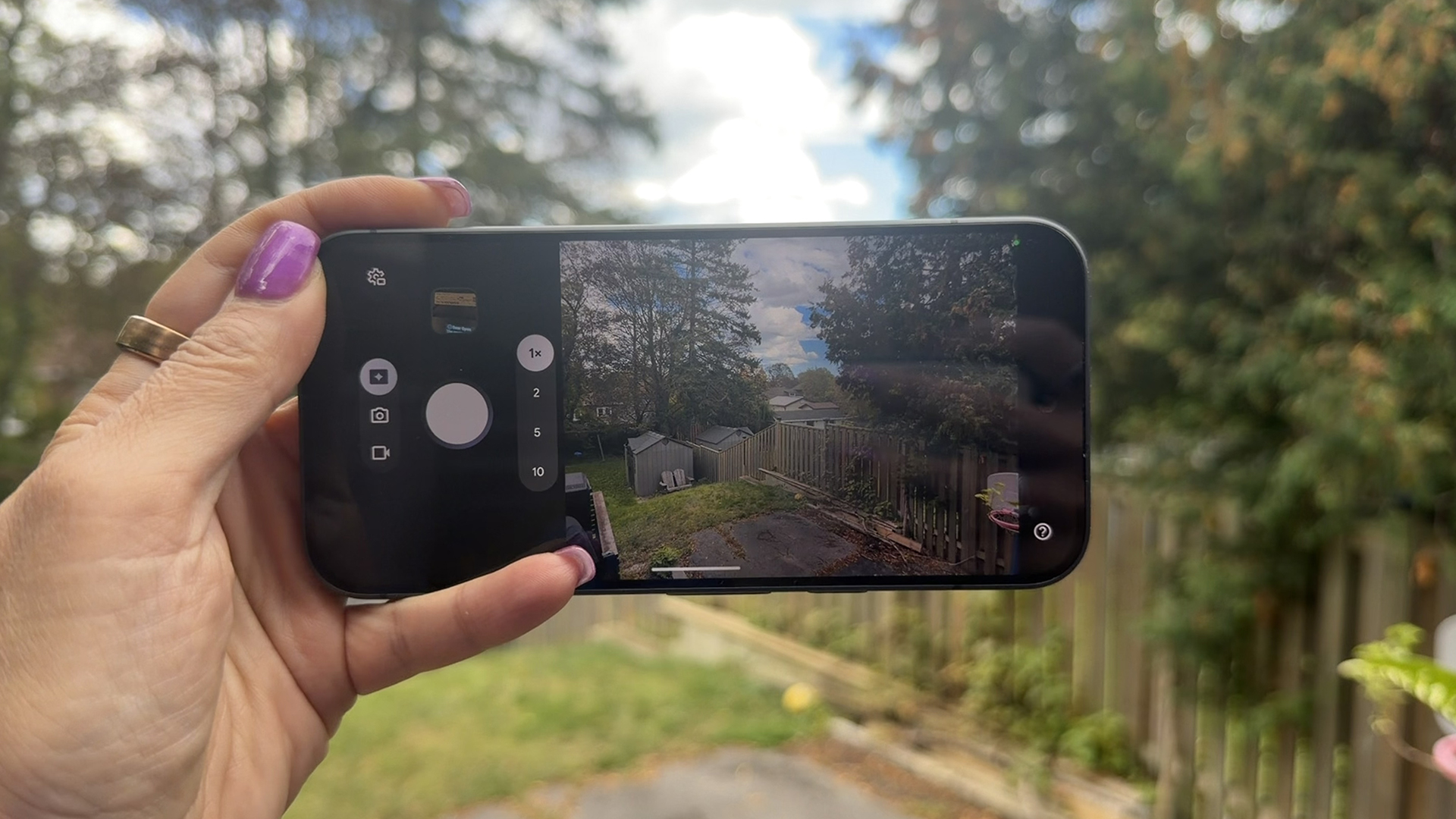
The light is ultra-bright such that you won’t miss it when it shines. You can confidently leave your phone face down while in an important meeting or at a work dinner without worry that you’ll miss a call from your kid’s school or your mom, or conversely, be interrupted by an unimportant call or message. Even if the phone isn’t on silent, when you hear the constant “dings,” this light will tell you if it’s just another scam caller or your spouse trying to reach you for something important.
If you’re wearing a Pixel Watch like the new Pixel Watch 5, you could technically get the notifications discreetly on that, too. But this feature is still appreciated. For me, the most useful way to leverage HiLight is to summon Gemini without having to pick up the phone. Gemini will hear my request and reply audibly. (Yes, you can do this from the Watch, too, but if you don’t have one, this is a nice alternative).
AI Features Are the Real Highlight
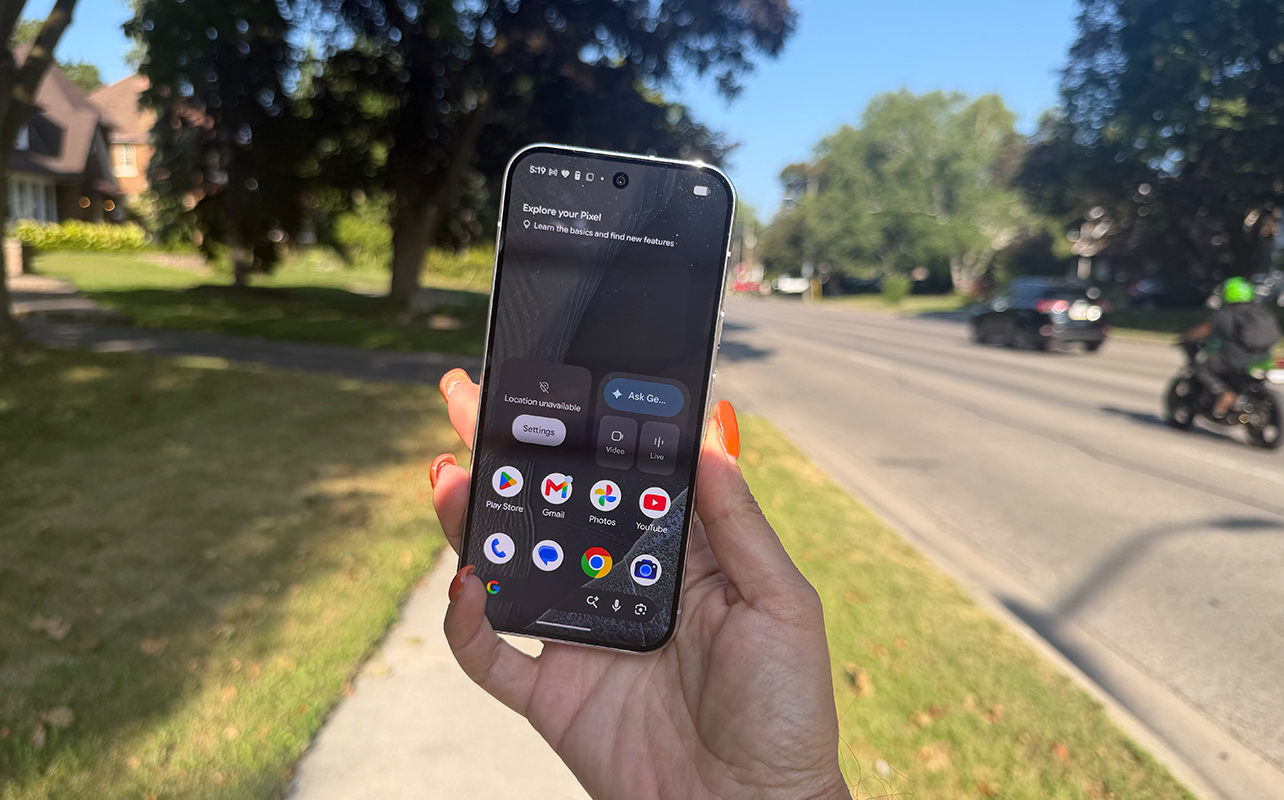
As with other Pixel phones, a heavy AI experience is at the centre of the Google Pixel 11 Pro. You can ask for help composing messages, getting information, even editing photos. You can learn about how these core features work in my Google Pixel 10 Pro review from last year. But the Google Pixel 11 Pro adds some new features.
Rambler is one of the most exciting. Speak a stream of consciousness via voice-to-text into any app that supports Gboard, like Gmail, Notes, or Messages, and Rambler will automatically remove the extraneous details. This might be a ton of “ums,” “ahs,” and for me, a lot of “you knows.” Younger generations tend to deliver a constant stream of “likes” after every fifth word, and these can be removed, too (thankfully). But Rambler can do more than that. If you fumble a thought, like forget a detail and add an “oh yah” bit, or say the wrong thing and correct yourself, it will remove the mistakes and give you clean copy. It’s still exactly your same thoughts, but it’s as though you spoke more articulately than you did.
I put this to a test by intentionally rambling on. I spoke notes about a TV show I was reviewing and wrote a message to a friend about an event we were attending with details about the location, timing, parking, and more. I intentionally repeated myself, made mistakes, added details at the end, and stuttered with “ums” and “ahs.” The meat of what I said appeared as text once I was done, but in a much more coherent fashion.
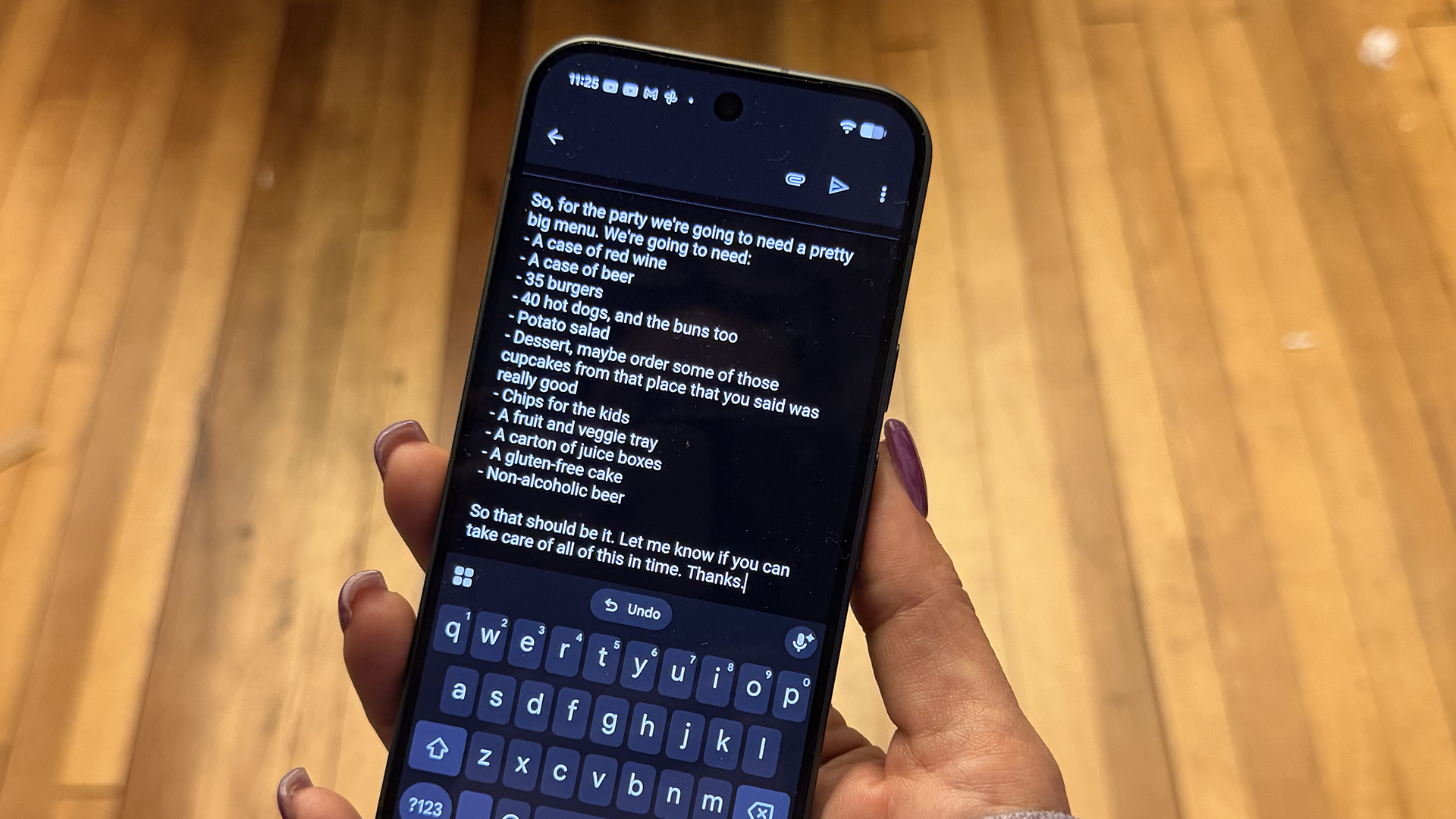
In this example, I said fish as part of the menu but then corrected myself and said not to include fish because someone is allergic. I also added the gluten-free cake and non-alcoholic beer at the very end. As you can see, you’d never know any of this by reading the final, unedited transcription. Yes, this is completely unedited, and trust me, my rambling went on for at least a few minutes.
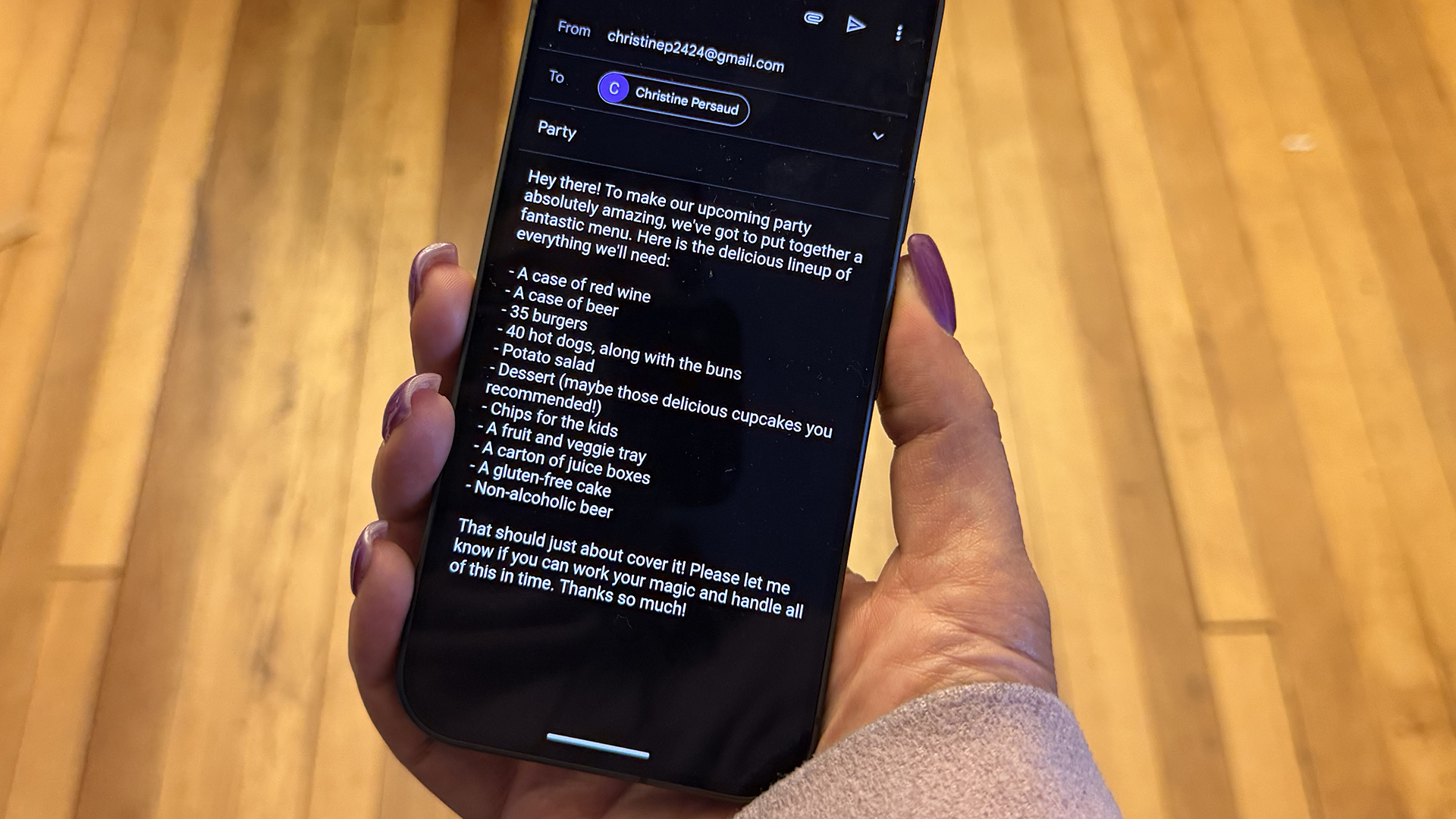
Even better is using existing Gemini tools to adjust the tone, like making it sound friendlier, more professional, more fun, serious, even condensing it into a single paragraph. I asked, for example, to make the list sound less instructional and more lighthearted and the result was pretty good!
Cameras and AI-Assisted Features


The cameras are virtually identical to the Pixel 10 Pro. This includes a 50MP wide, 48MP ultra-wide, 48MP 5x telephoto lens, and 42MP dual PD selfie camera. The only main difference is that the Pixel 11 Pro’s telephoto lens offers Pro Zoom up to 120x, the longest yet in a Pixel camera, and the Pixel 10 Pro up to 100x. So, you’ll be able to get up close to subjects further away with the Pixel 11 Pro without losing resolution. This will be important for parents who have kids in sports, frequent travelers, and concert-goers who buy tickets way up at the 500-level!




Google says the new 1/1.3-inch sensor of the 50MP main wide camera brings out more detail from 1-3x zoom while the larger telephoto sensor pulls in 32% more light than the Pixel 10 Pro. There’s also instant Night Sight for quickly capturing low-light moments.
Magic Capture is the Best Feature
But the coolest new feature of the camera is Magic Capture. You can capture a video, and the phone will intelligently and automatically pull the most compelling stills from it. This is great for parents trying to capture that perfect moment from a child’s birthday party or toddler, pet owners, or even footage at a gathering. It’s a way to capture candid moments without really having to think about it. You need to choose Magic Capture first, however, and be cognizant of going through your library and deleting ones you don’t want to avoid filling out storage too quickly.
I tried this with my son in the backyard, having him do a bunch of activities to see what stills would generate. A one-minute video yielded anywhere from four-to-six stills and most of them were great. I also tried it at an event. You can see this example of a video of me swinging around in a chair, and the stills Magic Capture pulled from it. Note that because this feature requires a lot of computational processing power, you can’t use the front camera. So, when I did some tests shooting myself in the backyard, I had to prop the phone up against something and set it to record from the rear camera. But it still worked.
I can’t count how many times I have been recording something, like my son’s Grade 8 graduation, and couldn’t decide if I wanted to prioritize shooting video or photos. With this feature, I can capture video and know great stills will generate from it.
You might ask why you can’t just screenshot a video and get stills that way, and you totally can. But these pull out 12MP higher-res stills, so they’re much better quality. You can also manually pause the video and “save as photo” if the phone didn’t quite capture the moment you wanted it to. I’d say, however, that Magic Capture got the best shots 80% of the time throughout my tests.
Battery Life
The Google Pixel 11 Pro has a smaller 4,850mAh battery than the Pixel 10 Pro, but presumably runs more efficiently. The rated battery life is the same, as are the wired and wireless charging speeds. The Pixel 10 Pro, it should be noted, could only support up to 15W wireless charging, while the Pixel 10 Pro XL can recharge at a rate of up to 25W with a compatible charger. It has MagicSnap as well, easily connecting to MagSafe accessories without the need for a case.
Should You Get the Pixel 11 Pro or Upgrade?
As a step-up from the base level Pixel 11 with beefed up specs, the Pixel 11 Pro will set you back more, starting at $1,499 in Canada (on sale now for $1,199) for the 256GB version then $1,669 (on sale now for $1,369) for the 512GB a $1,969 for the 1TB (on sale now for $1,669). But it comes with a six-month trial to Google AI Pro, which includes among its benefits 5TB of cloud storage and Google Health Premium to use alongside a Pixel Watch or compatible Fitbit wearable. In the U.S., you can get the Pixel 11 Pro for $1,099 for the 256GB version, $1,219 for the 512GB version, and $1,449 for the 1TB version.