
Pros
- Built-in magnet works well with portable chargers, other accessories
- Takes fabulous photos with great zoom
- Lots of useful AI features
- Comes with seven years of updates
Cons
- Daily Hub not in Canada yet
- Magic Cue limited to only Google apps (for now)
- Battery life could be better
- Not a massive upgrade from the Pixel 9 Pro
Google released its latest trio of smartphones at Made by Google 2025 in late August, including the Pixel 10, Pixel 10 Pro, and Pixel 10 Pro XL, as well as the Pixel 10 Pro Fold. At the heart of the phones is an engaging and amped up Gemini AI experience along with, of course, beefed up specs. I was gifted a Google Pixel 10 Pro for review purposes and have been enjoying it for the last several weeks. While there are features I was unable to try due to activation limitations as well as unavailability in Canada (yet), here’s my quick take.
Key Specs for the Google Pixel 10 Pro

First, let’s look at the specs under the hood of this phone. The Google Pixel 10 Pro combines the new G5 chip with 16GB RAM, making it an ultra-powerful phone for productivity, entertainment, and multitasking. Available in 128GB, 256GB, 512GB, or 1TB storage options, it’s the brightest Pixel to date boasting 3,300 nits peak brightness.
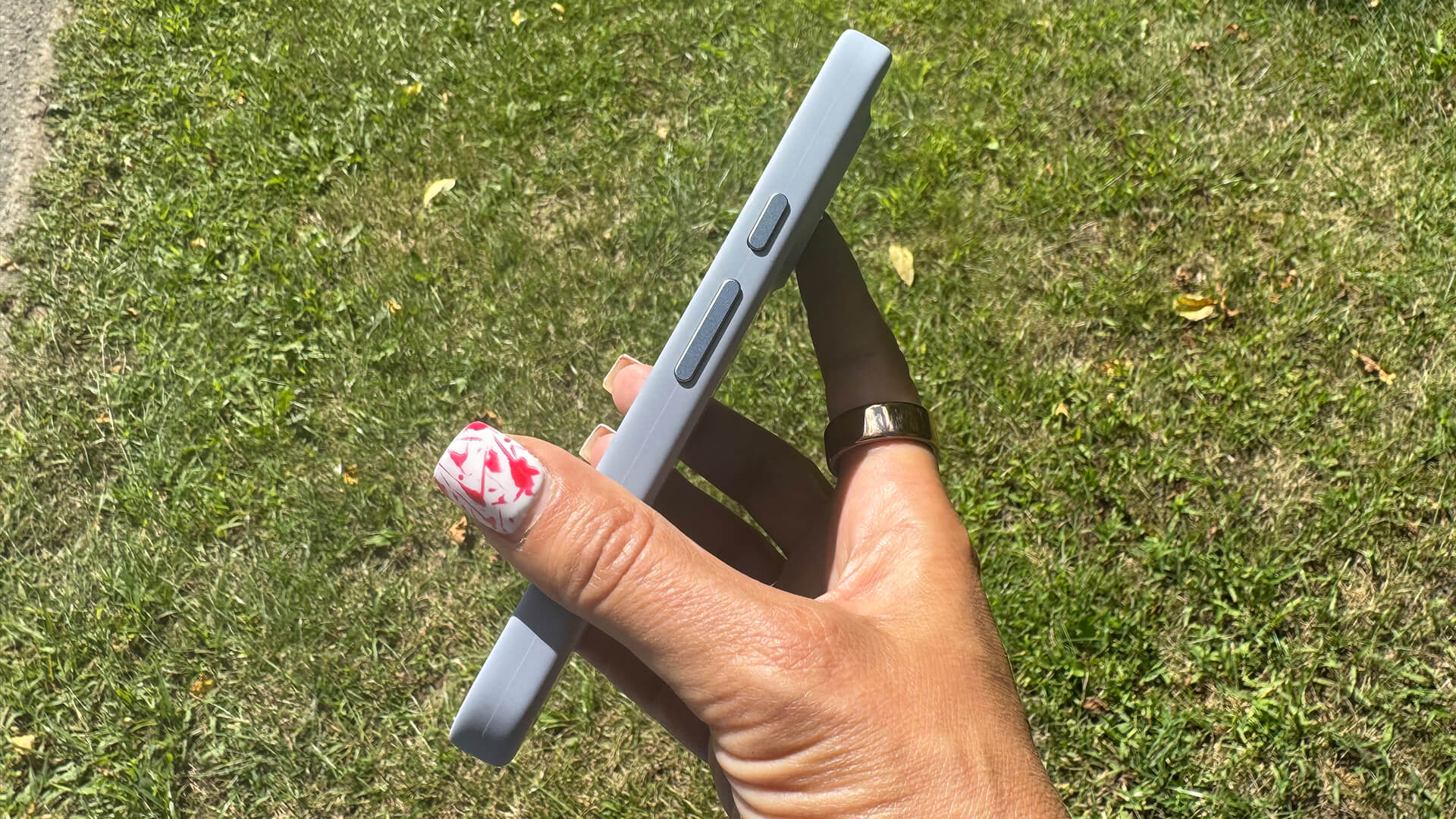
Equipped with a 6.3-inch screen, you get up to 30+ hours of battery life via the 4,870mAh battery, extended to up to 100 hours with Extreme Battery Saver. It also supports fast charging.
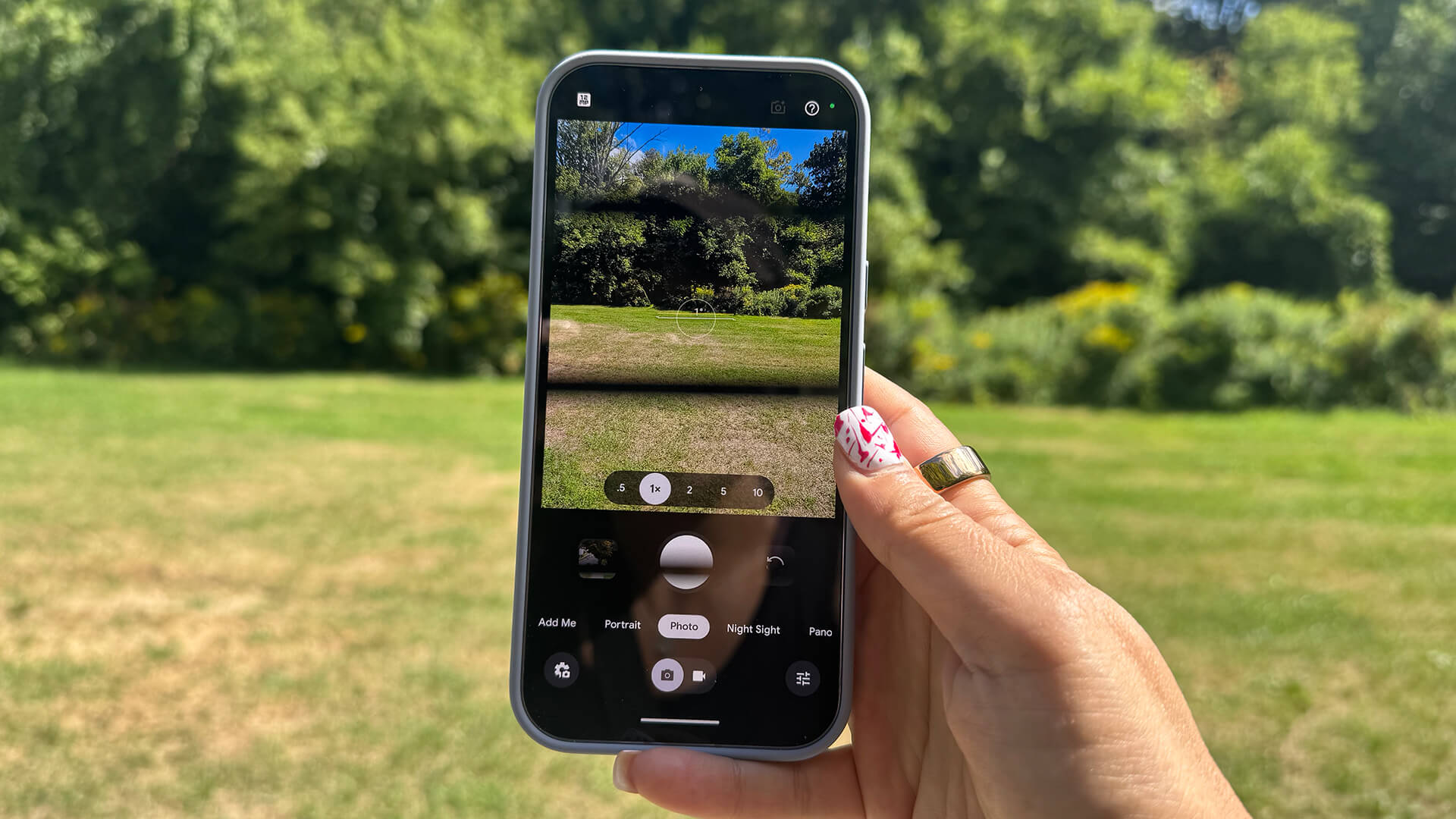
The triple camera system offers Pro Res Zoom, High Res Portraits, and improved stabilization with Video Boost. It includes a 50MP wide camera, 48MP ultra-wide with Macro Focus, 48MP 5x telephoto lens, and 42MP Dual PD selfie camera with autofocus.
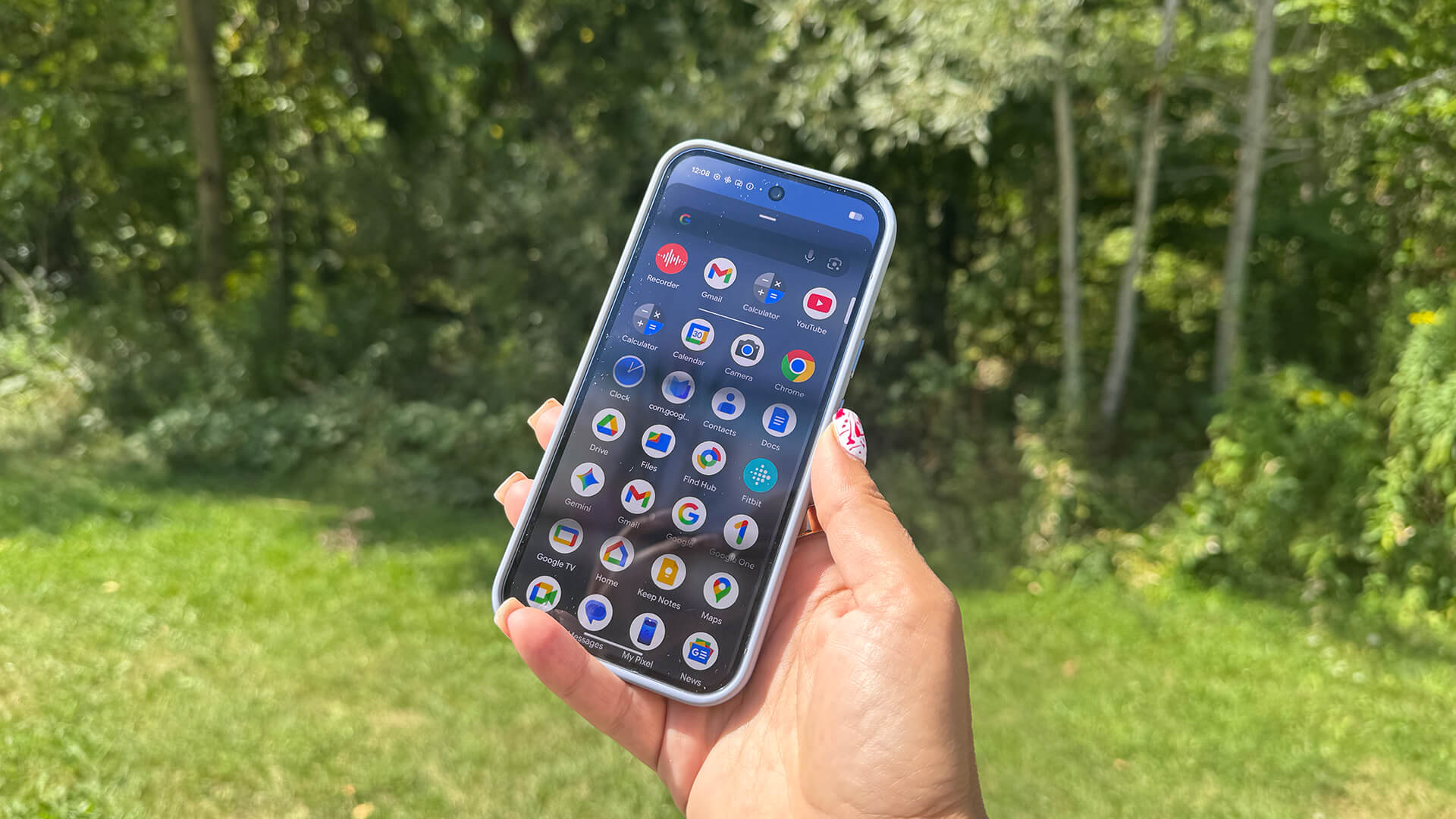
It meets an IP68 dust and water resistance rating and employs an interesting new feature called Pixelsnap. This magnetic technology is built into the phone so you can snap on wireless accessories like chargers, stands, and grips without needing a case. It works via Qi2 technology and a host of Pixelsnap accessories as well as other certified Made for Google ones.
The Pixel 10 Pro starts at $1,349 in Canada. It comes with seven years of Pixel Drops and OS and security updates.
Google Pixel 10 Pro Review
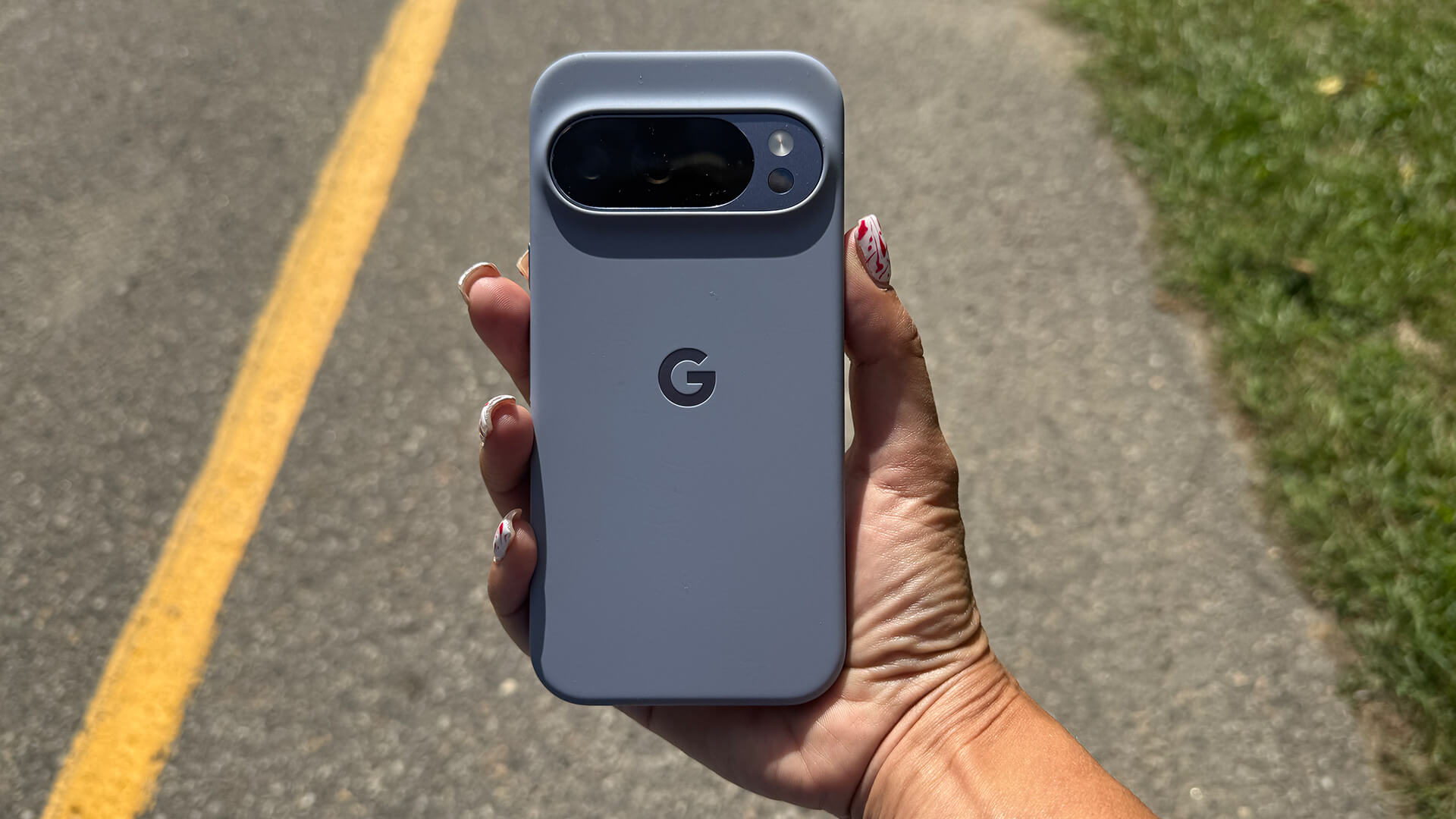
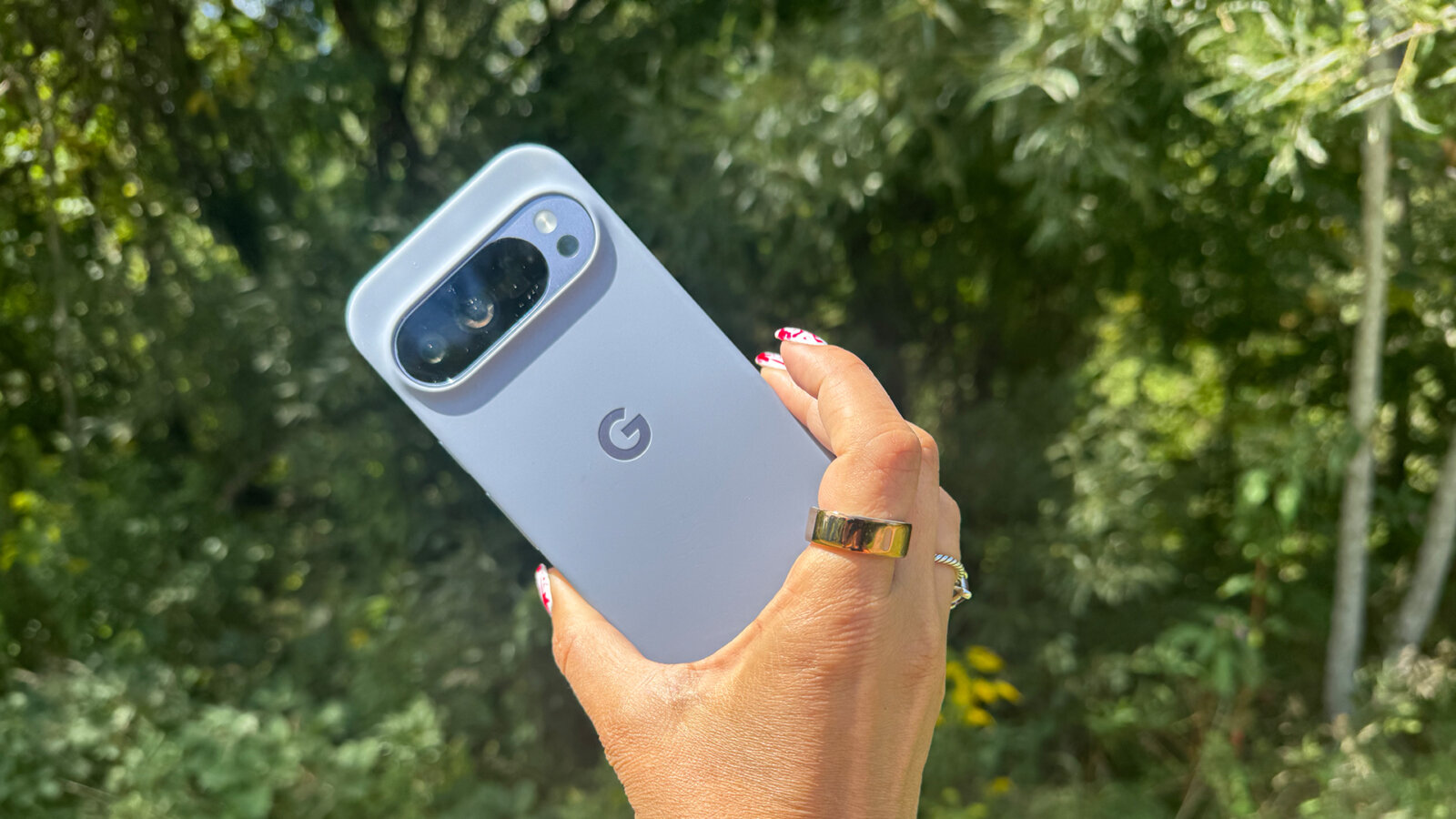
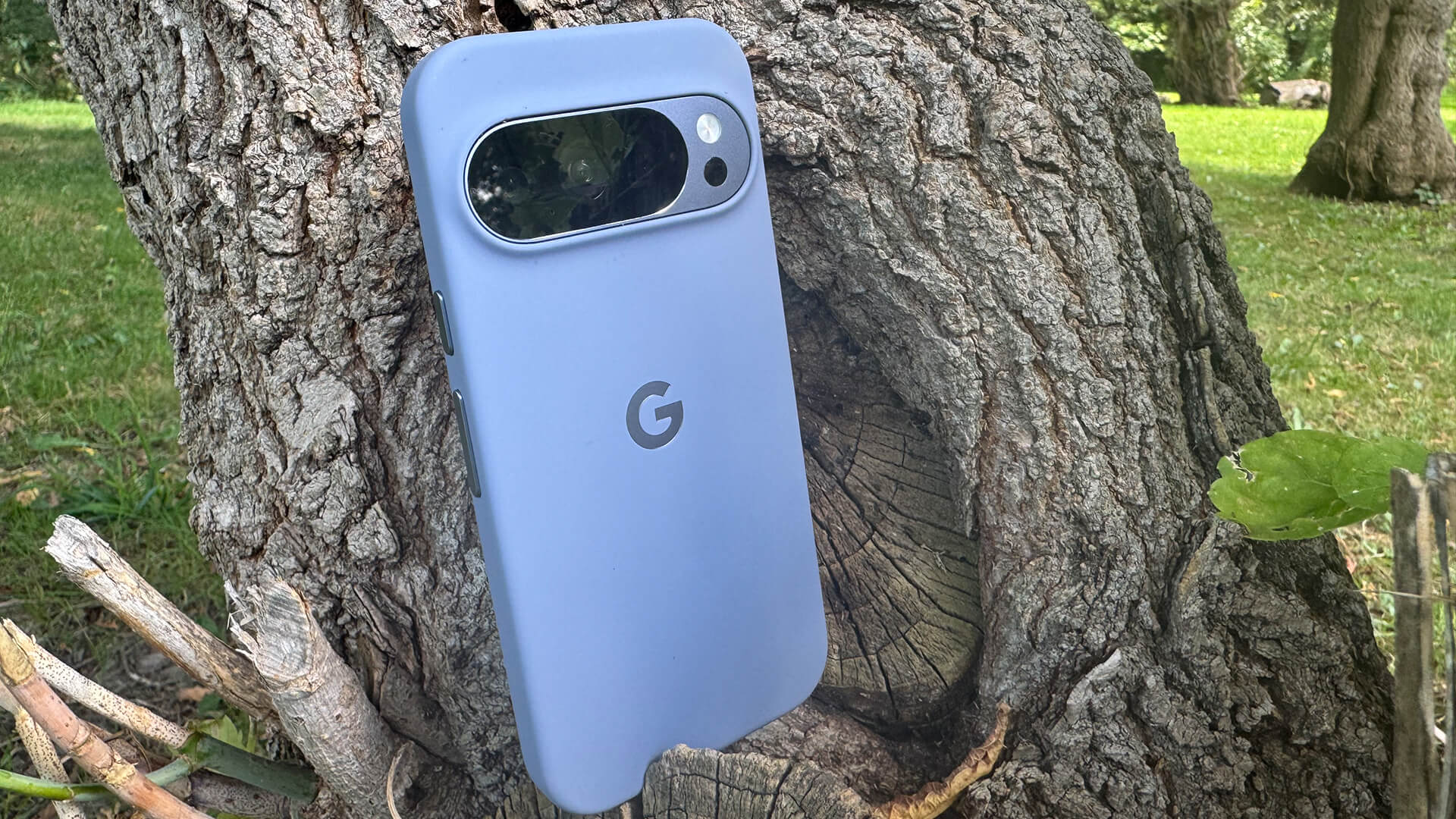
Aesthetically, the Google Pixel 10 Pro looks similar to the previous generation models with a camera bar seamlessly integrated into the device. It’s made from spacecraft-grade aluminum with Corning Gorilla Glass Victus 2 on the front. The smooth back doesn’t provide fantastic grip, but you’ll likely use a protective case anyway. The good news is that it’s not prone to fingerprints. The shiny sides add elegance to the look.

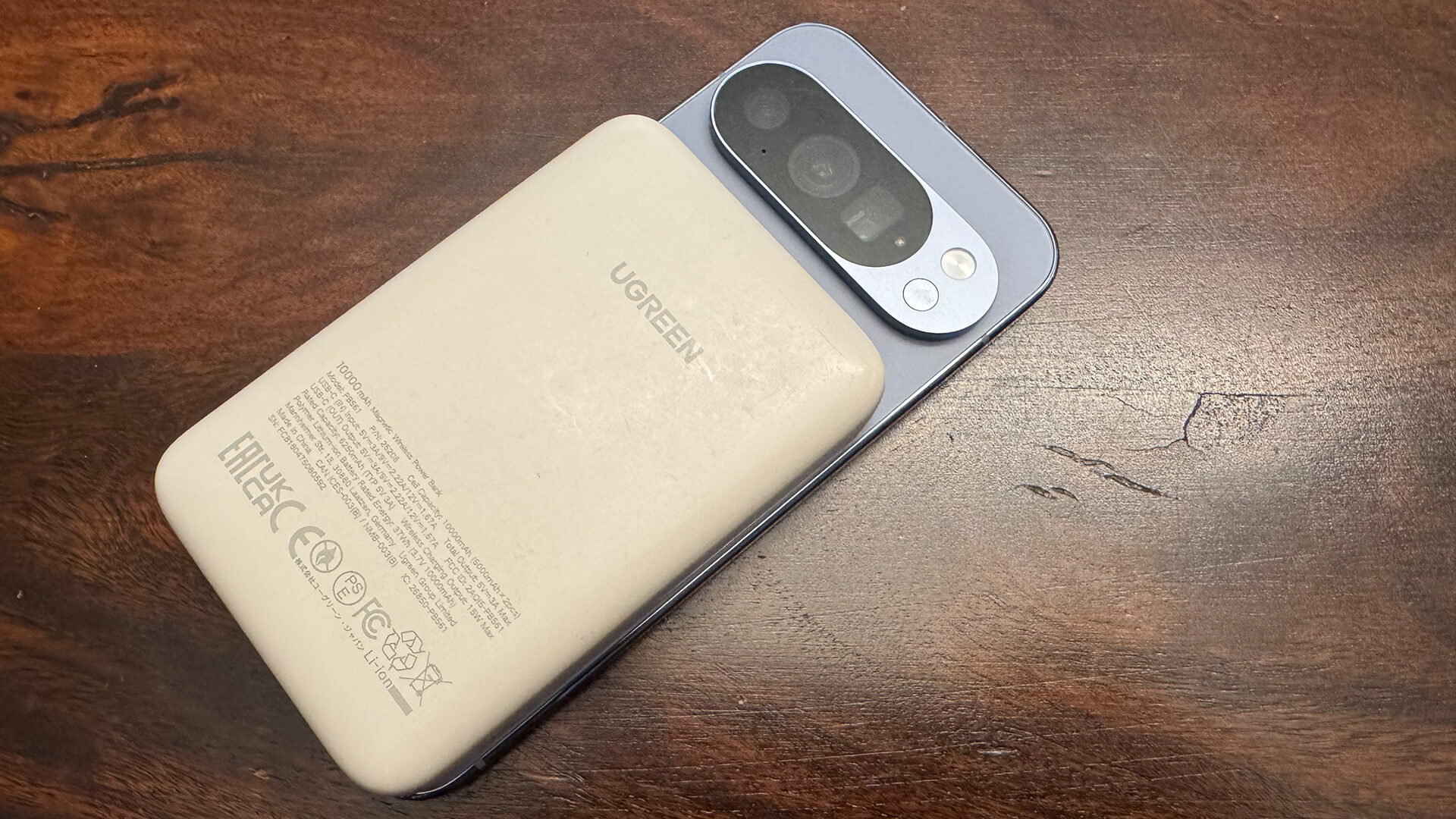
The usefulness of the built-in Qi2 magnetic charging can’t be overstated. I snapped on a wireless portable charging bank I use with my iPhone (the UGreen model I reviewed last year) and it works, instantly recharging the phone’s battery. This makes the Google Pixel 10 Pro the first Android phone (to my knowledge) to integrate this technology into the device itself. With other Android devices, you need to add a MagSafe case for it to work.
The most interesting aspect of this new phone relates to the many Google AI features that have been added to the experience (and ones carried over from previous generation phones). Powered by Gemini Live, you can use natural, hands-free conversations and get useful assistance across various apps. At launch, the Google Pixel 10 Pro comes with a one-year subscription to the Google Pixel AI Pro plan.
Here, I’ll provide my review of some of the most intriguing new AI features. (Note: I was not able to test all the features due to limitations with connectivity of the device, and some of which aren’t yet available in Canada).
Share Your Camera & Gemini
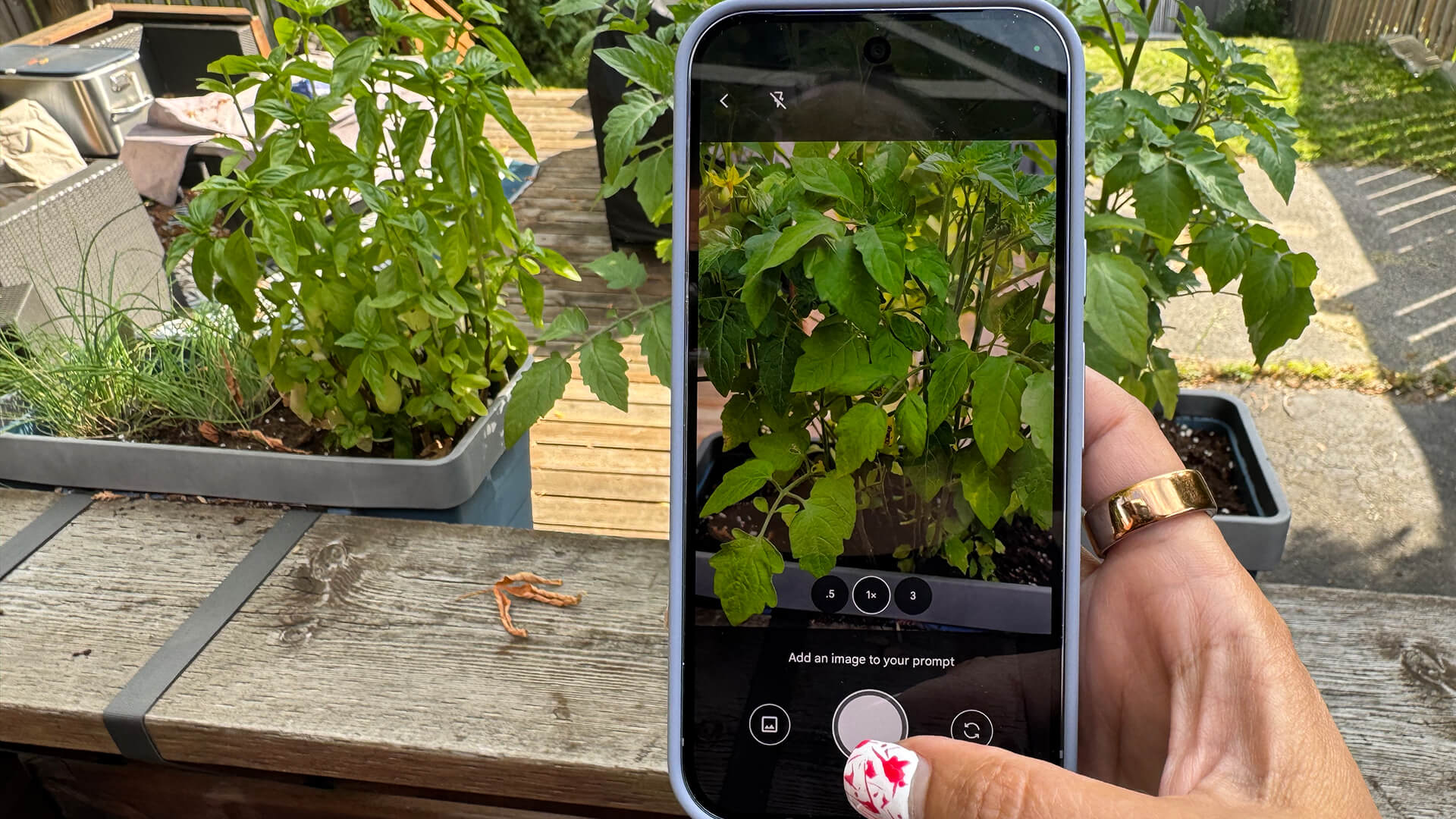
You can share your camera in Gemini Live to converse about what you’re seeing in front of you. I tried this feature in my Google Pixel 9a review and you can read about my experience there. But in summary, it works well, though it isn’t always accurate, which is to be expected. With this phone, I took a photo of an actor on a TV show I was watching and asked who it was to see how handy it could be in a real-life scenario even at home. The answer popped up immediately identifying him. Neat!
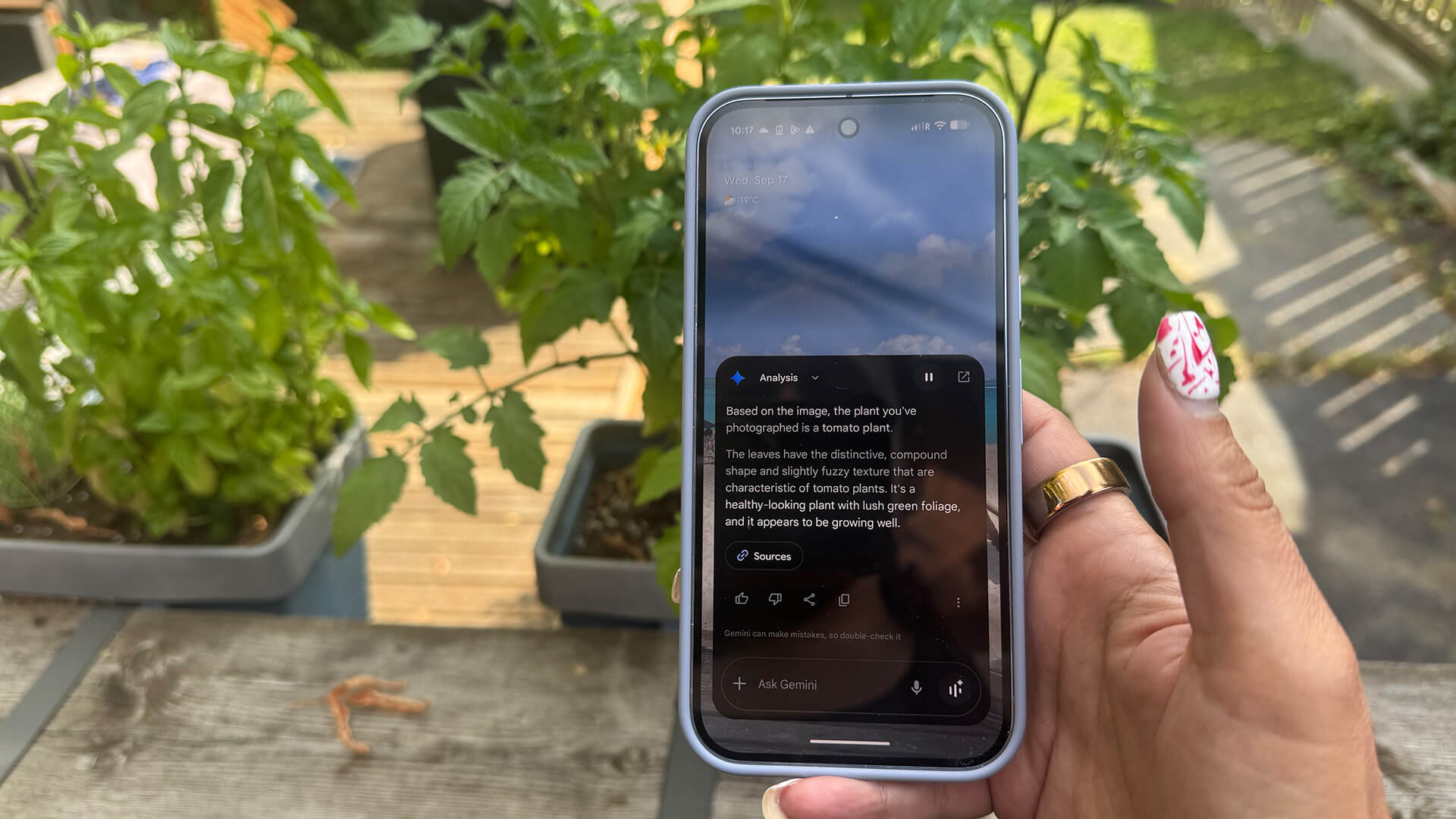
I used both this feature and regular Gemini assistance using photos to identify various plants I had in planters in the backyard. It not only correctly identified each plant but advised on the proper conditions for them to grow, when they’re usually grown, and tried to keep the conversation going by asking if I needed more assistance in planting these or knowing more about them.
Magic Cue
This new feature is designed to anticipate your needs and suggest relevant information to help. It could be automatically calling up your flight details while you’re on hold with the airline or bringing up the address of the Airbnb you’re at when a friend messages you asking for it. It’s all powered by the new Google Tensor G5 chip. Unfortunately, it does not work with third-party messaging apps yet. Other reviewers have noted mixed results, suggesting the feature has potential, but it’s still in early stages of development and working out the kinks. What’s pointed out most about it, however, is that Magic Cue works in such a subtle way, useful AI that isn’t in your face when it’s working, which is appreciated.
Photo AI Editing Tools
Along with the usual photo editing tools, which I have tested with previous Pixel phones like the Google Pixel 9a and Google Pixel 8a, you get plenty more that leverages AI with the Google Pixel 10 Pro.
Camera Coach

Camera Coach, powered by Gemini, reads the scene and offers suggestions to help you adjust the angle and lighting, even use the right photo capture mode. I tried this out snapping a photo of one of my son’s new shoes. As I held the camera, I was guided on how to take the best pic, starting with answering a question about what I want to focus most on with the image. It then took me on a journey to change the orientation of the photo, tilt the camera to show more of the laces, and do things like reframe it using the lower rule of thirds line to create better balance. You can see the result here.


I tried a second time with two delicious pears, using Camera Coach to get the best possible image of them and this was the result. The first was my original framing and the portrait image is what was the result after the coaching session.
It’s a neat process to help people take better photos, whether that’s scenic outdoor shots, group photos, and more. Check out the video above to get a better feel for how it works.
Pro Res Zoom


With Pro Res Zoom, you can capture clear images from far away using a combination of hardware, silicon, and generative AI imaging models running on the device and within the Pixel camera. With the ability to go up to 100x zoom, I tested this feature by zooming into a few photos. Even without going the full 100x, the results are impressive with crisp details captured even from really far away.
50MP Portraits

You can adjust the resolution to take stunning 50MP portraits. Go to Portrait Mode, select the 12MP icon at the top, left corner which is the default resolution. Select 50MP under resolution settings then swipe down to return to the camera.
Here’s a comparison of a portrait of a stuffed animal taken at 12MP (left) then 50MP (right) resolution. While you can see both offer great clarity and detail, there’s a sense of depth in the 50MP image that is missing in the 12MP option. When used on people, this could yield really cinematic-looking results.
Auto Editing of Photos
Previous generation phones have allowed you to perform all types of editing of photos using AI, including repositioning a subject and even removing distracting items. Now, the phone can do so intelligently on its own. Simply select the Help me edit box in the photo editor, type in a prompt or select one of the suggestions and it will perform the action for you. You might want to remove reflections, fix the lighting, fix shadows on a face, or unblur the image. You can also simply say make it better and the camera will handle the heavy lifting. Unfortunately, I could not yet access this feature on my review device. Stay tuned.
Auto Best Take
There’s also Auto Best Take, which automatically finds and combines similar photos into one where everyone looks their best. I have used the Best Take feature in the past and it works great. Having the phone do the work for you saves you time in getting the best possible shot to save to your camera roll and share on social media.
Add Me Updates

The popular Add Me feature has been improved so you can add the photographer to bigger groups. I have used this feature in previous generation phones with mixed results. I find it’s still hit and miss, leaving my girlfriends sighing with frustration when we tried multiple times to add one person to a photo of four but would constantly run into framing issues. It’s challenging to move from one spot to the exact spot where the photographer was standing, especially with people of different heights.
Eventually, we managed to capture the shot, which you can see here. I also used Best Take to fix one person whose eyes were closed and to remove a rogue glass of red wine from the table using Magic Eraser. The result? Not bad though I still look Photoshopped into the image if you really inspect it closely.
Other Neat Features
The phone has a few other neat features.
Look and Feel

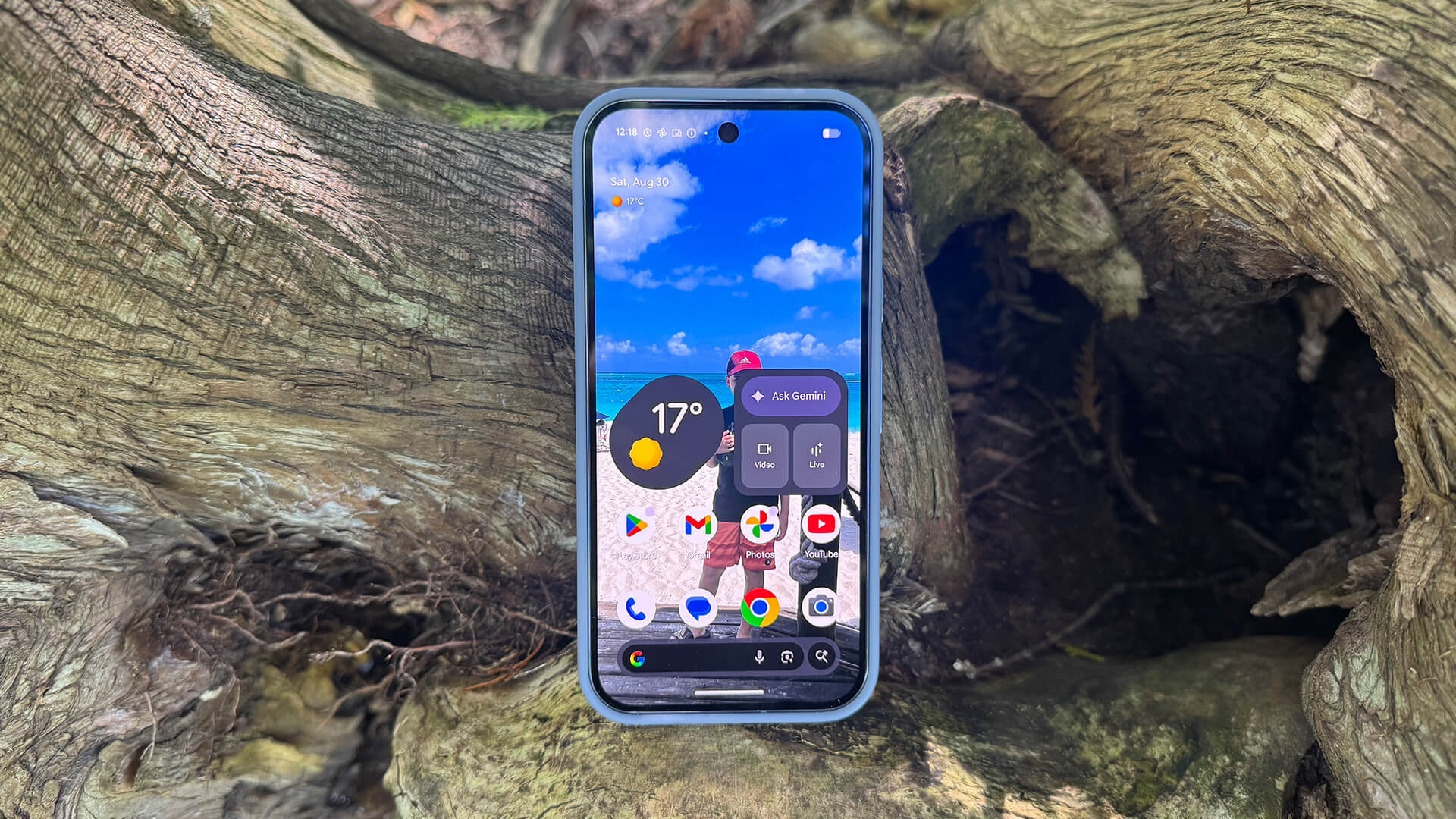
With Material 3 Expressive Live Effects on the lock screen, you can get more dynamic images. I played around with this and it’s a nice way to personalize the look of your lock screen and wallpaper with cool effects. It works best with an image that has a person and clear background separate from them.
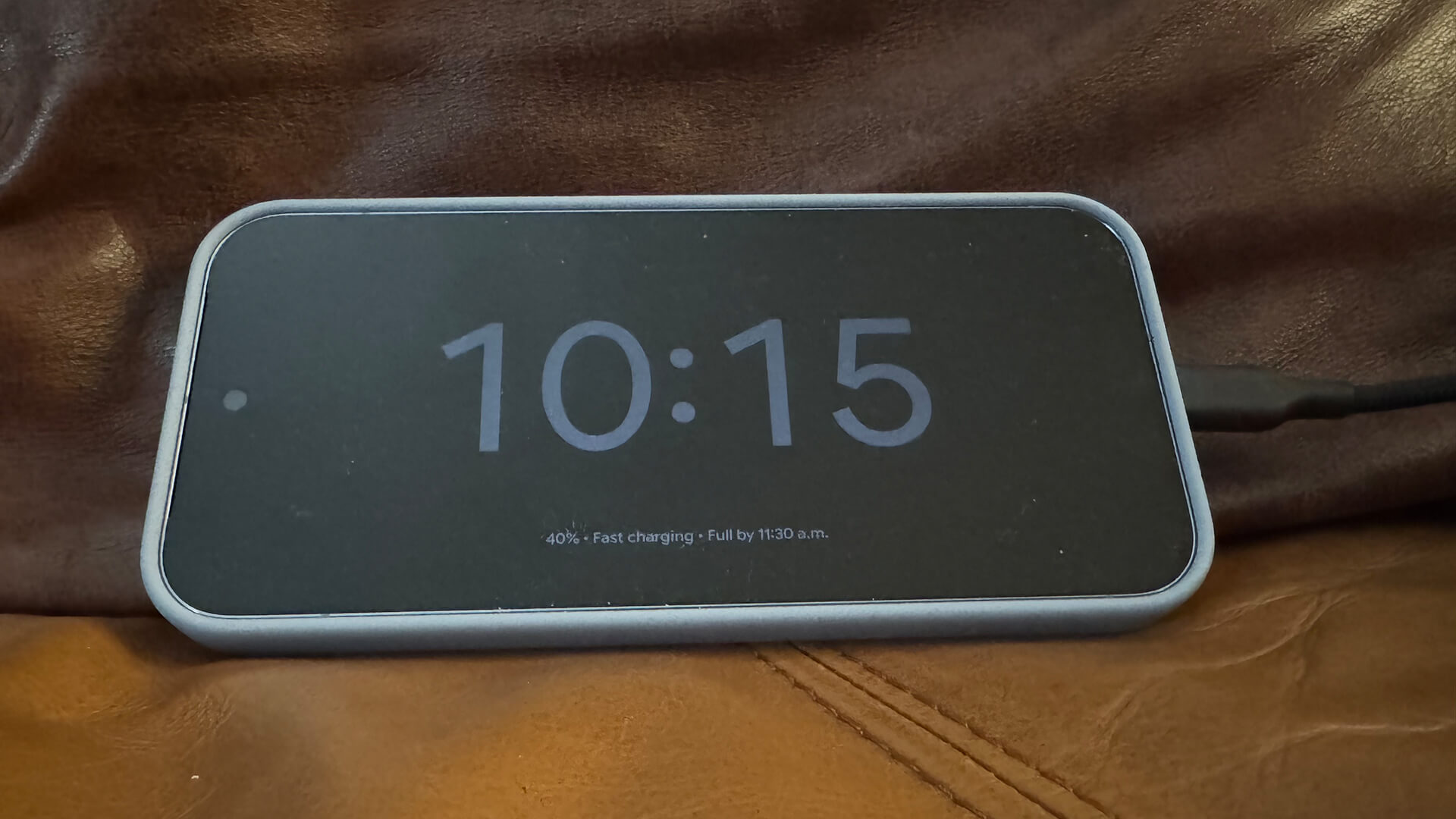
You can also set a charging lock screen that will show useful information like the time, date, and weather, perfect for plopping it down on a wireless charger on your nightstand and using the phone as an alarm clock.
Daily Hub
Daily Hub curates information that’s relevant to you when you swipe right on the screen. This includes an overview of your day with weather, calendar highlights, and Magic Cue details, fresh YouTube content, and interesting topics. Unfortunately, the feature is only available in the U.S. right now so I was not able to access it yet on my review device.
Recorder App
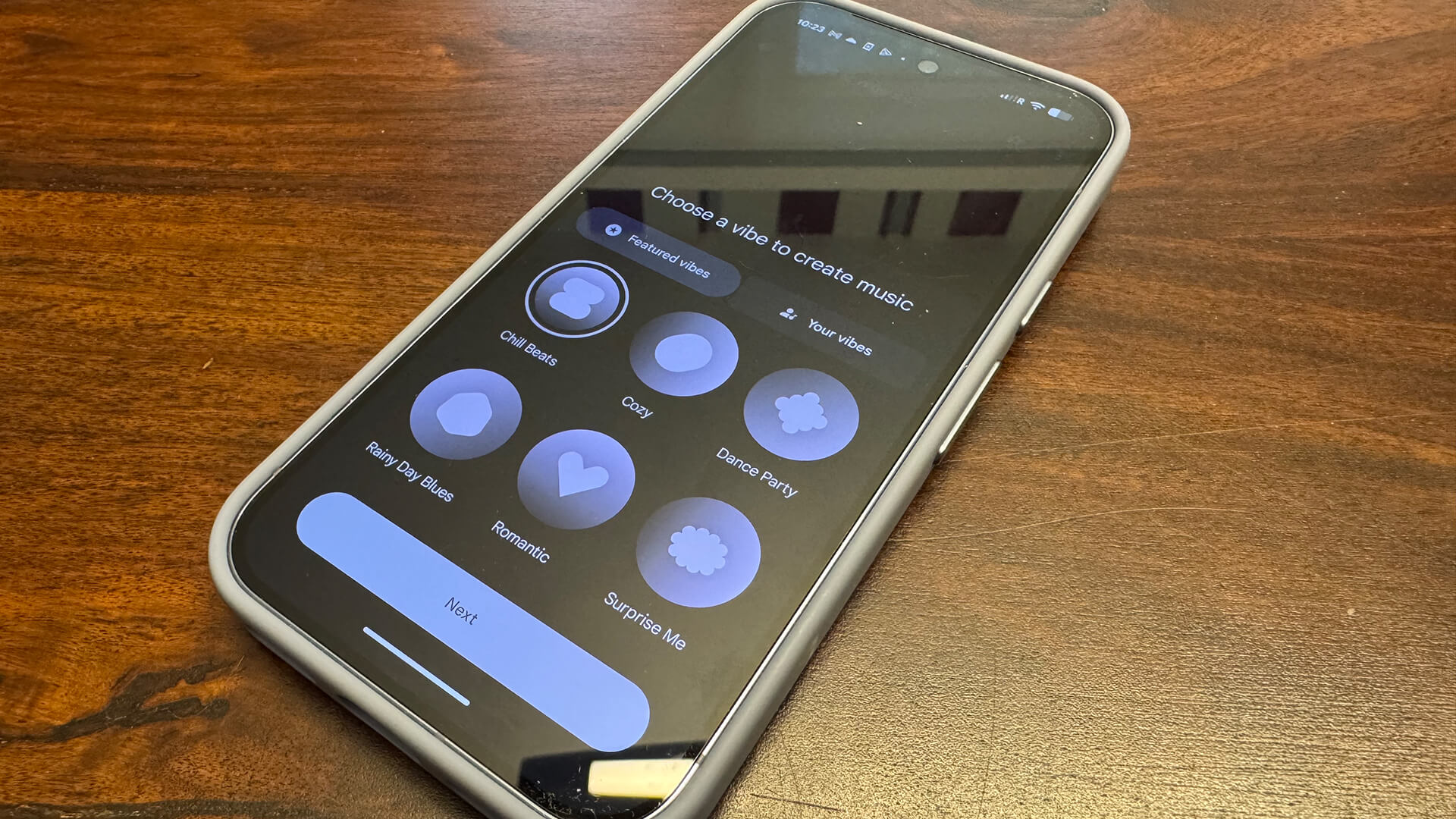
In the Recorder app, you can not only record conversations like interviews, but also get instant transcripts. You can even translate those transcripts into other languages, though the results I received suggested the feature has a long way to go before it’s actually usable.
There is a neat new feature that lets you create music in Recorder. Take a recording of sounds or even your own humming, select music, choose a vibe from the genre list or create your own, and wait for it to generate. It’s a fun feature, especially for music artists. For me, I won’t quit my day job.
Should You Get the Google Pixel 10 Pro?
The great thing about Pixel phones is that Google supports its devices for seven years of software and security updates. That means there’s no rush to upgrade unless there’s an especially compelling reason to do so. Often if you can source a model that’s a couple generations old, you might find better value.
The obvious decision here is between the Pixel 10 Pro and the previous-gen Pixel 9 Pro. They look virtually identical, but the Pixel 10 Pro has the new processor with more RAM a larger battery, and a few exclusive AI features you can’t get on older model phones, like Magic Cue and Camera Coach. The cameras are by and large the same. You get Pixelsnap wireless charging, which could be a deciding factor for some.
If you’re buying new and you find a good deal for the Pixel 10 Pro, it’s always best to maximize value and go with the latest and greatest. If you already have the Google Pixel 9 Pro, however, there’s no need to upgrade. Hang onto it for a bit longer and wait for the Google Pixel 11 Pro to see if there’s a more compelling reason to upgrade with the next model.
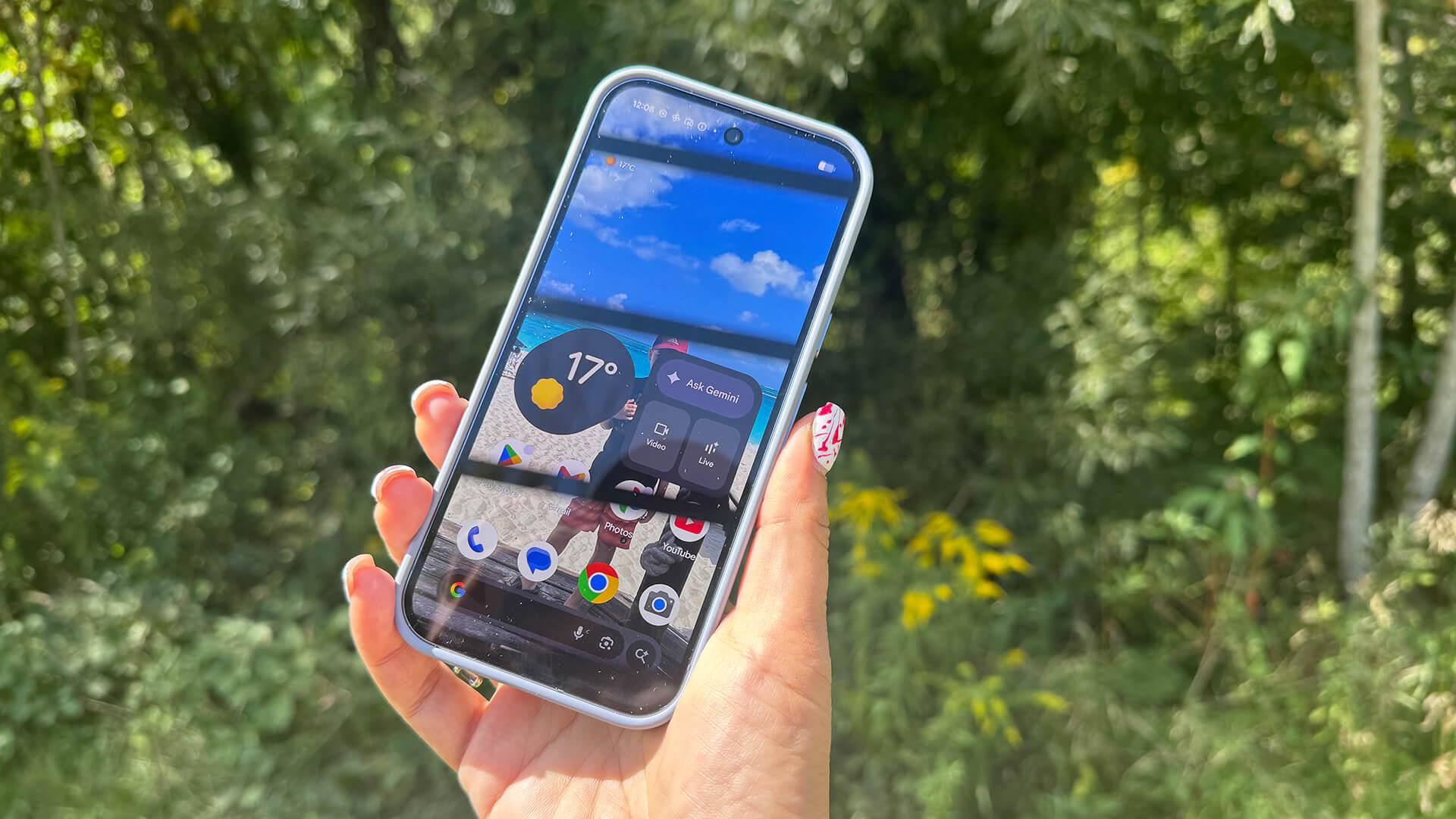
If you’re deciding between the Google Pixel 10 Pro and the Pixel 10, the latter of which shaves $250 off the price, consider that the Pixel 10 Pro has a higher-res, brighter display, smaller battery (oddly) though with the same rated battery life, more RAM, larger 512GB and 1TB storage options, much better cameras with Pro controls as well as Pro Res Zoom up to 100x (Pixel 10 has Super Res Zoom up to 20x), and the option for 8K video recording with Video Boost and Night Sight Video. If any of these features are ones you’d make use of often, it’s worth the extra $250.
Bottom Line
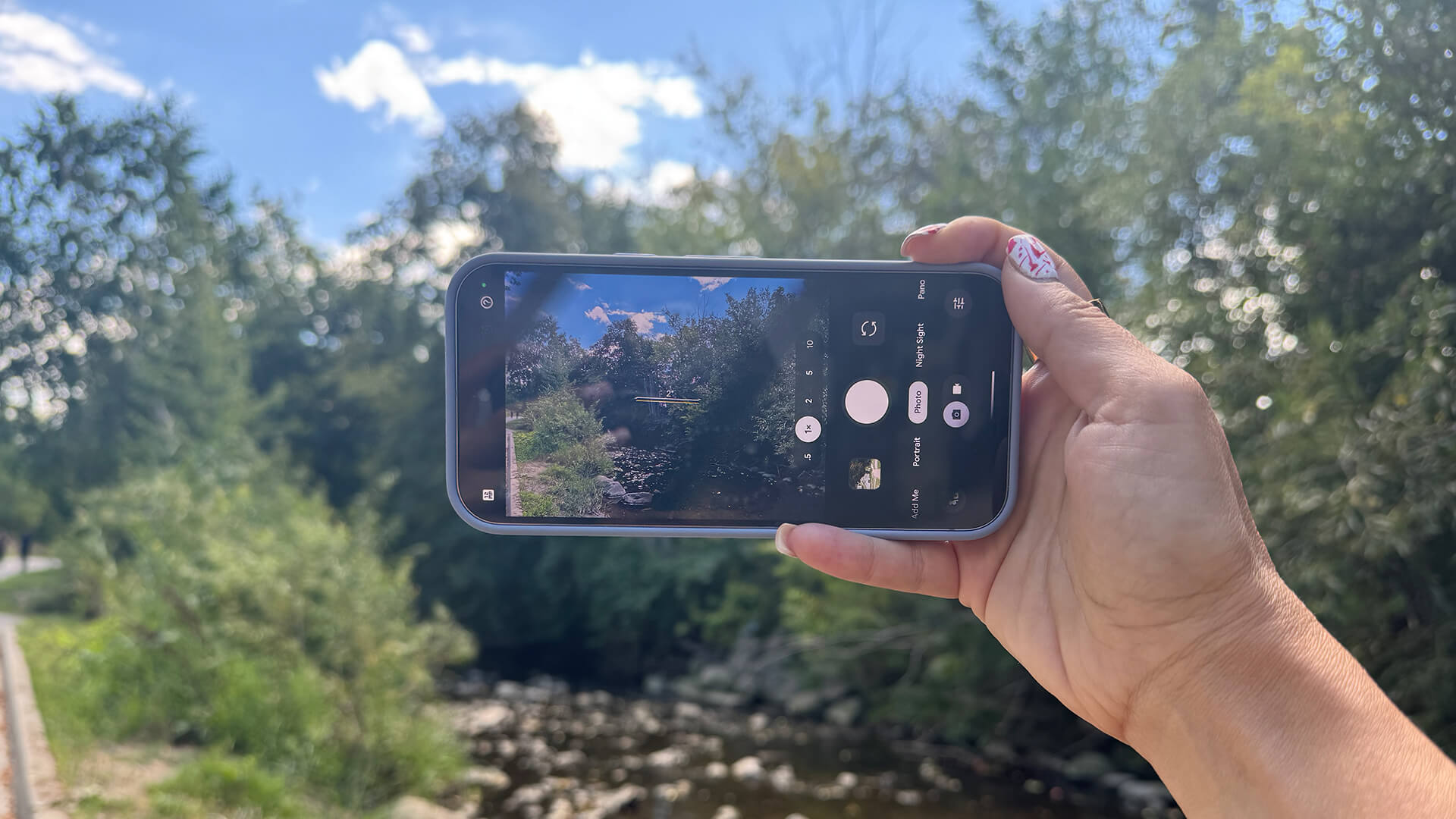
If you’re considering the switch from another branded device altogether, or an even older Google Pixel model, the Google Pixel 10 Pro is a fine-looking phone with fantastic AI integration (Gemini is unmatched) that takes great photos, can handle multitasking, and sports an intuitive UI and the useful Pixelsnap wireless charging back. It’s an all-around impressive smartphone that’s perfect for someone looking to level up in the Android space.