
Alongside the June Android Drop, Google is rolling out its June Pixel Drop as well as Android 17 and Wear OS 7 for owners of compatible Android smartphones and wearable devices.
Android 17
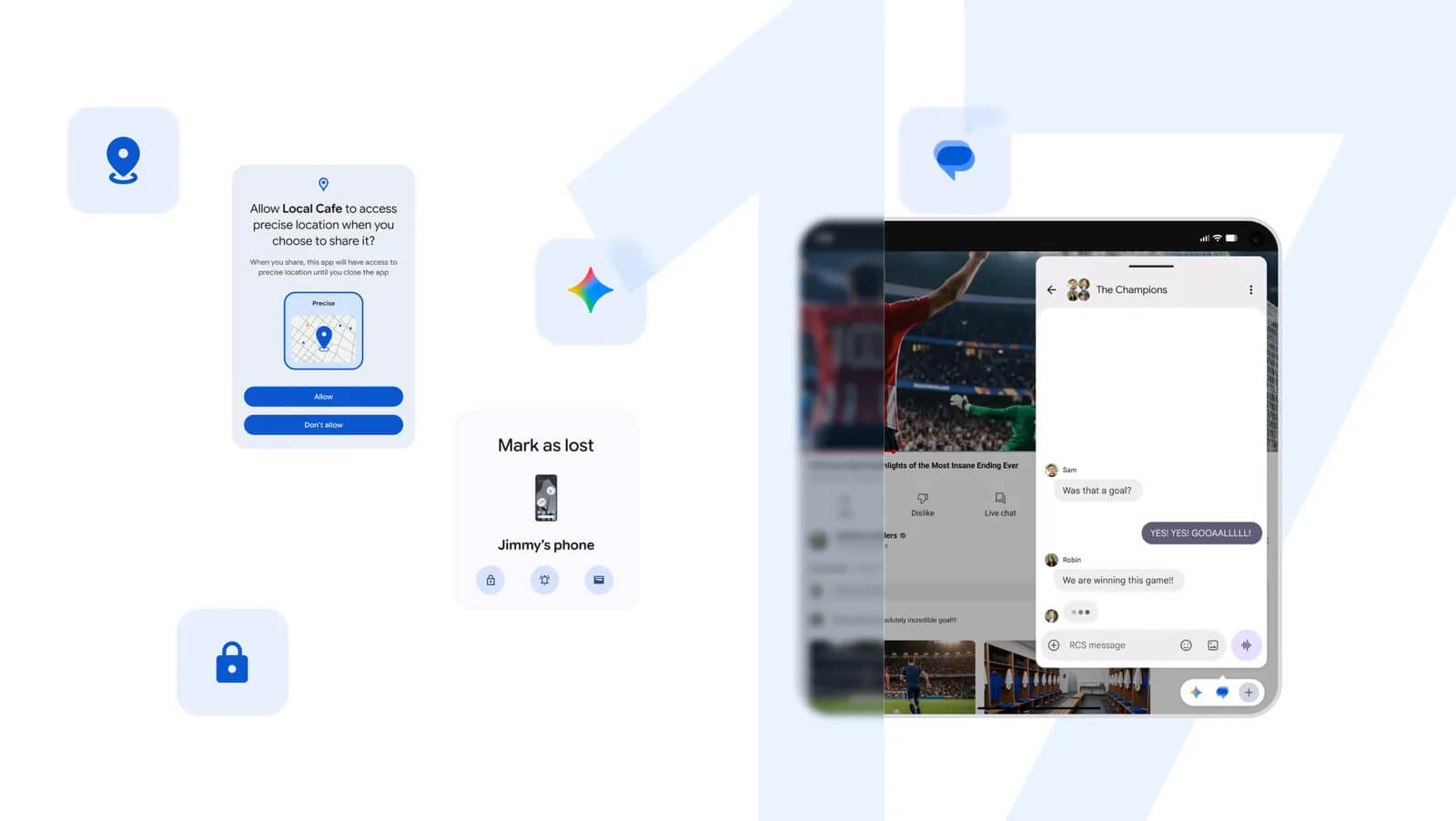
Available first for Pixel devices, Android 17 will include a variety of new features.
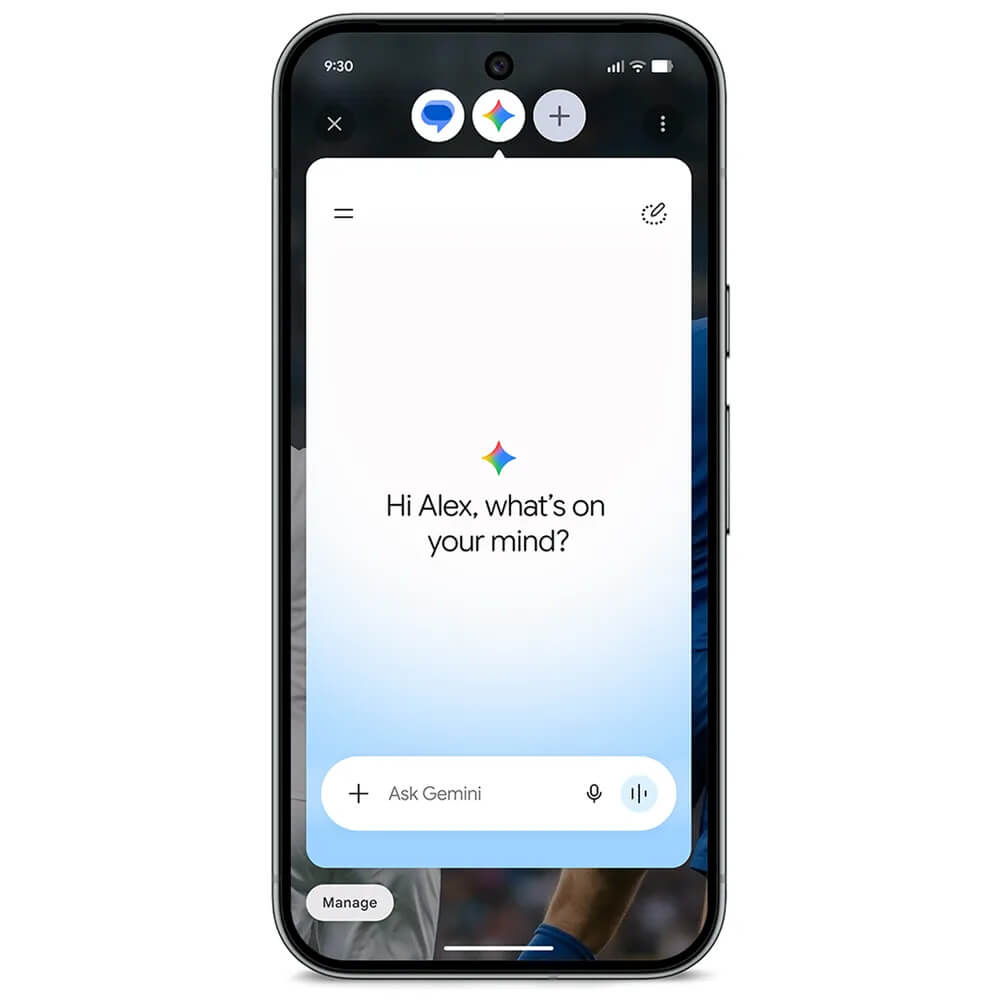
Multitask with Bubbles: Convert any app into a floating, resizable window with a long press. On foldables and tablets, a new dedicated “bubble bar” can be used for split-screen multitasking. With the Google Pixel 10 Pro Fold, bubbles are docked in a dedicated bubble bar at the bottom of the screen.
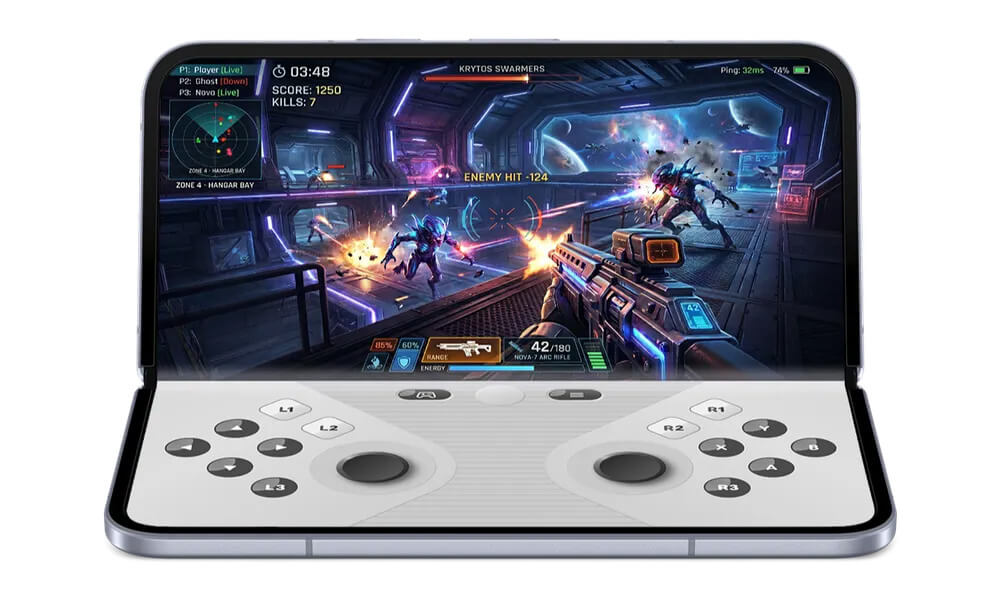
Gaming Mode on Foldable Devices: A new 50/50 split layout places the game view on the top half of the screen and a dynamic gamepad on the bottom. It will be available in the coming months.
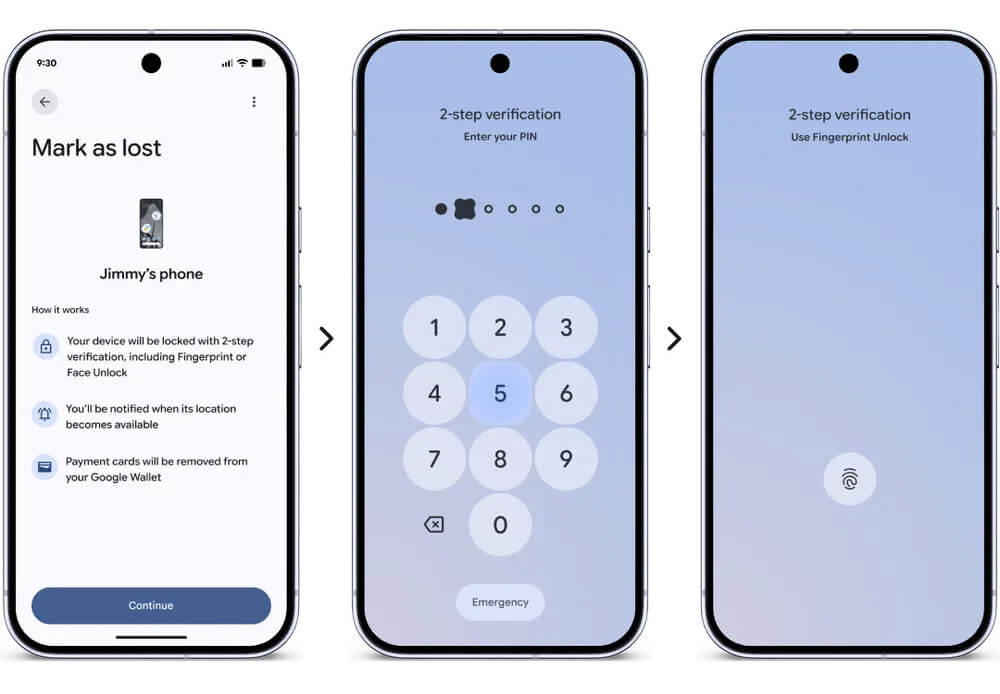
Security Measures: “Mark as lost” now locks missing phones with biometrics to keep thieves out, while temporary precise location permissions and single-contact sharing offer granular privacy.
Parental Controls: Parental Controls are expanding to all Android devices, giving parents one place to manage screen time, create downtime schedules, set Google Play content filters, limit or block specific apps, and access Family Link tools like School Time, purchase approvals and location alerts.
Wear OS 7
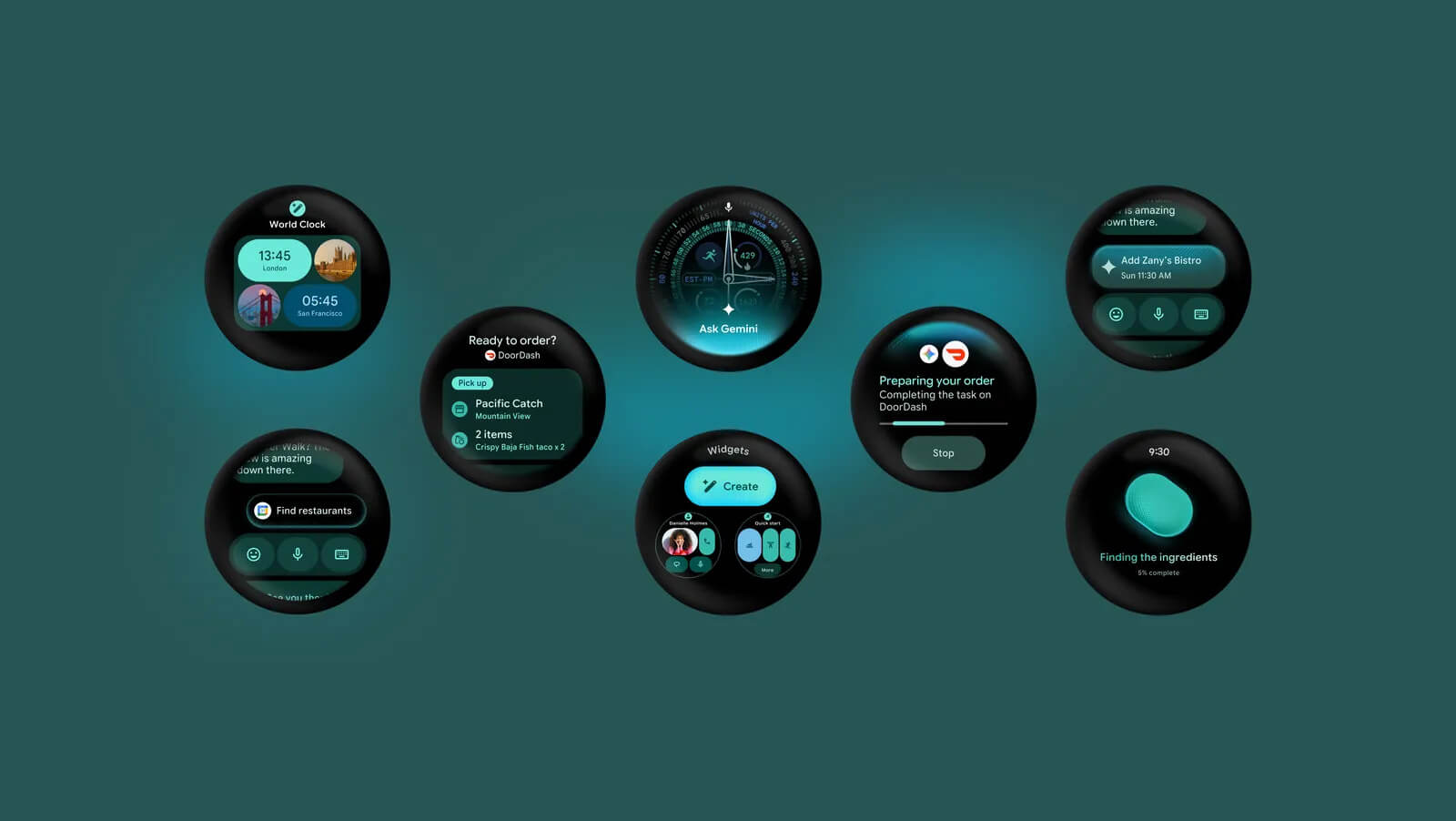
Live Updates & Better Controls: Track real-time events (like sports scores or food delivery) right from your wrist, and easily switch audio outputs among earbuds, phones, and smart eyewear with better control with your connected devices
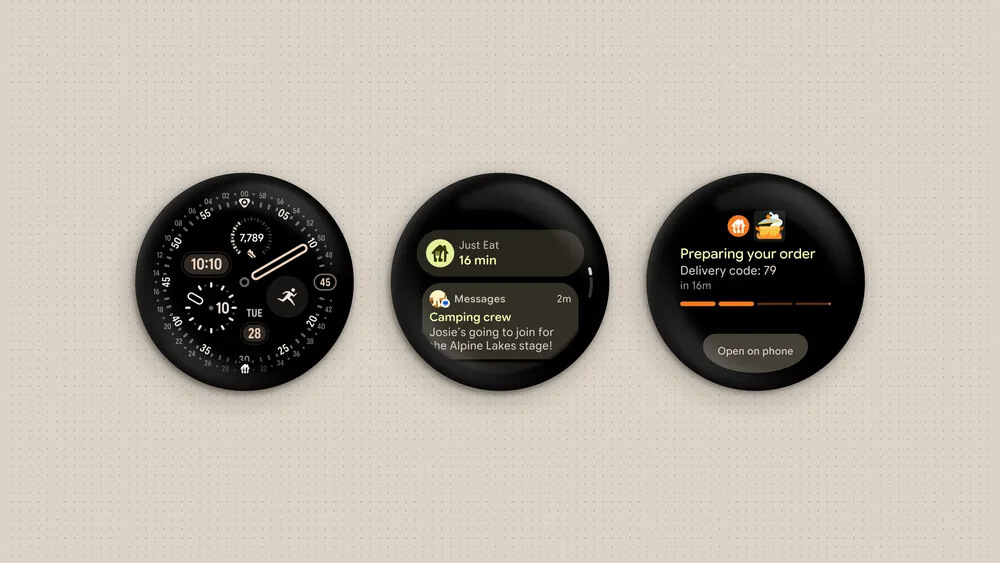
Proactive Gemini Intelligence (Coming later this year): Build custom dashboards with “Create My Widget” using natural language and let Gemini automate multi-step tasks like booking fitness classes directly from your watch.
Improved Battery Life: Google says the upgrade from Wear OS 6 to Wear OS 7 wil yield an up to 10% improvement in battery life.
June Pixel Drop
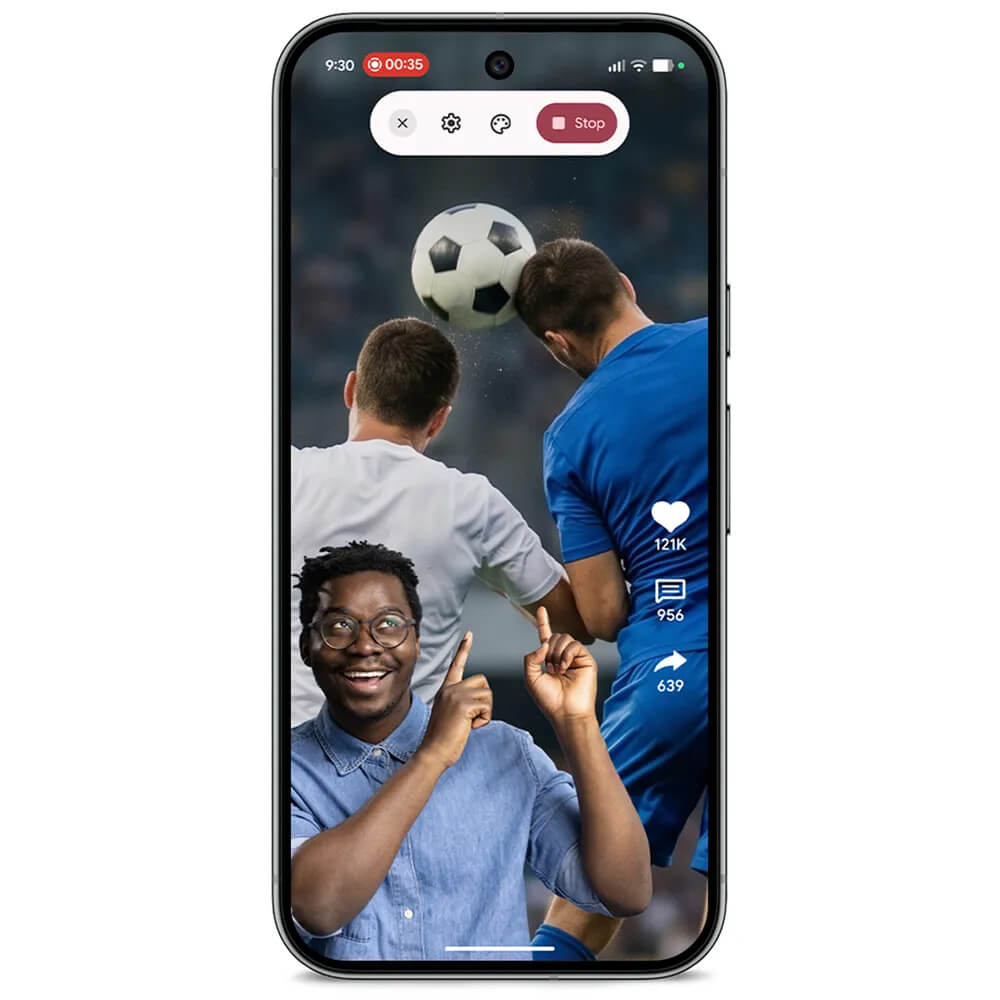
Screen Reactions: Selfie videos can be integrated directly into screen recordings, allowing you to create “green screen” tutorials and reaction videos on the fly. Swipe down twice on the Quick Settings menu and select the recording icon. Toggle “Show selfie camera”and tap start.
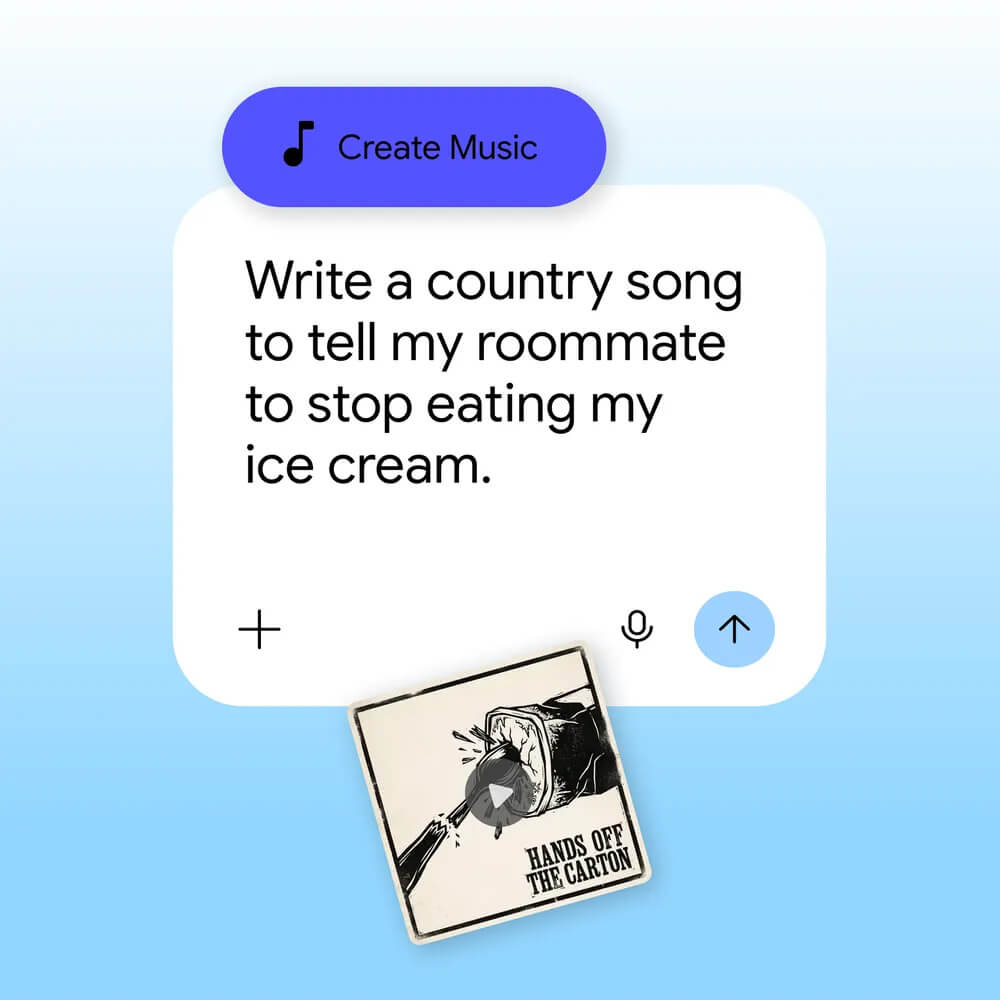
Gemini Omni & Custom Soundtracks: Edit and blend video, images, and text naturally with Gemini Omni (even create a custom AI avatar), or generate original music with lyrics using Gemini’s “Create music” tool.
Life-Saving Safety Integrations: Emergency Sharing is now tied directly to Car Crash, Fall, and Loss of Pulse Detection, automatically calling emergency services and alerting your designated emergency contacts simultaneously.
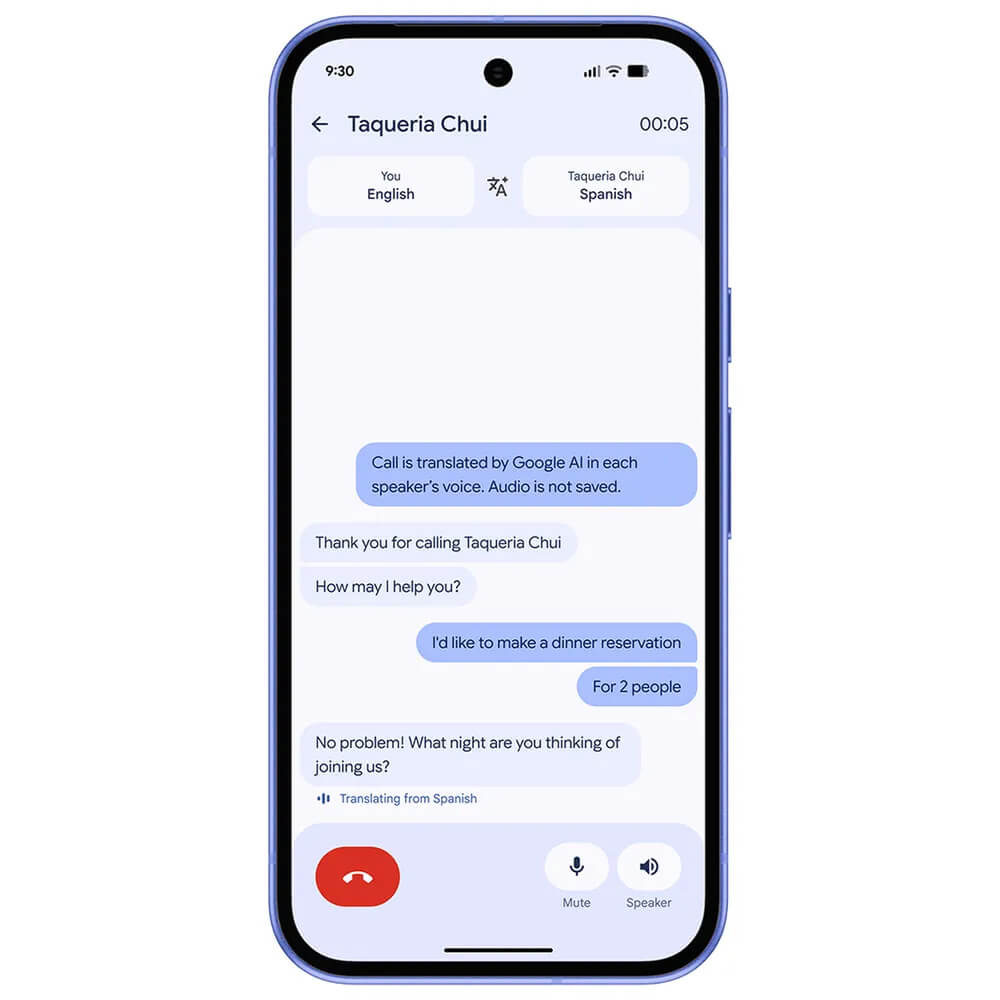
Voice Translate: It’s now available on the Google Pixel 10a, using advanced speech-to-speech translation working in real time during phone calls. It currently supports English to German, Spanish, French, Italian, Portuguese, and Hindi (in preview). Just download your preferred language model in Settings.
Magic Cue: In a few weeks, it will work with Snapchat conversations. Quick Share: It not works with AirDrop on Google Pixel 8a and Pixel 9a phones.