

Pros
- Uniquely does on-demand blood glucose risk tests
- Blood pressure measurements may be useful if accurate
- Feature-rich app
- Pretty accurate vitals and exercise tracking
Cons
- Comes with a charging puck versus case
- Fits smaller than other smart rings
- Simplistic design
I have tried countless smart rings, each one standing out for a distinct design, specific tracking, app layout, and AI integration. The Pin Pulse smart ring, which is in the Kickstarter campaign phase through April 16, 2026, is an interesting one because it purports to track blood pressure and run blood glucose risk assessments (more on how it accomplishes both below), as well as detect potential sleep apnea. I was excited to see how this experience would be different from others I have tried.
About the Pin Pulse Smart Ring
As noted, the Pin Pulse smart ring stands out for its ability to track blood pressure and conduct on-demand blood glucose risk checks. It offers guided pre-checks, delivering metabolic and cardiovascular wellness insights. Since meals, sweat, daily routines, and stress can influence your metabolic balance, the ring uses advanced PPG sensors and AI to capture subtle changes in your biometric signals and translate them into easy-to-understand insights. For sleep apnea, it tracks nighttime patterns and potential breathing irregularities, like sleep time, stages, efficiency, and Sleep Breathing Risk (OSA).
It can track 13 health metrics in total, including metabolic, cardiovascular, sleep, stress, activity, and body trend insights continuously, without the need for a subscription. Heart health and stress signals are also monitored through heart rate, heart rate variability (HRV), SpO₂, stress, and mood tracking. The ring also captures daily movement, including steps and distance, as well as calories exertion levels. Temperature patterns are also assessed, including cycle-related changes for women to help you understand hormonal shifts and life stages. You can connect it to Apple Health, but I chose not to do so to ensure all data captured was from the ring itself.
Like other smart rings, the Pin Pulse uses AI to provide personalized insights and help you understand patterns and trends with your health through charts and wellness insights. It lets you know what has changed, what has stayed consistent, and what might deserve further attention. You can also, at any time, call up the AI chat feature in the app to get personalized guidance.
Crafted from lightweight titanium and weighing as little as three grams, the ring offers up to seven days battery life. Automatic data capture can be configured as frequently as every five minutes. It’s 5ATM water resistant and supports wireless charging. All data syncs seamlessly to the mobile app that provides a centralized dashboard.
Via Kickstarter, the early bird price is US$249 and it will be an MSRP of US$499. Each package includes the Pin Pulse Smart Ring, magnetic charging dock, USB-C cable, quick start guide, and a warranty card. The product is backed by a 12-month limited hardware warranty, covering manufacturing and component defects under normal use.
With a $13,000 crowdfunding campaign goal, the ring has already earned close to $300,000, far exceeding it. The estimated delivery date is August 2026.
Pin Pulse Smart Ring Review
The Design: Simple But Nice
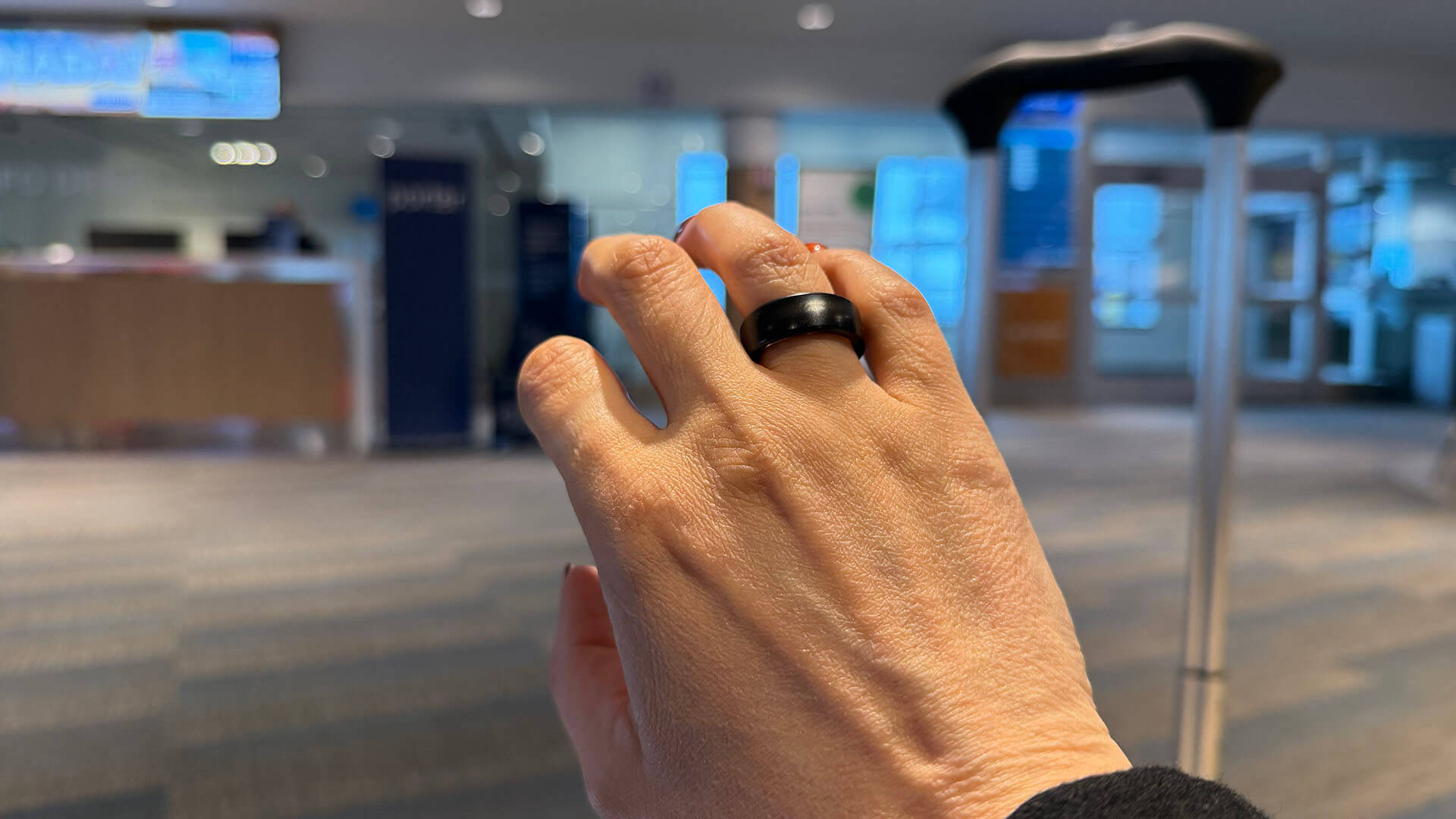
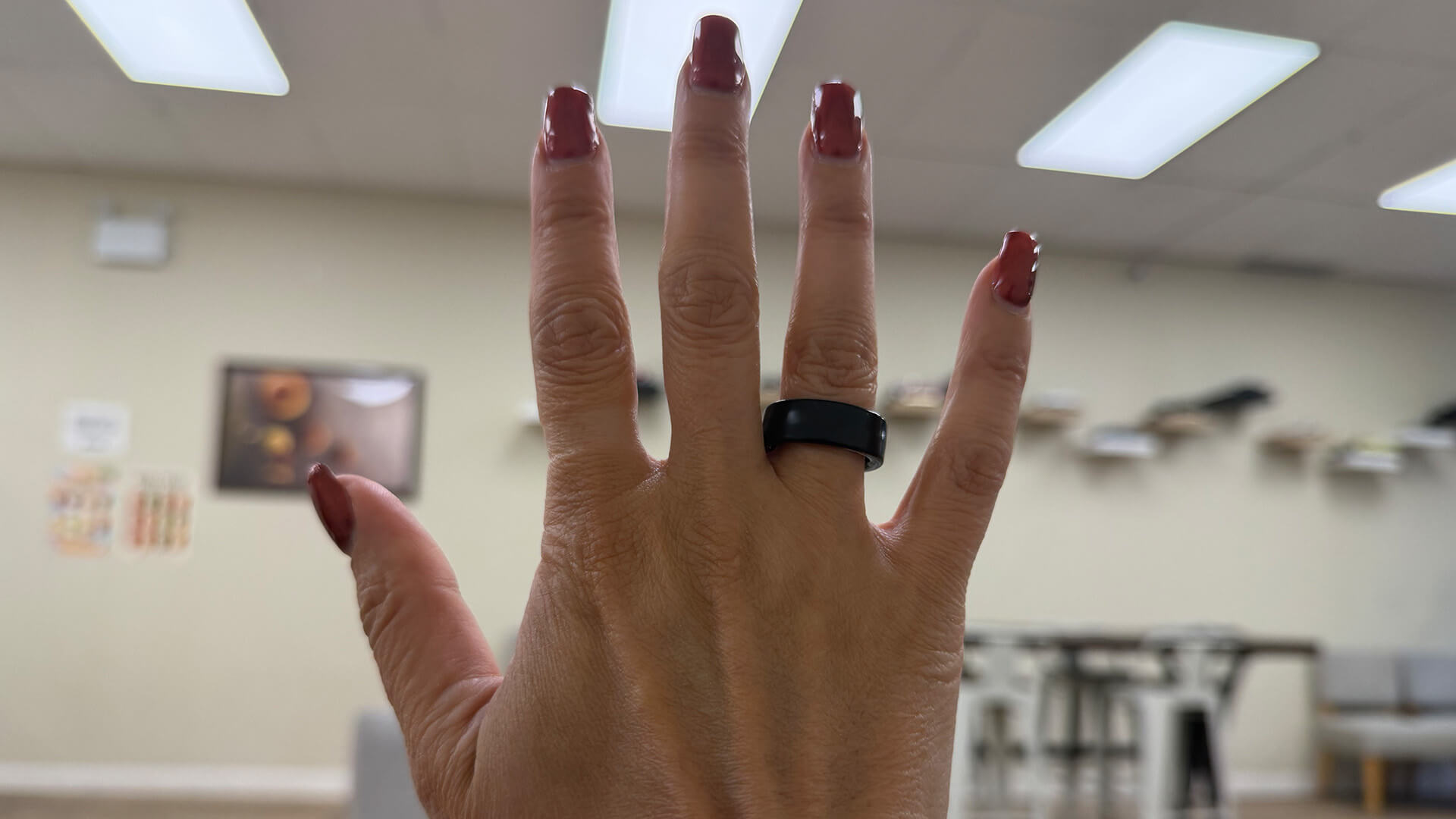
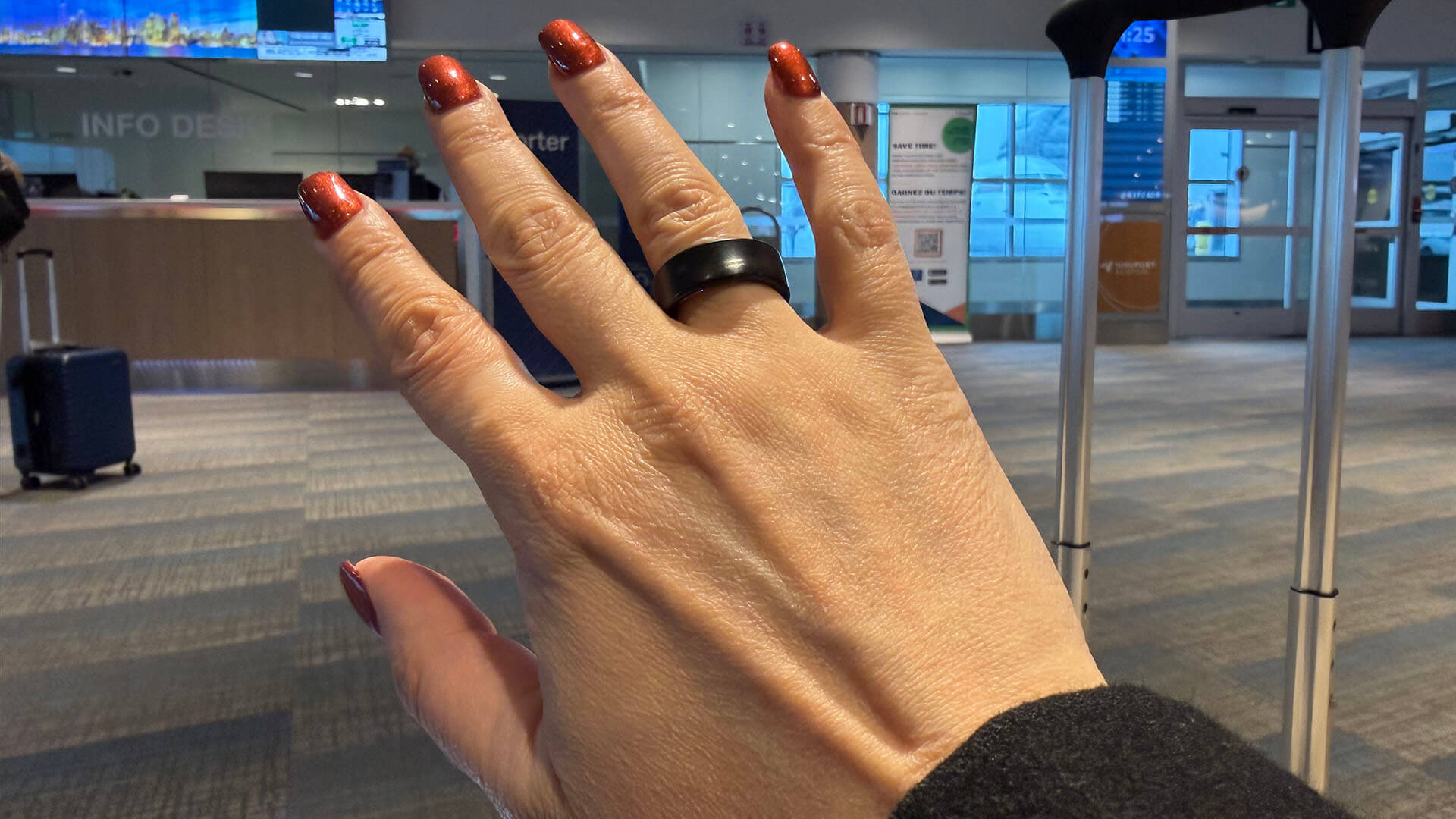
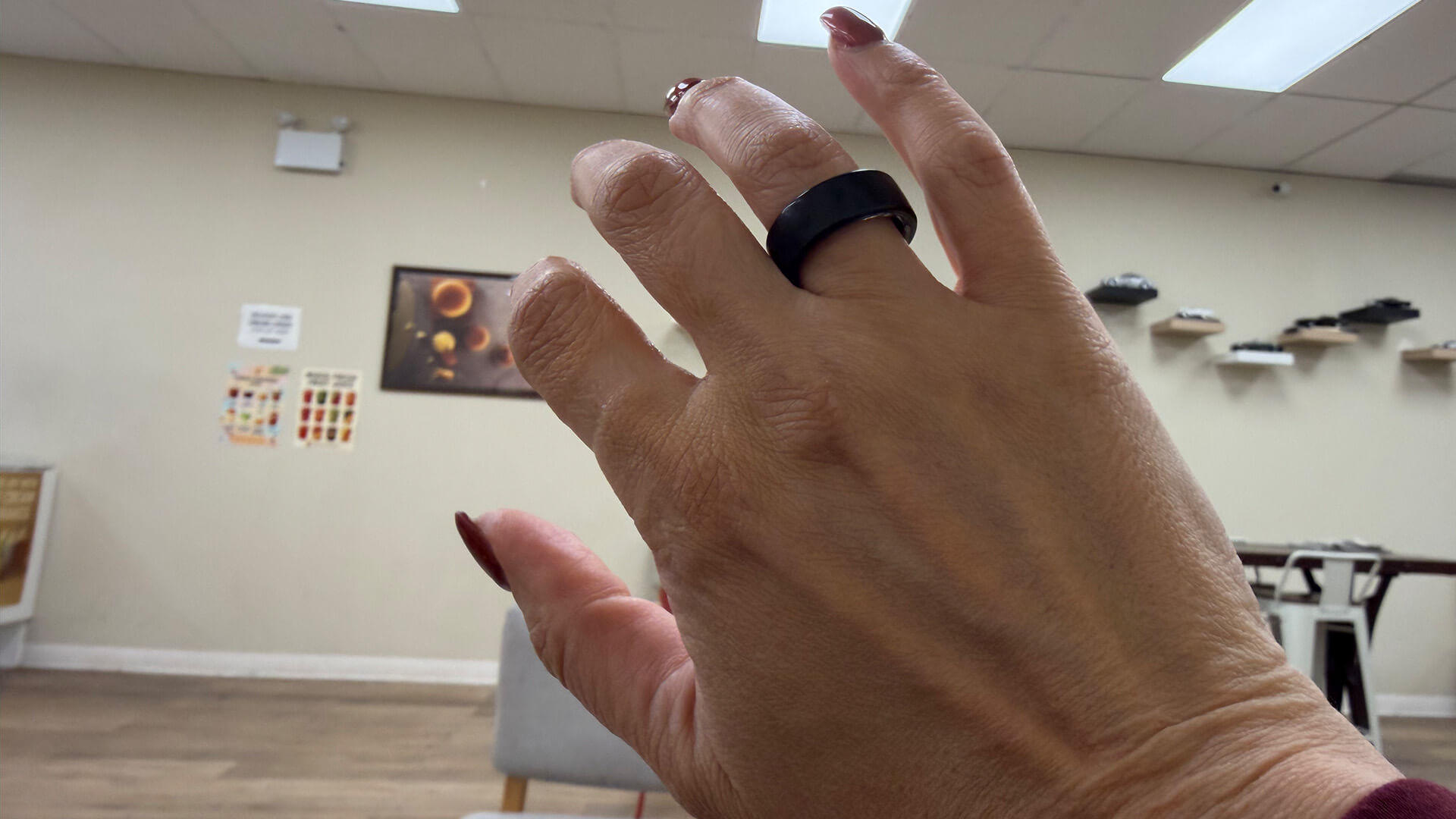
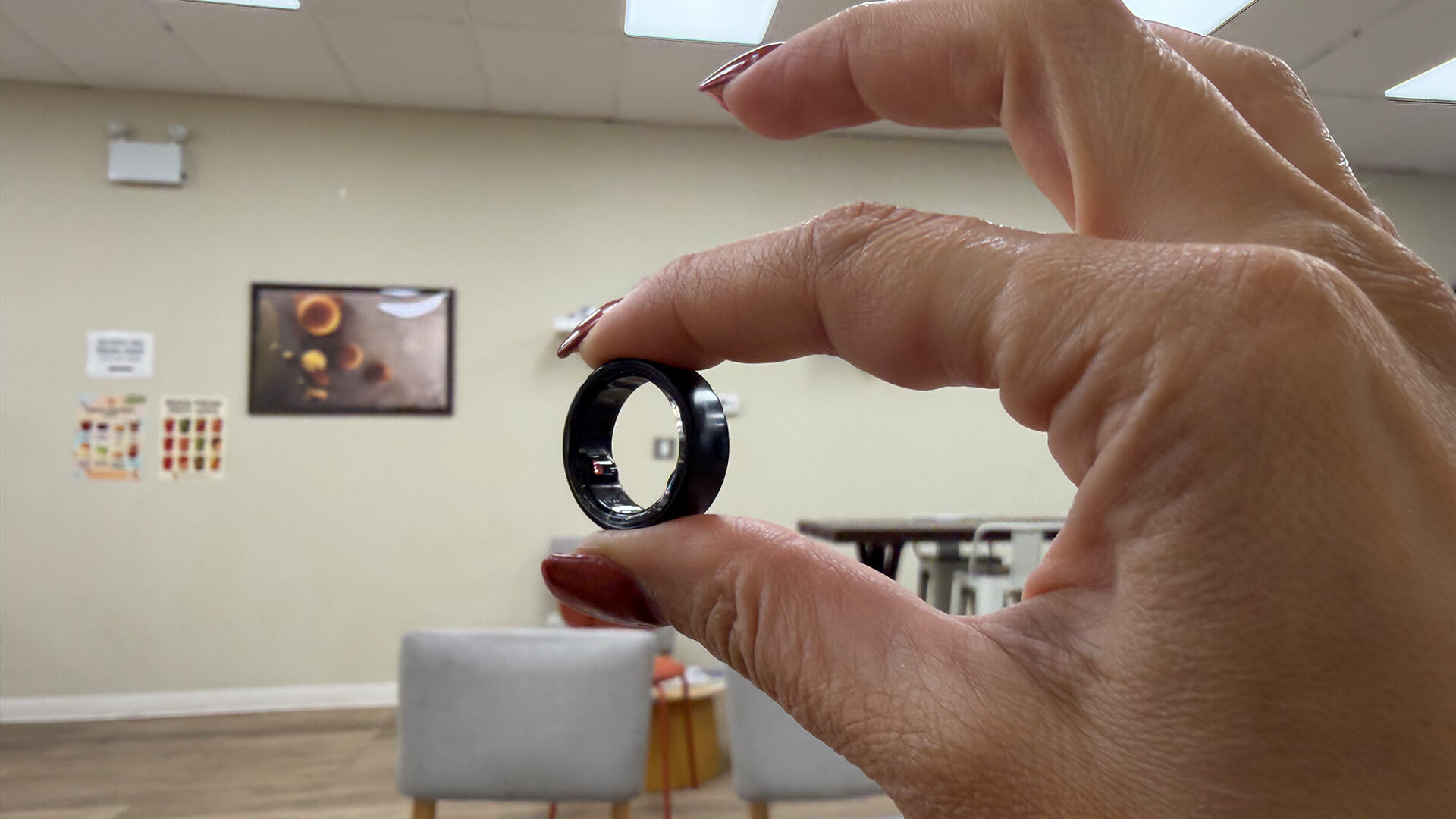
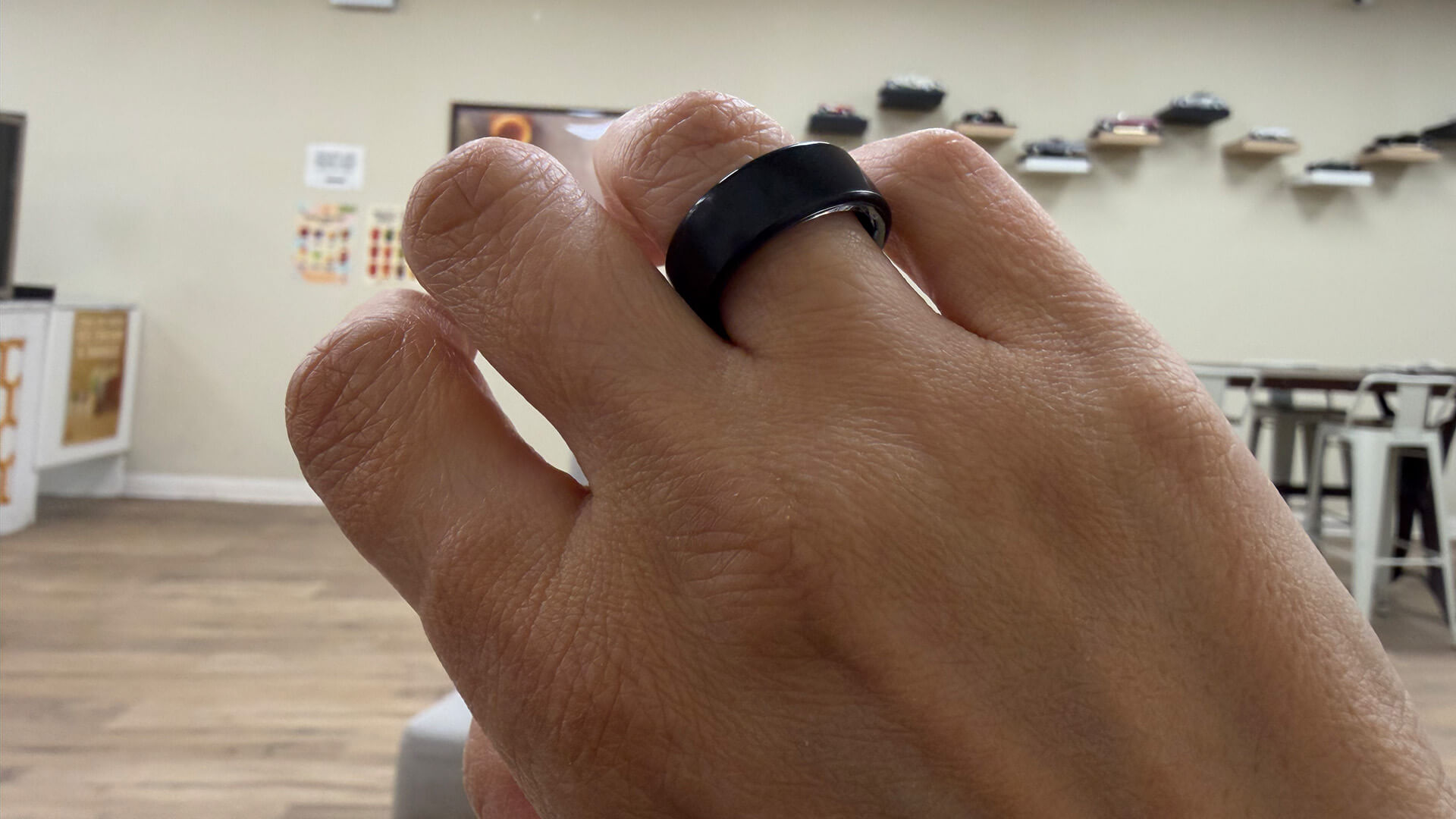
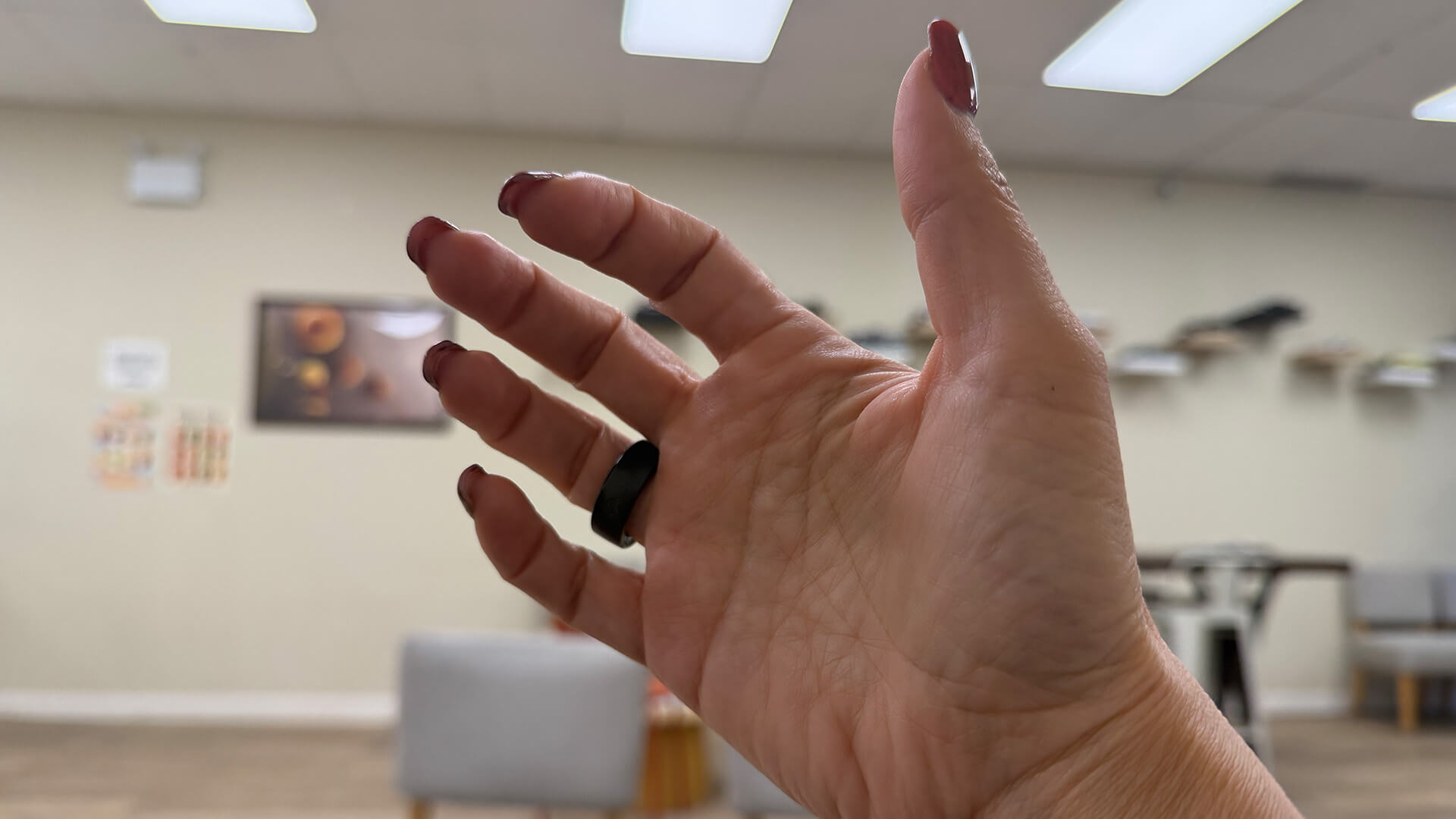
My sample of the ring came in my usual size 8, which seems smaller than any other smart ring of this size I have tried, reinforcing the importance of using sizing kits. Thankfully, while it didn’t fit on my index finger, which is where I usually wear smart rings, it did fit on my ring finger. A smart ring is fine to wear on the index, middle, or ring finger.
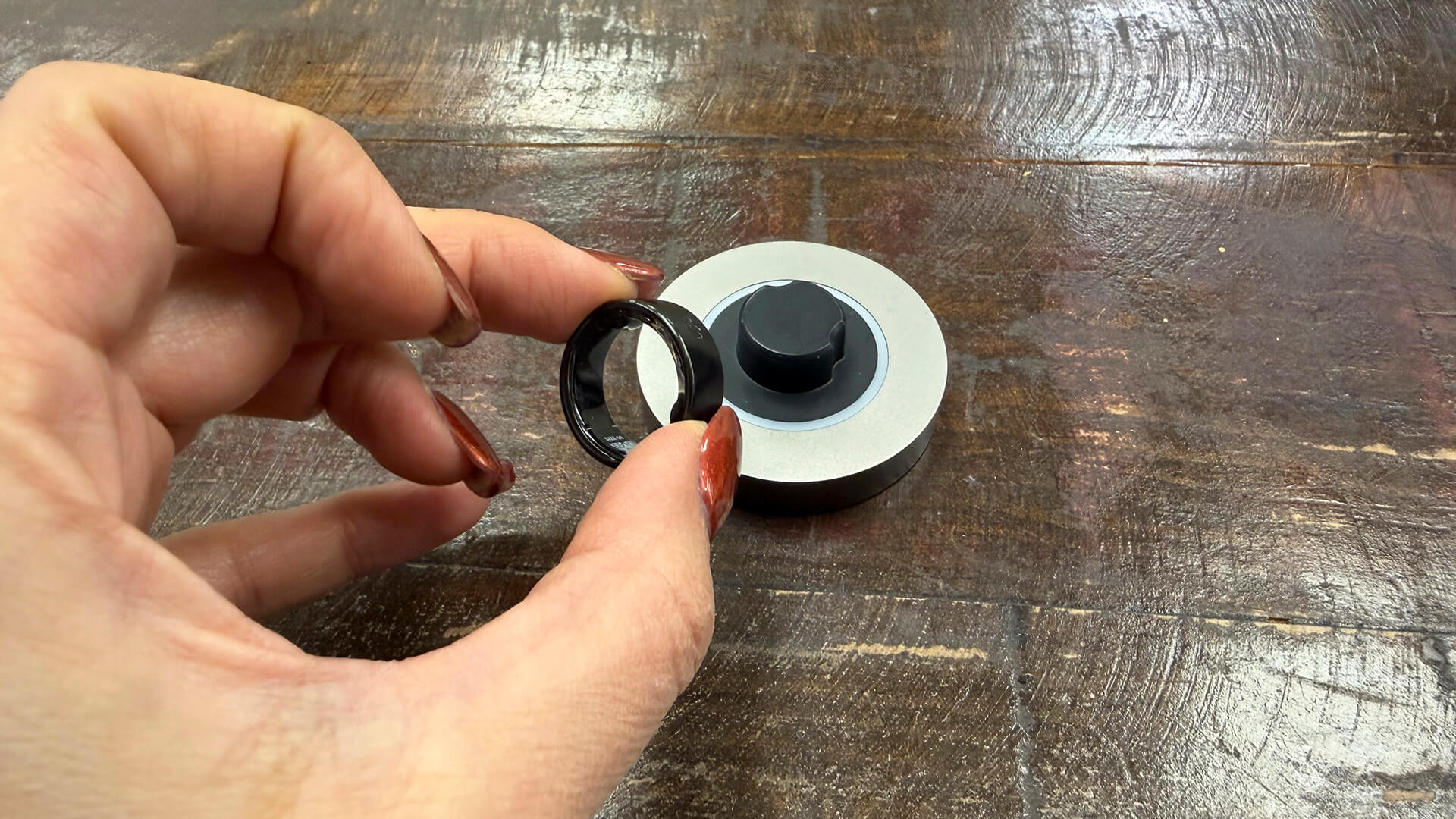
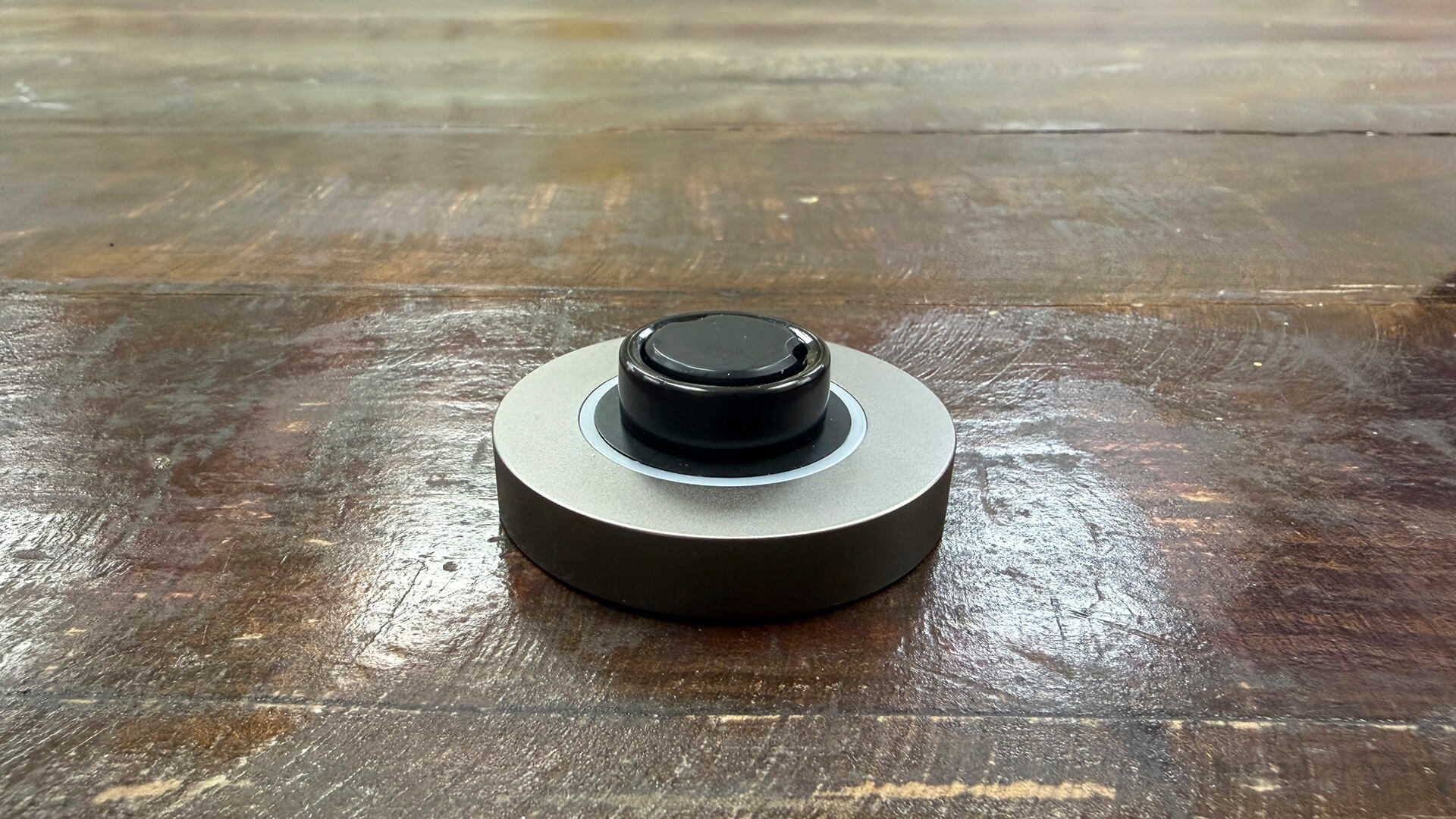
It’s simplistic in design in a matte black finish with visible sensors on the underside. It’s not the slimmest smart ring I have tested but it’s also not the thickest. The charging dock is similar to the one that comes with the Oura Ring 4 (not the new case), which is fine for at-home charging, but I prefer charging cases for their neater, pocketable designs.
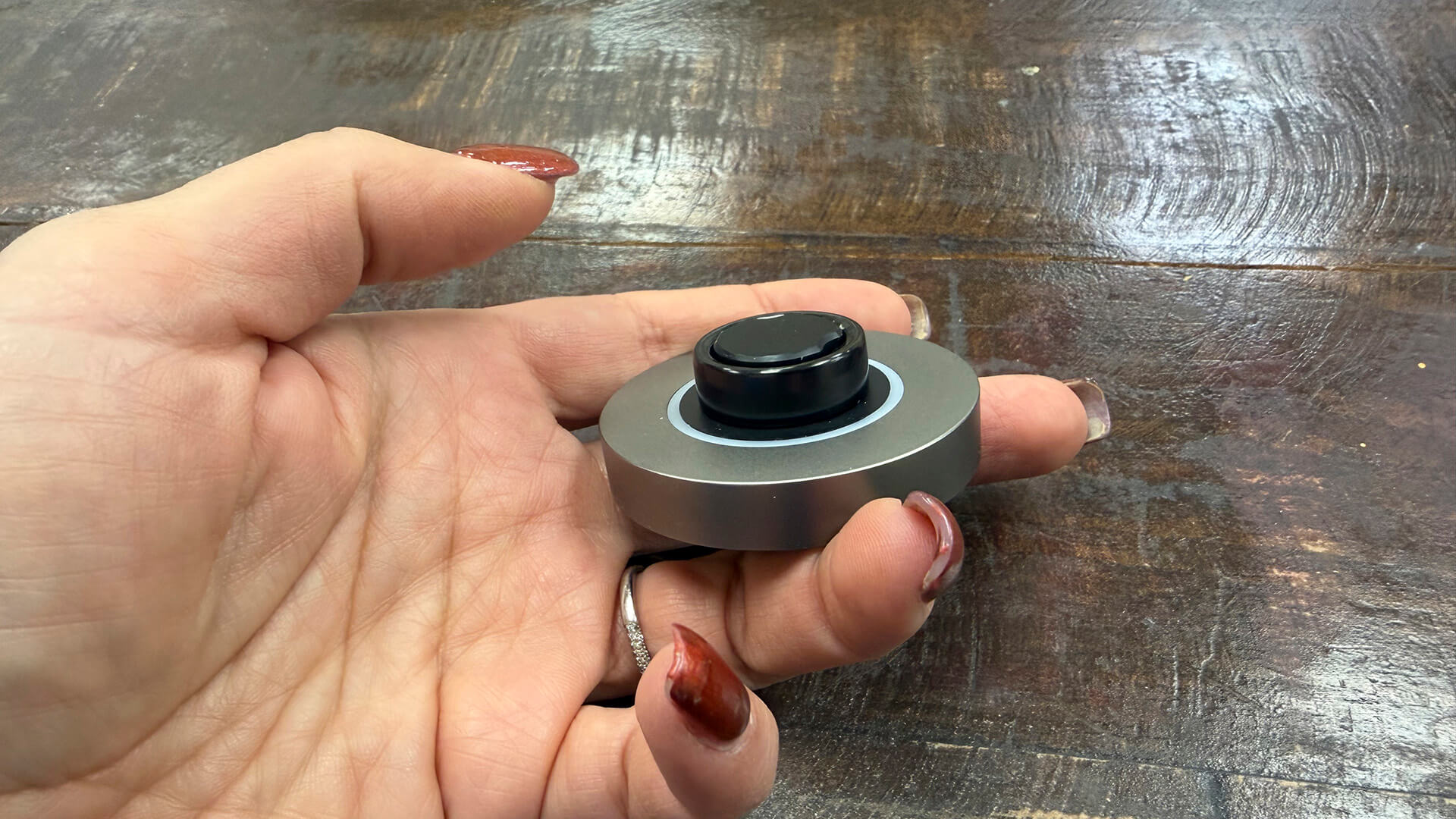
The ring is distracting at times when the bright green sensor illuminates on my finger, as well as while it’s charging on the dock. At least this confirms charging status, but you wouldn’t want this on your bedside table at night. The ring is durable: I have worn it while showering and washing dishes, as well as going about daily activities. After several weeks, there isn’t a single scratch on the surface.
The App: Intuitive and Packed With Features
Pairing the ring with the app was simple, and after a quick firmware update, I was ready to go. It didn’t prompt me to enter my personal stats, which was odd. I went into the Profile menu and did this so it would have a record of my age, gender, height, and weight, important factors to consider for health and wellness tracking.
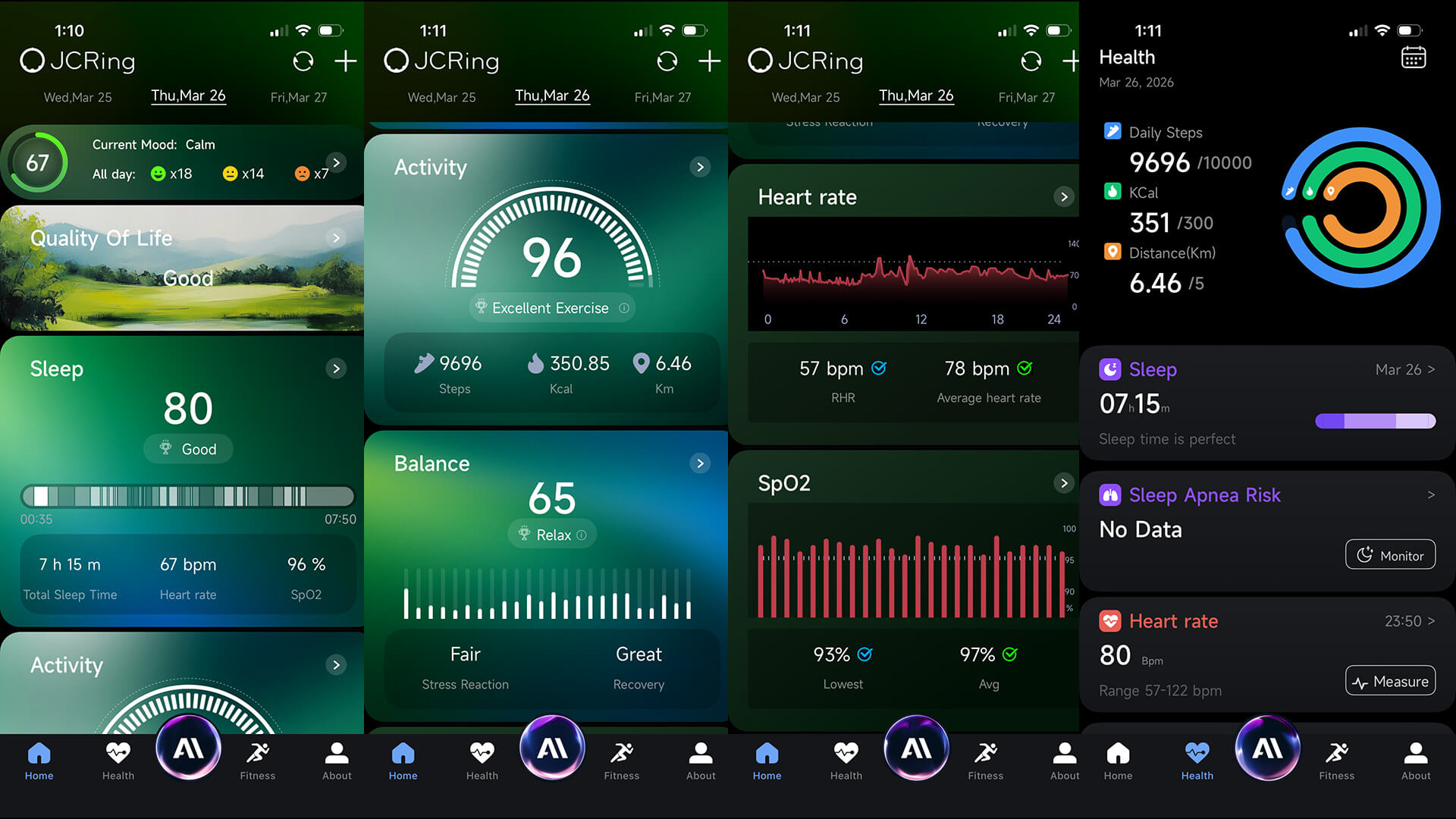
The app reminds me a lot of the app for the Ultrahuman Ring Air in its design and layout, including the presence of something called VitalPlugs, clearly the company’s take on Ultrahuman’s PowerPlugs. The only one available at the time of this writing is Mood Track, so I enabled it. Who doesn’t want to be able to track their mood? It doesn’t just advise of your mood at any given time, but also give you a “mood ingredient” report, advising what percentage of your day is happy, peaceful, relaxed, tense, and more.
Organization is straightforward, beginning with a Quality-of-Life score at the top (mood appears above it once added), Sleep data, Activity, Balance, Heart Rate, and Sp02 under the Home tab where you can click into any of them to get more detailed insights, including data by day, week, or month.
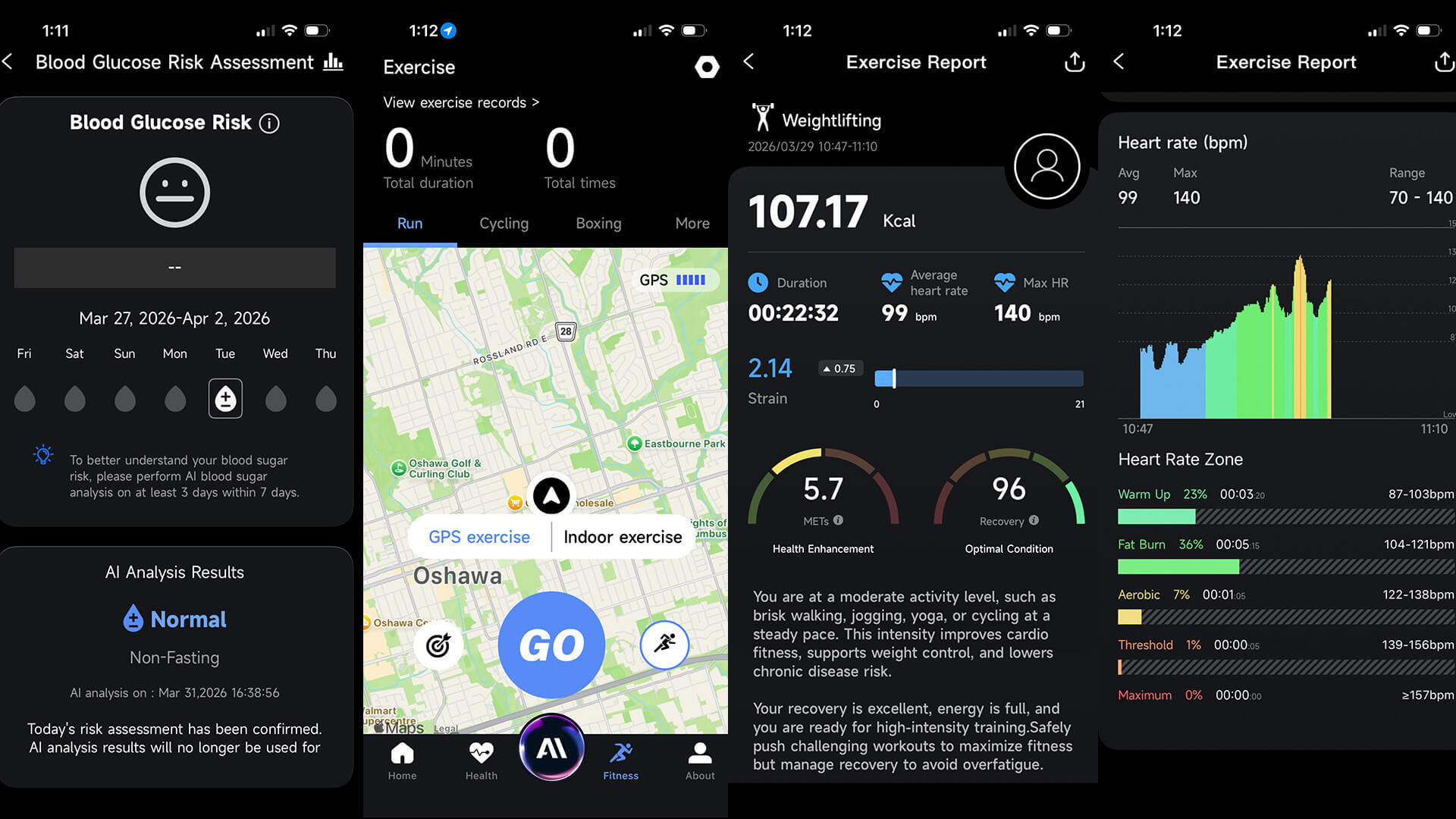
The Health tab shows a circular progress wheel similar to Apple’s Rings along with daily steps, calories burned, and distance, along with current readings for sleep, sleep apnea risk, heart rate, Sp02, heart rate variability, stress, blood glucose, temperature trend, Vo2 Max, and women’s health tracking.
Use the Fitness tab to log workouts and choose either GPS exercise or indoor exercise with plenty of options, including running, cycling, workout, dancing, weightlifting, sit-ups, baseball, and more. Seriously, it has virtually any type of workout you can imagine.
Under the About tab, you’ll see the ring’s battery life and connection status, a tab to get an AI Insights health report, Member Health if you want to share data with others, VitalPlugs for adding more (presumably more will be coming), and settings and FAQs. This is where you’ll find firmware updates when available as well.
In the middle of the bottom menu screen is the AI button you can tap at any time to consult with Dr. Vita. Keep in mind this isn’t a medical device, as is the case with any other smart ring. It’s not meant to replace a doctor’s visit or consultation, nor to diagnose issues. But you can ask questions and get helpful insights. Maybe you want to generate a training program based on your health status, analyze your previous night’s sleep, or simply ask for advice about how you can eat better.
Tracking Accuracy: Unique Stats, Fairly Reliable Data
I looked at tracking accuracy across the key facets for this ring.
Blood Glucose Assessment
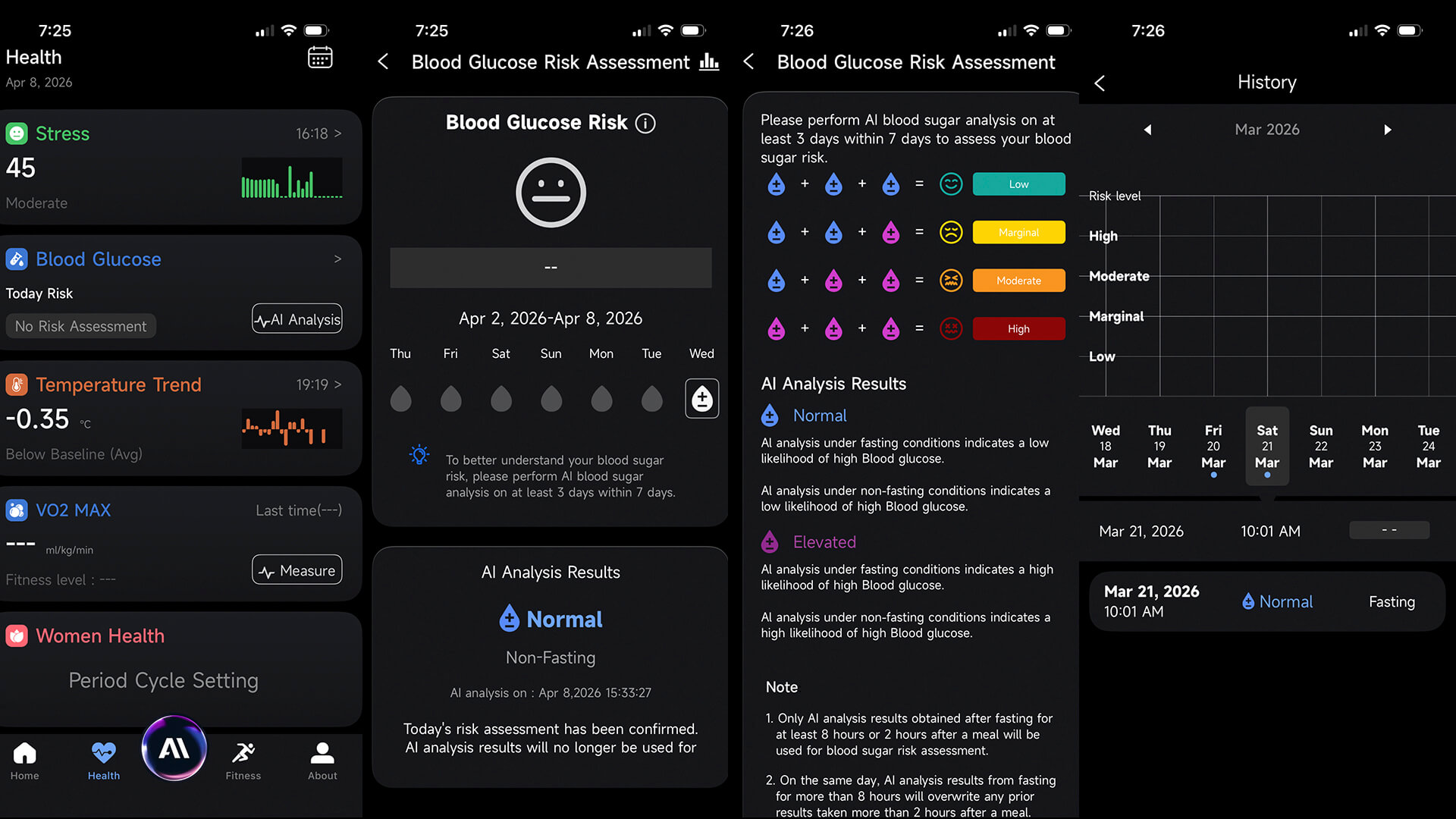
The first thing I wanted to do was run a blood glucose risk assessment. Select the option in the app and Start AI Analysis Now. But there’s a caveat: you need to fast for at least eight hours before AI analysis (you can also do a two-hour non-fasting test). You’re prompted to confirm your profile details as well as any history of diabetes. If you have Type I diabetes, gestational diabetes, or are experiencing hypoglycemia, you should not take this test. You also need to be aware of any medications that can impact your blood sugar.
The process takes five minutes through which you must keep your wrist still. Given this and the requirement to fast, it isn’t something you’ll likely do daily. But you can make a point to do it once a week or as frequently as needed if you have concerns, with the proper preparation.
Once done, the data is processed by the server, and you receive the result. Mine was “normal” every time I did it, which is a relief. You’re advised to perform an analysis at least three times within seven days to get the best understanding.
Blood Pressure Measurement
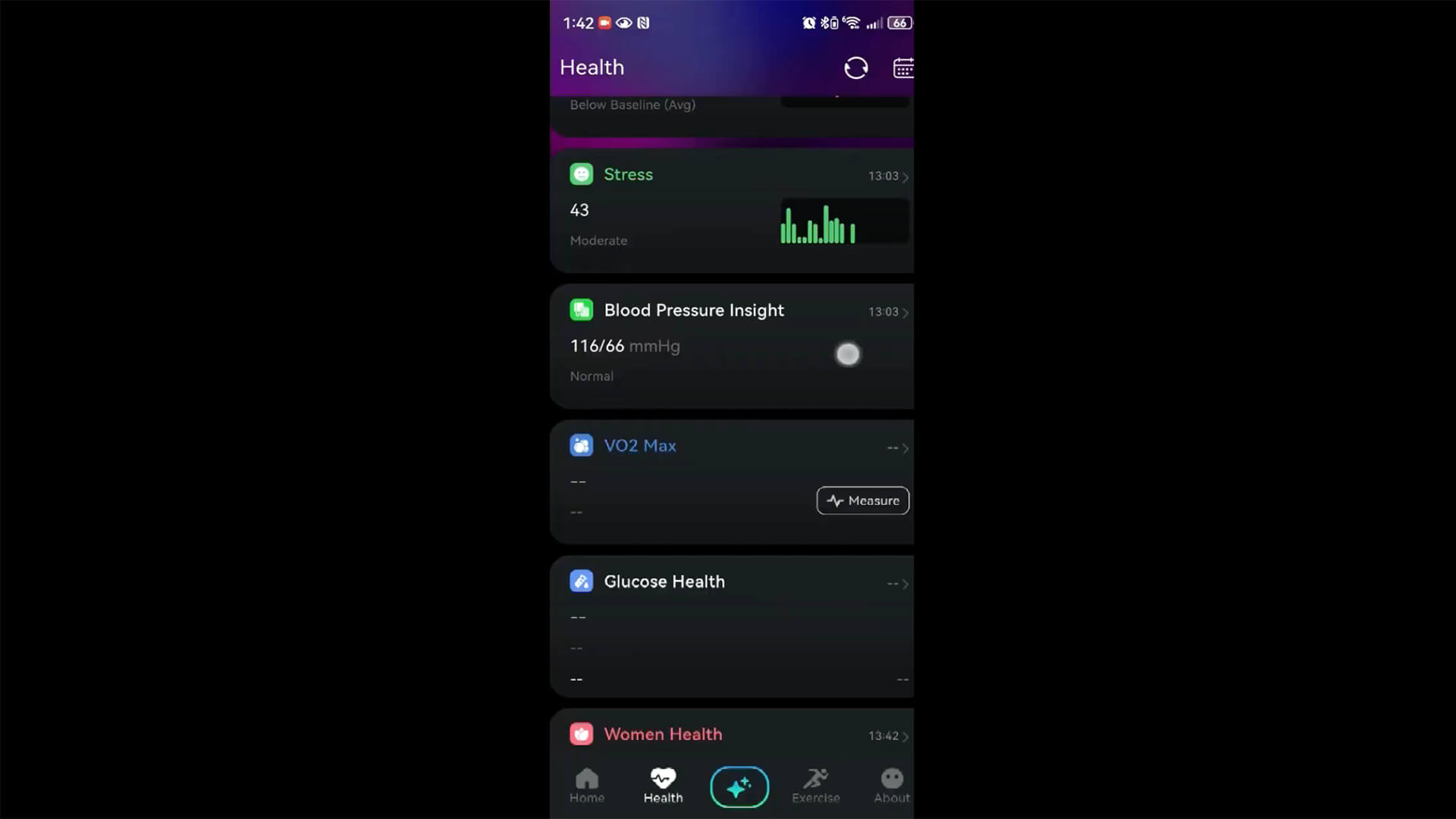
The blood pressure measurement has been developed and tested, the company tells me, but hasn’t yet been added to the companion app, so I was not able to review it. But I received images of what it would look like and how the process will work.
To measure, you need sit quietly for five minutes with your feet firmly on the ground and your arm flat on the table, at the same level as your heart. Make sure not to eat anything for two hours before taking a reading. Don’t drink caffeinated beverages, smoke, or exercise either. You should avoid alcohol the night before as well. Avoid taking the test if you have cold symptoms or pain and empty your bladder beforehand, since holding urine can cause a short-term spike in blood pressure.
First, you need to take your systolic and diastolic blood pressure measurement, which means you’ll need a cuff at home or you can visit a local pharmacy (Shoppers Drug Mart locations have a machine where you can get a reading). Add the numbers into the app, which provides data for your baseline. You will no longer need to use a cuff after that. After this one-time calibration, the ring provides estimated blood pressure readings.
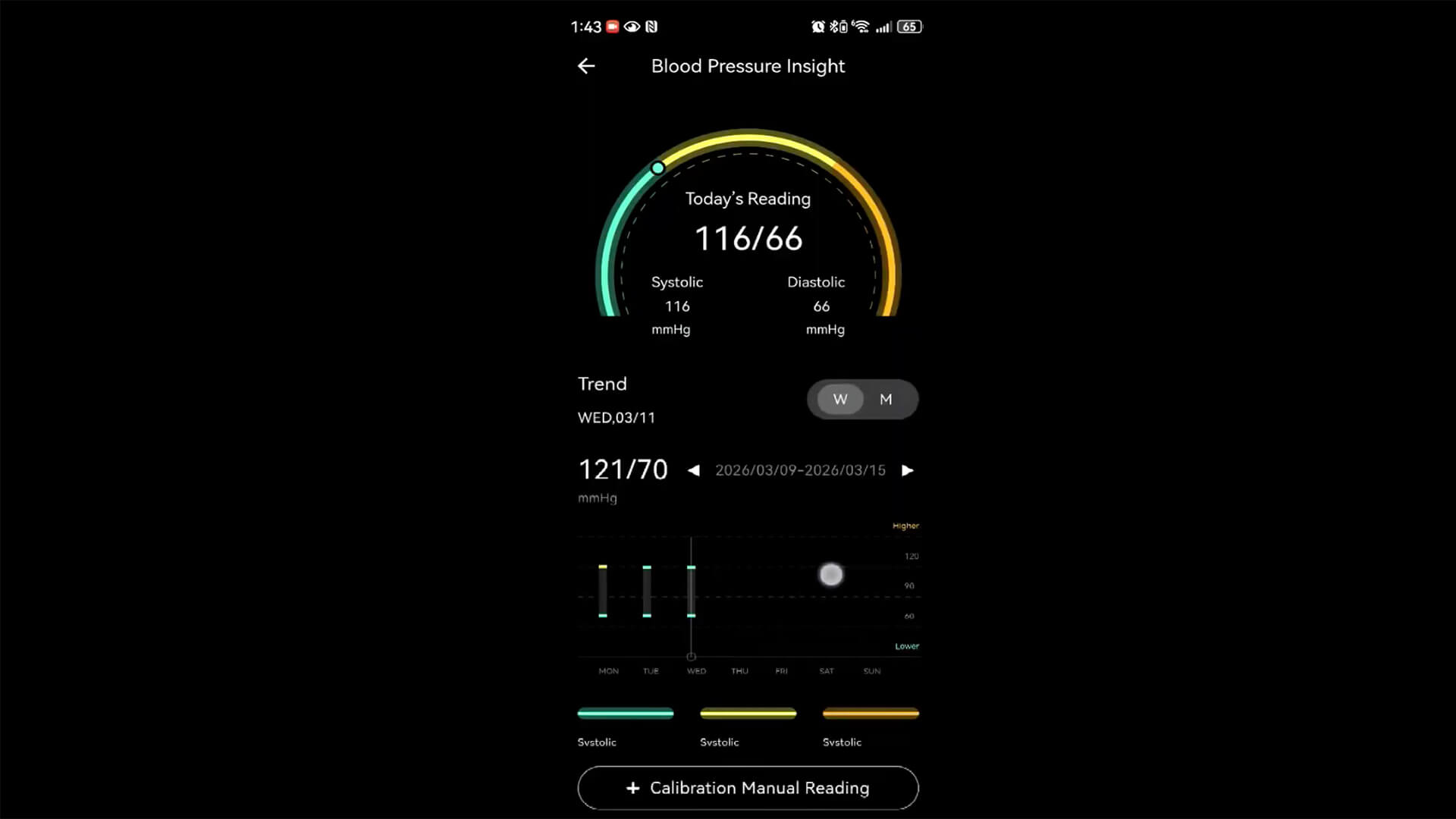
How does it work? Using the ring’s photoplethysmography (PPG) sensor, it measures changes in blood volume to determine pulse waveform characteristics, heart rate variability, and vascular response patterns. It’s not measuring blood pressure directly but rather uses that cuff calibration measurement as a reference point to then analyze changes in the PPG waveform, like pulse transit behaviour, waveform morphology, and signal amplitude. From these figures, it estimates blood pressure trends.
So, while you’ll have to take the numbers with a grain of salt, and it won’t be as accurate as a blood pressure cuff nor a replacement for one, it’s an additional metric the ring can track to alert you if anything is amiss. If numbers seem off, for example, use a cuff when you get home or visit a local pharmacy to double check. In this respect, it’s a useful way to easily check your blood pressure and keep a historical log. I’d love to be able to take measurements and compare them to a cuff to verify accuracy. But since the ring is still in the early stages, I did not have the chance to do that just yet. This review will be updated, however, once I can.
Exercise, Sleep, and Vitals Tracking
I wore the Pin Pulse alongside another smart ring as well as my Apple Watch Series 11 to record data throughout the day with all of them at the same time. This includes daily movement as well as exercise, sleep, and vitals. Comparing to my Apple Watch, I was impressed with how in line the measurements were. While there’s some expected variance, the smart ring seemed to capture data that was similar enough to my Apple Watch that I’d feel confident in relying on it.
For example, for one day, my Apple Watch tracked that I burned a total of 528 calories over 11,676 steps and a total distance traveled of 8.17km. By comparison, the Pin Pulse recorded 565 calories, 9,671 steps, and 6.45 km. For a boxing workout, the Apple Watch captured 146 calories burned and an average heart rate of 122bpm and the Pin Pulse 329 calories and 117 bpm. That’s a big calorie burn discrepancy, yet it’s from the same day as the aforementioned stats total, so it all somehow evened out. On a different day, the Apple Watch recorded a 35-minute walk as having burned 104 calories with a max heart rate of 145bpm while the Pin Pulse recorded 78 calories and a max heart rate of 102 bpm for the same walk. It seems, however, that if it shifts around on your finger, it doesn’t capture data properly. For example, with two boxing and weight training workouts on separate days, it captured the duration but failed to capture heart rate data, despite the battery being at about 50%.
Sleep is pretty accurate, too. For one night, the Apple Watch recorded 7 hours and 18 minutes sleep with 41 minutes awake, 2 hours and 22 minutes REM, 4 hours, 5 minutes light, and 51 minutes deep. For the same night, Pin Pulse recorded 7 hrs, 17 minutes, 1 hr 54 minutes of which was awake, 1 hour 54 minutes REM, 4 hours 3 minutes light, and 1 hour, 10 minutes deep. During one late night where I know my sleep wasn’t great, the Pin Pulse recorded 6 hrs and 55 minutes (believing I was in bed long before I was) with 1 hour, 20 minutes awake, 1 hour, 26 minutes REM, 3 hours, 52 minutes light, and 1 hour, 37 minutes deep. For the same night, Apple Watch said I only got 5 hours, 28 minutes of sleep with 17 minutes awake, 1 hour, 17 minutes REM, 3 hours, 26 minutes light, and 45 minutes deep. I believe the Pin Pulse’s sleep stages are more accurate based on times I know I was awake and restless, while the Apple Watch more accurately determined when I was actually in bed.
Battery Life and More
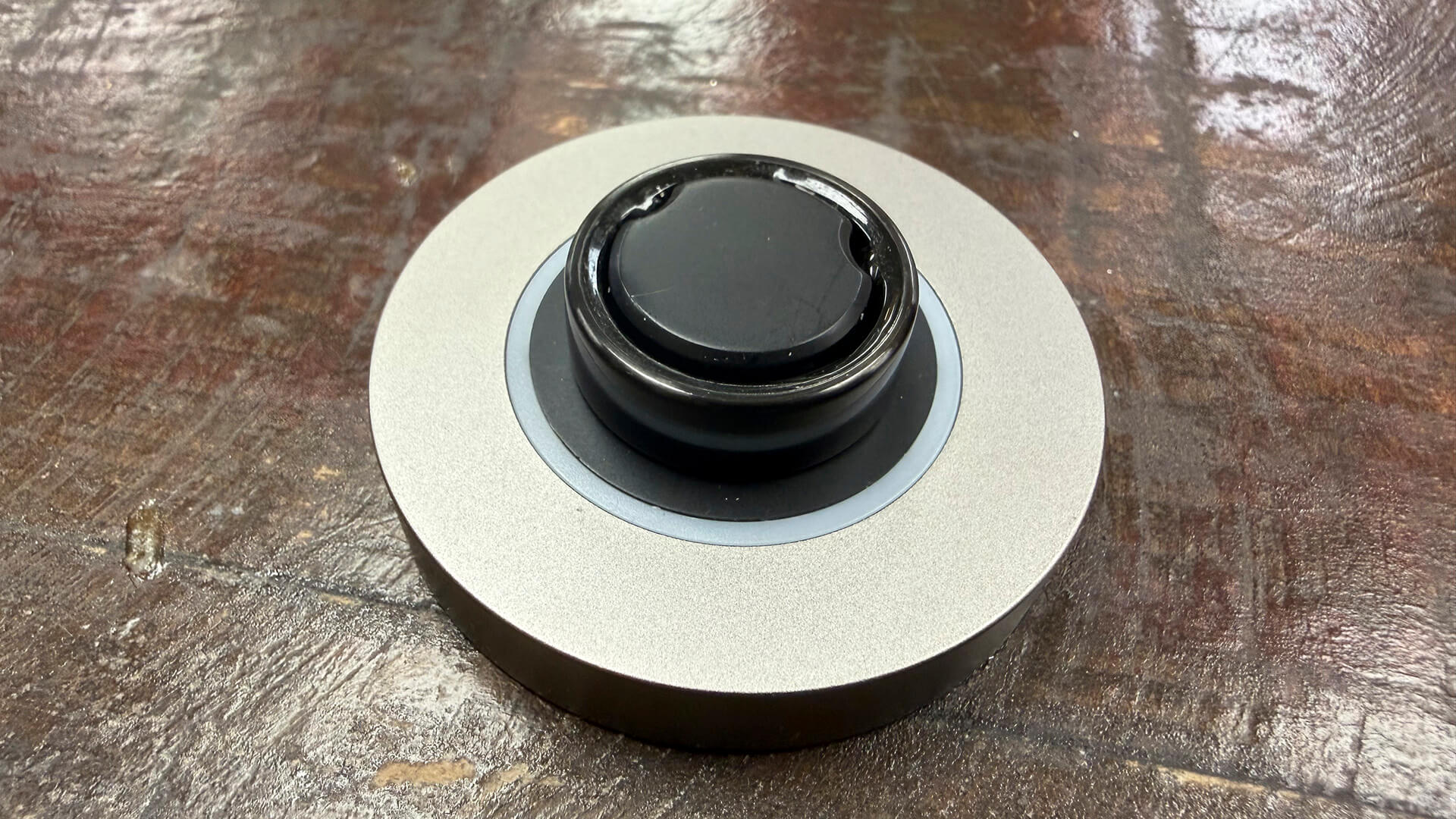
Rated to last about a week per charge, I find that it’s closer to four or five days, which is still impressive. The puck-style charger is nice, but I much prefer case-style chargers. That said, you can keep it on your desk, charge the ring weekly, and not have to look at the charger again until the next.
Should You Buy the Pin Pulse Smart Ring?
I was expecting the Pin Pulse smart ring to be one of those copycat rings that doesn’t stand out, but it manages to hold its own. The tracking is pretty accurate, based on comparisons with my Apple Watch and other smart rings I know are both accurate and not so accurate. The app is neatly organized though it looks like a carbon copy of the Ultrahuman app.
I love the idea of being able to measure blood glucose and blood pressure, even if the figures are just estimates for the sake of capturing historical data. This isn’t going to rival a true medical device, but it gives you more control over your health, the opportunity to capture daily data to observe patterns or at least get an idea of where you sit. I have no way of knowing how accurate the data is. But it’s something beyond what you usually get with a smart ring.
Most importantly, based on comparisons to my Apple Watch, the vitals, sleep, and exercise tracking is just as accurate as some of the best smart rings I’ve tried. Given that it’s early days for the Pin Pulse, there’s also the opportunity to see more in the future, including additional VitalPlugs. There’s no subscription as well, which is a plus, including for blood glucose risk assessment and blood pressure metrics.
The regular price is high for the Pin Pulse smart ring, and I don’t think it’s worth $500. But if you can grab it for the early bird Kickstarter price of about $250, that’s better in line with its value. You are getting a solid smart ring that will probably continue to improve over time with software updates. If you want something to keep on top of your blood glucose as well as blood pressure, perhaps to use weekly while you do cuff measurements monthly, this is a good option. But even without those two defining measurements, it’s a worthy competitor to others on the market.
The Pin Pulse smart ring is running its Kickstarter campaign through April 16. Early backers get one for $249 with a pledge.