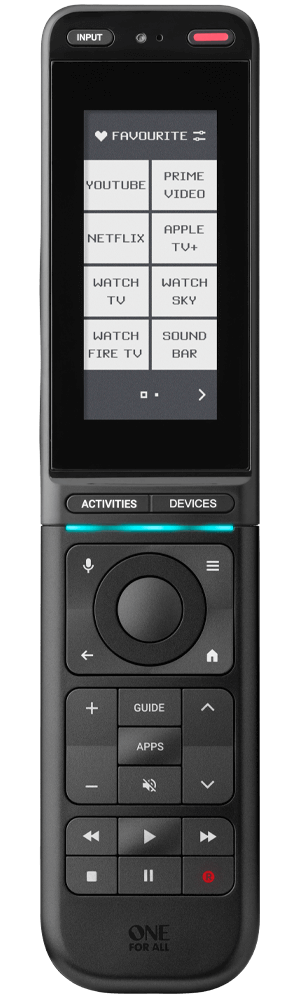
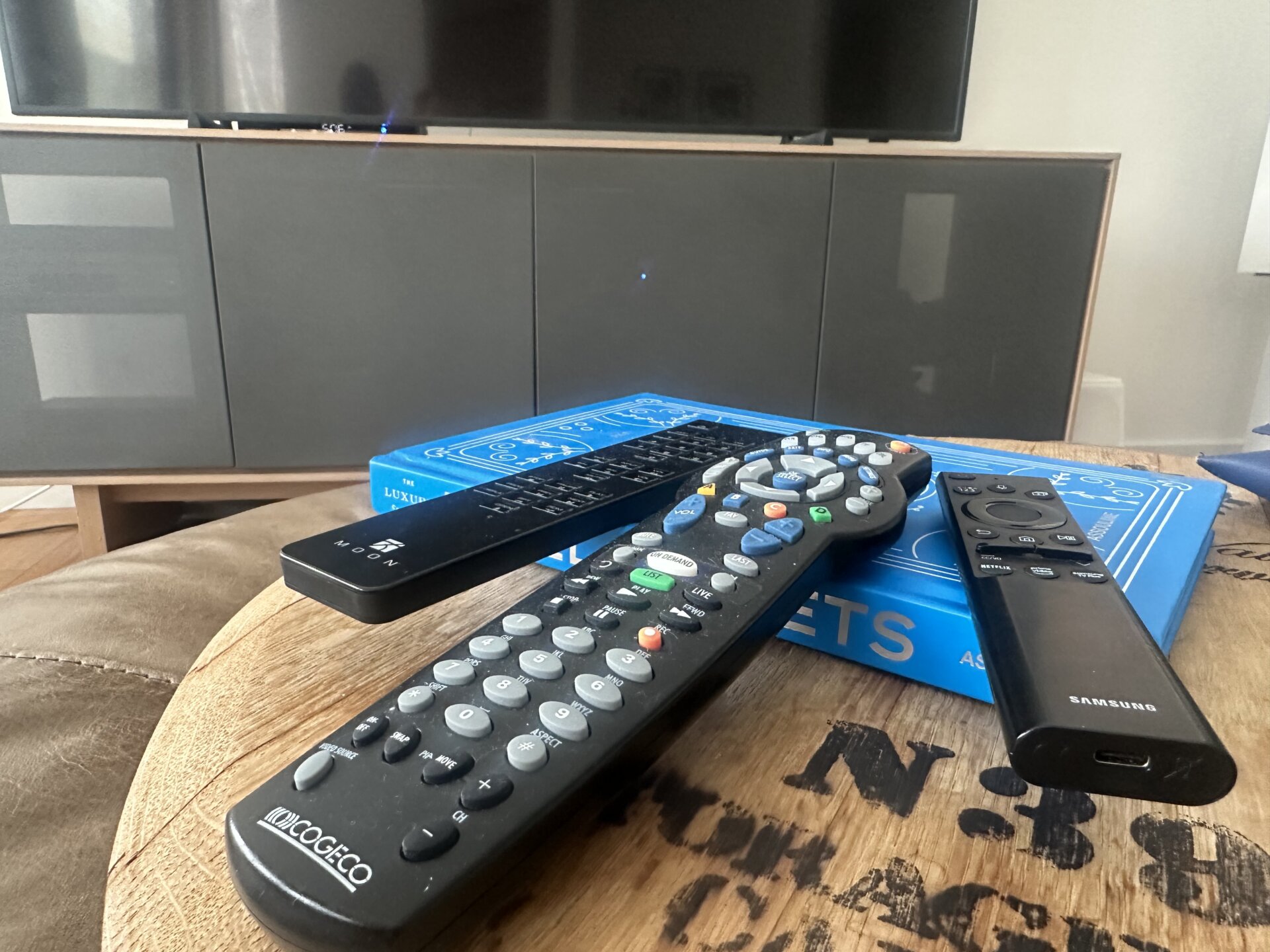
On my 2026 list of New Year’s resolutions, I added “ways to simplify my life.” Yes, I am still working on a resolution list even at the end of February! One product that is playing a meaningful role, at least for my home entertainment, is the One For All Smart Control Pro Touch, a cleverly designed universal remote that delivers on its promise to simplify the number of remotes that are sitting on a typical coffee table. The One For All Smart Control Pro Touch allows for up to 12 existing remotes to be combined into a single unit. While I think twelve remotes is probably a big stretch in a modern home theatre setup, since streaming services have mostly replaced hardware like DVD and Blu-ray players, most homes still have at least an amp or a soundbar, a TV, a set-top box and if you are really fancy, a player such as a Kaleidescape that downloads and then streams movies in high resolution. While One For All has many available remotes, I went for the top-of-the-line Smart Control Pro Touch that features a back-lit 2.9-inch E Ink touchscreen (like a Kindle) where the home screen can be customizable to include the icons of products you use the most.
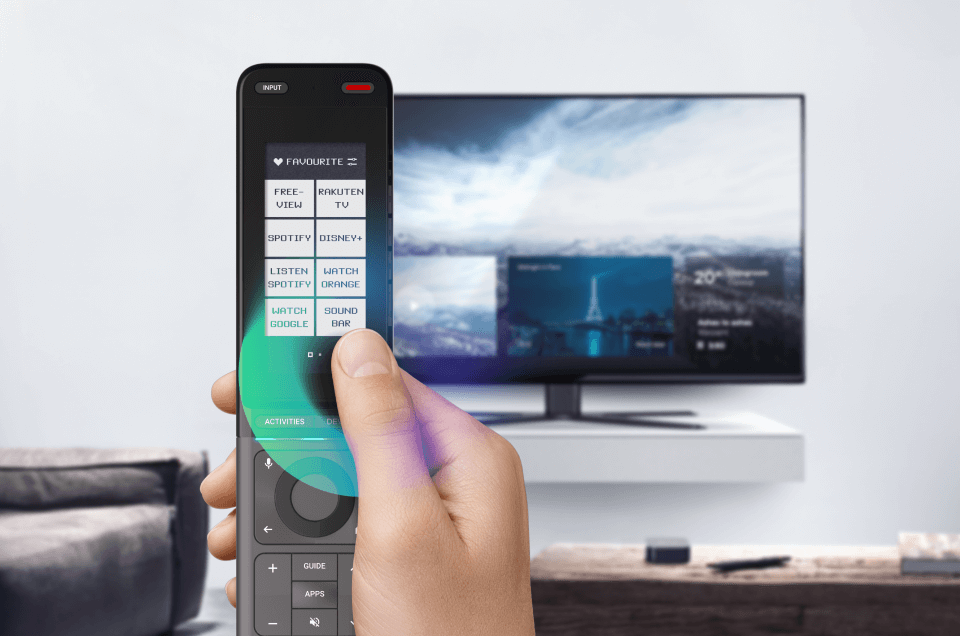
To setup the remote you first pair it to your Smartphone through the One For All app. The app makes it virtually idiot-proof to mess things up as each screen in the app guides you along with adding each of your devices one at a time. If you have a Samsung TV just scroll to “Set up TV” and click Samsung from the drop-down menu. And voila, all features from the factory Samsung remote are active on the One For All Smart Control Pro Touch. You continue to repeat this process for all your other hardware that is driven with a remote.

Where things get slightly tricky but not crazy tricky is if your hardware is not mainstream and therefore not included in the app’s drop-down menus. There’s no Bryston for example, to choose from the audio drop-down menu nor is there Moon by SIM Audio. You won’t find KIN by Totem Acoustics in the drop-down menu when adding a soundbar either. One For All focuses on the most common and best-selling brands. Denon, Marantz, JBL, Yamaha and so on are all included. I don’t know if these brands pay One For All to be included in the backend or if One For All continues to add these smaller boutique brands over time, but it doesn’t matter, since the One For All Smart Control Pro Touch can still add your device through “Smart Learning”.
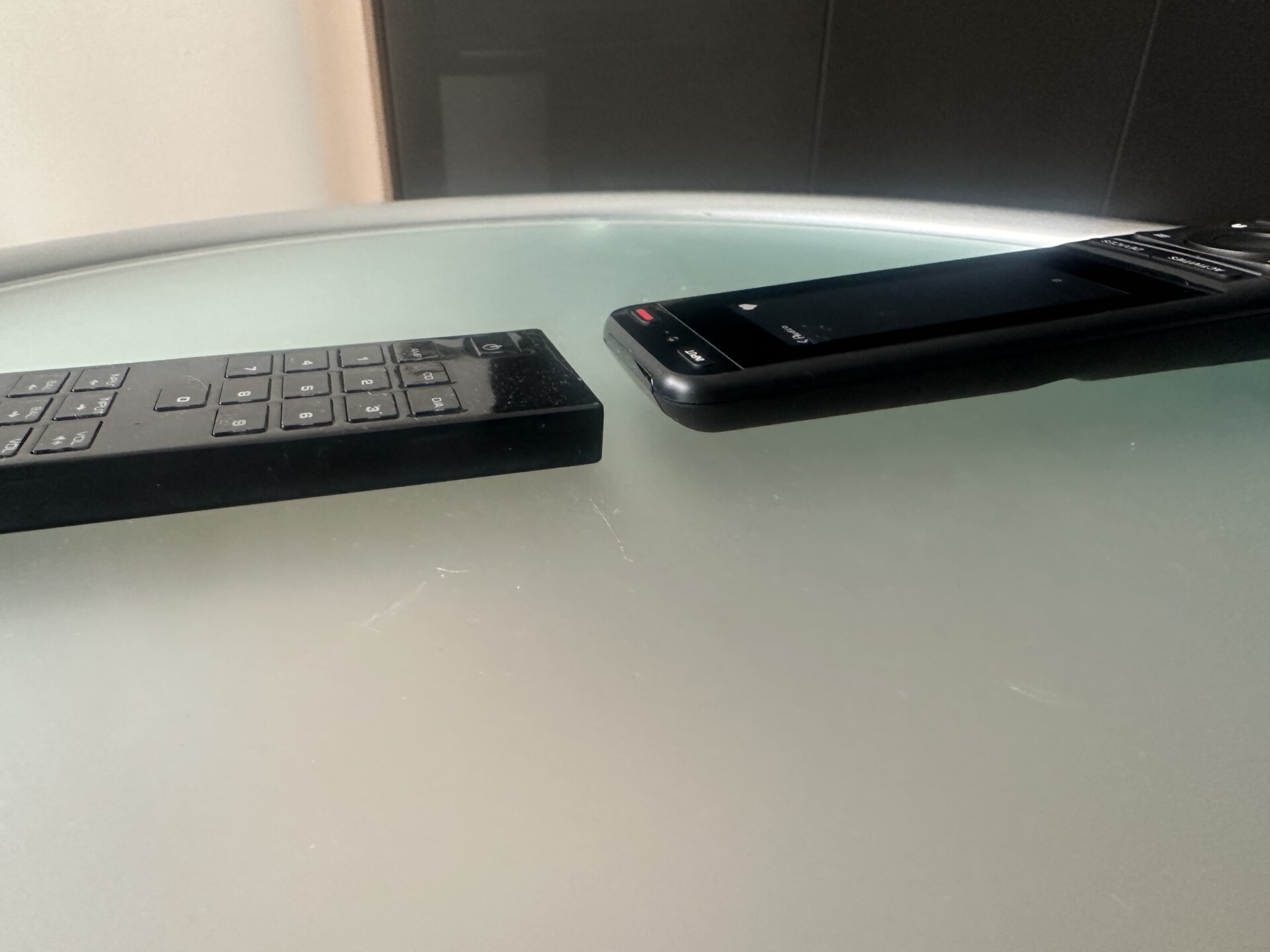
With Smart learning, you name the device that you wish to add to the Smart Control Pro Touch, and then place the original remote next to the One For All remote where it then simply learns the controls via IR. You then dedicate keys on the One For All remote for functionality like volume, on and off and input control. It’s a little tricky but not difficult.
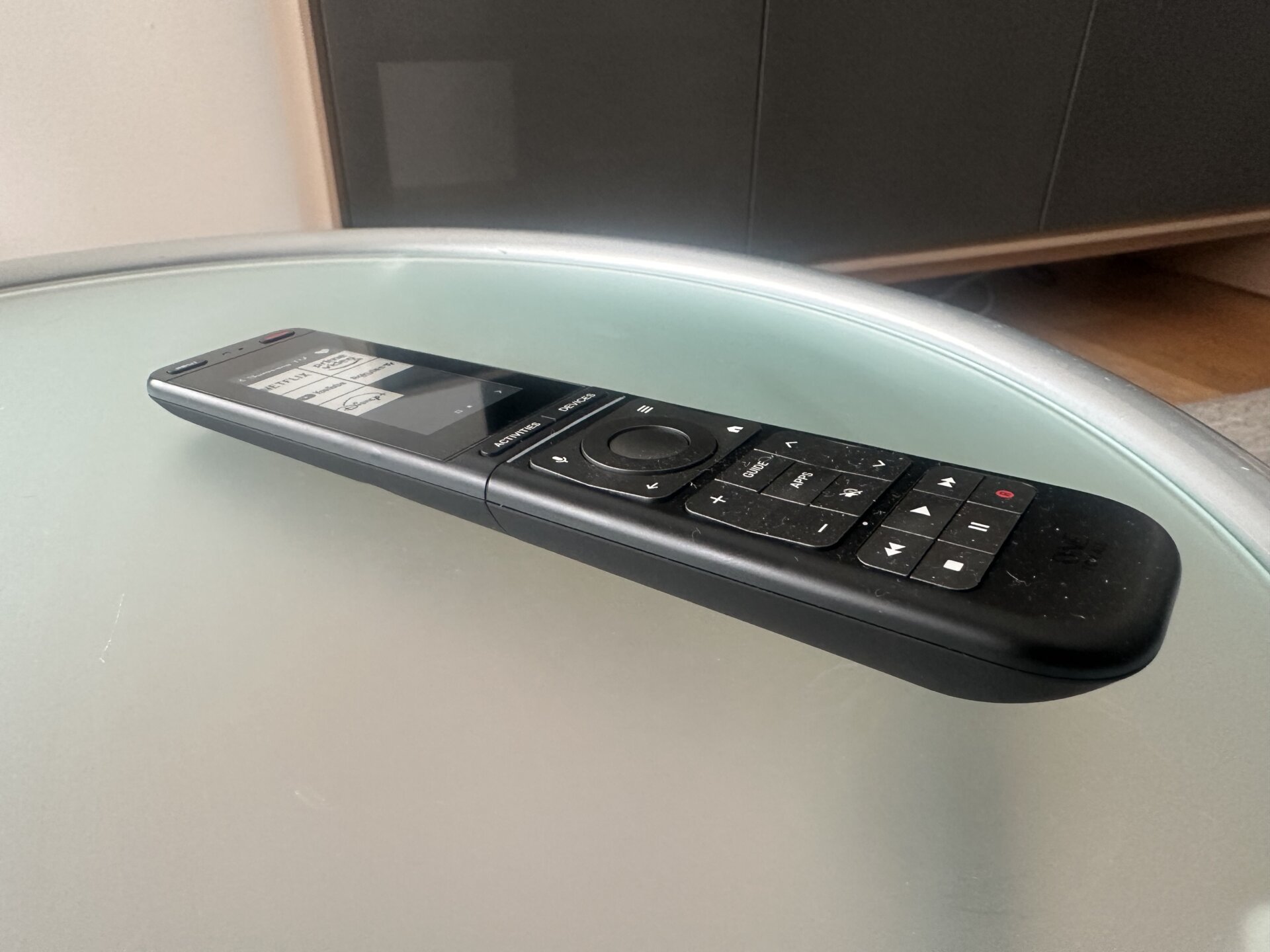
Considering how important the app is to setting up the One For All Smart Control Pro Touch remote I did find myself asking why don’t they just figure out a way to bypass the remote entirely and sell an One For All licensing fee so you can control everything with your phone? That might be overthinking seeing that One For All is a hardware company! Considering so many products are either Bluetooth or IR controlled, I’d also love to see a way to use the One For All to dim lights and close blinds.

Musing aside, once you have loaded all your existing remotes into the One For All Smart Control Pro Touch, you can then drop all those hardware-specific remotes into a drawer and now on your coffee table you have a single streamlined, voice-controlled, IR and Bluetooth compatible remote that easily navigates and adjusts all your hardware. Pretty neat and a solid win as I continue to check off the boxes on my list of resolutions!
One For All is exclusively represented in Canada by Erikson Consumer. The One For All Smart Control Pro Touch is readily available through most audio retailers. Buy now on Amazon