
Upgrading your main TV is a big decision. Especially with FIFA World Cup 2026 coming up, you’ll want a high-res TV that can deliver an impressive picture so you can keep up with the games. But you’ll also want something to stream movies and hot new TV shows, and watch every day content like news and sports highlights. According to Omdia, global TV shipments increased 6% year-over-year in Q1 2026 to 50.3 million units, largely driven by the 2026 World Cup. North America in particular posted strong 11% growth. The good news if you’re shopping? TV pricing has remained stable. So, there’s no better time to upgrade to a new beast for the living room, and this guide to buying the right TV is designed to help.
Choosing the right TV, however, is challenging. What size do you get? What TV type, including variation on different types, will suit your environment best? Should you go 4K or 8K? What smart TV platform meets your needs?
This comprehensive guide will help you choose the right TV, taking everything into consideration including where you’re watching, what you watch most often, budget, brand, OS, and more. You also need to consider audio, mounting, connectivity, content access, and more. At the end, I also highlight a few top TV choices this year and ideas for additional gear to enhance the viewing experience.
What Size TV is Best?
General viewing distance recommendations suggest that you divide your viewing distance by three to determine the smallest sized TV that would fit in the room, or divide it by 1.5 to get the largest size that could work. So, for a central viewing spot that’s five feet away from where the TV will be, for example, you shouldn’t get anything larger than a 40” TV. If the distance is twice that at 10 feet, you can go as large as 80”, but no smaller than 40”.
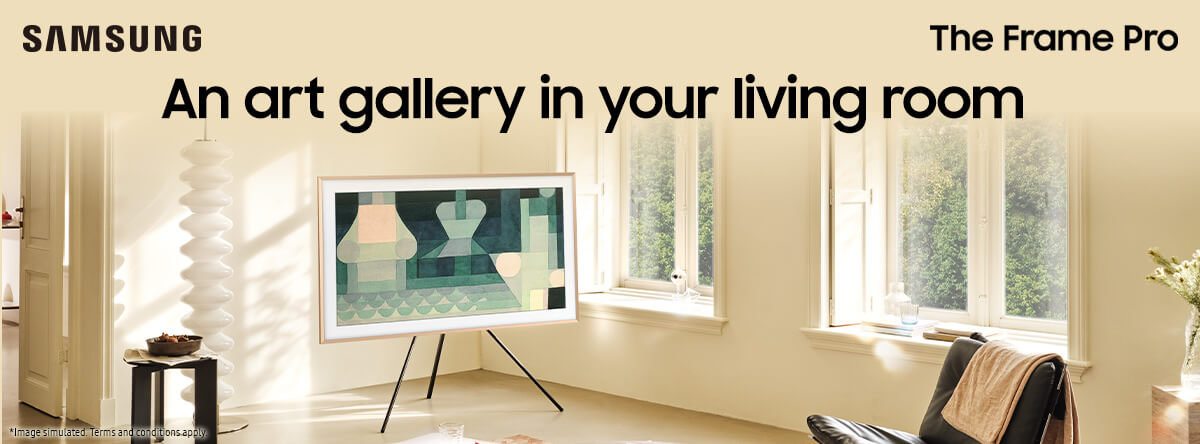
But deciding on a size should be about more than distance from the couch, bed, or theatre seats. You also need to consider the shape of the room and location of furniture, as well as other items, like a fireplace or paintings. This might result in you buying something larger or smaller to compensate.
When buying the right TV, you also want to take into account how many people will be often watching the TV at the same time, and thus viewing off axis, outside of the sweet spot.
Choosing the Right Resolution
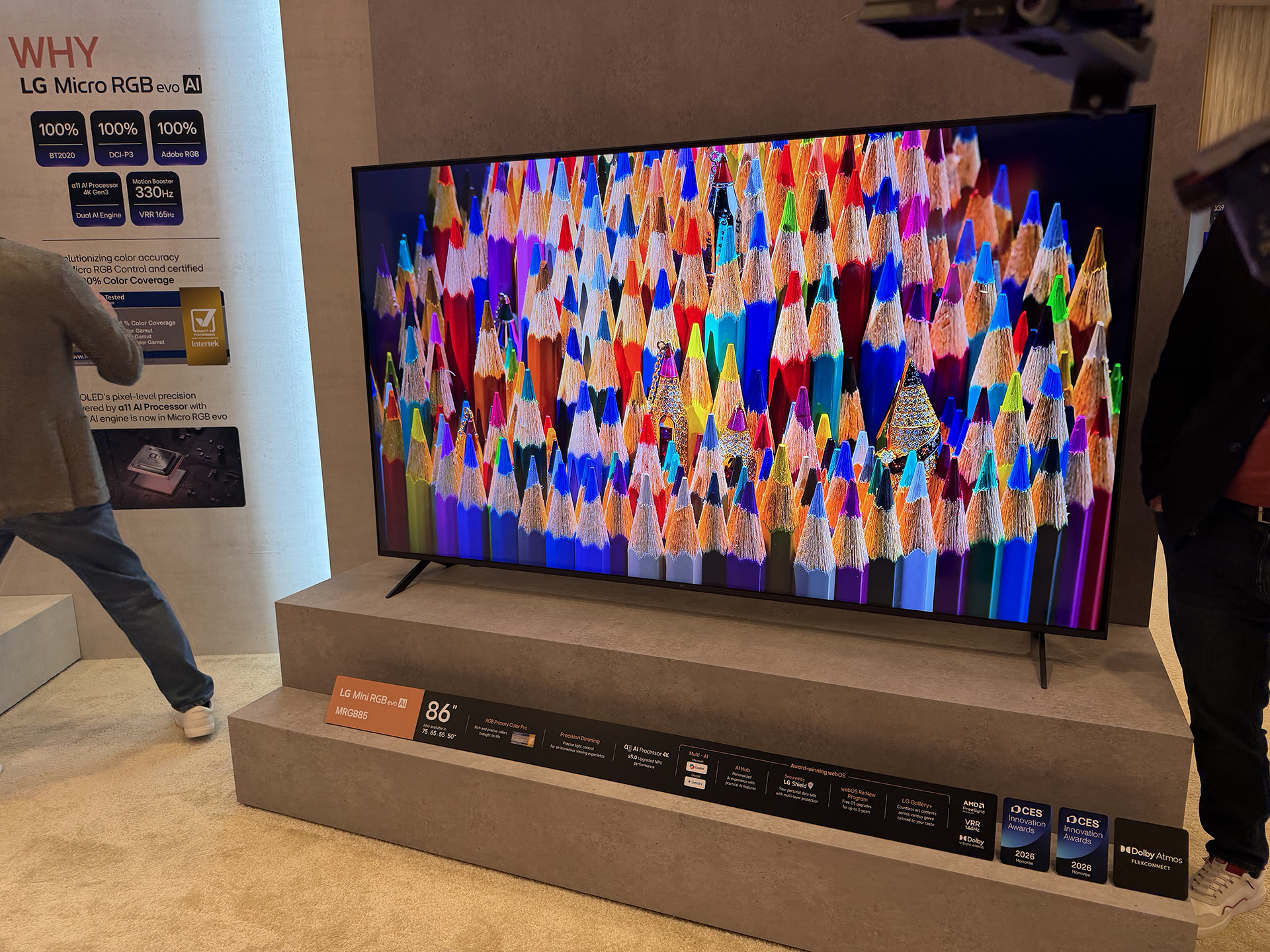
You’ll see a lot of 8K TVs on the market right now. But based on viewing distance and available content, your best bet is to still go with 4K. You can futureproof the investment by going with 8K. But there’s little you can watch right now that will make use of it, and it’s unlikely you’ll notice a major difference.
Also keep in mind that to enjoy content in 4K, you need to subscribe to the proper tier of streaming or linear TV service, video game, streaming stick, Blu-ray player, and other content sources. While most premium TVs can upscale 1,080p content so it looks better on a 4K TV, pure 4K content will yield the best picture.
Where Will the TV Be Mounted?

Any kind of wall mounting will require a mounting bracket. If you want to shift the TV around to accommodate different viewing angles, you’ll need an articulating mount. Fixed wall mounts keep the TV in one set place, while full-motion wall mounts allow you to tilt, swivel, pan, and extend the TV.
Whatever type you get, it’s advisable to have a professional do the job to ensure it’s done correctly. If you’re confident to do it on your own, just make sure that wiring is neat, tidy, and hidden away.
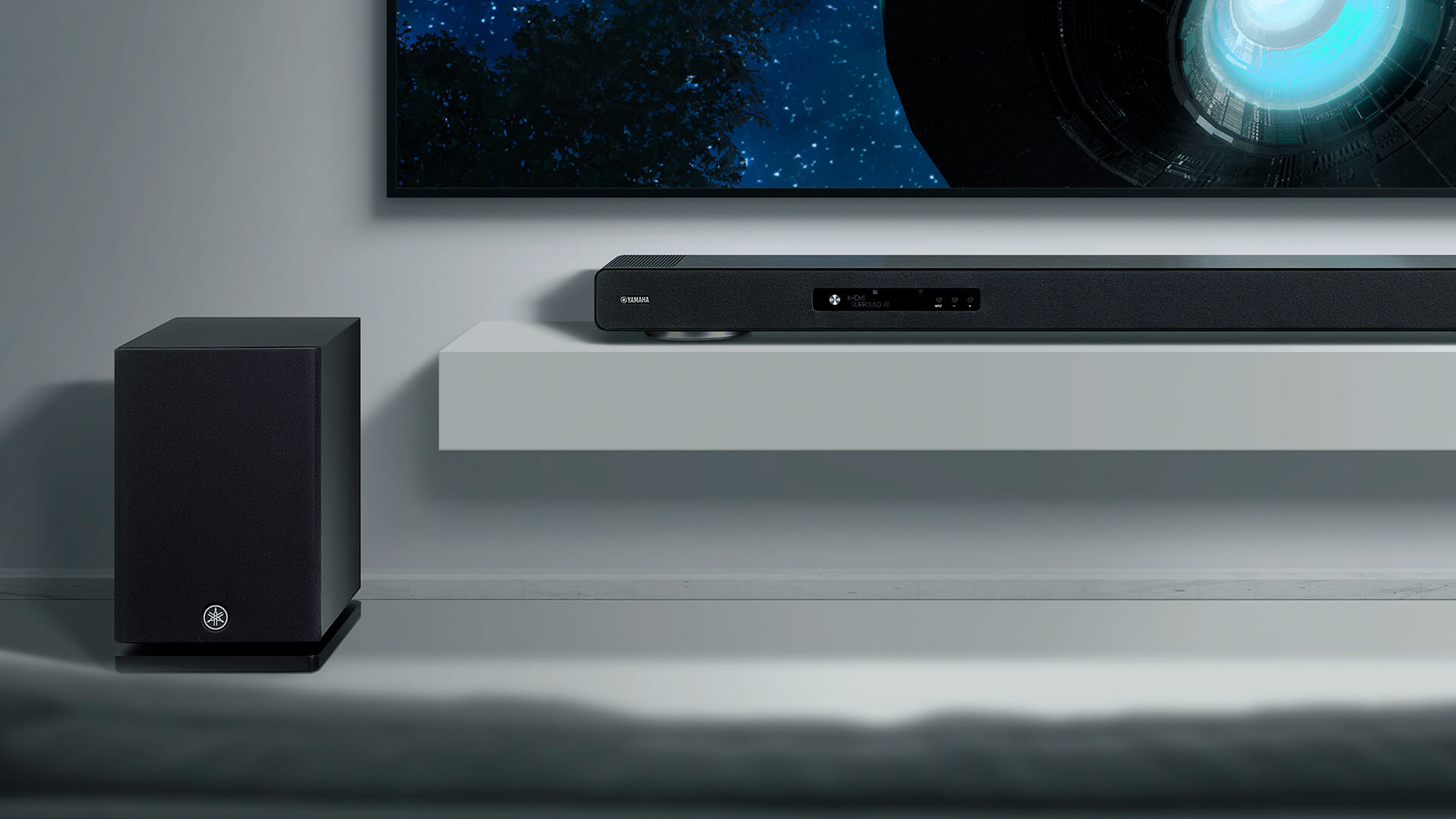
Do you want to mount a soundbar underneath it as well? The size of the soundbar should also match the TV.
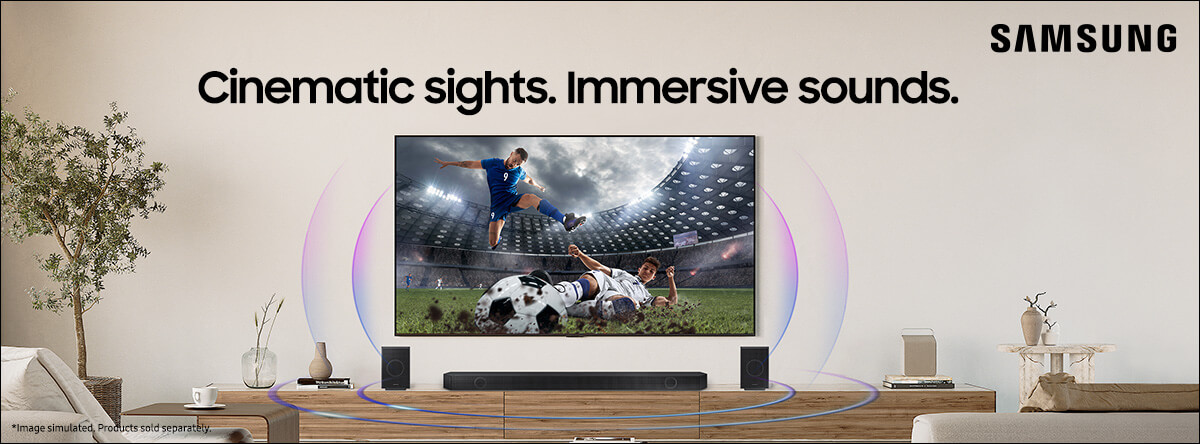
If the TV is going to sit on a piece of furniture, you’ll need to use the included stand and find a piece of furniture that fits nicely with it, especially if you plan to set up tower speakers on either side. Make sure there’s room for a centre channel speaker, too. For a full surround experience, consider rear speakers and height channels as well. If you plan to upgrade the system later on, choose models widely now so you can stick with a cohesive set-up.
What TV Type is Best?

It used to be about plasma versus LCD. Then it was OLED versus LED. It’s still the latter, but there are variations, now, including every manufacturer that has its own strategy and technology tweaks for LED as well as miniLED, microLED, and now Micro RGB TV. What’s the difference? Here, I’ll break it down along with what type of setting and content is ideal for each TV type.
LED: The most common type of TV is a traditional LED, though these are most often entry models nowadays, older models, and smaller TVs. Most larger and premium TVs now are some variation of basic LED that ups the ante. Get a basic LED TV for the cottage, RV, kids’ bedroom, or secondary spot if you find one for a killer deal. But most new LED TVs have better technology from one of the latest enhancements that’s worth paying a bit extra to get.
QLED: Using Quantum Dots, tiny semiconductor particles alongside a quantum dot layer, you’ll get improved brightness and colour through the backlight that shines through. They are great for the living room and other well-lit rooms with windows where you watch during the day. However, blacks generally won’t be as dark and piercing as with an OLED TV.
QNED: Combining Quantum Dots with NanoCell technology, which adds another layer of particles to filter colours and enhance accuracy, the picture is even more bright and brilliant. If you have young kids and watch a lot of cartoons, adult animated shows, or nature documentaries, you might love the performance of a QNED TV. Like QLED TVs, it’s great for a bright room and daytime viewing as well as night.
OLED TVs: Using organic light-emitting diodes versus backlights, these excel for movie lovers. Deep blacks and wonderful contrast provide a cinematic experience at home. They tend to offer wide viewing angles as well. However, OLEDs are often not as bright as traditional LED TVs and they are at greater risk of burn-in – when a static image like a TV station logo – can become permanently “burned into” the screen. The latest models have feature to combat this, but it’s still possible to happen and worth considering.
miniLEDs: A step up from traditional LED, miniLED uses even smaller LED lights, which in turn results in more precise colour reproduction, dimming, contrast, and brightness since the TV can more accurately control each light zone in the picture. It’s a nice Goldilocks option that will perform well whether you’re watching in a bright living room or in the basement with the lights down low.
Micro RGB TVs: The next generation in TV technology, if you thought miniLED was small, Micro RGB is even smaller. As you might have guessed, this affords even purer, richer, more brilliant colours. But it also delivers deep blacks, so you get the best of both worlds between miniLED and OLED without the high price tag of the latter. Many suggest that Micro RGB comes darned close to producing rich blacks like OLED, but OLED remains the best possible option for a movie-like experience at home, with the price tag to match. Omdia reports that while Micro RGB TVs only represent a small segment of the market right now, they are poised to rise through 2026 and beyond as more vendors introduce models and mid-range models are released, following the same path as Mini LED.
Will You Be Using Surround Speakers, a Soundbar, or Just the TV’s Built-in Audio?

In most cases, you’ll probably be setting up additional speakers. Most built-in TV speakers aren’t designed for enveloping sound while watching movies and action-packed TV series. You’ll want to invest in getting a more immersive experience.
Soundbars are popular because of their space-saving designs and relative affordability. They’re a good starting point. As your budget and space allows, you might want to switch to tower speakers for left and right, rear speakers, even height speakers. You can always move the soundbar to a secondary room if you upgrade.
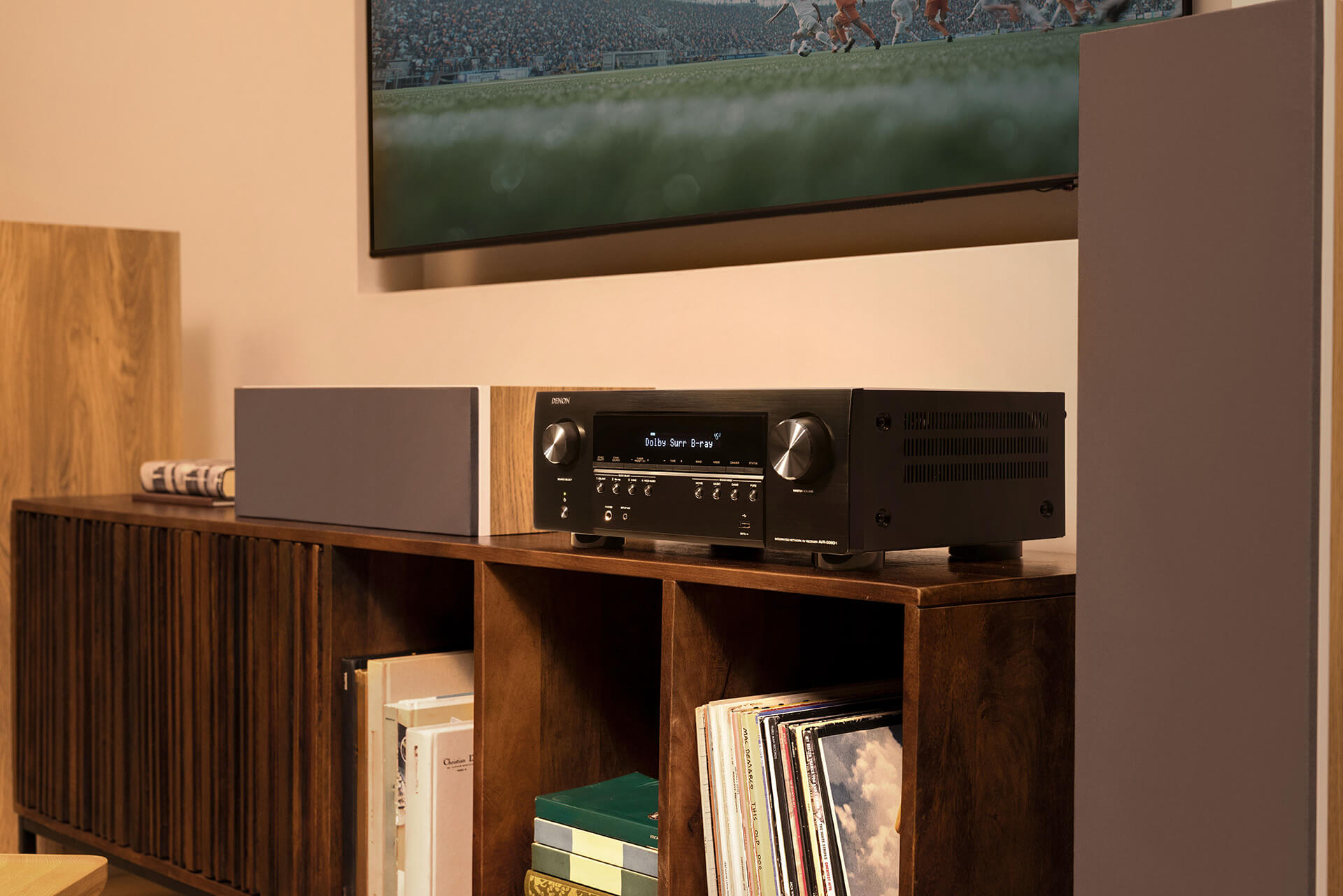
If space and budget is an issue, go with a soundbar to start to provide an enhanced experience, especially if you’re watching TV with others. Some TV brands have features that ensure seamless audio syncing with their soundbars, like Samsung Q Symphony, and that’s worth looking into it.
If you want to go for a full-on audio system, make sure to pay attention to rears and even height channels, especially for watching not only movies but also sports. You want to feel like you’re there at the stadium, and an immersive audio experience will replicate that for you. This means leveraging features like Dolby Atmos and DTS:X. Invest in a solid AV receiver to serve as the central hub for the system.
How Will You Be Watching Content?
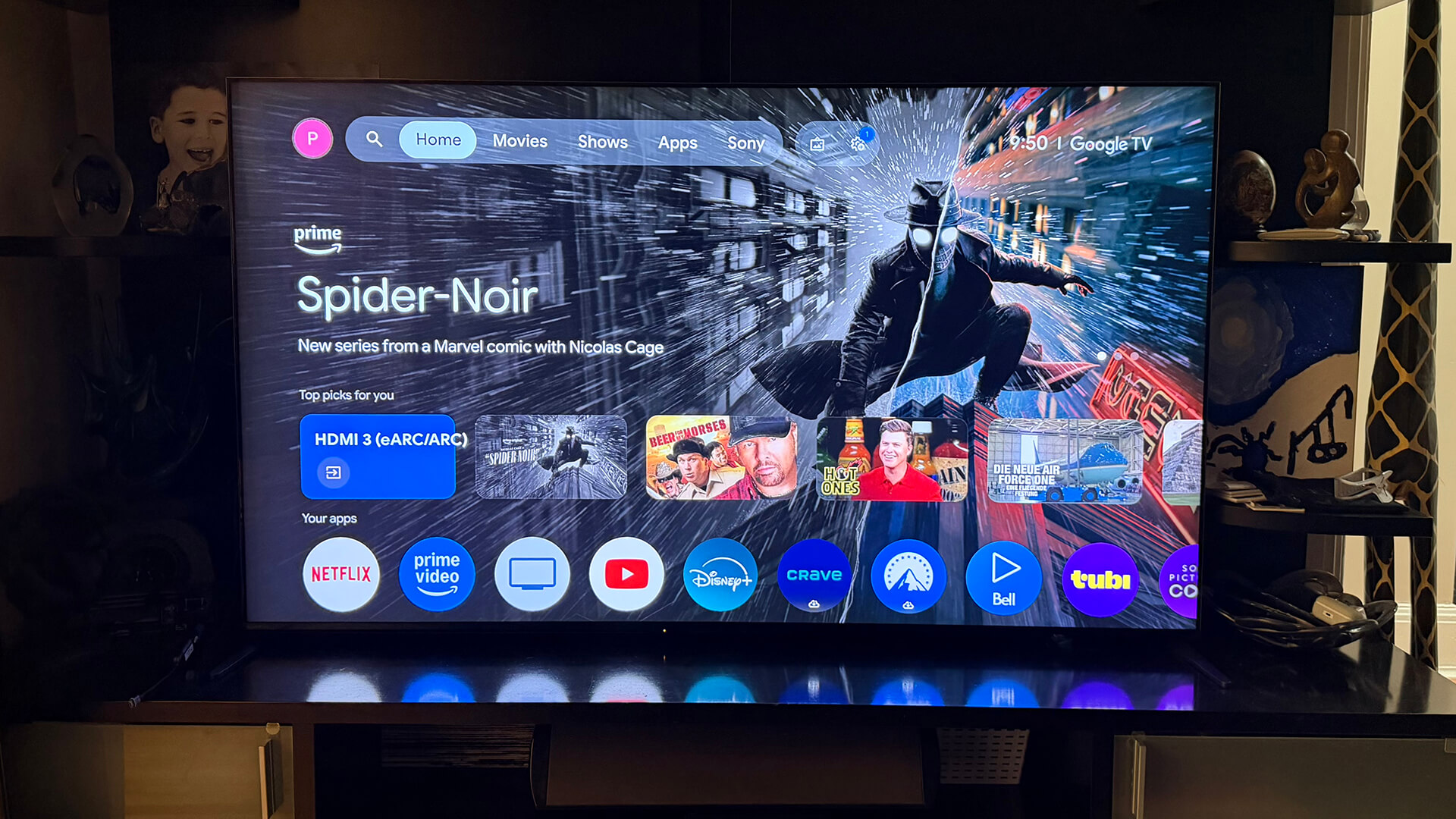
Where your content comes from will play a big role in which TV you buy as well. Smart TVs, available from all major manufacturers, provide instant access to popular streaming services like Netflix, Crave, and Amazon Prime Video. But they each use a different smartOS that offer different interfaces.
Google TV: Considered among the simplest option, you get all the latest Google goodies, including Assistant, Chromecast built-in, and access to the Google Play store for downloading apps. If you use other Google smart devices in the home, you’ll benefit from the Google OS. It’s available in TVs from brands like Sony, TCL, and Hisense.
LG webOS: Exclusive to LG TVs, it’s known for being intuitive with lots of personalization options for large families. You get voice control and cloud gaming support, too, as well as LG Channels. Plus, LG’s Re:New program promises updates for years to come.
Tizen: Used by Samsung TVs, this proprietary OS is the best option for Samsung households since it works seamlessly with SmartThings and Samsung Gaming Hub, not to mention Xbox Cloud Gaming and even devices like a Samsung Galaxy Watch you can use to control it. You’ll also get access to Samsung Plus TV channels. It’s not always considered the most intuitive, but it’s a no-brainer if you want to integrate with other Samsung smart devices.
Roku TV: A favourite OS, especially among non-tech-savvy folks, Roku OS is found in TVs from TCL, Hisense, Sharp, and more. It’s simple, easy to use, and gives you access to tons of free content. With voice control and a familiar interface if you already use a Roku streaming stick, it’s a good option for grandma and grandpa, dorms, and other rooms where you want something affordable.
Amazon Fire TV: Available in TVs from brands like Toshiba and Insignia, Best Buy’s house brand, you get a seamless Alexa experience, easy access to favourite streaming services, and simple integration with Amazon Echo speakers you might have throughout the home. If you have lots of Alexa devices, it’s a good choice for a secondary room or if you’re on a budget.
Alternative Sources
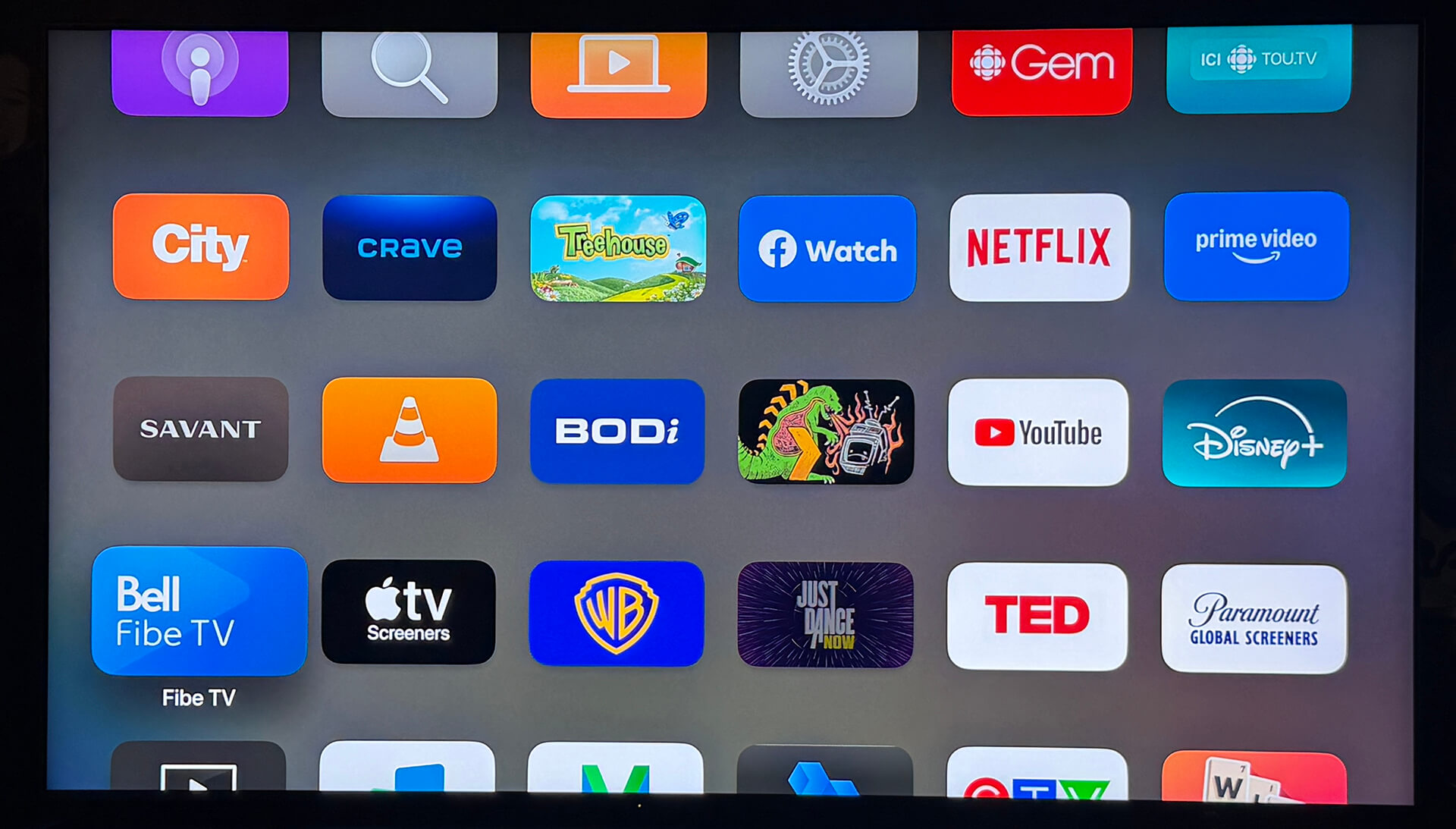
If you get most of your content from a cable or satellite provider set-top box, a smart interface might not be necessary. Ditto if you prefer to use a third-party media box, like an Apple TV, Amazon Fire TV, or Roku Player; or a simple streaming stick like the Google Chromecast.
Bell Fibe now offers completely app-based access to its TV service. But chances are, you’ll at least be sparingly using the built-in smart TV interface of your display. So, seek out one that you like and are comfortable using.
Other Features to Consider

There are a few other features to consider when choosing the right TV for your home.
Art Modes: Many TV brands include some type of art mode, which can display artwork from a library of renowned artists or your own content when the TV is not actively being watched. It uses minimal electricity but makes the TV look like a painting on the wall, so it isn’t just a big, blank box. TVs with matte screens and models like Samsung The Frame provide the most realistic look.
Built-in Apple AirPlay, Chromecast: With AirPlay and Chromecast, you can mirror or cast content from your smartphone, tablet, or laptop to the screen with ease, without the need for additional equipment. While your smart TV likely already offers built-in or downloadable apps for services like YouTube, this allows you to seamlessly send content to the big screen, like workout videos and home movies, too.
Free Streaming Services: Every TV manufacturer has its own free service with live and on-demand content, like Samsung TV Plus, LG Channels, and The Roku Channel. You can find things like classic TV shows, reruns of sitcoms, and old movies. It’s worth exploring when you want to watch something in downtime.
Built-in Gaming: Many of the latest TVs have features specific for gaming, including game modes with low latency and faster response times though features like Auto Low Latency Mode (ALLM), Variable Refresh Rate (VRR), and Quick Frame Transport (QFT). These features work together to ensure you get a smooth and responsive gaming experience. It’s important to factor this in if you plan to enjoy a lot of gaming on the TV.
HDMI eARC: This latest version of the HDMI spec stands for Enhanced Audio Return Channel, and it allows for transmitting high-resolution audio as well as video directly from the TV to a source device like a soundbar or AV receiver. This includes surround sound formats like Dolby Atmos. It also helps correct those annoying lip sync issues when dialogue and lip movements can be slightly off. Rather than require a separate optical audio cable, you only need one HDMI. Make sure the TV has an HDMI eARC port.
AI Features: All the latest premium TVs have a wealth of AI features. Some of these involve processing in the background that help improve the picture and audio, adapting to your content. Some involve the integration of Microsoft Copilot and Perplexity. You can do things like create generative AI wallpaper, get help booking a trip, see real-time translations or captions, and connect with your smart home ecosystem and other devices.
Connectivity to Other Smart Devices: Some smart TVs can work with other smart devices in the home to allow you to do things like view footage from a live security camera on the big screen, “cast” content from a mobile device to the screen, or use your voice to have the TV boot up and play music through its built-in speakers. Samsung TVs, for example, are part of its SmartThings ecosystem and pair seamlessly with the latest Galaxy phones.
So…Which TV Is Best?

There’s no easy answer to “what TV should I buy?” It comes down to a lot of factors. Start with the right size, then move on to resolution and brand. Once you nail those things down, consider what type of content you most often watch, when, and the conditions of the room, like whether it’s mostly dark or nearby a window with a lot of ambient light. Then, go through a checklist of other features and specs that are most valuable to you.
Once you have decided, I’ve highlighted some of the best TVs to consider for 2026.
The Best TVs of 2026 So Far
While I haven’t done a deep dive review of all these TVs, I have seen many if not all of them in person at trade events. Where indicated, I have spent intimate time with them for review purposes. The list is also based on deep research into reviews from trusted sources, and overall buyer sentiment via customer review.
Sony Bravia 9 and 7 II RGB TV
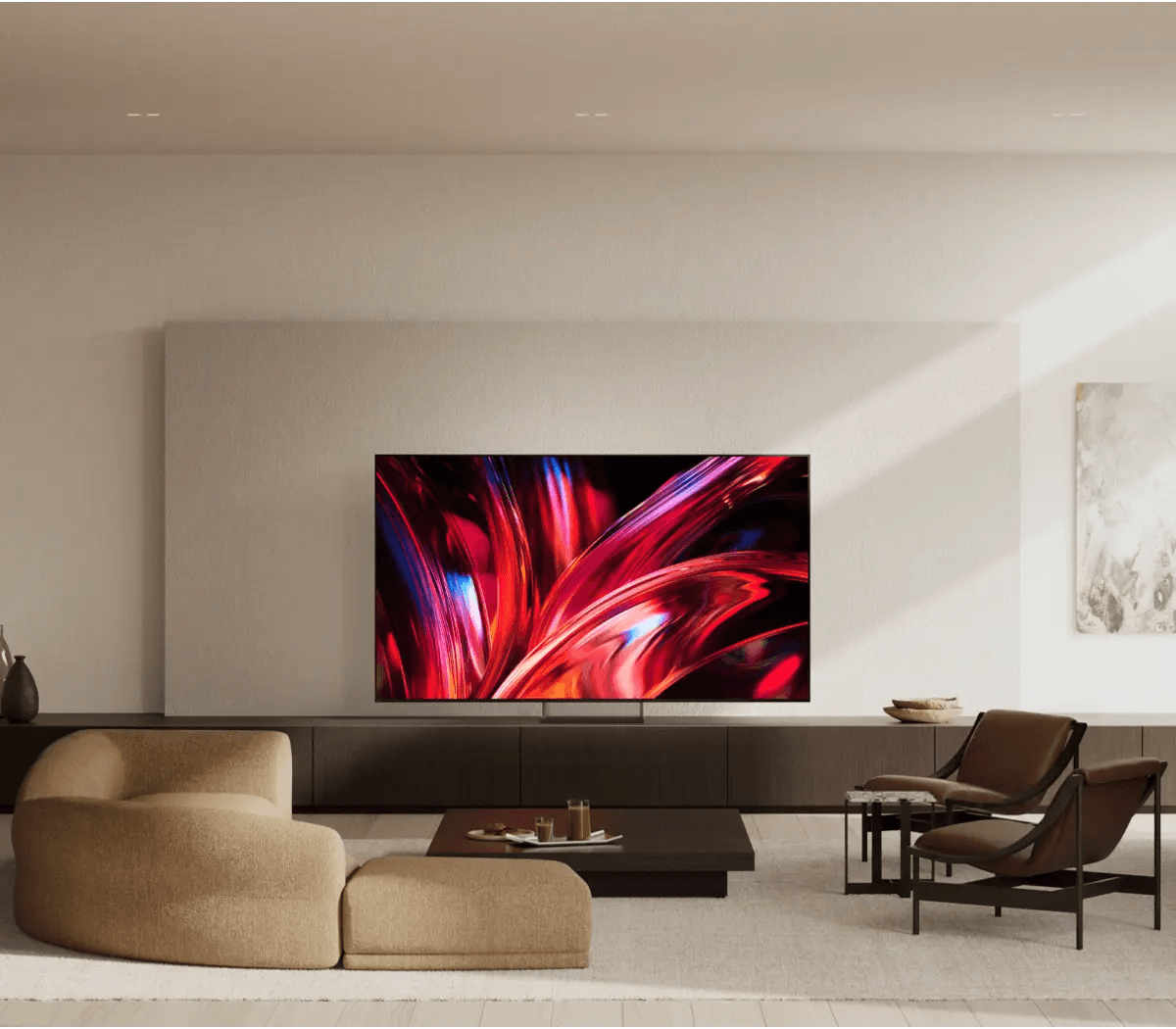
Sony Bravia TV are praised all around, and the Sony Bravia 9 II (starting at $5,000) and Bravia 7 II (starting at $2,250) True RGB TVs are already getting high marks. Powered by Sony’s proprietary RGB Backlight Master Drive Pro, you get amazing colour volume, accurate colour reproduction, and better performance in bright environments, including a wider viewing angle compared to older models. As a new flagship in the line, the Bravia 9 II comes in a massive 115-inch size while the Bravia 7 II in smaller 50-inch up to 98-inch sizes. Full-range speakers offer great sound even without separate speakers along with dialogue clarity through AI-powered Voice Zoom 3. The Bravia 9 II adds Triluminos Max and Luminance Booster Pro along with a new glare-free and low reflection screen treatment called Immersive Black Screen Pro. These are two of the most exciting new TVs on the market right now.
Samsung R95H Micro RGB TV
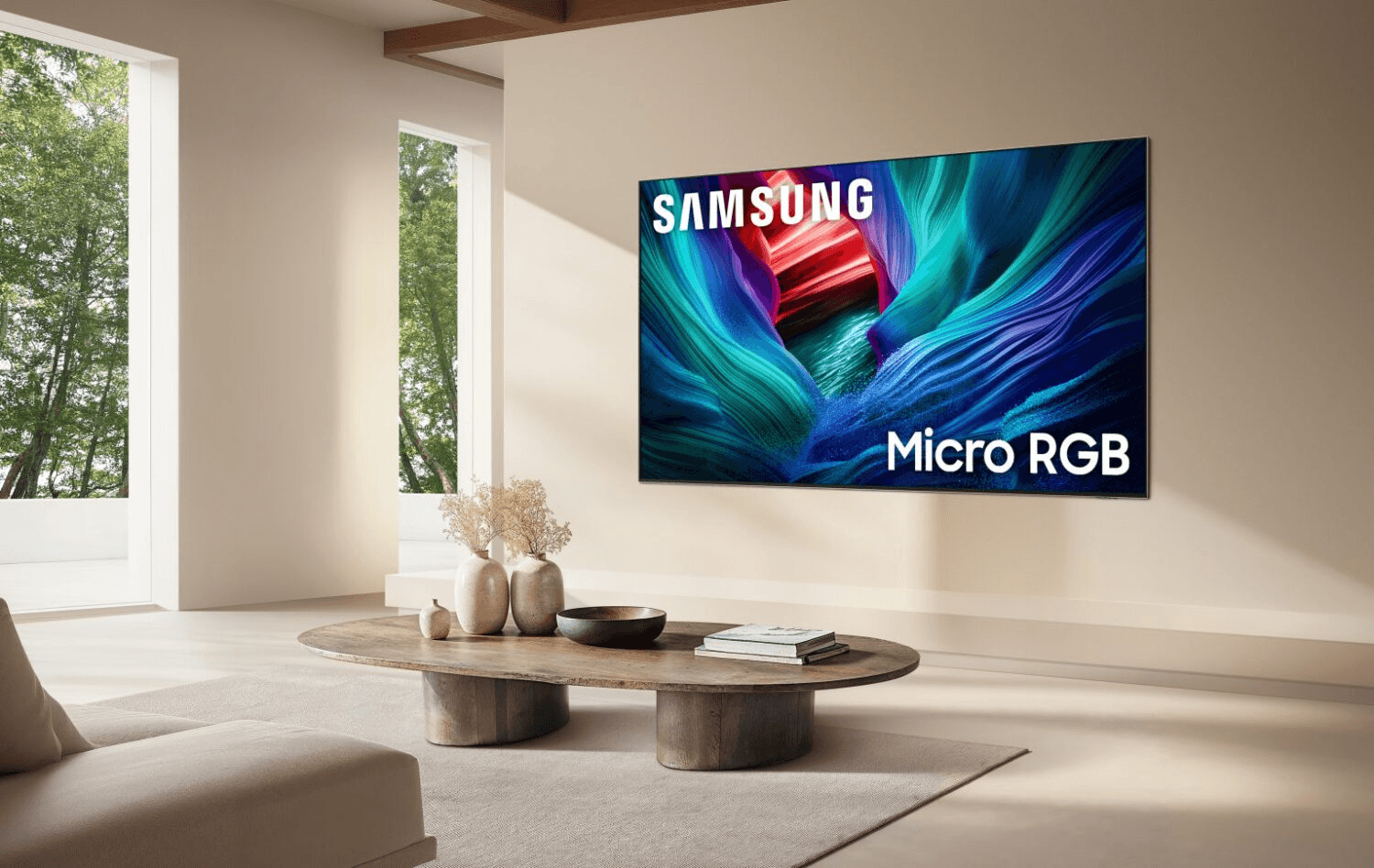
I got to see and spend significant time with the Samsung R95H Micro RGB, first at CES 2026 earlier this year, then at a Toronto launch event, and it’s a beauty. Available in 65-inch up to 115-inch sizes and starting at $4,000, you get a bezel-less design with an Infinity Air Stand (if you aren’t wall mounting it), up to 165Hz refresh rate to keep up with fast-moving sports action, immersive Eclipsa Audio, Dolby Atmos, and 360 Audio, and tons of advanced features that result in a crisp, clear, bright, and beautiful image. Especially useful for large families or big viewing parties is the Glare-Free panel, which virtually eliminates all glare when viewing offside. No one has to worry about the sweet spot. AI features like AI Soccer Mode enhance the view when watching FIFA or other games while AI Sound Controller lets you adjust audio to hear more or less of the commentator, for example, even quiet the crowd so you can focus on the game action. Note that you can only use it with the TV’s built-in speaker or a connected compatible Samsung soundbar for now.
LG OLED evo W6 Wallpaper TV

Now officially available in Canada, pricing starting at $8,000, the LG OLED evo W6 Wallpaper TV is the ultimate upgrade if you really want to impress the family, friends, and neighbours (though you’ll probably have to save up, pay in installments, or take out a loan to buy it!) You get a clean setup with the Zero Connect Box while still being able to enjoy a 4K picture with a 4K service. It’s ultra slim a just 9mm, mounting flush to the wall for that true “wallpaper” effect. Get advanced sound and picture through LG’s Alpha 11 AI processor, while features like Brightness Booster Ultra can really make the uniforms pop. With Reflection Free Premium certification, you also get up to 165Hz variable refresh rate. This is a wife-approved TV as it can display curated artwork or personal photos when it’s not on, so it’s never an eyesore in the living room, even if you go as big as the 83-inch model.
TCL X11L Series SQD Mini LED TV
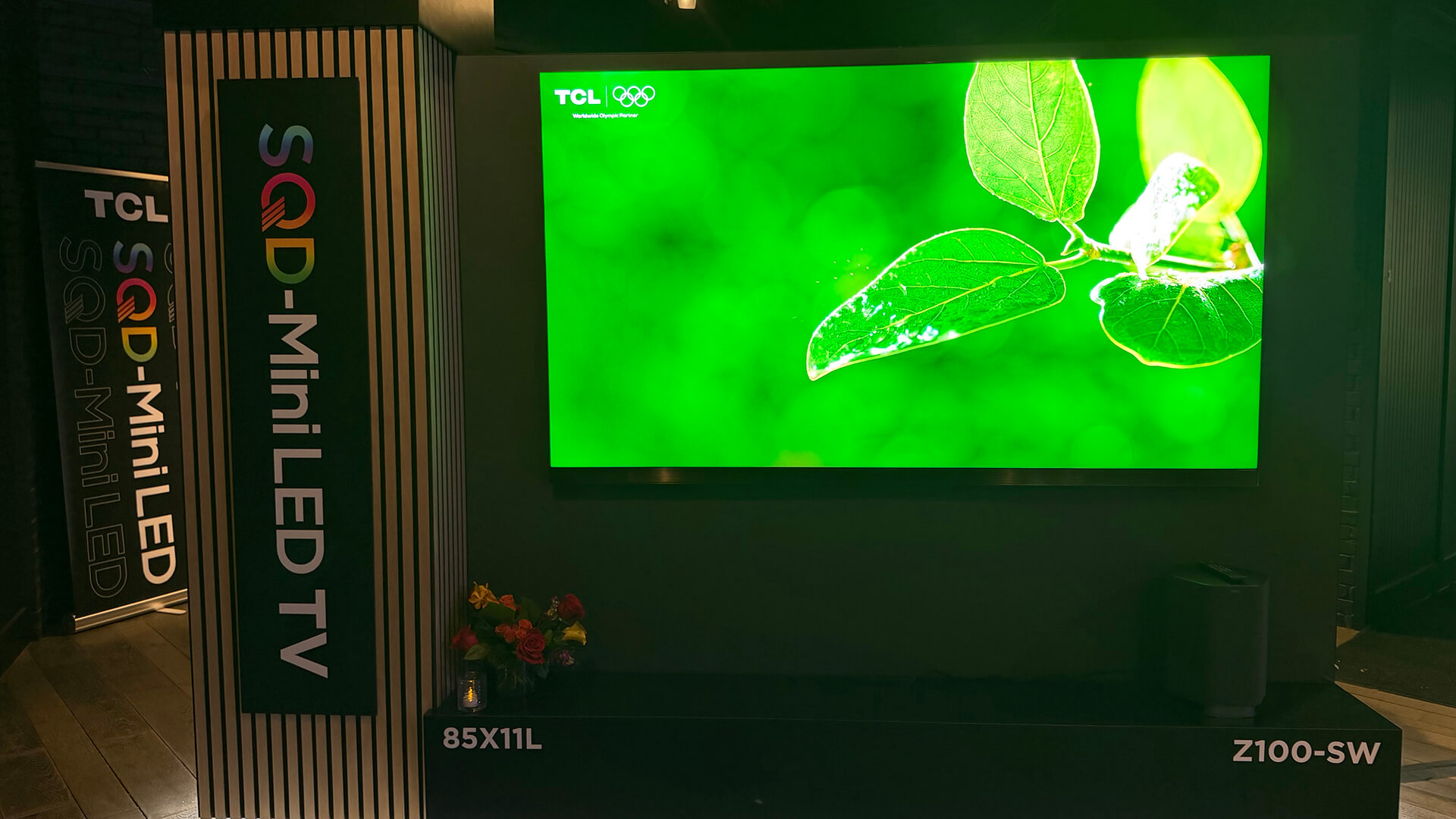
Turning heads at CES 2026, the TCL X11L Series SQD Mini LED TV delivers rich, accurate colour, deep black levels, and comes in an ultra-thin design. The flagship TV combines new SQD-Mini LED display technology, premium audio technology, and elegant design. At the heart is TCL’s new Deep Color System with Super Quantum Dots, the CSOT UltraColor Filter, and the advanced Color Purity Algorithm, achieving 100% of BT2020 colour. The enhanced Halo Control System with discrete dimming zones and peak brightness delivers deeper blacks, brilliant highlights, fine shadow detail, and virtually no blooming. With Gemini for Google TV, you can have natural language conversations to discover shows and find video highlights. Pricing starts at US$7,000, going all the way up to US$10,000 for the 98-incher, so these don’t come cheap either. But as the central focal point of your living room, it’s a worthy upgrade.
More Affordable TVs to Consider
Samsung R85H Micro RGB TV
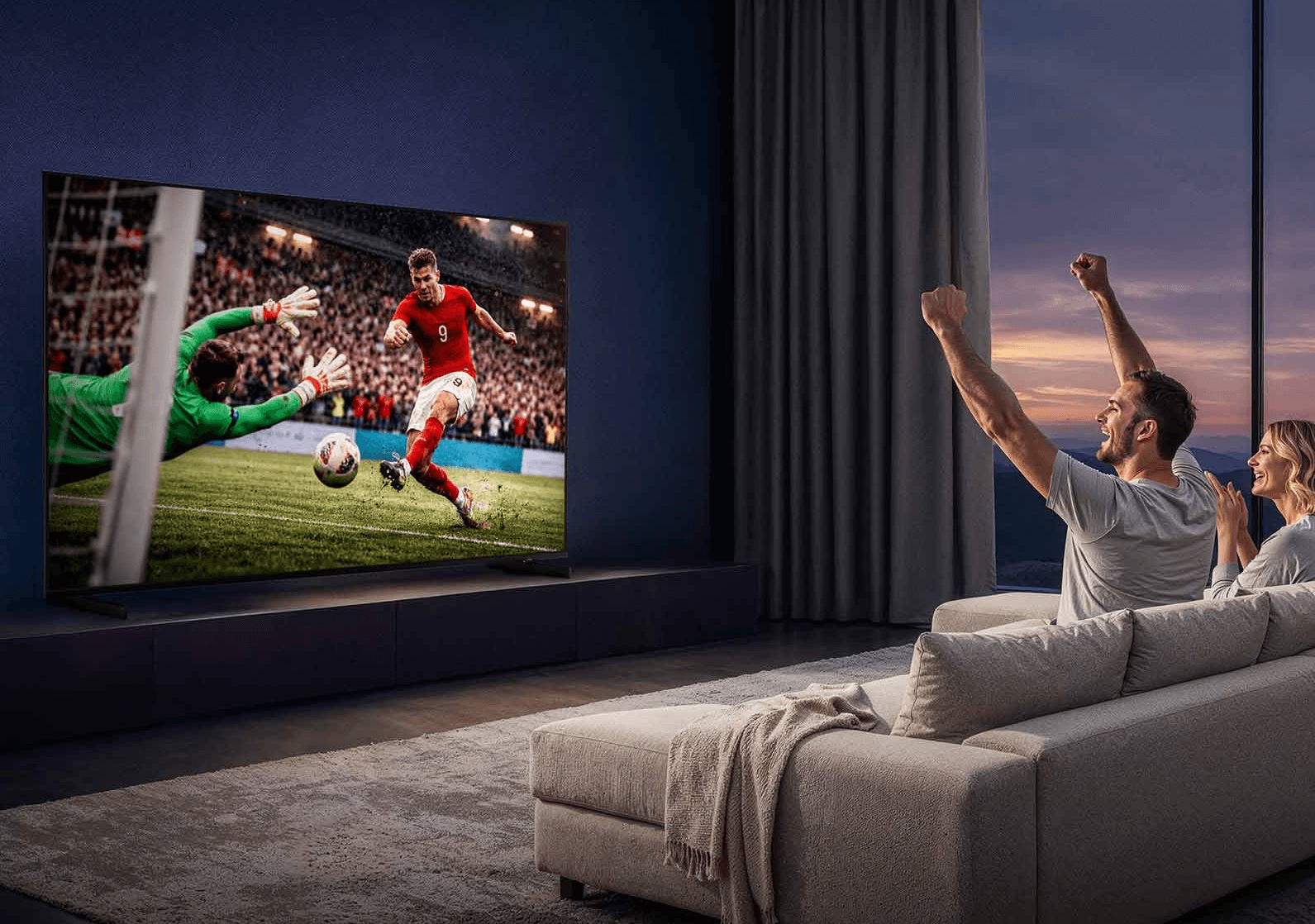
A step-down from the Samsung R95H Micro RGB TV, the Samsung R85H Micro RGB TV starts at $2,300 for the 55-inch model and goes up to an 85-incher, with a 100-inch model coming soon. It boasts pretty impressive specs, too, with an up to 144Hz refresh rate and Micro RGB AI Engine. You don’t get the same Glare-Free screen, but you get pretty good wide viewing angles. Picture is on par with the R95H and you can access AI Soccer Mode and AI Sound Controller with this TV, too.
Samsung S95F OLED TV

Yes, the Samsung S95F OLED TV is last year’s model. But starting at $2,500 for an OLED TV is a great price, and you get a stunning picture, as evidenced from time I spent with it at an event in New Jersey last year. It has the NQ4 AI Gen 3 processor, improved OLED Glare-free technology, and a brighter panel than previous models. You’ll enjoy Pantone-validated colours, pure blacks, and crisp whites. The TVs also boast a 165Hz refresh rate, which is perfect for sports. Samsung Vision AI is fully incorporated here, including features like Click to Search and Live Translate.
Sony Bravia 3 II LED TV
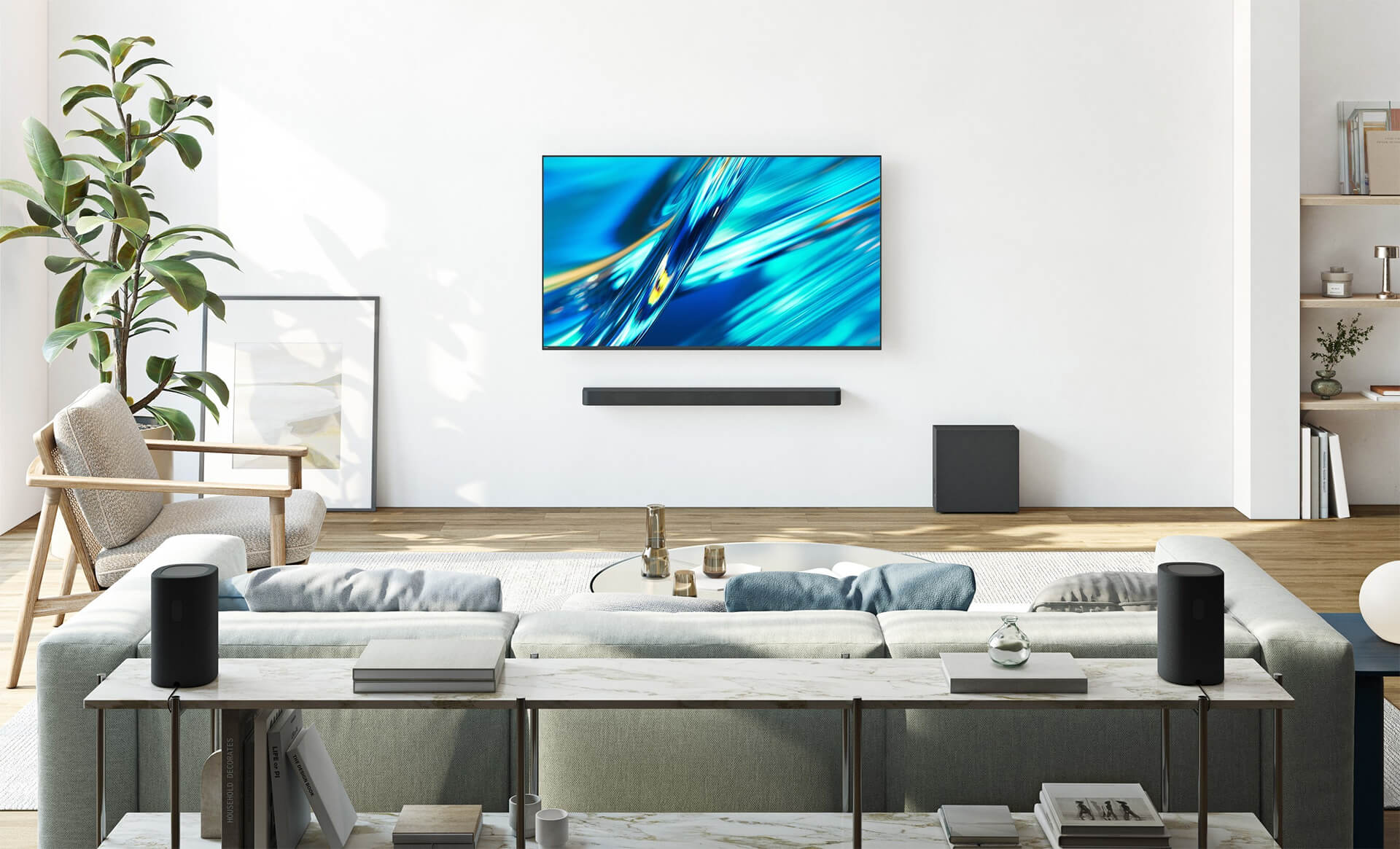
Sony is mostly known for its high-end TVs, but the company surprised this year with the launch of the more affordable Bravia 3 II models. Dubbed a mid-tier TV with sizes from 43 inches up to 100 inches, you get Sony’s XR Processor, the same found in the company’s premium TVs, along with XR Triluminos Pro, affording a wide colour gamut that enables natural colour reproduction and refined detail. Sony cooperated with MediaTek Inc. to combine Sony’s proprietary signal processing with MediaTek hardware to reduce content-dependent noise and “deliver delicate, finely detailed image reproduction,” says Sony. The TV supports Dolby Vision/Atmos and DTS:X along with 4K 120Hz. As a Google TV, it comes loaded with Gemini for TV so you can engage in natural language conversations. With a starting price of $850 for the 43-inch version, even the 75-incher is under $2K at just $1,700.
LG OLED evo C6 TV
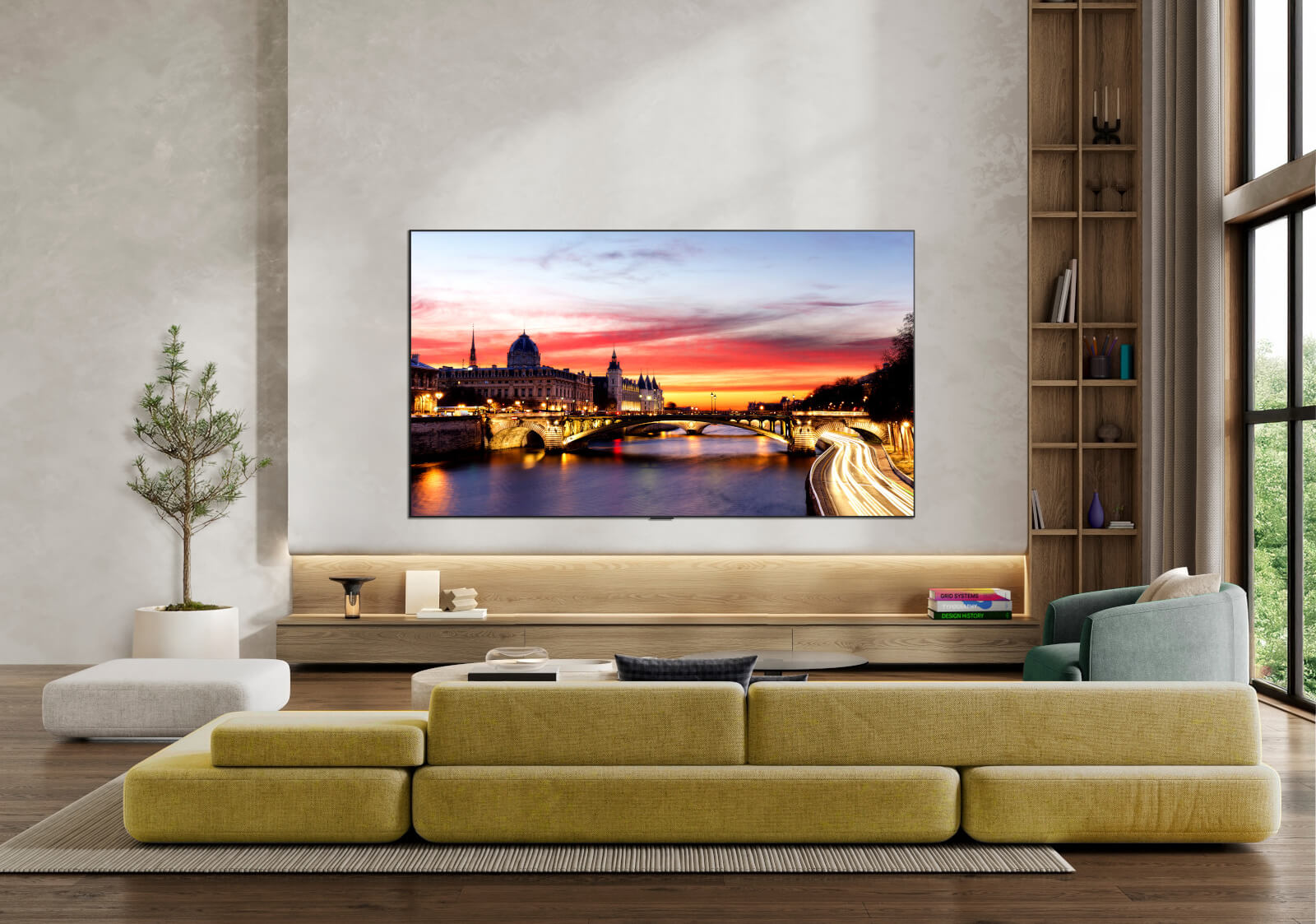
Starting at $1,700 for the 42-inch model, the LG OLED evo C6 is powered by the next-gen Alpha 11 AI Processor Gen3 and is Bright Room Ready so you can comfortably watch daytime games in the living room, even with the window open to see guests arriving. The 77-inch and 83-inch models add Hyper Radiant Colour technology. AI-assisted deep learning analyzes your preferences to choose the best picture and sound setting for content. It also supports Dolby Vision, Dolby Atmos and Filmmaker Mode. With a native 120Hz refresh rate and with VRR up to 165Hz for PC gaming, it’s a decent price for a new OLED TV.
Other Tech to Consider
There’s more beyond the TV, speakers, mount, and furniture to consider when setting up your home theatre or living room for the big games.
Private Watching: Sennheiser RS 275 TV Headphone Bundle
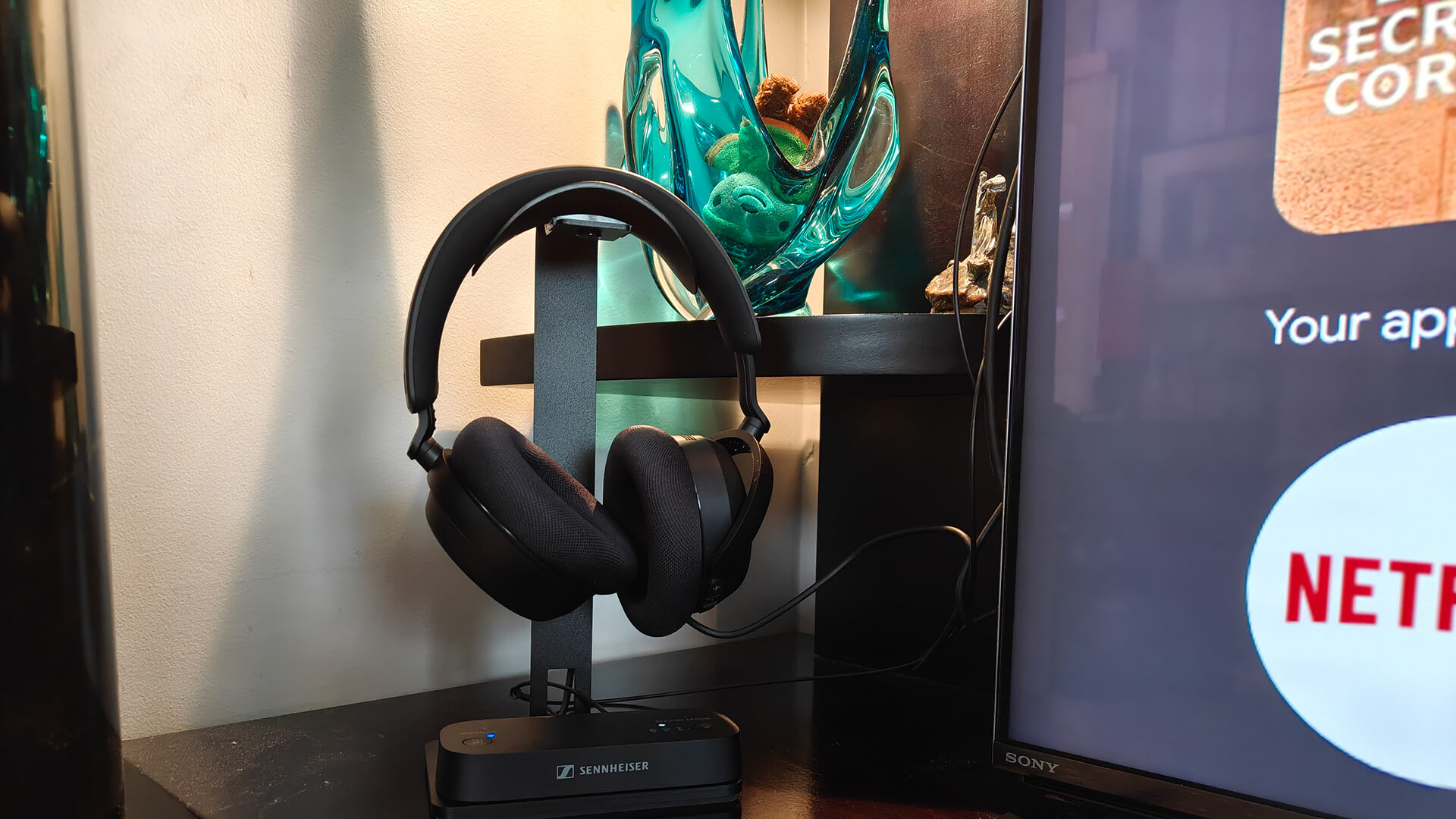
If you plan to watch early morning or late-night games when the family is sleeping, the Sennheiser RS 275 TV Headphones Bundle will be a good investment. Designed to sit by and be used with your TV, they come with a stand and the BTA1 TV transmitter that plugs into the TV. Pair the two, adjust settings on your TV, then listen through the headphones. There are three modes you can choose from via the transmitter or app to provide an enhanced and personalized listening experience: 3D, Speech, or Plus. With Auracast, everyone can connect their own Auracast-enabled headphones (they don’t have to be Sennheiser ones) and watch at their preferred volume. This is great for watching a game with your partner or friends while a baby is napping nearby. Just make sure to quiet your cheers, too! Read my review.
Enhanced Ambiance: Govee TV Backlight 3
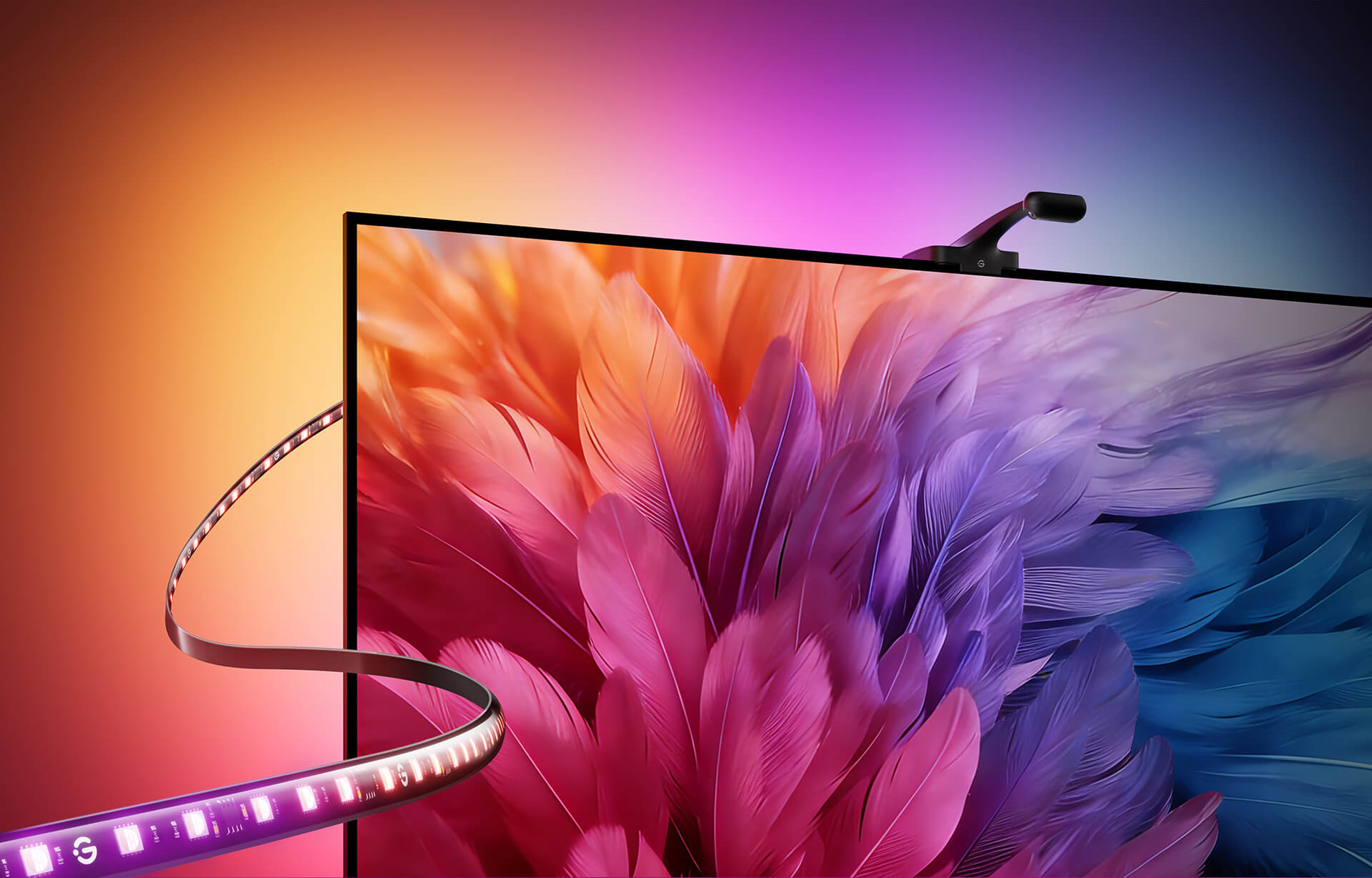
Create ambiance for game night, maybe even show your team colours, with the Govee TV Backlight 3. It divides the screen into up to 24 independent zones, analyzing and reproducing colours to match. You get a layered, natural ambient glow so it seems like the picture is flowing behind the edges of the screen. Govee AI can filter and adapt to what’s on screen, so it will match the content. It has high-density 4-in-1 RGBWIC LEDs with a dedicated white channel for better colour depth. There are 60 LEDs per metre for smooth transitions and layered illumination. Designed to disappear behind the TV, the camera module is smaller than a thumb drive. Using a custom high-bond adhesive, installation takes minutes with zero tools, no drilling, and no electrician: peel, stick, and start watching. With the Govee Home app, you can unlock hundreds of preset scenes, enjoy DreamView synchronization across up to 10 Govee devices, including lamps, strips, bulbs, and more, or let the lights move to the rhythm with Music Mode. The TV Backlight 3 is fully compatible with Matter and integrates seamlessly with Alexa, Apple HomeKit, Google Home, and Samsung SmartThings. It’s available for TVs ranging in size from 55 inches all the way up to 85 inches.
Content on Your Schedule: Fubo Subscription

Missed the game or don’t have linear TV? You can subscribe to Fubo for access to live sports and entertainment from a TV, tablet, and other mobile devices. With unlimited DVR features, you can watch when it’s most convenient since work, kids, and extracurriculars might get in the way. It is available in monthly, quarterly, or annual plans and pricing varies with different promotions, slightly more if you opt for month-to-month and conversely, you can save by signing up for an annual plan. You can cancel any time based on your contract duration. Fubo works on Apple TV, Android, iPhone, LG TVs, Hisense TVs, Fire TV, Roku, Xbox, Chromecast, and more. You can stream on up to three devices at a time.
Take it Outside: SunBrite Veranda 4 Outdoor TV

With summer only lasting a few months in Canada, you want to make the most of it, so why not take the entertainment outside? The SunBrite Veranda 4 series 4K TV is designed for full shade environment, so great for a covered back patio. You get 600-nit 4K60 HDR10 brightness and an IP55 rating, UL certification, and conformal coating on internal components to protect against humidity, heat, and storms. Eco Bright Outdoor Technology prevents backlight failure in extreme temperatures up to 50°C, while the anti-glare screen with Quarter Wave Plate Polarizer (QWP) ensures clear visibility. The platform supports webOS for accessing streaming content with a Wi-Fi connection and connecting third-party streaming devices. Two built-in eight-watt speakers provide integrated audio. Get it in 49-inch, 55-inch, 65-inch, or 75-inch sizing.
It’s an exciting time when you are buying the right TV and making a big upgrade. And with the FIFA World Cup games starting, it’s the perfect time to get your home viewing party ready!