
Pros
- Auracast for TV and headphones, multiple pairs listening to the same source
- Clean and tidy setup with included stand
- Audio quality is superb
- Three distinct listening modes
- Affordable package
Cons
- Set up was finicky
- No carrying case for on-the-go listening
- No active noise canceling (noise suppression available)
- Plus mode balances content with dialogue but sounds hollow
I often watch TV late at night when everyone is in bed, an opportunity to check out TV show screeners I’ll be reviewing in our TV shows and movies reviews section. That usually means keeping the volume down low and using captions or wearing headphones. For others, you might like to listen loud, perhaps due to hearing limitations, while your companion doesn’t. Maybe you want to watch the game while your spouse reads a book in the same room, or your baby is having a nap in their bassinet but you can’t sleep and want to watch a movie. You can accomplish this easily by pairing wireless headphones to the TV via Bluetooth. But the Sennheiser RS 275 headphones bundle, which includes the headphones along with a BTA1 TV transmitter, adds another level to the experience.
About the Sennheiser RS 275 TV Headphones Bundle
The ultralight HDR 275 TV headphones combined with the BTA1 digital transmitter uses Auracast transmission technology powered by the LC3 Bluetooth codec for ultra-low latency synchronization of sound and picture at up to 50 metres away. You can enjoy private listening while watching TV or an enhanced listening experience if you only have the TV’s built-in speakers and want something more engaging. The HDR 275 TV headphones can connect to other Auracast or Bluetooth Classic-enabled devices like tablets and smartphones for app-based streaming content as well, so you can use them outside the home, too. The transmitter, meanwhile, can connect to other Bluetooth and Auracast devices, like headphones, and it is available to purchase separately as well.
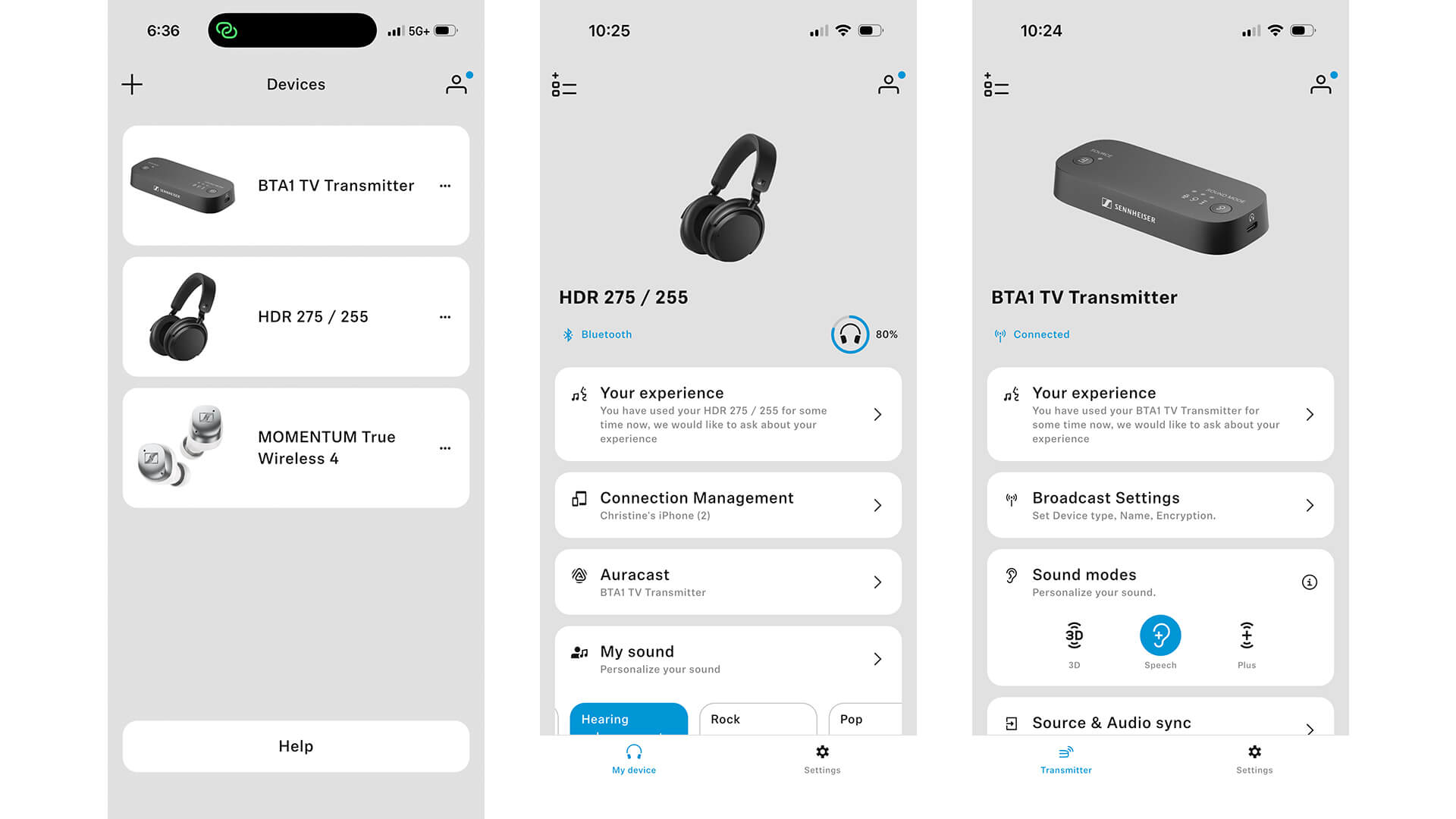
Download the Sennheiser Control Plus app for Android or iOS to control personalization features like transparency mode, left-right balance, hearing profiles, device-type audio modes, finding lost headphones, and more. When connected to the app, you can also leverage user-defined equalizer settings, bass boost, and other hearing enhancement tools, like emphasizing clarity or warmth or adjusting noise suppression to reduce hiss and static when consolidating the signal to mono for classic movies and TV shows.
In terms of audio, the headphones feature Sennheiser’s in-house acoustics, tuned for vocal intelligibility and engaging bass response, says the company. Charge them via USB-C to get up to 50 hours of listening. Both the ear cushions and battery are user replaceable. An included sturdy metal headphone stand keeps them nicely displayed in your living room, games room, bedroom, or other space.
The Sennheiser RS 275 TV headphones bundle sells for $400 in Canada and is available for pre-order right now.
Sennheiser RS 275 Headphones Bundle Review
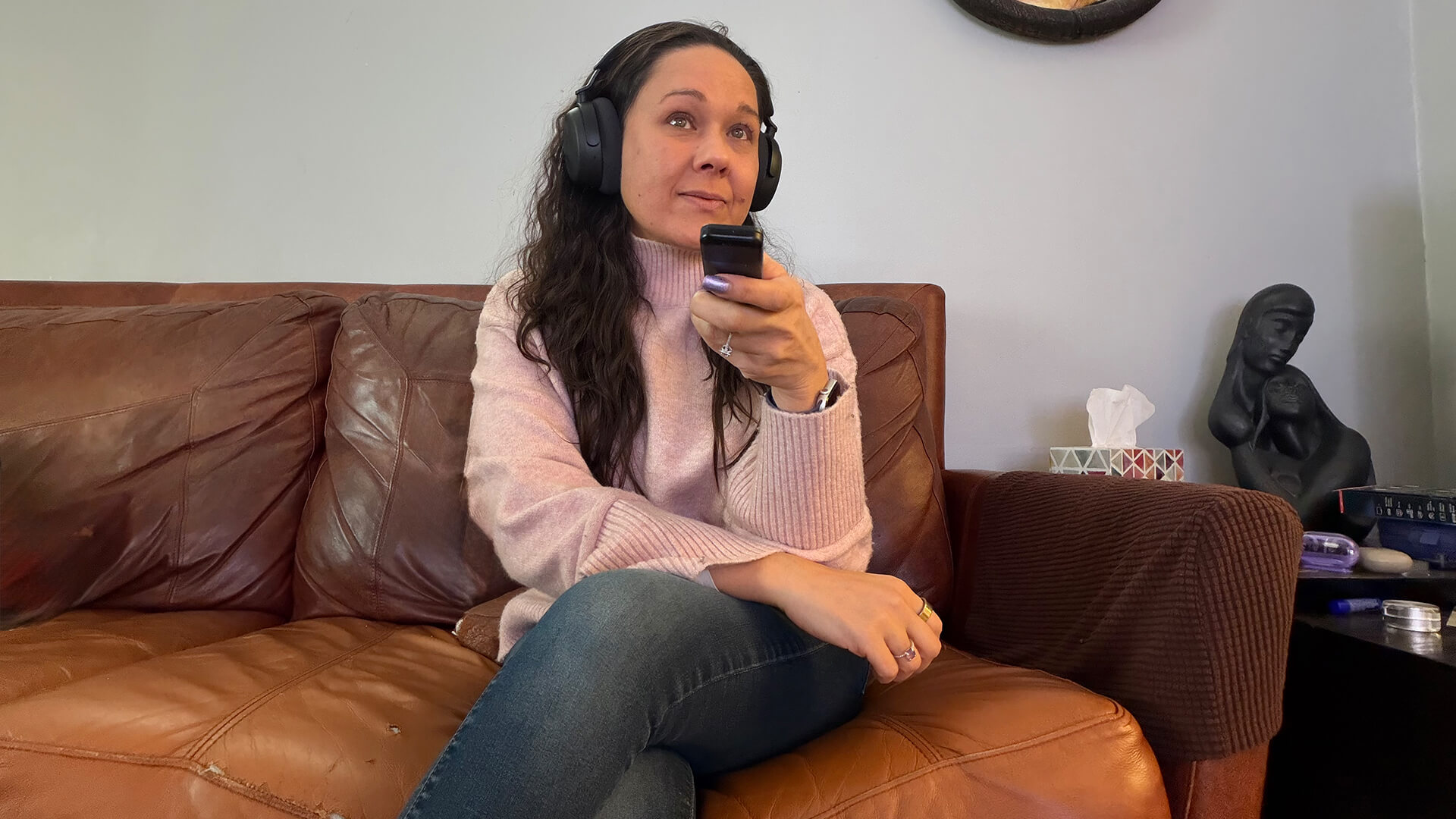
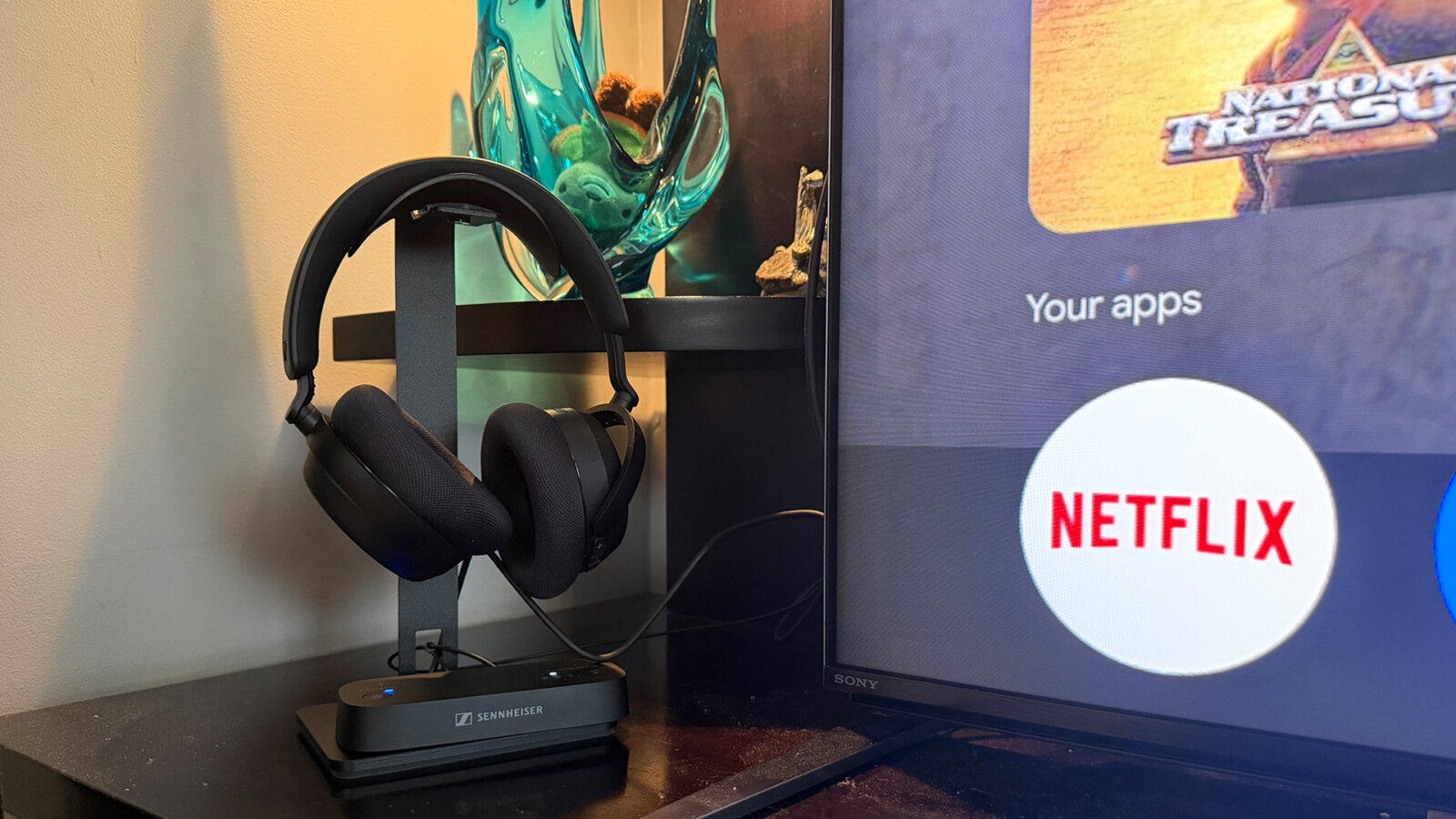
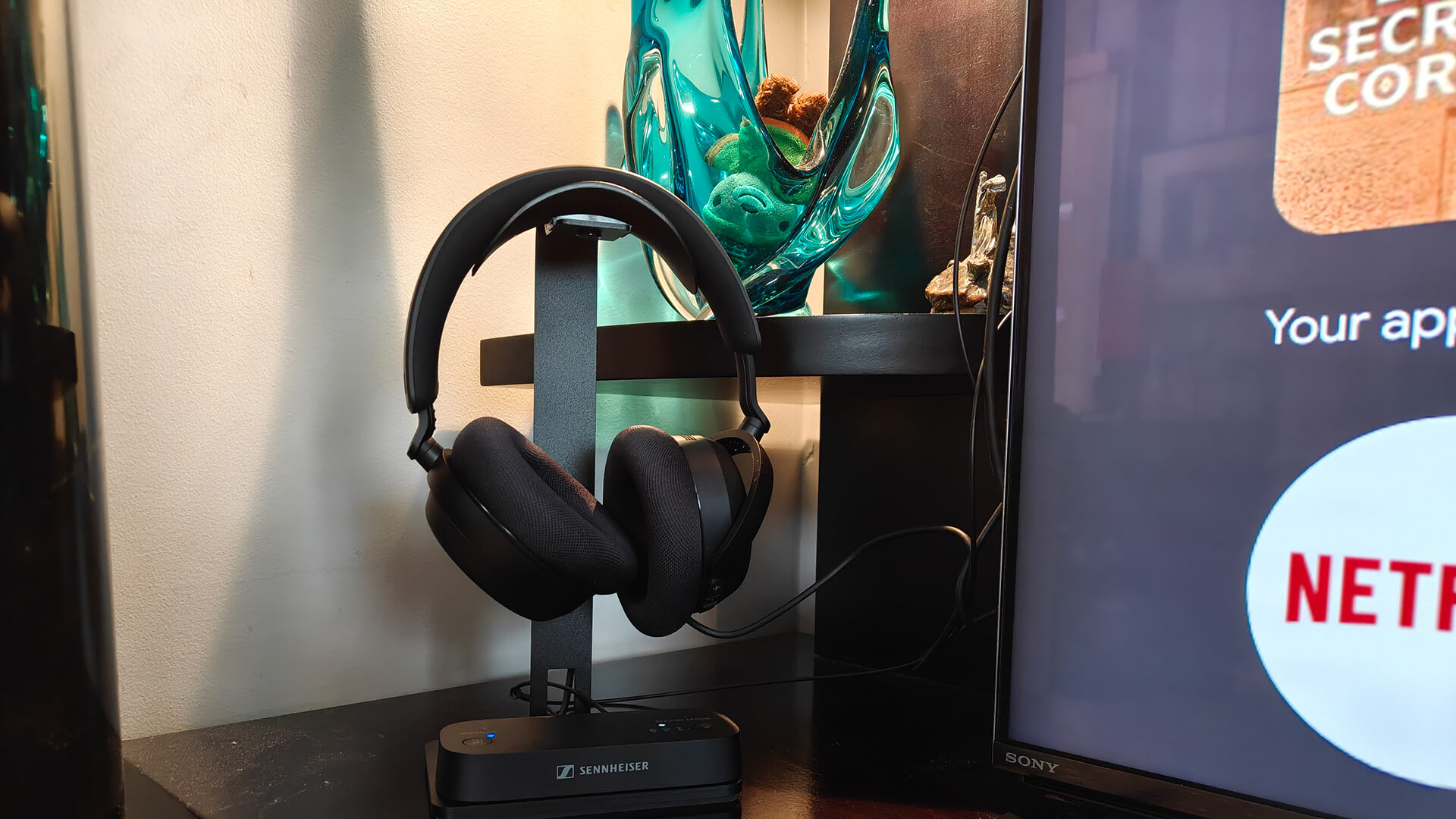
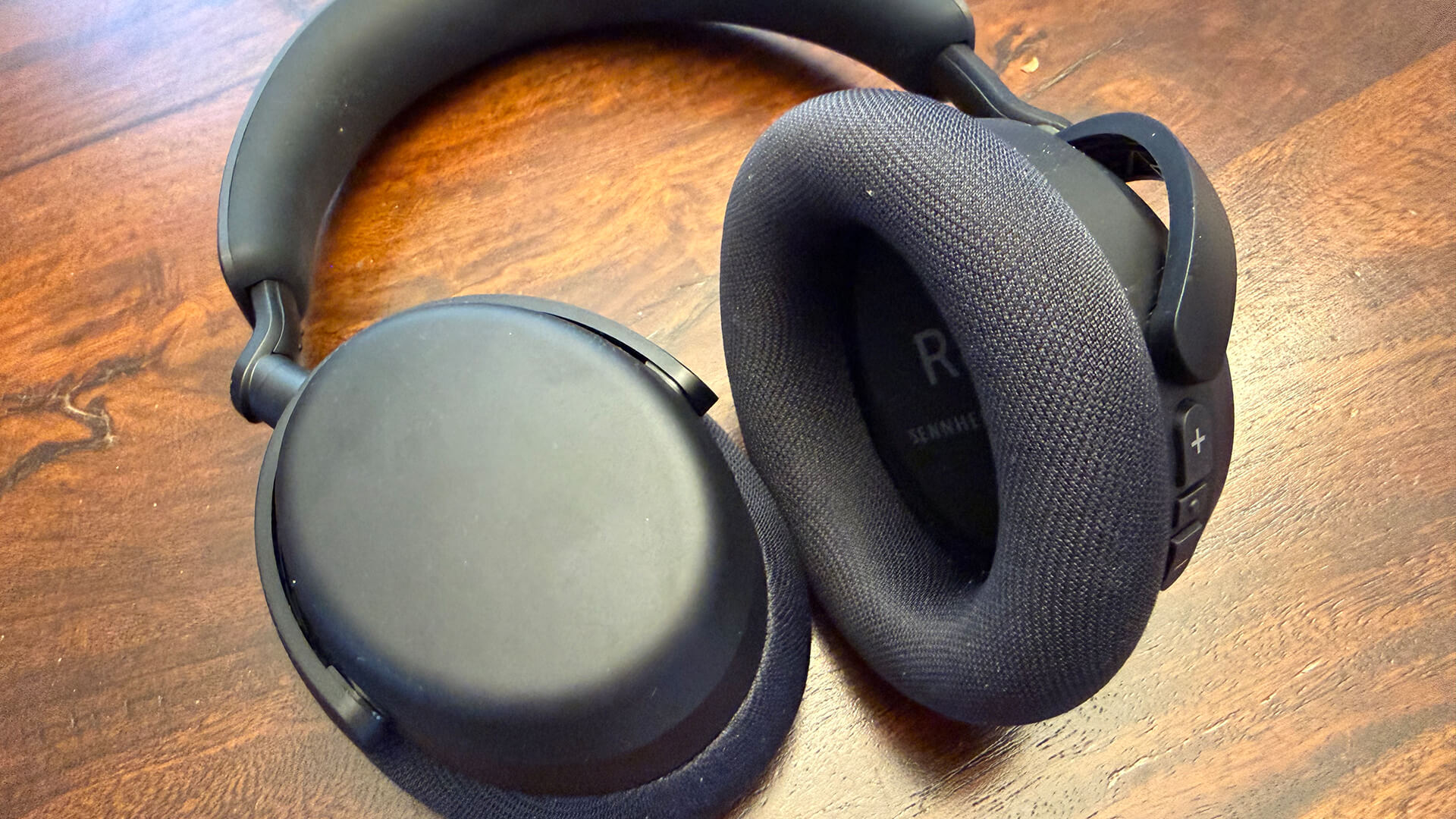
The Sennheiser RS 275 TV headphones are basic in design: there’s nothing flashy or especially stylish about them. They’re clearly designed for function not style. The cushioned earpads are comfortable for long wear: I wore them for several hours while binge-watching TV without issue. I love the inclusion of the stand, perfect for positioning beside your TV so you can grab and use them as desired. I do wish they came with a carry case, however, for easily bringing them with you should you wish to do so. The Bluetooth transmitter fits perfectly at the base of the stand with a hole at the back to run the cables through for a neater setup.
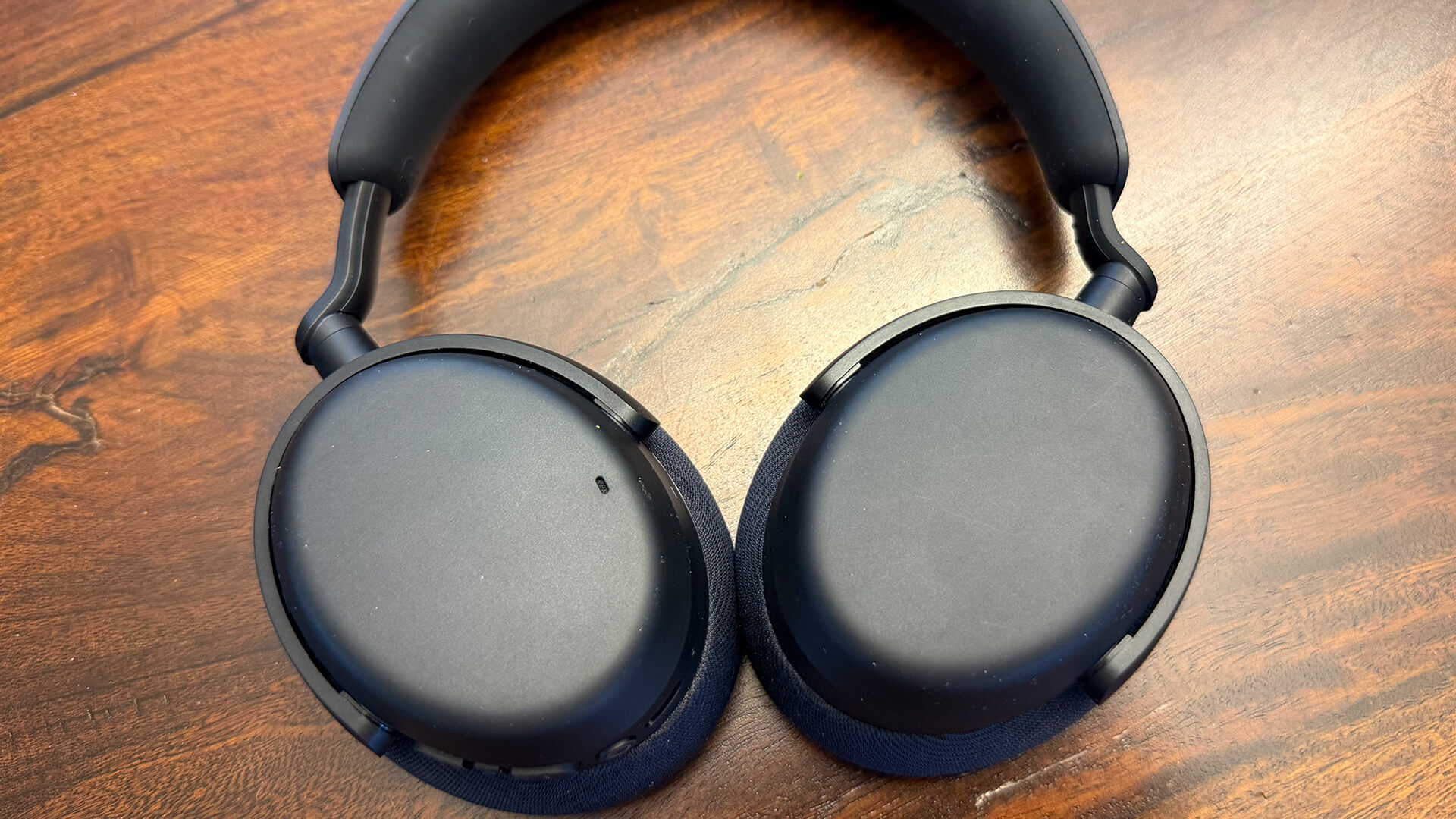
Speaking of set-up, it wasn’t as easy as I had hoped to get these up and running. I ran into several issues, including the fact that my Sony Bravia 9 TV does not have a standard optical out port. Thankfully, it came with an adapter we were able to dig up (you never know when you’ll need accessories!) to connect the transmitter. Once the transmitter was connected and paired with the headphones, I was still having trouble.
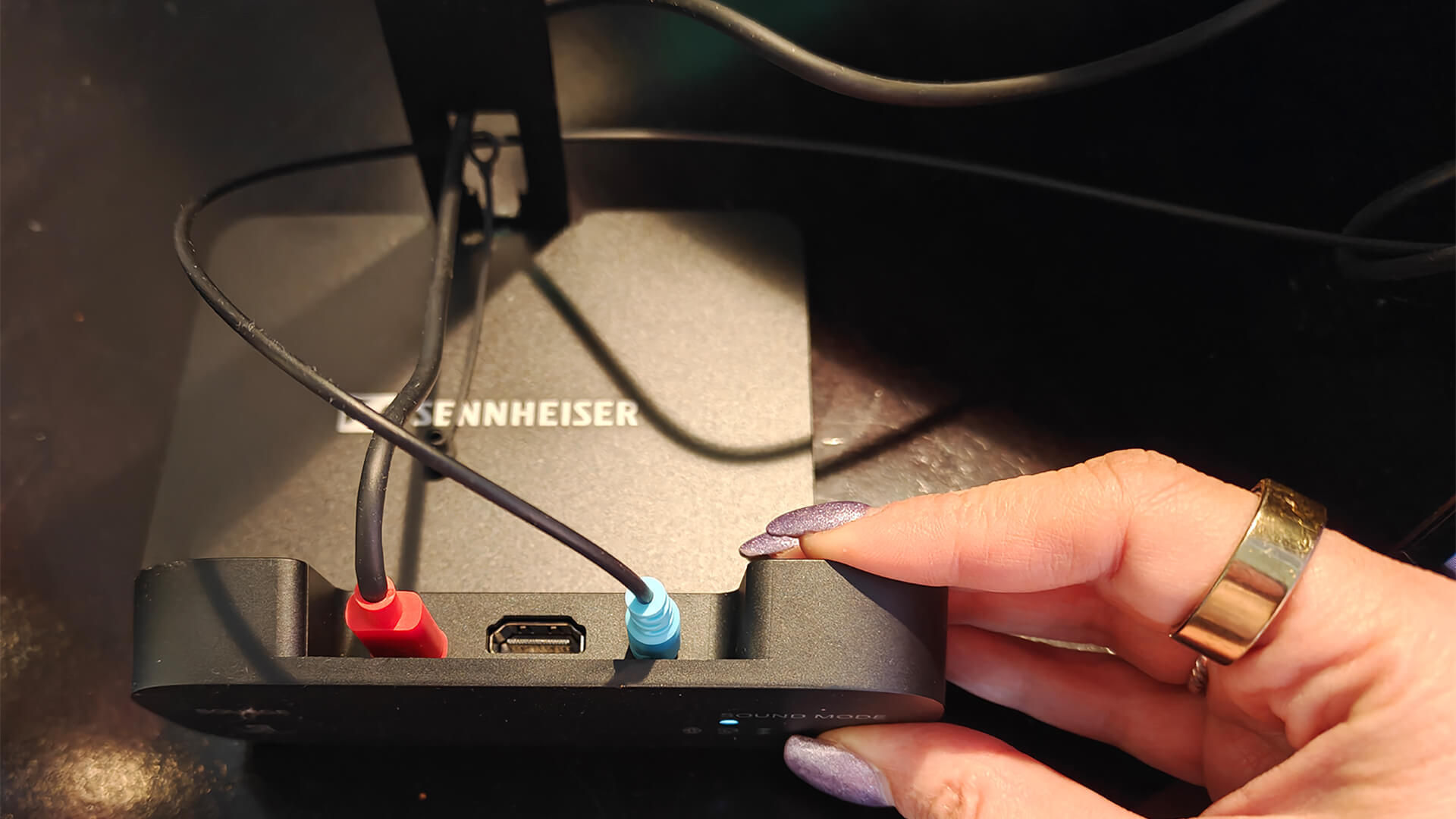
Going through settings to enable optical audio and making a few other tweaks, including switching from my living room audio system to the TV speakers, it finally worked. But then it stopped working. It took several tries before I got a seamless pairing experience such that I could pop them on, flip to TV speakers, and listen without issue. Once they work, they work well. But you may have to exercise a little patience while setting it up if you run into similar issues. You may have a different experience based on your brand and model of TV, and your audio settings. But this is worth keeping in mind.
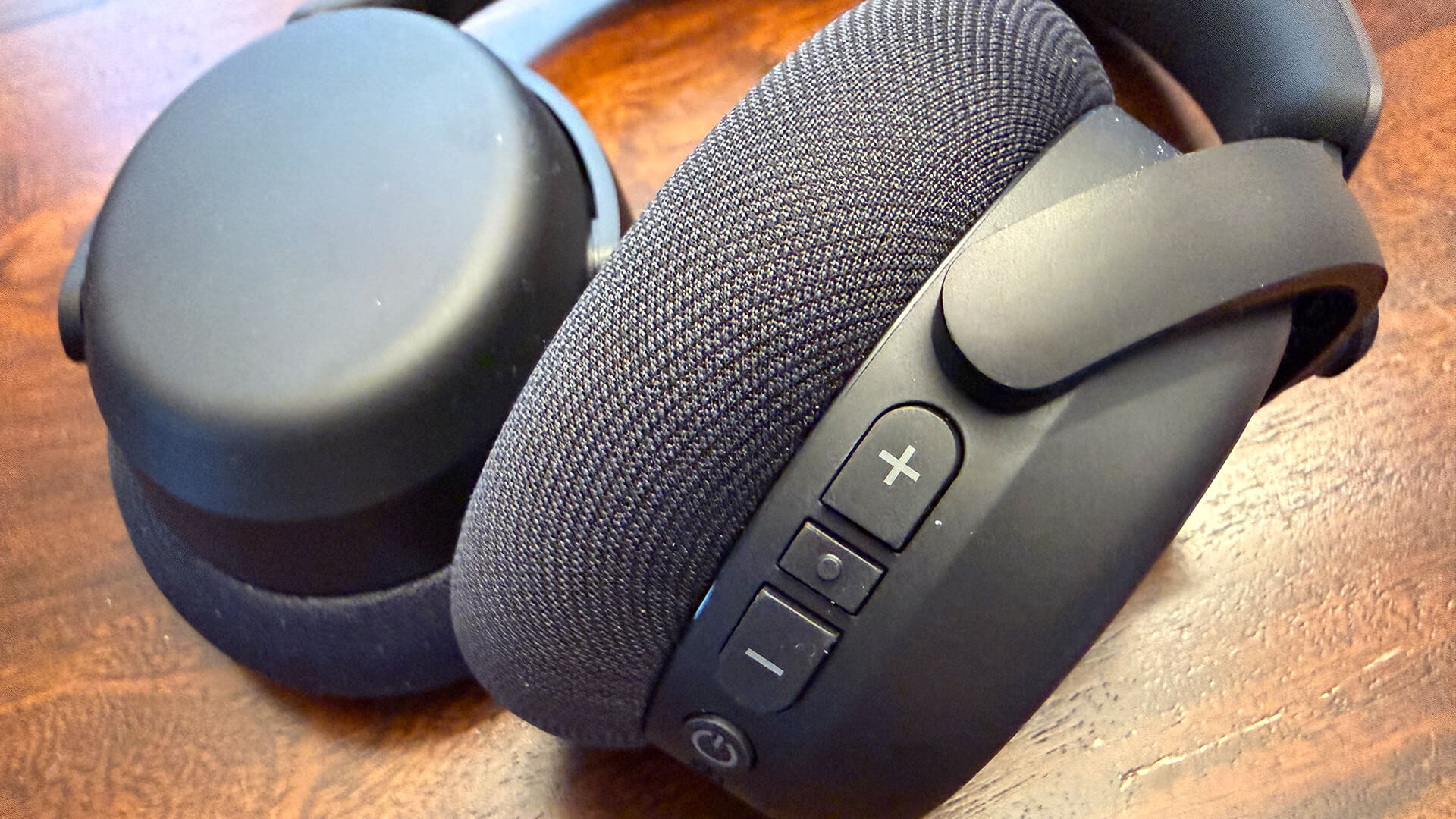
Once you’re up and running, the ‘phones have large textured buttons for tactile control of volume, power, and incoming calls. When paired with the transmitter, you can leverage Auracast so the audio can play through other Auracast headphones as well. It can also continue to play through the TV’s speakers while you’re listening with your own volume and settings through the RS 275 TV (or other) headphones, as would be the case if you were using regular Bluetooth headphones and a TV with dual-audio or multi-output audio. It has a host of input options, with top buttons that provide manual switching of inputs and sound modes. (You can also use the Sennheiser SmartControl+ app to adjust modes). These include 3D (virtual surround sound), speech (clearer voices), and plus (surround sound and speech clarity combined). This customization is a useful advantage over a standard Bluetooth connection.
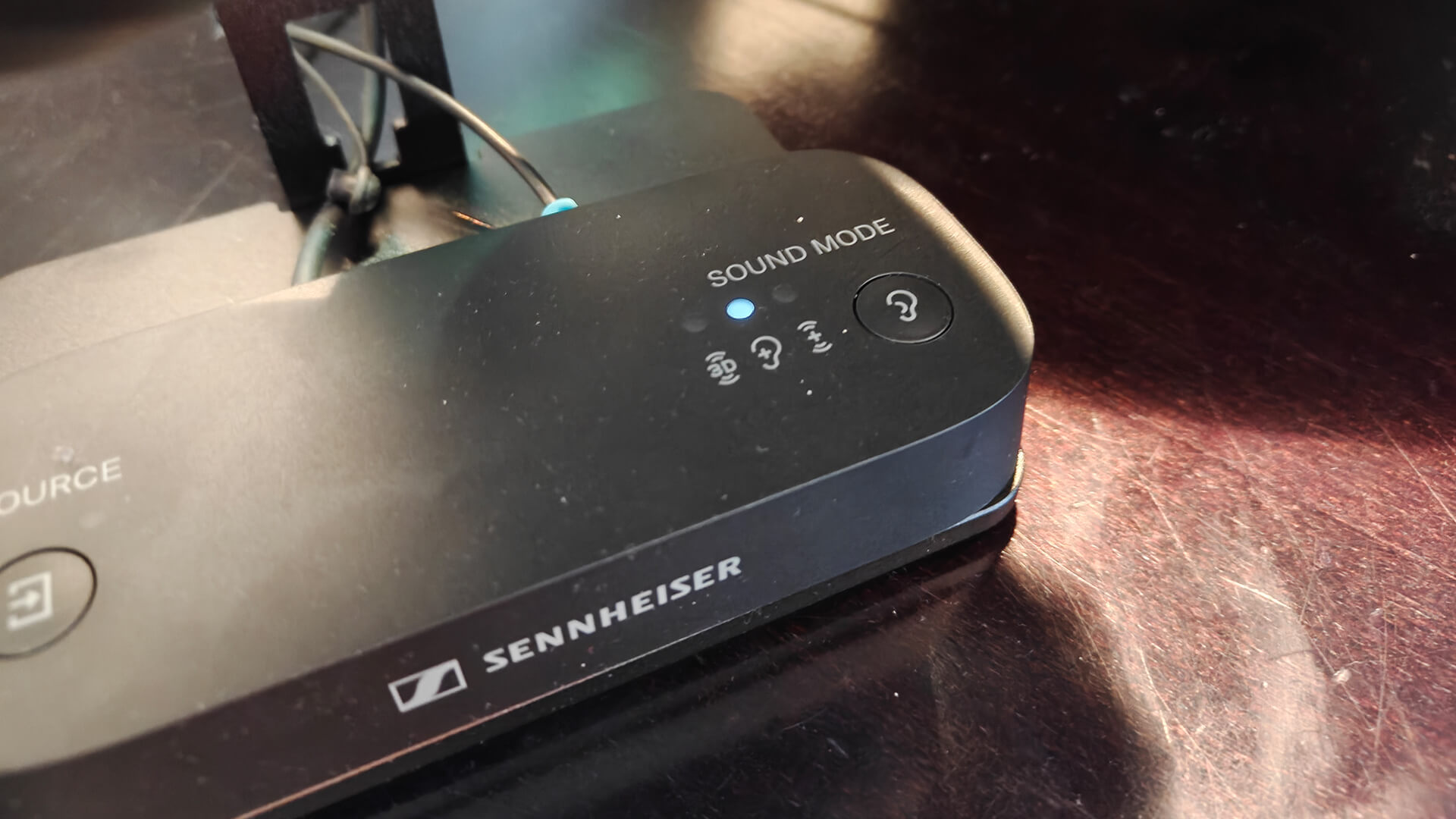
For example, speech mode is great for shows likeFallout where I find that dialogue tends to be too quiet when trying to balance the louder bursts of action that come and go. I also used this mode while watching the guilty pleasure reality show Love is Blind, which is entirely dialogue-based with some background music. It was nice to be able to hear the conversations clearly, allowing me also to move around the house while I continued to listen, even multitask since the dialogue was right in my ears. It also picked up subtle details I never heard while the TV was playing, audio system down low, like the rustling of papers or quiet whispers. Meanwhile, for shows like The Night Agent, a more balanced and immersive 3D sound experience works best to amplify the on-screen action.
With a combination of optical and 3.5mm input interfaces, you can pair the BTA1 with stereo systems, laptops, game consoles, and more as well, not just the TV. When connecting to a TV or AV receiver, it uses the HDMI ARC input.
Sound Quality of the Headphones

Now the important part: how do they sound? Volume maxes out at a lower level than I’d like, which could be for the purposes of safe hearing. You can set a volume limit, but I found it too quiet a times, even with the limit off. I used the headphone level analyzer app on my iPhone, playing music and it clocked in at just 77dB, even when the music was much louder than the TV sound. I’m not sure why. Nonetheless, this was only with some content while others came through louder.
If you play audio through the headphones and your TV’s speakers at the same time, logically if the TV is too loud, you’ll hear an echo. Once the TV volume was at a respectable level, however, even all the way down, the details shone through these headphones. I could hear subtleties like birds chirping off to the sides in a night scene. I thought for a second they were coming from outside my own house until I remembered I was wearing the headphones! As mentioned, there are details I never would have heard so clearly when listening at a lower volume, like dialogue from an in-show TV in Your Friends and Neighbors as two characters talk on the couch in front of it. With the volume down and captions on, these details wouldn’t be expressed through captions either. They’re insignificant moments in the grand scheme of the plot, but it’s appreciated in making the listening experience more dynamic than it otherwise would have been.
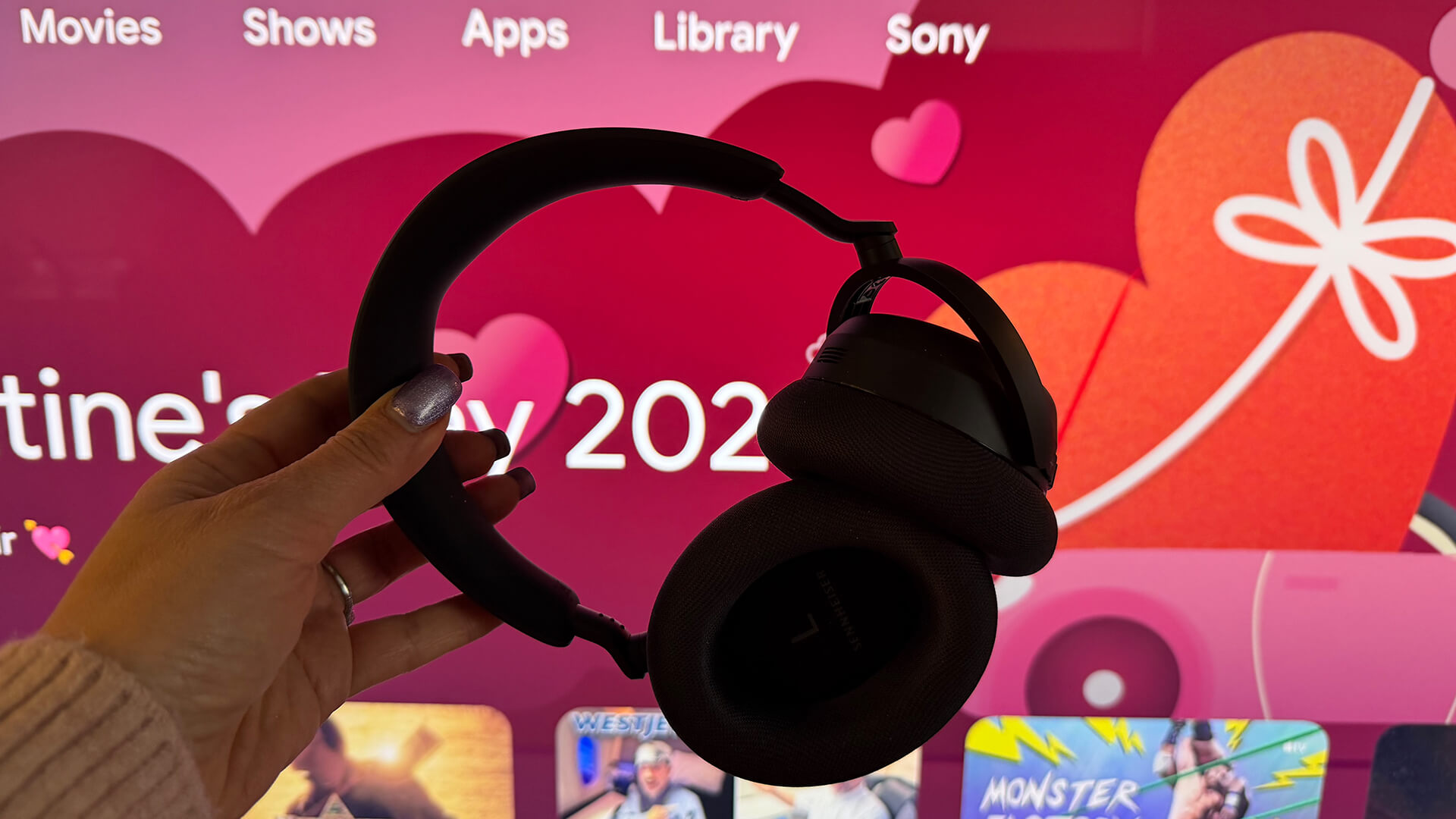
There’s great audio separation as well, with moments sounding like they’re happening in the room with me, whether it’s a knock at the door to the left or the roar of a car engine to the right. There’s a distinct difference among the three listening modes, and you can toggle while watching by using the transmitter’s buttons or the app until you find the right sound for your content. It’s nice to be able to easily flip from 3D for an action movie, for example, then speech while watching the news. I did use the Plus setting for some content where there’s a nice mix of action, music, and dialogue. It amplifies voices so there’s a nice mix but also sounds slightly hollow and artificial. If you find you don’t like this, you can probably make do with the 3D sound mode instead.
As we had a newly set-up TV, there were some audio/video sync issues, unrelated to the headphones. Interestingly, the app has an audio sync slider in the Source & Audio sync section, so I decided to try and use it to correct this until we got to the root of the problem. I found it challenging to slide to the exact right spot, but it’s an appreciated feature if you come across this issue and need a quick temporary fix when other options don’t work.
Another detail worth noting is that these headphones don’t have active noise cancellation. But if you choose the Hearing Enhancement option under My Sound in the menu in the app, you can turn on noise suppression. I tried this while my furnace was running loudly and it helps a bit, but you get pretty decent passive noise cancellation even without it. This section also includes an option to enhance speech clarity, which worked well to hear the drama unfolding in Love is Blind.
Connecting Other Auracast Devices, Phone Connection
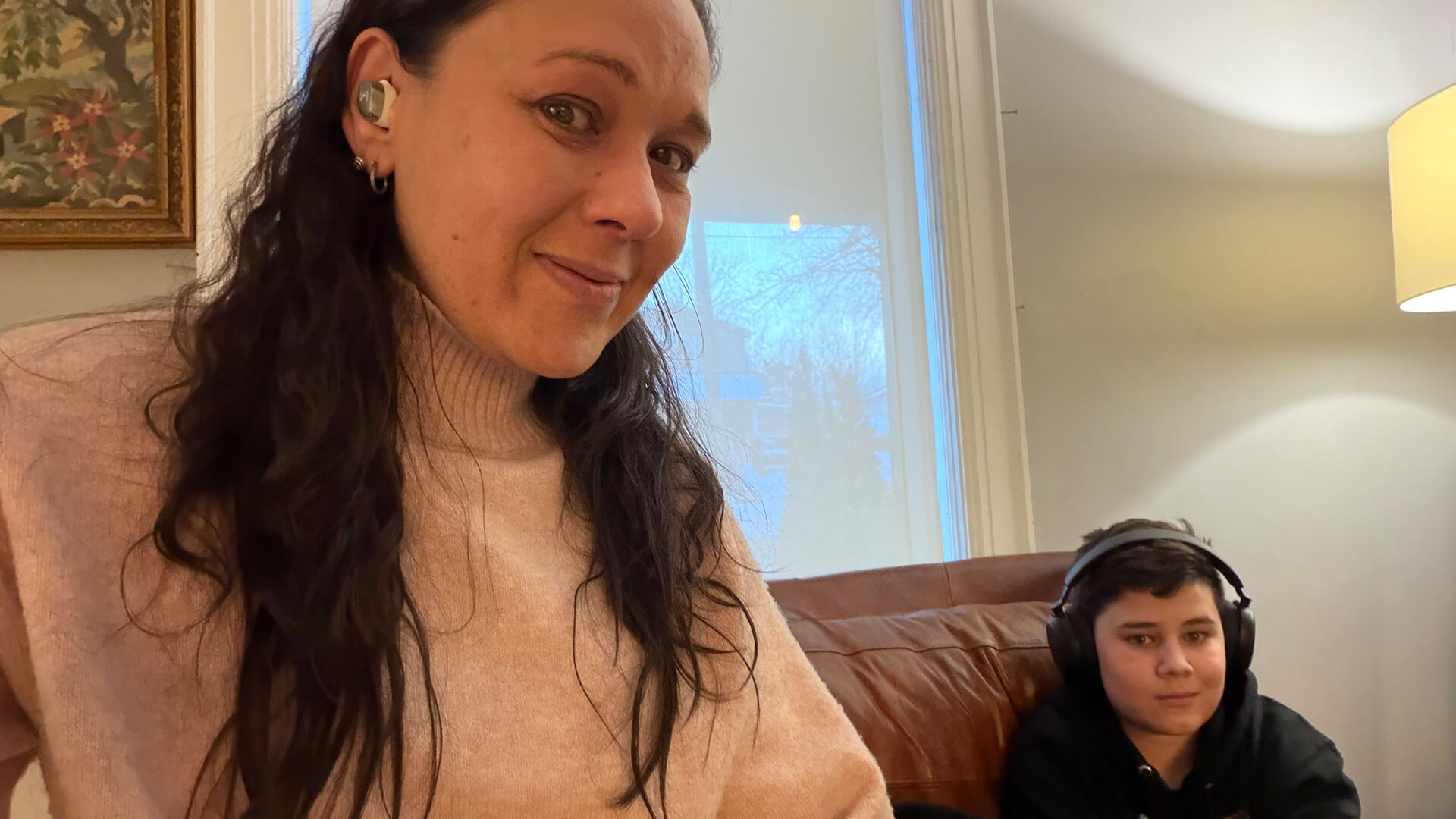
I ran two additional tests: I connected a second pair of headphones to the transmitter at the same time as the RS 275 and connected the headphones to my iPhone for listening to music and podcasts.
First, the transmitter. While you can connect any pair of headphones from any brand for multi-user listening provided they are Auracast enabled, I used the Sennheiser Momentum True Wireless 4 earbuds. Set-up was non-existent: pair the headphones, search for an Auracast signal in the app, select the BTA1, and you’re done. I tested it with the volume on the TV completely muted while I listened through these buds and my son popped on the RS 275 TV headphones to listen to the same source. They worked flawlessly while we listened to his Minecraft YouTube videos at our own preferred volumes.
As for listening from my phone, I used a few reference tracks as well as podcasts to see how the headphones perform as “regular” headphones you might use while commuting, working, gaming, or private listening, as well as for passive noise cancelling. The passive noise cancelling is good enough such that my oven timer went off and I didn’t even hear it! There’s a transparency mode so you can let some ambient sounds in as desired. Overall, you can use these headphones while out and about as regular wireless headphones. But chances are, you’ll want to set them up for primary use with your TV and only occasional use connected to a phone, tablet, or laptop at home.
Should You Buy the Sennheiser RS 275 TV Headphones Bundle?
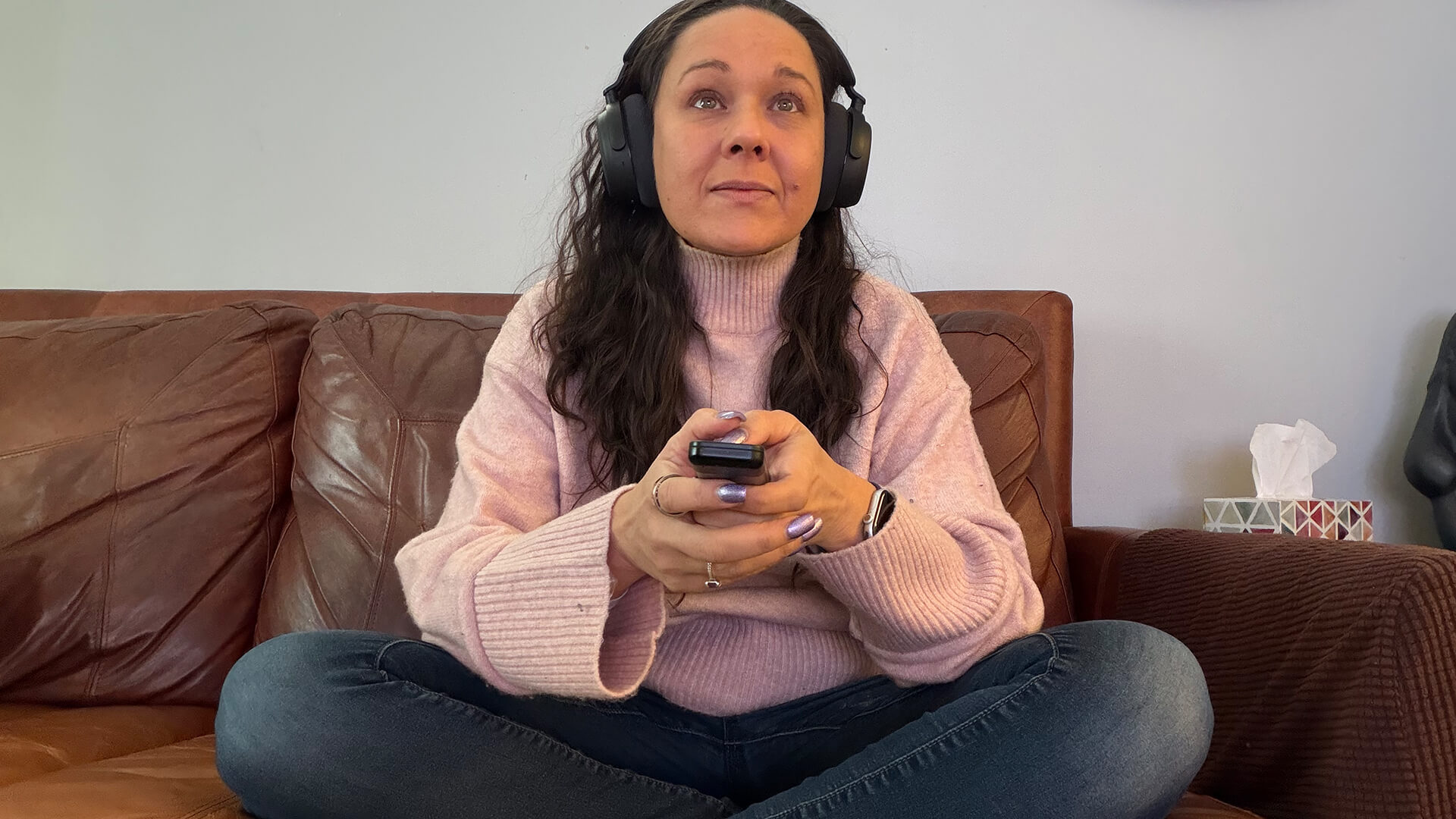
I would recommend the Sennheiser RS 275 TV Headphones bundle as a great option for someone with hearing difficulties, or households where everyone likes to watch at a different volume. If you love it loud and booming but your partner doesn’t, for example, they can listen at a quiet level through the TV speakers while you listen louder with the headphones. If there’s a baby sleeping in the room but you want to watch a movie, you can connect two pairs of headphones to listen to the same content while keeping the TV volume muted. I even found them useful for listening to the news or a singing competition show while making dinner in the kitchen without having to crank the TV volume up high so I could hear over the frying pan.
There are other options to consider. Another major competitor in this space is Sonos with the Sonos Ace headphones and its TV Audio Swap feature, which I noted in my review is my favourite feature of these headphones. It works just as well, but requires a compatible Sonos soundbar and doesn’t have Auracast. Sonos did, however, release an update last year that allows two people to listen to the same source through separate Ace headphones. But it’ll cost a lot more for the pair plus soundbar if you don’t already have one.
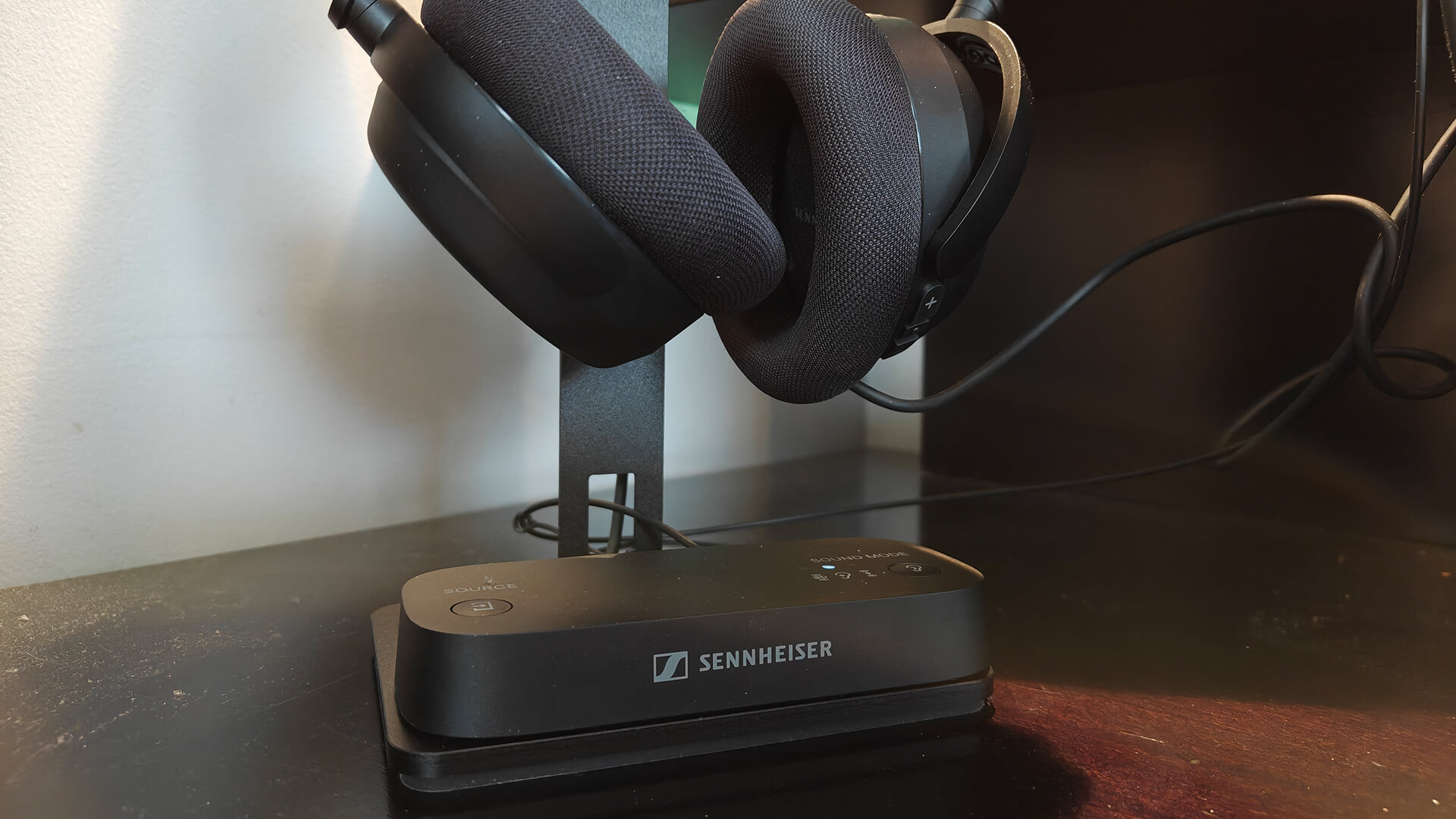
What’s great about Sennheiser’s bundle is that it costs as much as a single pair of headphones on their own but includes the stand, transmitter, and necessary cables as well. You can use these headphones anywhere, but the included stand confirms that these should be your “TV watching” headphones in the house. The fact that the transmitter works with a virtually unlimited number of wireless headphones from other brands as well as Sennheiser via Auracast makes it a versatile option. If you already have a pair of Auracast headphones you love, for example, you can just buy the transmitter to get the enhanced listening experience. Or buy the set and connect your headphones to the same transmitter as a second pair.
If you’re not tech savvy, I suggest asking a family member to come by and handle initial set-up for you. You might run into some hiccups as I did, depending on your TV make and model and the overall audio set-up in your home. But once it’s up and running, you’ll find these headphones useful in all types of scenarios. They’re a delight to wear and so convenient for private TV listening.
Get the Sennheiser RS 275 TV Headphone Bundle for $400 in Canada. The BTA1 transmitter is $200 on its own.