
Pros
- Incredibly comfortable to use keyboard
- Unique dual-screen design
- Compact package for transport
Cons
- Screen doesn’t flip back as a tablet
- Gestures and navigation can sometimes be finicky
- Experienced some Bluetooth keyboard syncing issues
I’ll start by being honest: I’m a Mac user and have been for at least 15 years. With that said, the unique design, incredible power, and utility of the Asus Zenbook Duo (UX8407), an updated model for 2026, convinced me I should try this one.
Getting used to things as simple as keyboard commands and a very different, more heavily AI-driven, experience compared to the Mac is not easy. Nonetheless, I set up both my Microsoft and Google accounts to access my content from the cloud.
So, the purpose of this review is to help PC users decide if this model worth the upgrade (or Mac users worth the switch!) from a practical usability standpoint. If you’re looking for benchmark testing and pro-level user feedback, I’m not getting down to the nitty-gritty compared to other Windows-based PCs . My goal for this review is to evaluate this laptop’s viability for work-from-homers and students, and particularly the value of the unique design proposition.
My main questions going into this review were simple: could I get used to using this computer? Does the dual-screen design have any practical benefits? Does it successfully support advanced AI experiences? And is it powerful enough to handle demanding needs? By the end of my review period of several weeks, I was questioning my allegiance to the MacBook and seriously considering at least augmenting it with a PC.
About the Asus ZenBook Duo UX8407
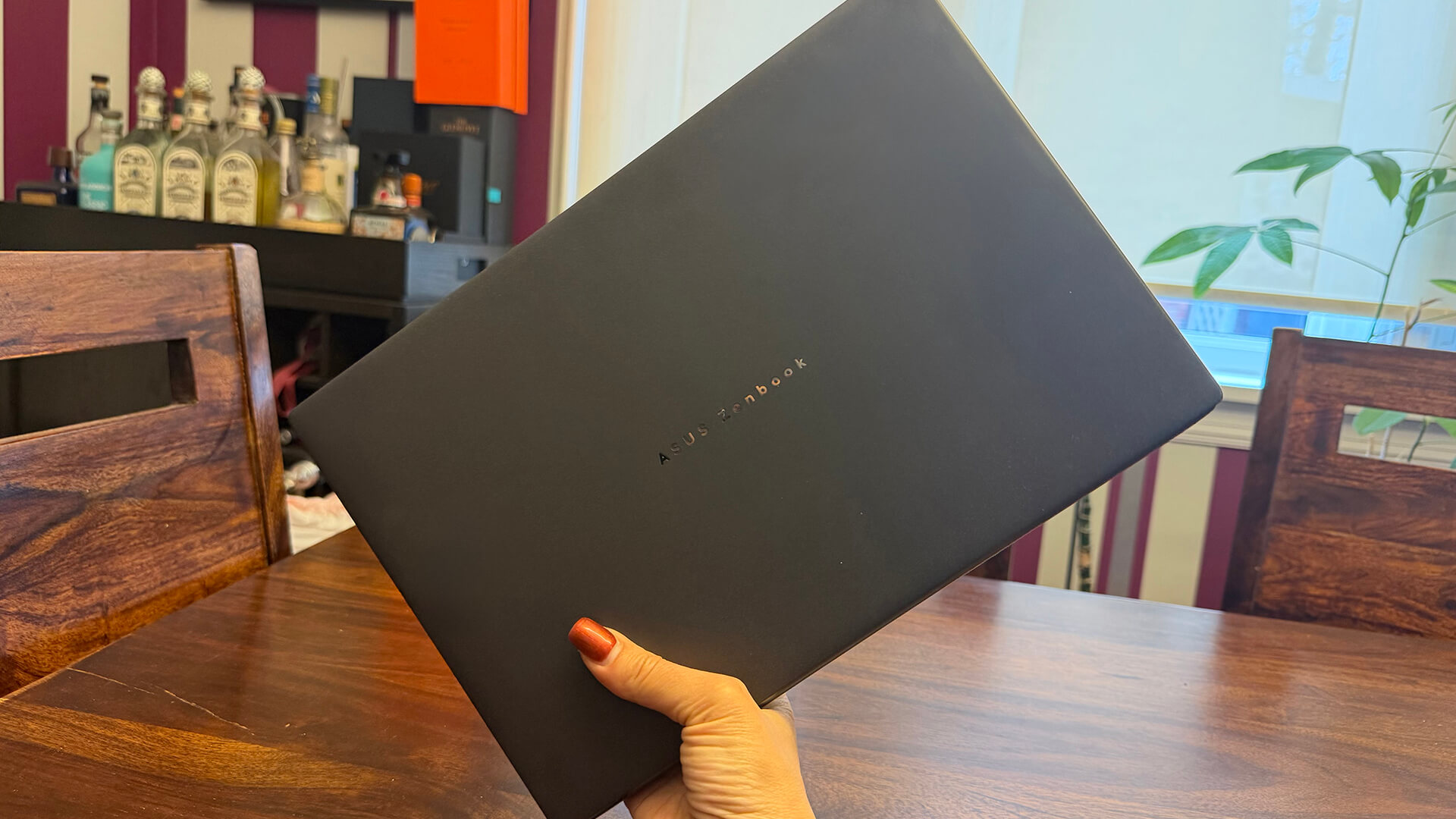
First, let’s run down the basic specs of this laptop before diving into my experience. It’s durable, made of tough and lightweight (1.35 kg without the Bluetooth keyboard, 1.65 kg with it) Ceraluminum with a hideaway hinge and MagLatch keyboard that docks between the two screens. It’s 5% smaller than the previous generation model, and there’s a 70% reduction in the screen gap compared to the first-gen model.
The 99Wh dual battery can last all day and the laptop comes with a 100W adapter. The dual 14-inch 3K Asus Lumina Pro OLED 48-144Hz Dolby Vision-certified 2,880 x 1,800 displays offer 1,000 nits brightness with an anti-reflection coating. It’s powered by an Intel Core Ultra X9 Series 3 processor (or 9 or 7) with up to 180 TOPS of AI performance alongside Intel Arc graphics and up to 32GB RAM and 2TB storage. There’s also a Dolby Atmos six-speaker audio system and enhanced thermal management to handle intense loads for multitaskers, creators, and gamers.
Manipulate the touchscreens using gestures, guided by ScreenXpert software, which has smart features like auto detection when the lid opens beyond 175 degrees and sharing and annotating tools. Once unboxed, adjust the design as you see fit. Use it like a traditional laptop, remove the physical keyboard and type on it separate from the screen, use the bottom screen as a virtual keyboard (still in traditional laptop mode, the physical keyboard off to the side), or pull it open and use the integrated kickstand for a dual screen experience with the physical keyboard in front of the screens.
The full-sized, strengthened Bluetooth keyboard has a reinforced frame and mainboard. The displays have two Thunderbolt 4 Type-C ports, a USB-A, HDMI 2.1, and audio jack. There’s a built-in FHD 1,080p IR camera with Windows Hello and array microphone with Cortana support.
The Asus Zenbook Duo (2026) starts at $3,800 but it’s on sale at the time of this writing for $2,800.
Asus Zenbook Duo (2026) Review
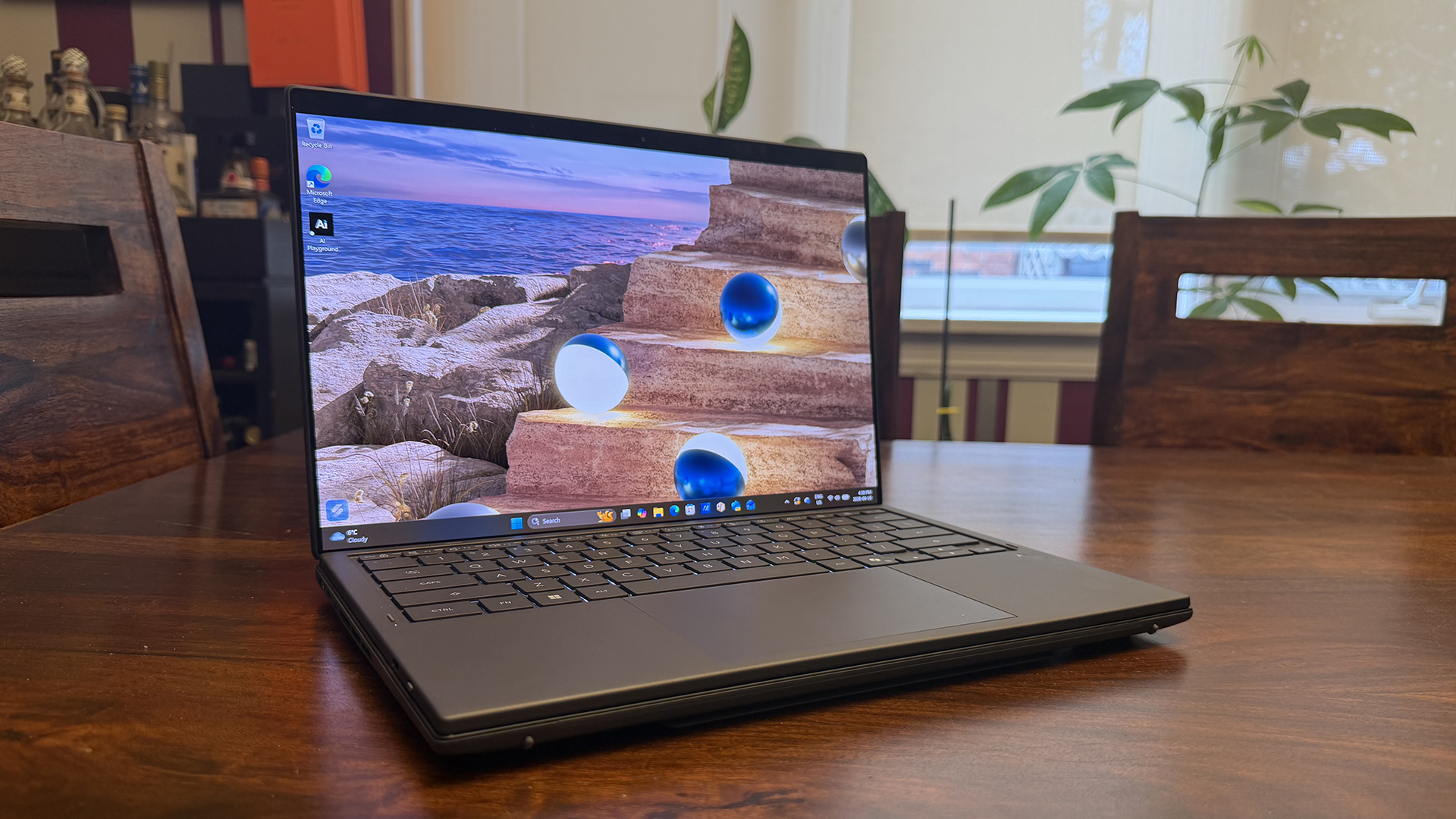
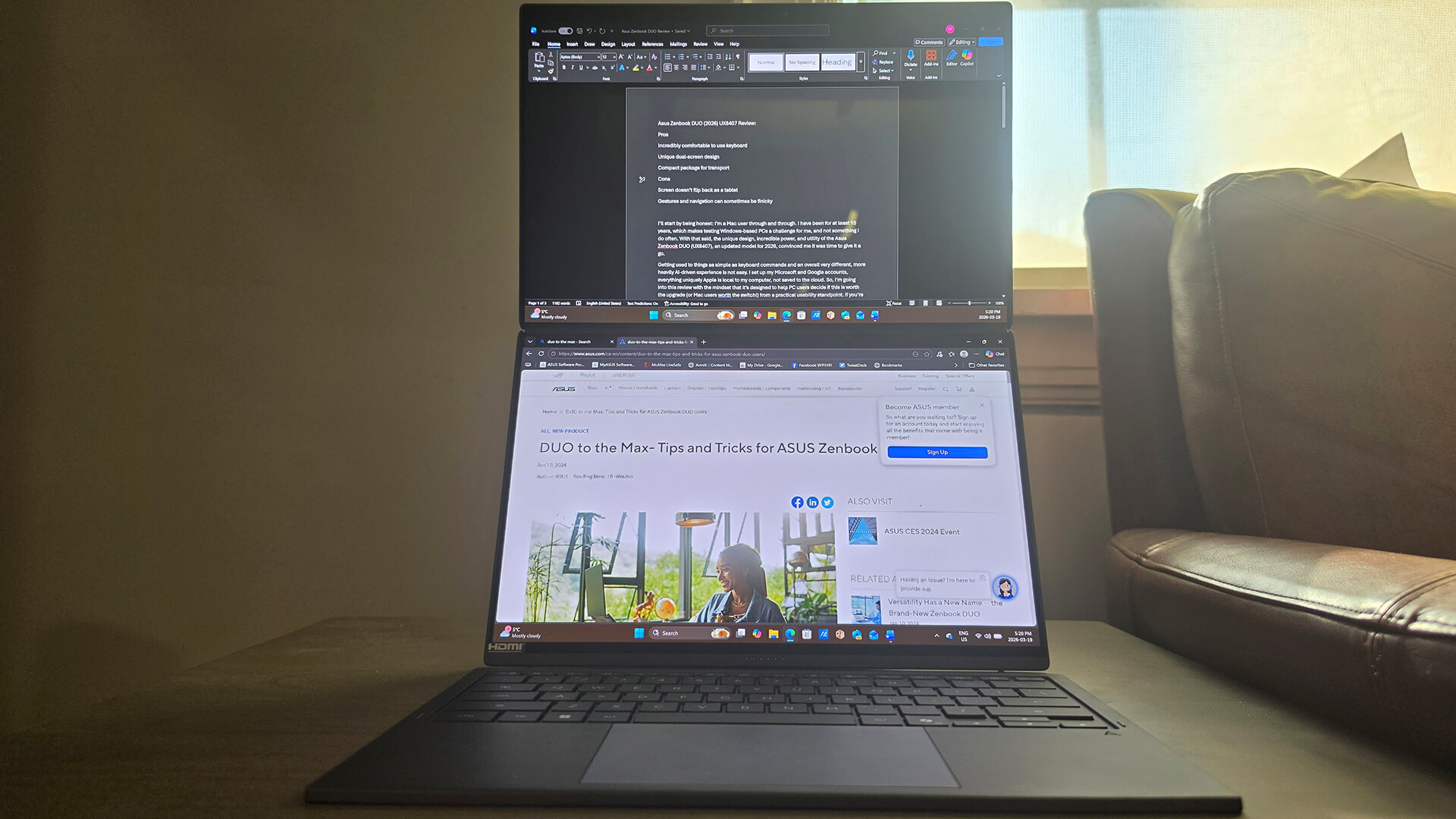
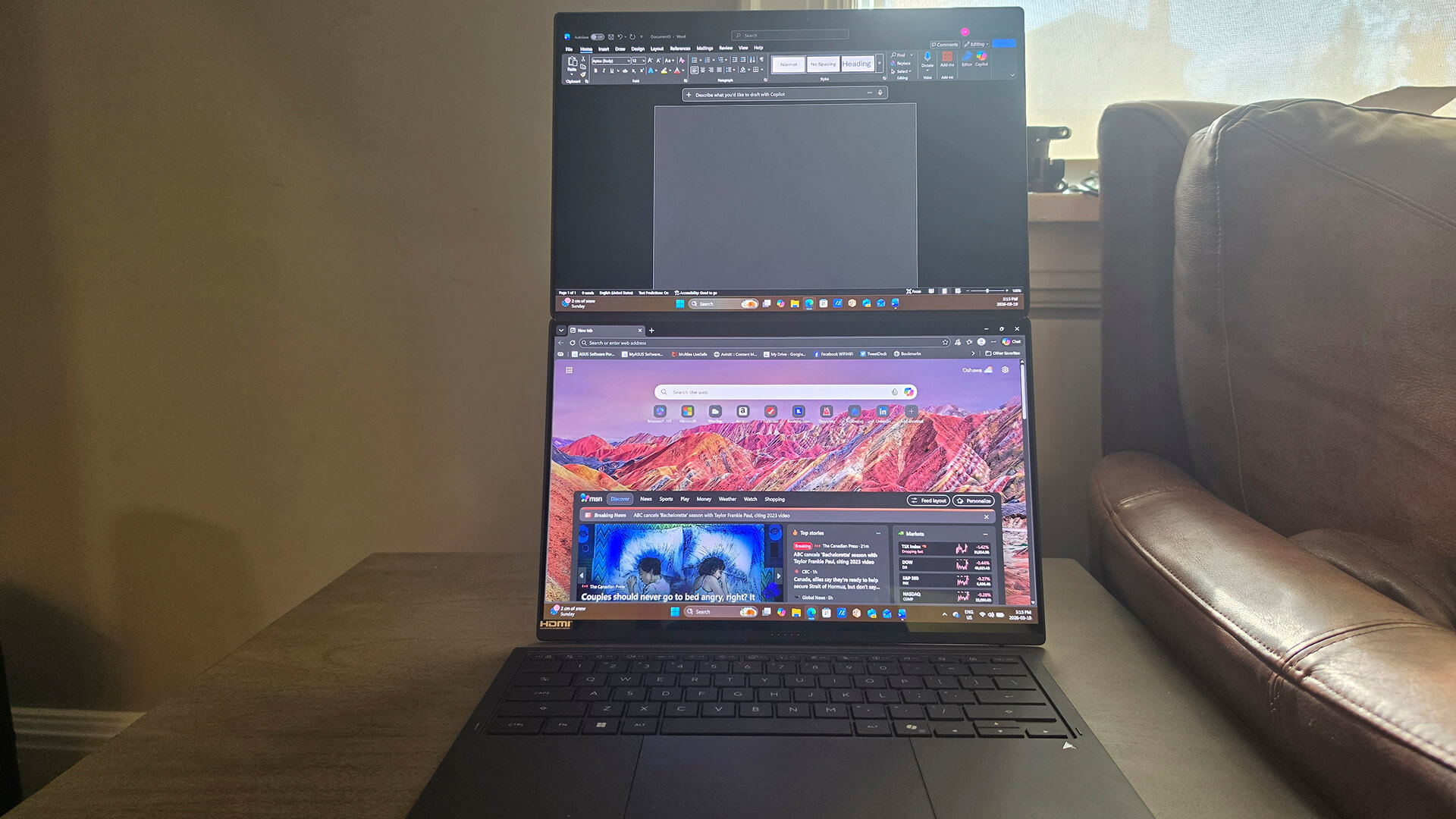
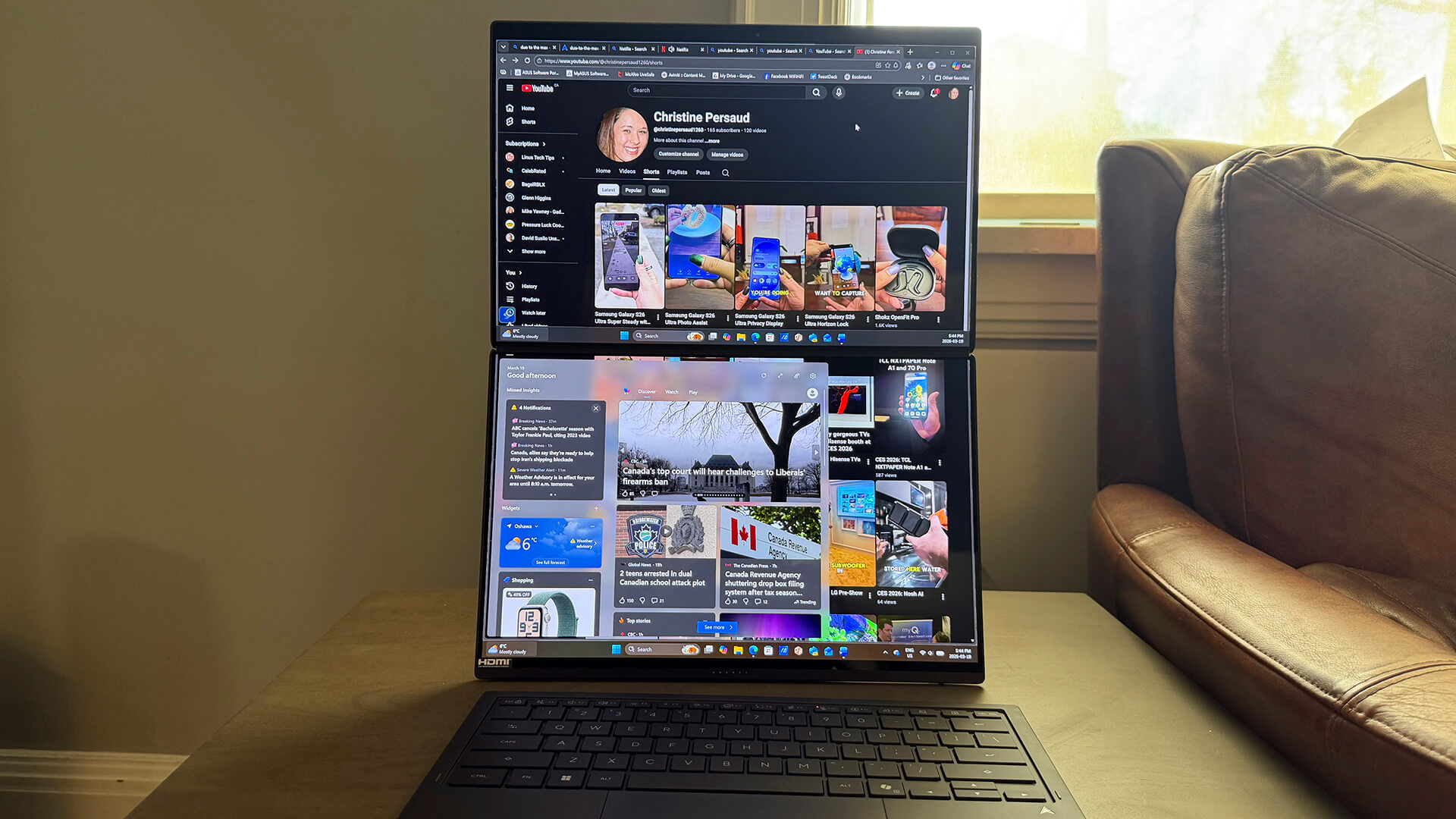
I absolutely adore the clever design of this laptop, not just because it oozes cool factor, but because it just makes sense. One of the apps I use most on my regular laptop, for example, is called Split Screen. I’ll often write articles on one side while looking up information I need, like the names of actors in a TV show or specs for a tech device on the other. Or I might be watching a virtual seminar on one side while taking notes on the other, or referencing a PDF product brief while writing an article. I use Split Screen more than any other app. So, to have two screens in full view, one on top of the other, is a lifesaver.
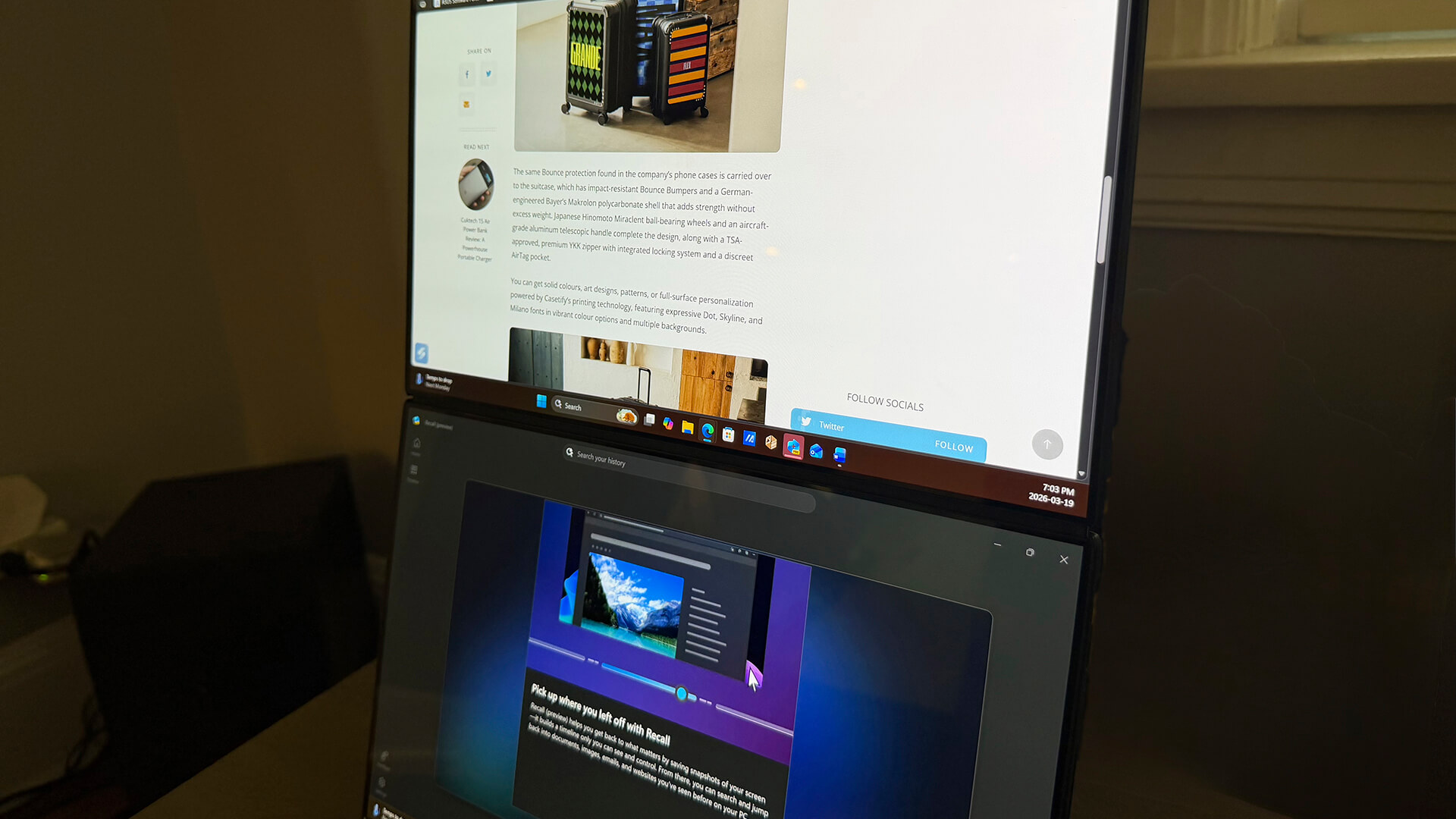
Beyond being able to leverage both screens, I also often work anywhere in the house but at my desk, which usually means my laptop isn’t at eye level. I can display my Word document on the top screen at eye level, which is much better for comfort and ergonomics, helping prevent back and neck pain without the need for a laptop riser. Just switch the top screen to be your primary screen in Display Settings if you prefer this. At any time, you can also flick a screen up or down to move it from one screen to the other. Neat!
Dual-and Single Screen Mode With Keyboard
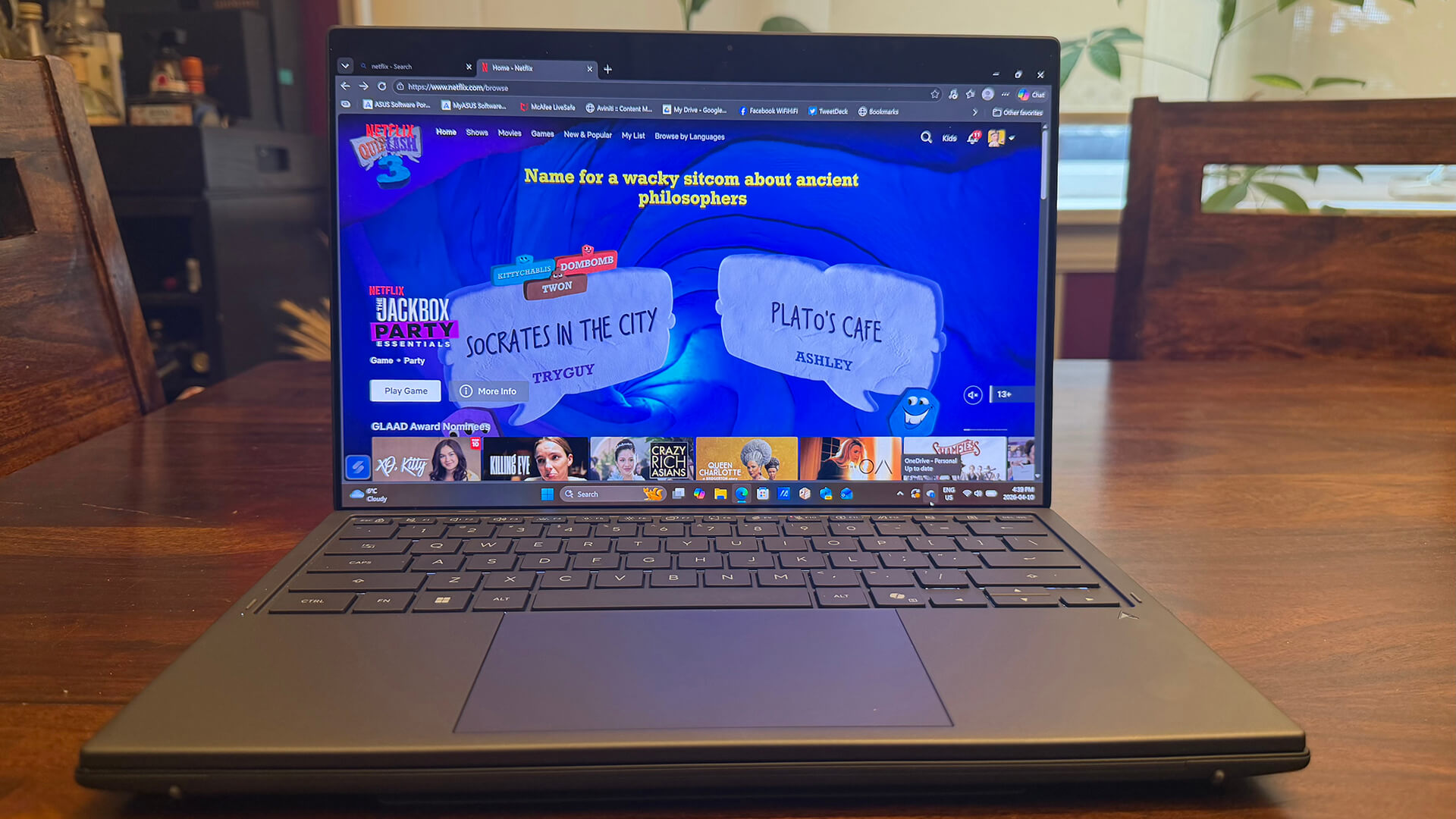
Once it was set up and I familiarized myself with gestures, I tried the laptop in dual screen mode. In fact, I used it while writing the first draft of this review. The keyboard flows like water, making it so incredibly comfortable and satisfying to type on. Setting the keyboard atop the bottom screen, the laptop functions just like a regular laptop, the keyboard magnetically attaching so it remains in place: you’d never know there was a second screen under it.
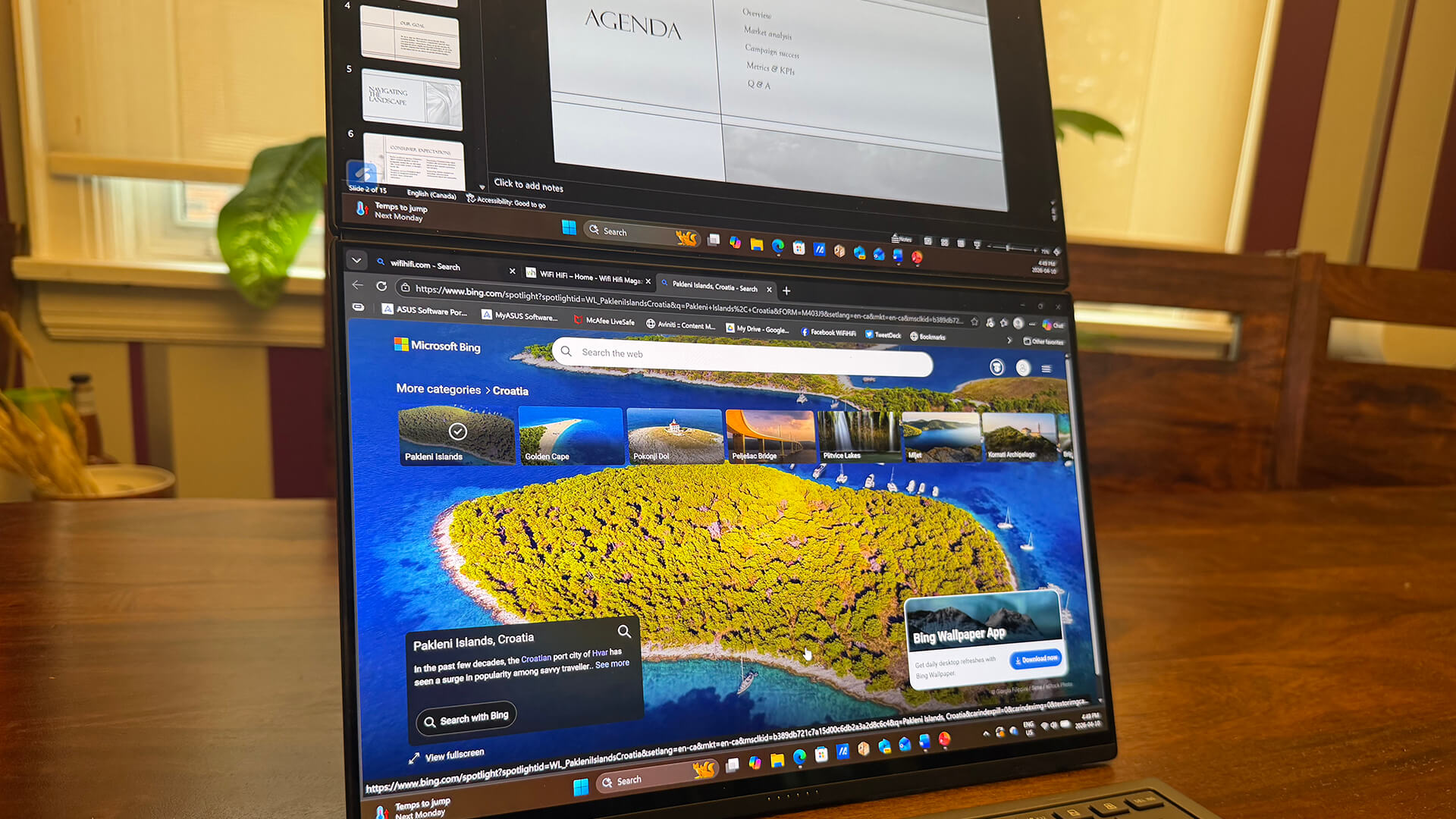
At one point, I set the monitors on the living room coffee table and used the keyboard in my lap. It’s not ideal since the keyboard is flimsier than other wireless keyboards. But it works for simpler tasks that involve minimal keystrokes, like queuing up a video or video meeting. At one point, I did experience some Bluetooth keyboard syncing issues once I removed it: it would show connected but wouldn’t work. Switching the power on and off (on the bottom, left side of the keyboard) and removing and re-pairing seemed to fix this after a few tries.
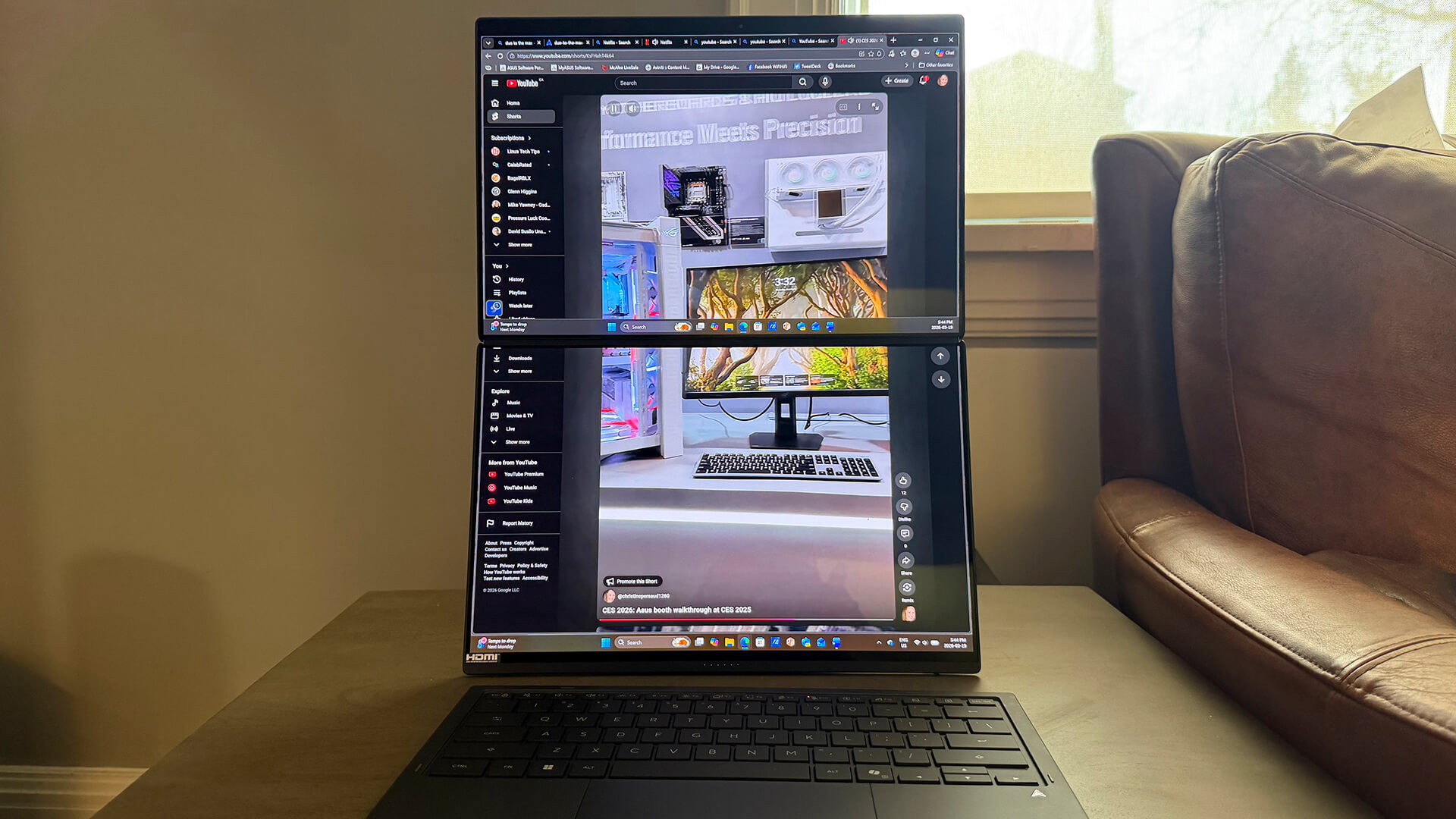
I love that you can slide five fingers on the screen to expand the view to fit both screens. It’s a vertical view, so it’s not conducive to watching movies. But you might like expanding the video for Reels and Shorts. Just keep in mind that the crease between the two screens is very visible. If you’re viewing something like a Word document, though, it’s nice to be able to see two pages worth at once.
Single Screen With Virtual Keyboard
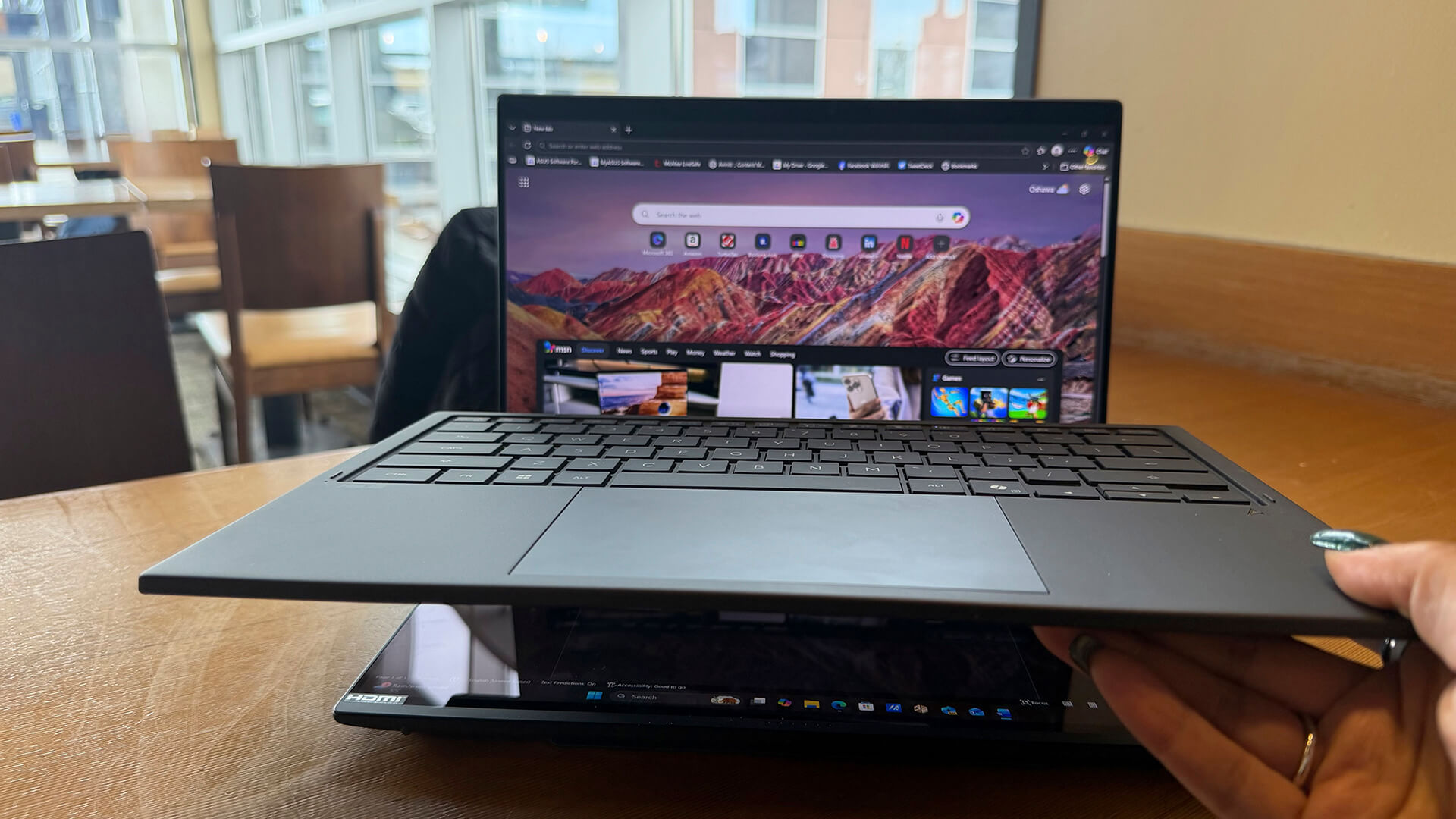
Next, I tried it without the dual screen or physical keyboard, using the bottom screen as a virtual keyboard. To use the virtual keyboard, tap the screen with six fingers and the virtual keyboard can occupy the entire bottom screen or half of it. While the physical keyboard is a dream, the virtual keyboard is anything but for someone like me who has long nails. Typing without raised keys is a no-go. That’s something any female buyer should take into consideration. That said, the virtual keyboard is usable for tasks that don’t require lots of typing.
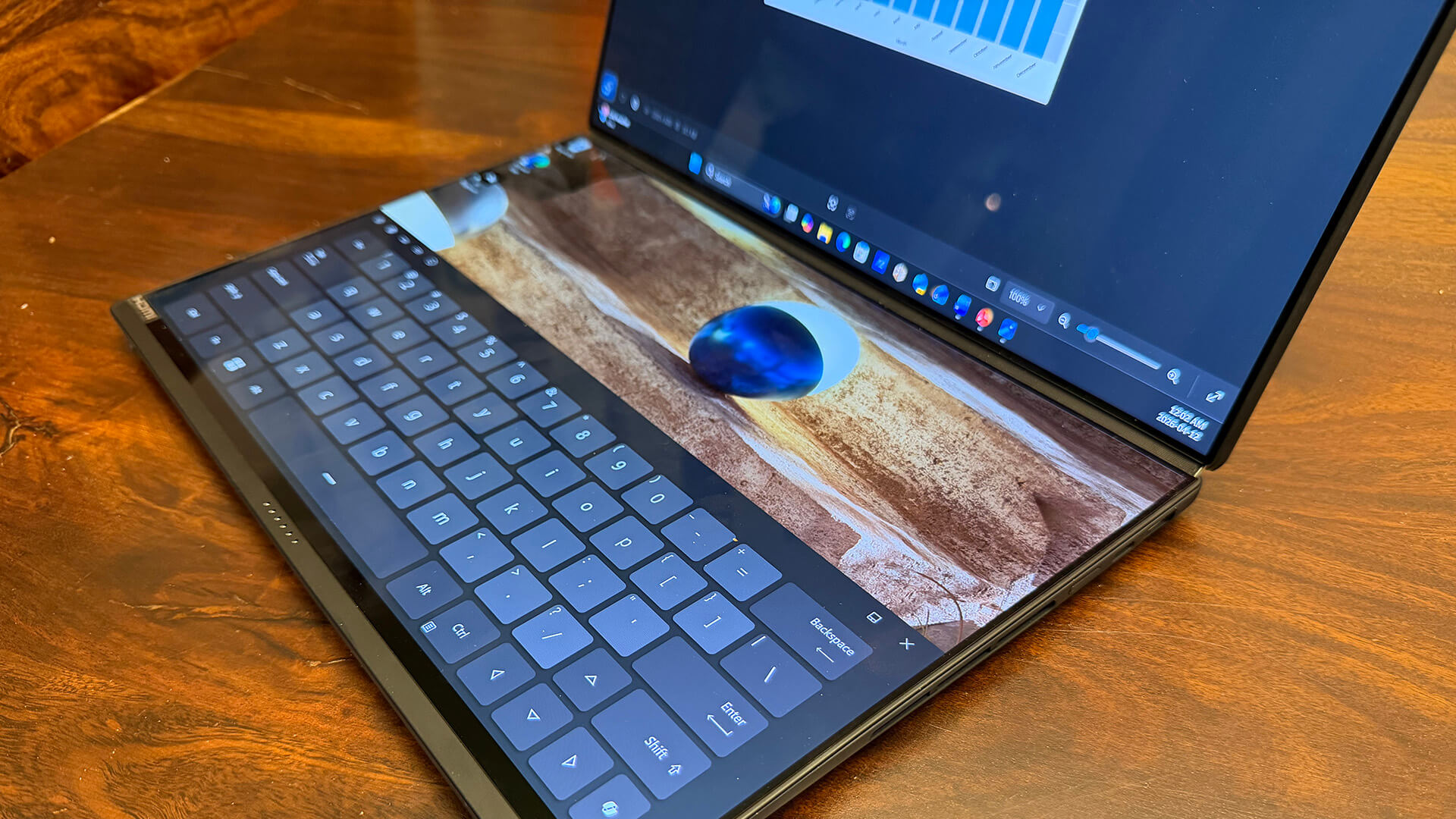
You can use a full virtual keyboard or the top half to extend your display or show a utility bar. Swipe two fingers sideways across this window to toggle among functions like handwriting, control panel, and hot keys. You can even call up a virtual touchpad by tapping three fingers on screen if you prefer that part of the keyboard versus leveraging the touchscreen. So, the virtual keyboard has a lot to it that you’ll find useful.
Useful Design and Features
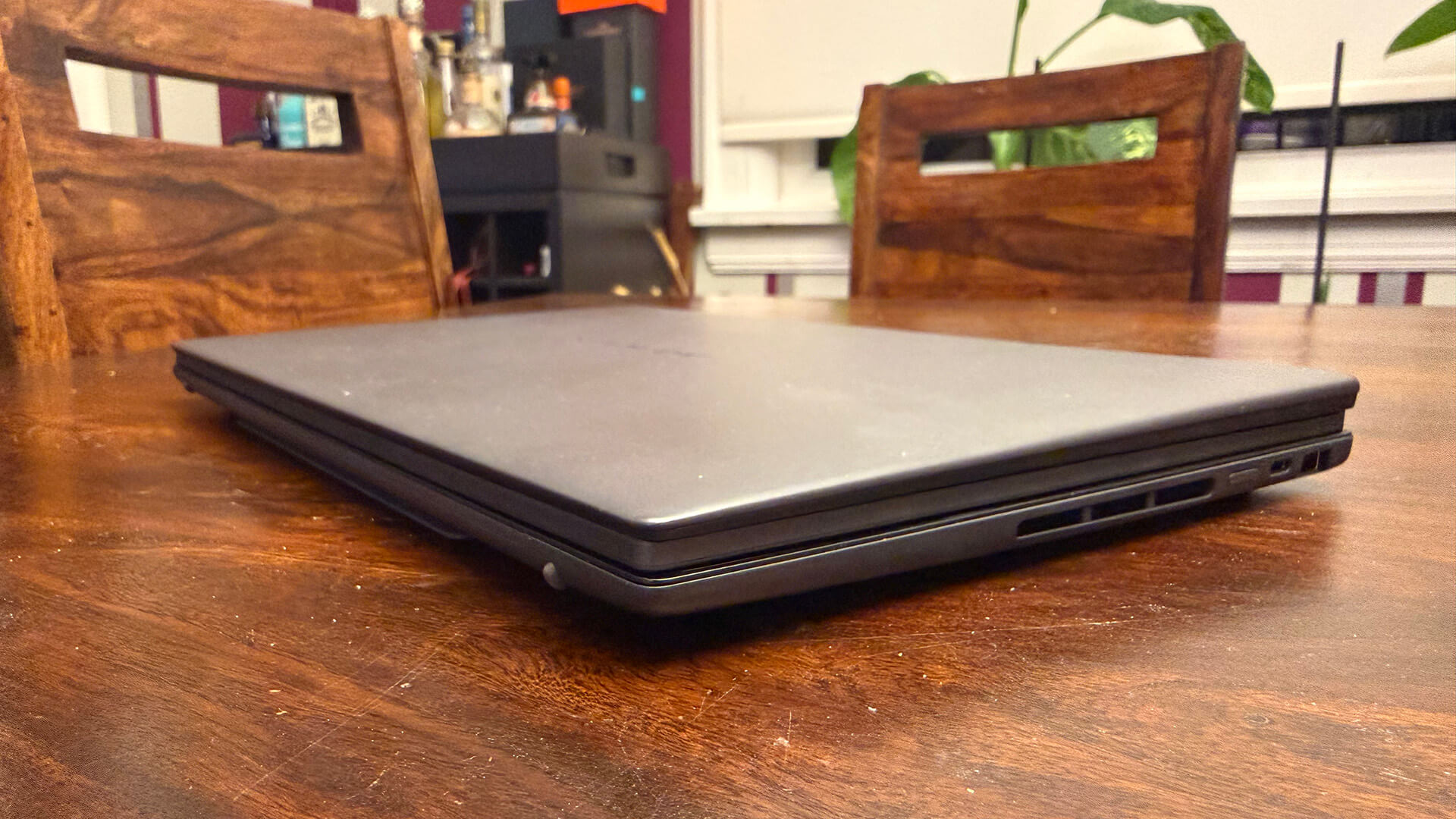
I love that it all tucks away neatly into a traditional laptop size with the keyboard between the screens for transport: it’s no bigger nor thicker than any other laptop that only has one screen. The exterior is prone to fingerprints, so keep in mind that you’ll need frequent wipe-downs.
The gap between screens means you’re not going to get a seamless video view across both, but it doesn’t impede working on the two separate screens. You get a distinct experience with each screen without feeling like one monitor is haphazardly placed atop another. The only thing missing is being able to fold it backwards into tablet format. If this laptop could do that, it would be perfect.
Another feature I appreciate is Phone Link to connect my iPhone so even iOS users can enjoy a semi-seamless experience. Some messages don’t show up, and it does not support group messages. If someone from an iMessage group sends a message, you will only see their reply versus the entire group chain. But it’s still nice to be able to stay in touch without having to glance over at your phone. It’s a feature that helps bridge the gap between Mac and Windows worlds.
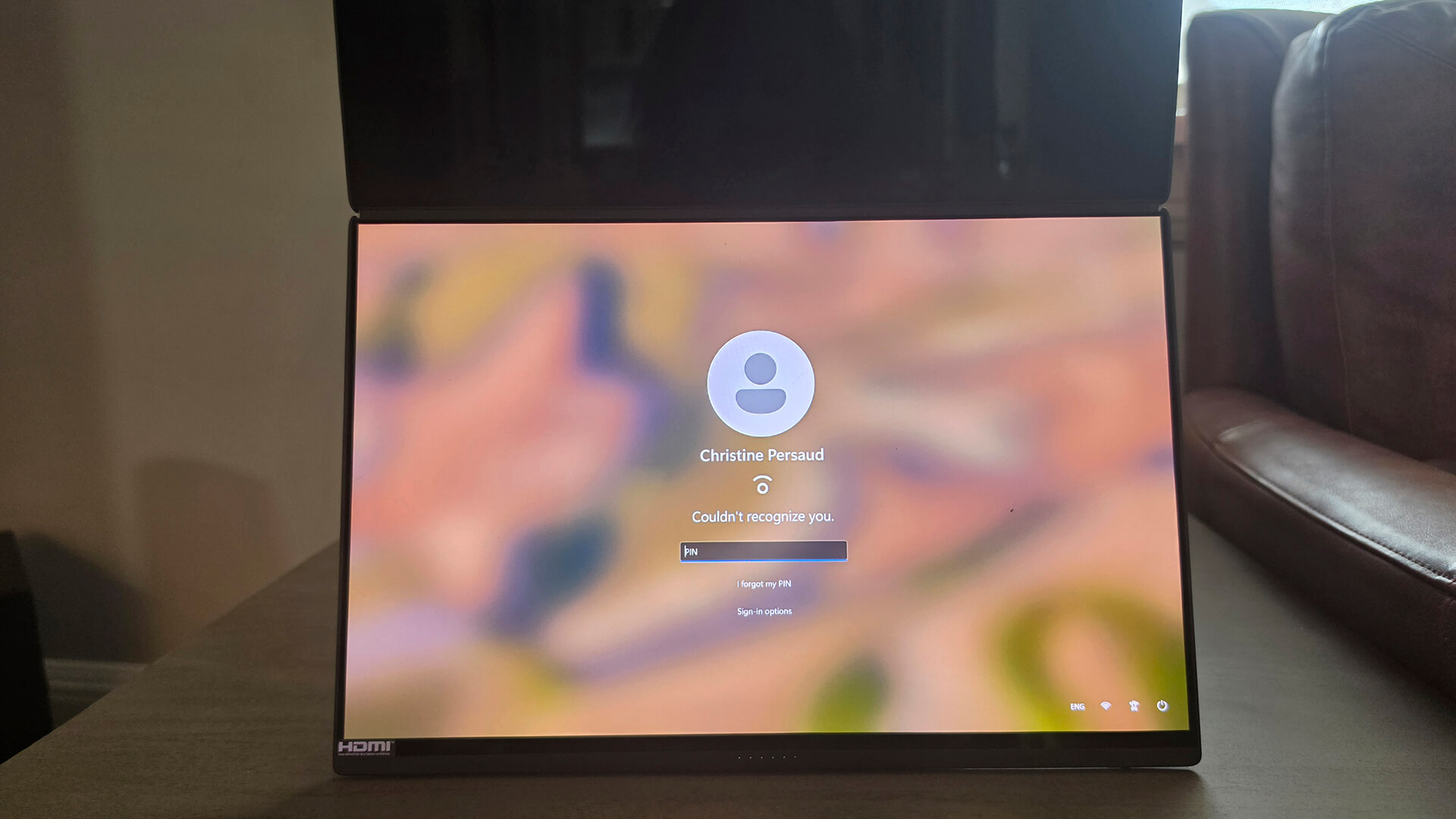
A security feature that automatically locks the laptop screen when I move away and boots back up when I sit in front of it is nice as well. I often work in coffee shops, so to be able to walk up to the counter to grab my food quickly and know no one can sneak a peek at what’s on my screen when I do so is appreciated.
Laptop Performance
Great design means nothing without performance to match, so evaluating usability from a general performance standpoint was crucial, too. The laptop is driven by Intel’s Core Ultra Series 3 processor, originally code-named “Panther Lake” and introduced earlier this year at CES 2026. The Ultra Series 3 processor is the first AI PC platform built on Intel 18A technology, combined with Intel Arc graphics. Together, this means the laptop can handle intense workloads, content creation, and gaming. With this processor, you get improved large language model (LLM) performance.
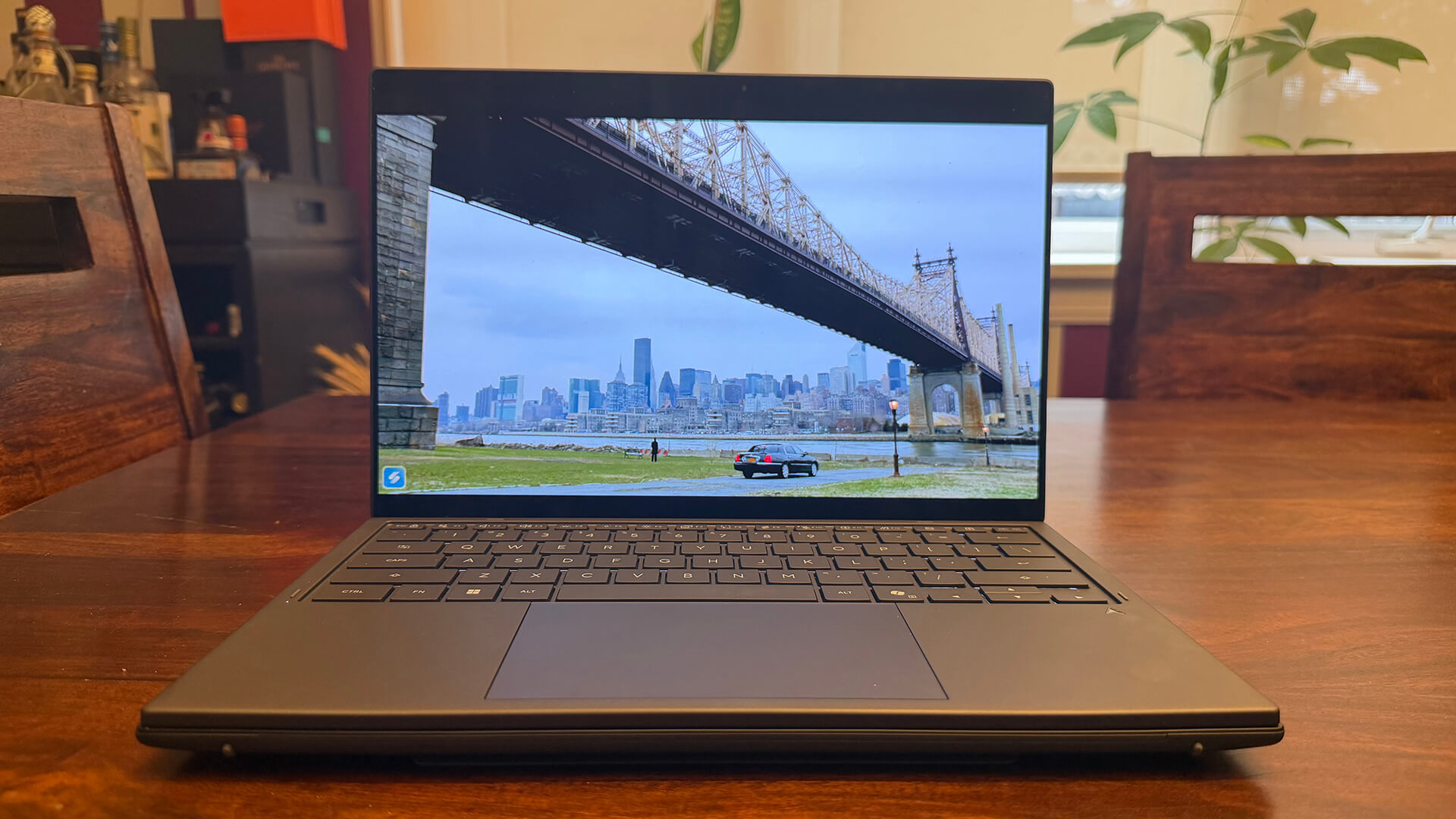
Loaded with Windows 11 Home, you also get Copilot AI assistance for help in doing everything from drafting an e-mail to transcribing and summarizing online meeting notes. There’s also Designer for help with creating presentations. It can turn a document into a slideshow, for example, even source stock images, or enhance an existing presentation by turning a table into a more attractive looking graph or infographic. I imported an Excel sheet of my annual expenses for 2025 and was able to create several bar charts to show things like total monthly spending.
Through my review period, the laptop was able to keep up with every task, whether it was Word processing, web surfing, streaming video, leveraging AI, or even gaming (my 14-year-old was my evaluation assistant for that one!) I used it connected to my TV to display a TV show screener from a site that didn’t have an app (and for which DRM restrictions prevented me from using my MacBook Pro) and it worked well. If something wasn’t working, I used Copilot to get quick troubleshooting steps.
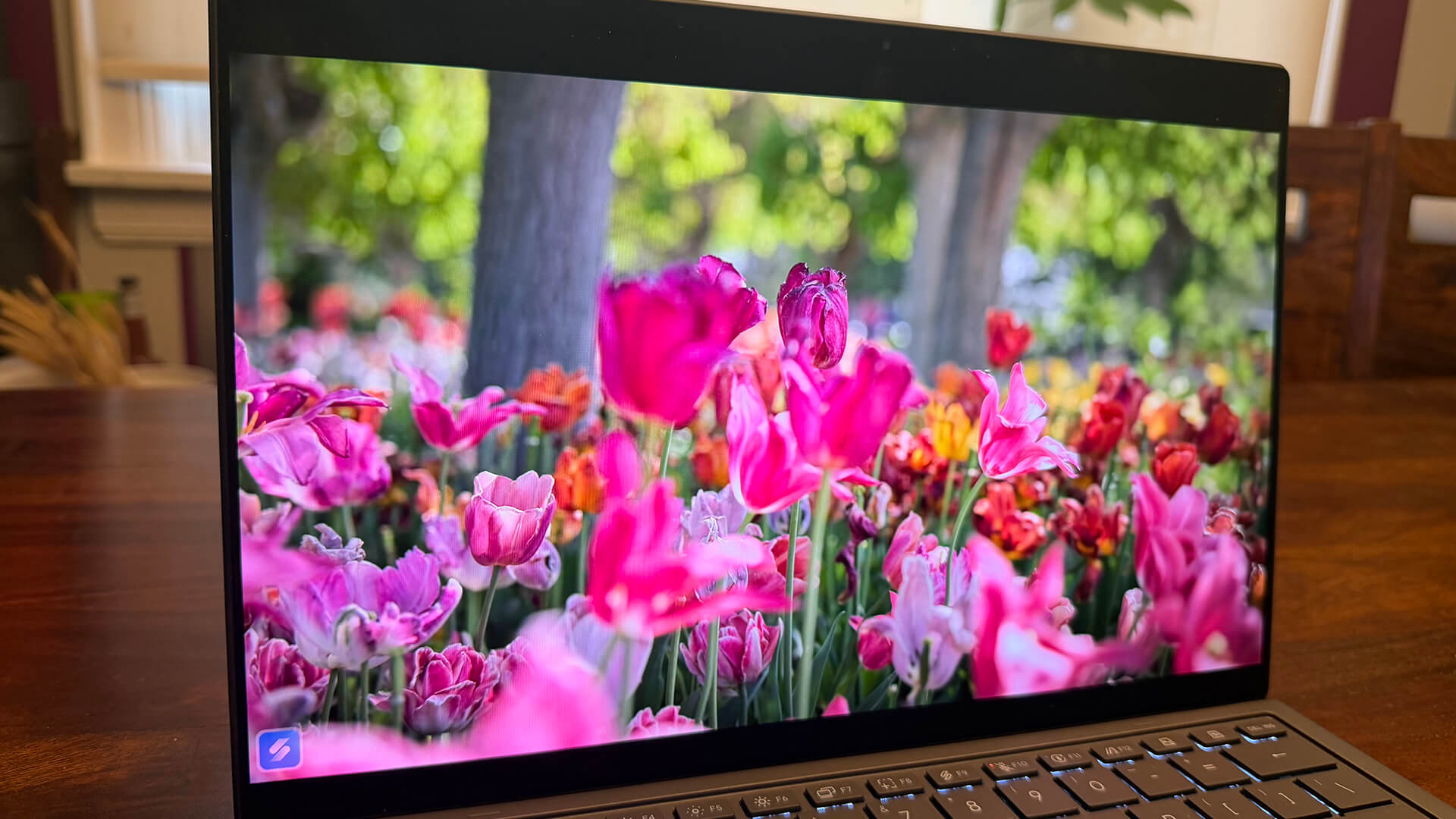
The six-speaker audio system sounds great. I watched content on YouTube and streaming sites like Netflix and it sounds more immersive than you’d expect from a laptop. Picture quality is pleasant as well with beautifully rendered colours. While there’s a bit of an artificial feel to the picture and it lacks depth, it’s better than you’d expect from a traditional laptop.
Should You Buy the Asus Zenbook Duo?
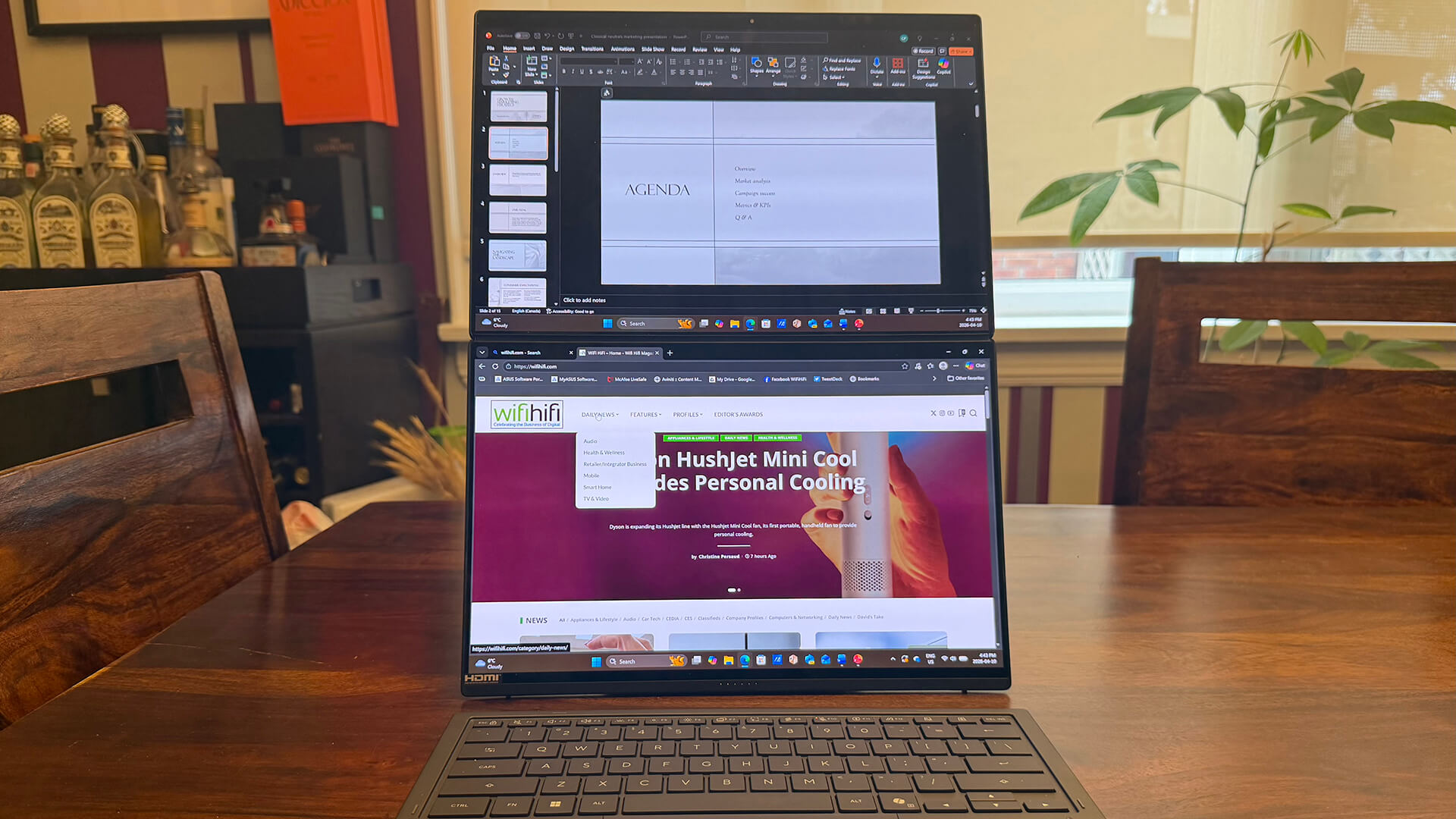
If you’re used to a dual-screen experience at home with two monitors or a widescreen/panoramic one that allows you to split the screen two or even three ways, you might find using the Asus Zenbook Duo is a bit of an adjustment. But you might find the unconventional stacked, vertical view worth getting used to for the ability to take it with you. It’s a great remote working laptop that can replicate your at-home set-up.
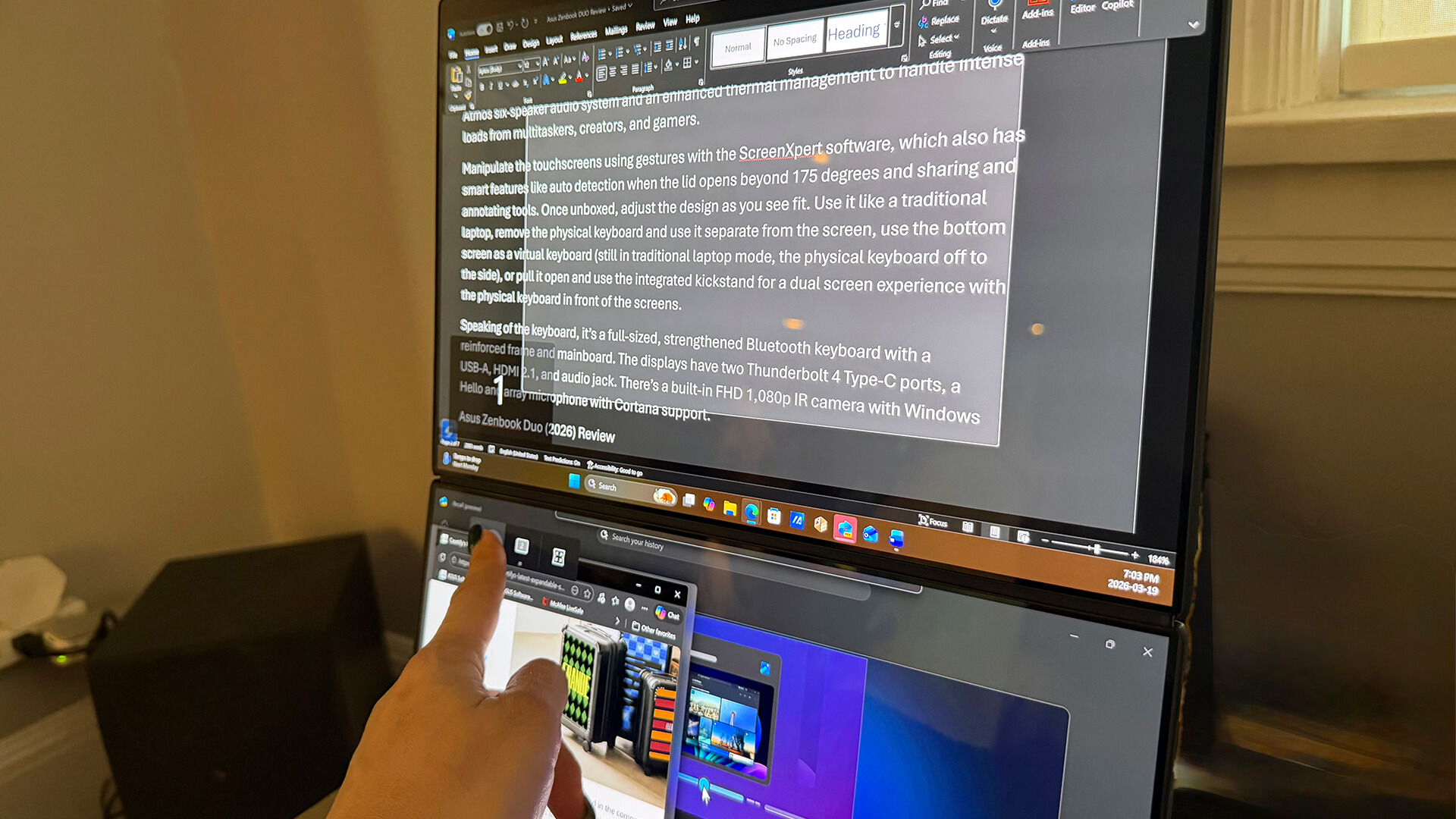
For those who have only traditionally used single-screen laptops with features like split screen mode or annoyingly switching back and forth among apps, you might find this set-up to be a dream when it comes to efficiency. From the incredibly comfortable keyboard to the compact and versatile overall design that lets you use it as a traditional laptop whenever you want, too, it’s a solid choice for productivity-focused individuals. Plus, with its powerful Intel processor, ample RAM, built-in AI tools, long battery life, and loads of storage, you can’t go wrong.
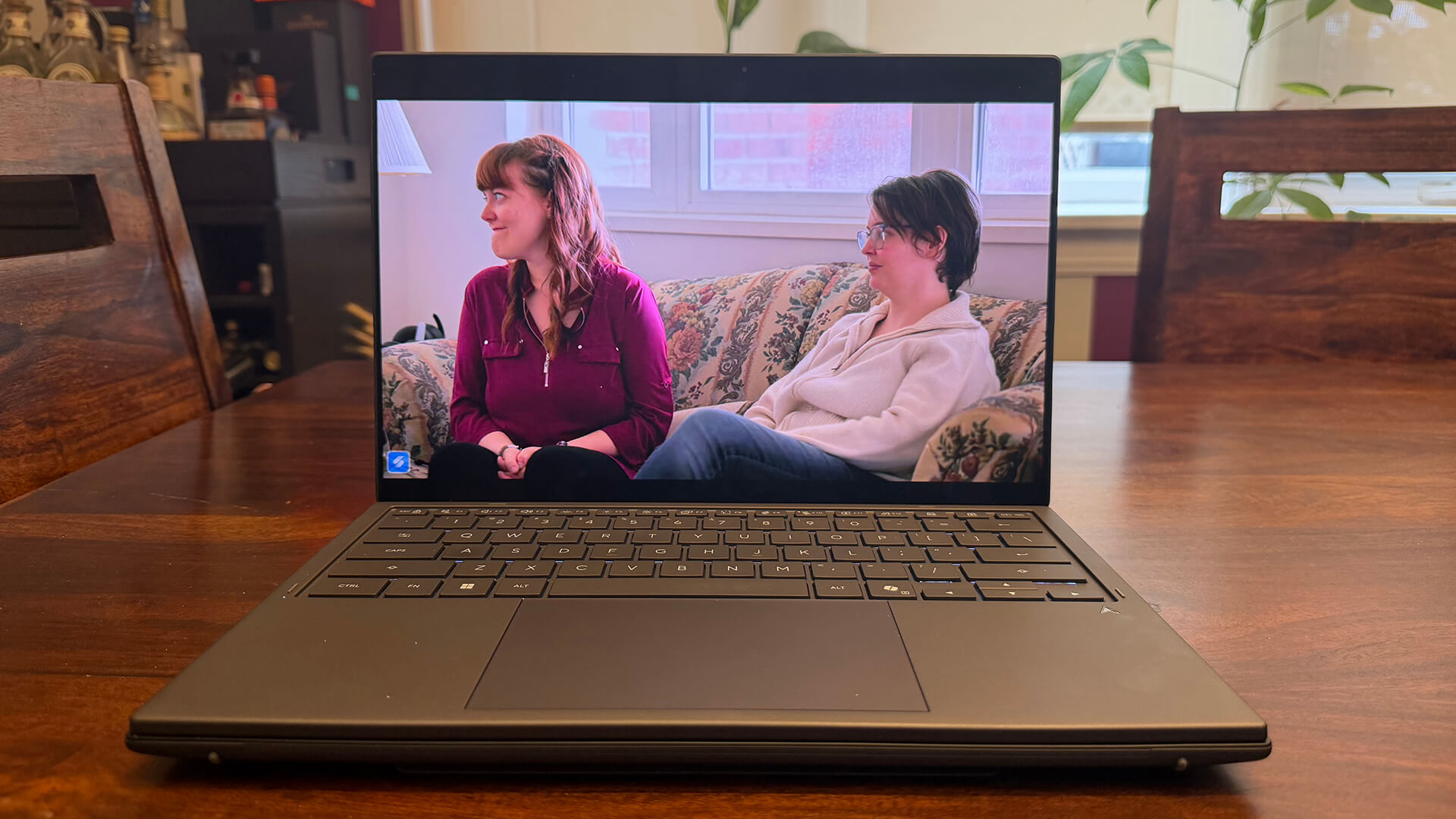
The regular price of $3,800 is pretty steep. But with the current sale price of $1,000 off at $2,800, it’s a decent prize for a high-powered laptop that sort of feels like you’re getting two for the price of one.