

Pros
- Incredible battery life
- Among the most durable phones
- Fast processing for multitasking and gaming
- Plus Mind and Mind Space may be useful over time
Cons
- Taps out at 512GB storage
- No built-in Qi2 charging
The OnePlus 15 is the rising brand’s latest phone, a follow-up to the OnePlus 13 that officially launched in January 2025. After our review period, we awarded that phone a WiFi HiFi Editor’s Choice award. No, there wasn’t a OnePlus 14 in between: the company jumped to 15, marking a big leap in performance, cameras, AI, battery life, and usability. As with the OnePlus 13, it’s an impressive entry into the Android space with mind-blowingly good battery life, cool features, and a sleek look.
OnePlus 15 Base Specs
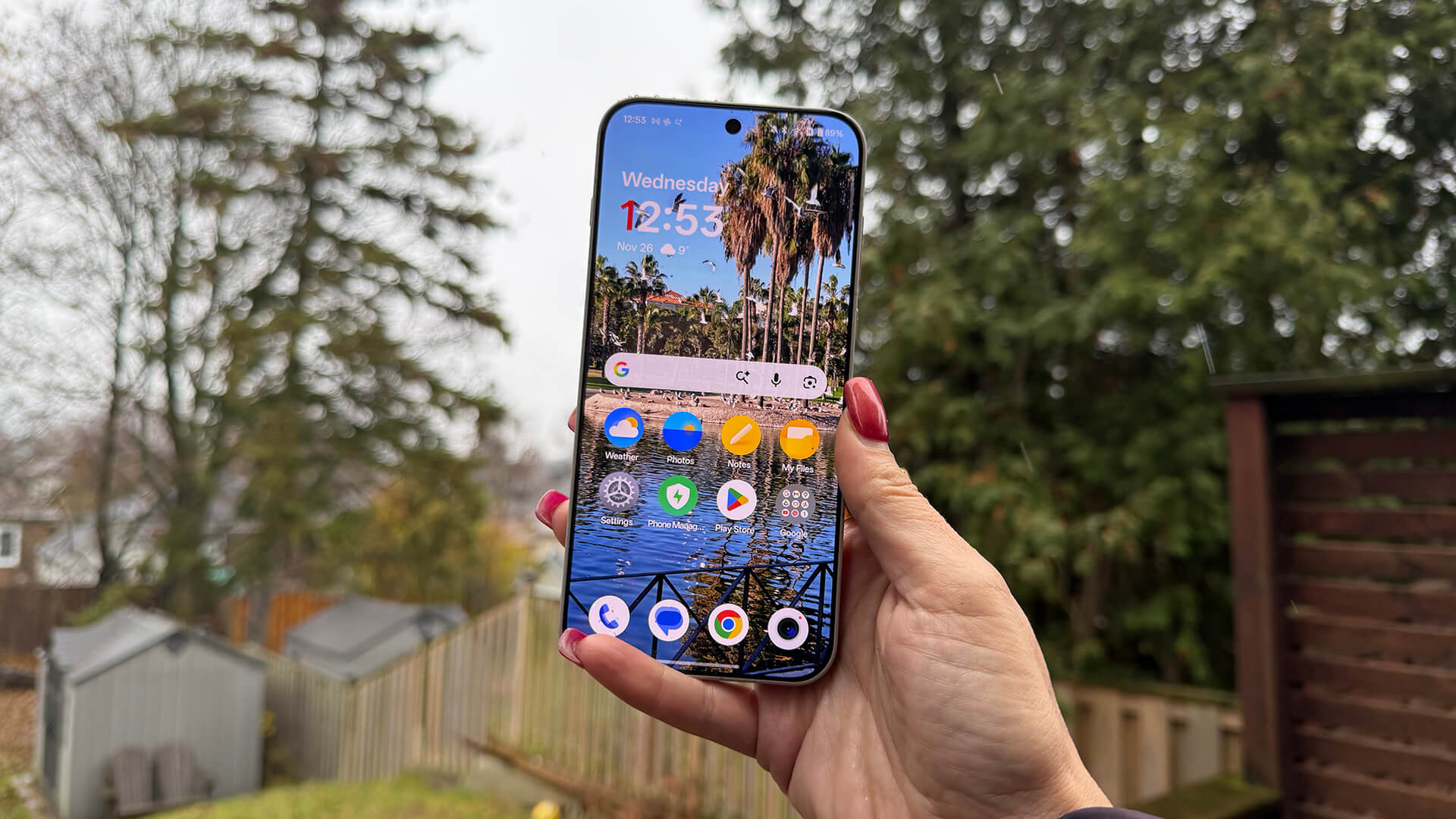
Going over the key specs of this phone, it has a 6.78-inch 1.5K, 165Hz LTPO display with 1,800 nits peak brightness for outdoor visibility that’s dimmable for nighttime viewing. Running OxygenOS 16 with OnePlus AI and Google Gemini, it’s equipped with a Snapdragon 8 Elite Gen 5 mobile processor and triple-chip system, the 360° Cryo-Velocity Cooling System dissipates heat.
The massive 7,300mAh Silicon NanoStack battery can last for up to two days per charge and it operates in temperatures as cold as -20°C. It supports 80W SUPERVOOC wired charging and 50W AIRVOOC wireless support and comes with a charging brick and cable in the box affording 80W wired charging (120W internationally).
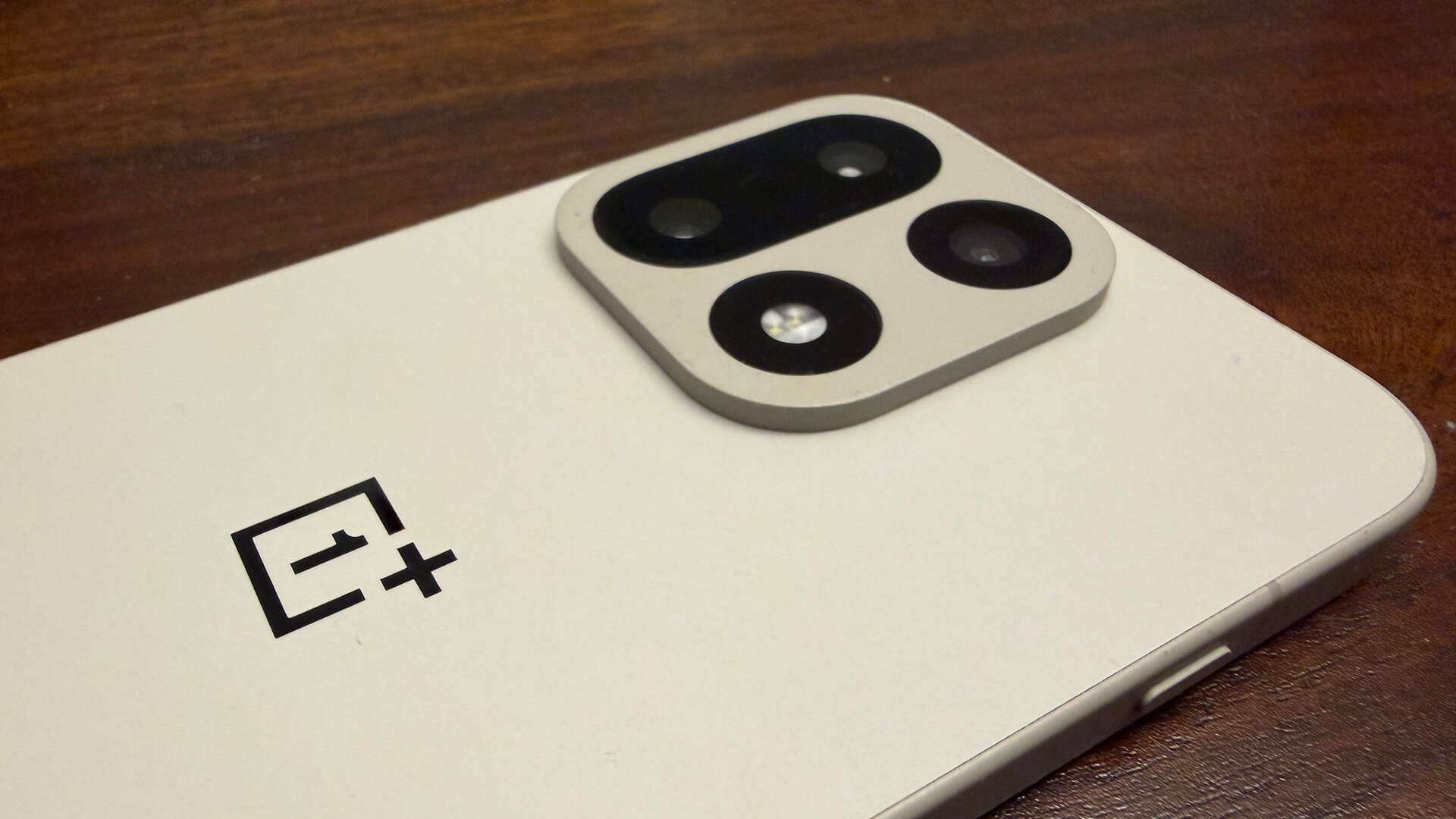
The cameras are powered by the new DetailMax Engine, and consist of a triple 50MP camera array with a 50MP main camera, 50MP ultra-wide camera, and 50MP periscope telephoto lens offering 3.5x optical zoom and 7x high-quality lossless zoom. There’s also an Ultra Clear 26MP mode for capturing more detail in daylight along with Clear Burst for sharp action shots, and Clear Night Engine for cleaner low-light photography.
OnePlus 15 Review
Let’s break down the OnePlus 15 based on the key factors that will be most important to you.
The Design: Ultra-Rugged, Long-Lasting
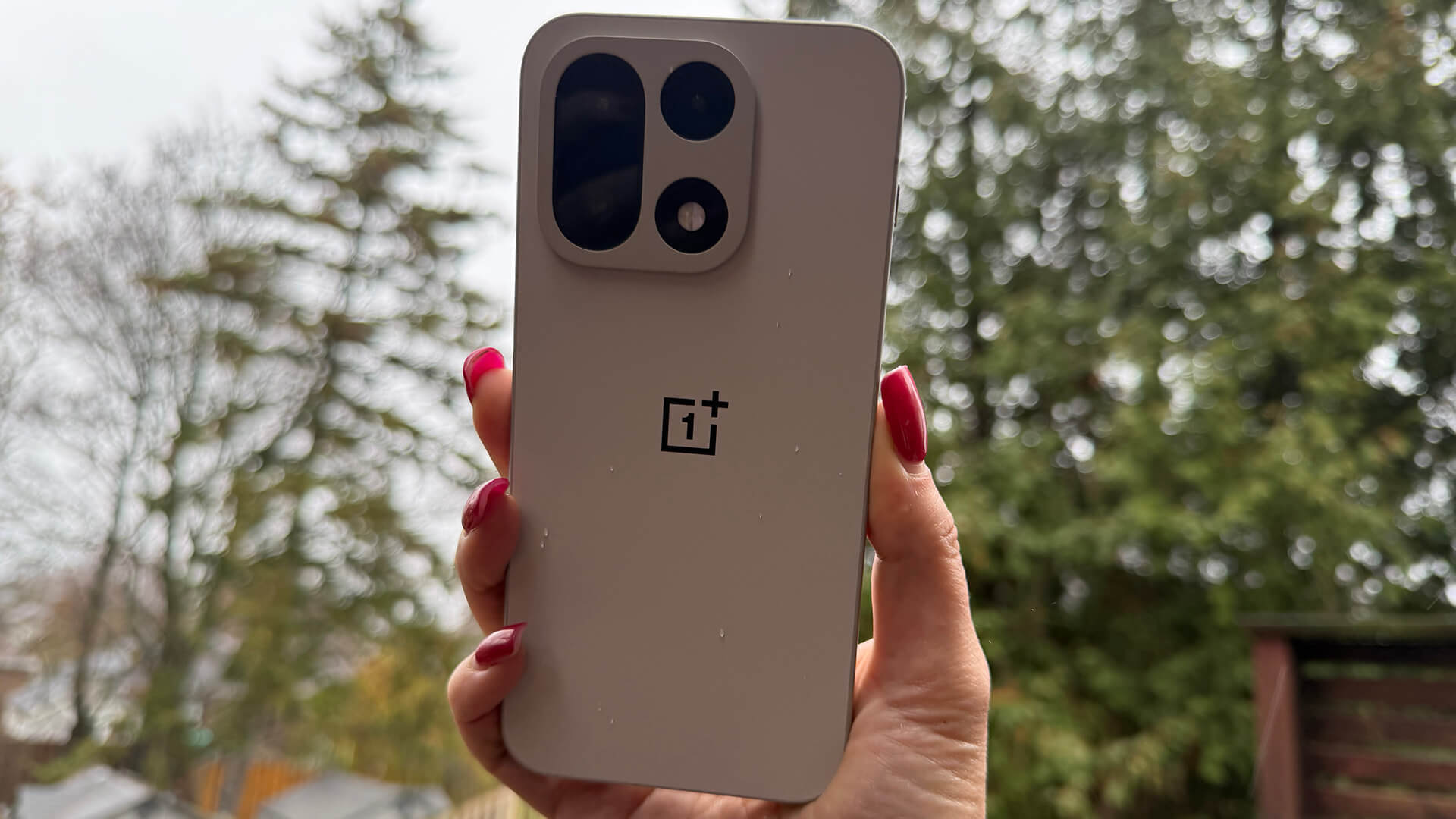
The phone has rounded edges and a square camera lens arrangement on the back with function and power buttons on the sides. It’s comfortable to hold, surprisingly thin (8.1mm) given its battery power. The rated battery life is up to two days and it more than meets this. The standby time is fantastic, too. After charging to full and with moderate use, the phone was still at 83% charged two days later.
It comes in Infinite Black with advanced AG glass, Ultra Violet with a light-responsive dual-texture coating, or Sand Storm, which I received for my review, featuring a MAO-treated frame that OnePlus says is 3.4 times harder than conventional aluminum and 1.3 times more resilient than titanium. The fingerprint scanner on the front works like a dream, a welcome departure from other phones that sometimes give me a hard time with thumb recognition.
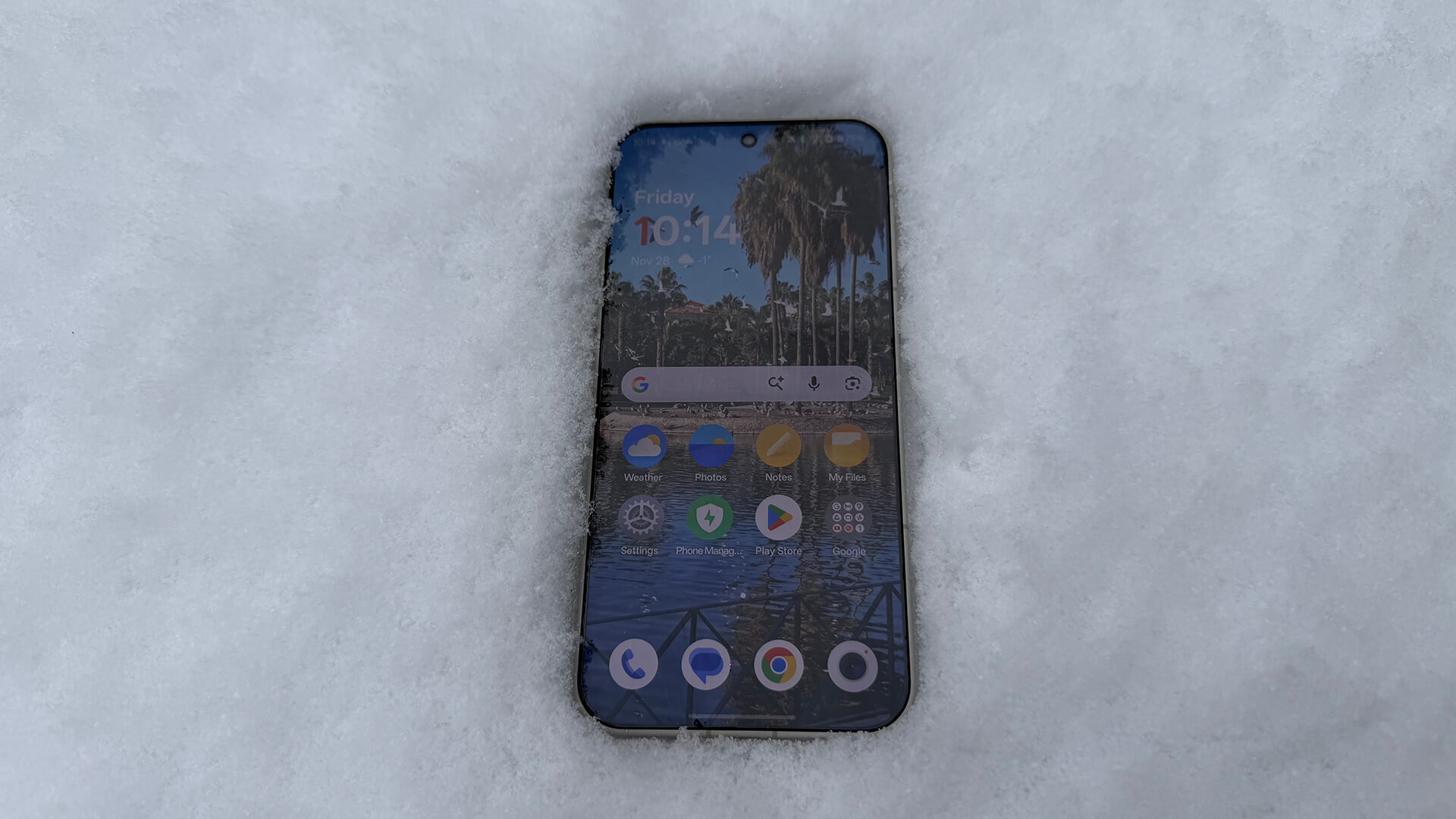
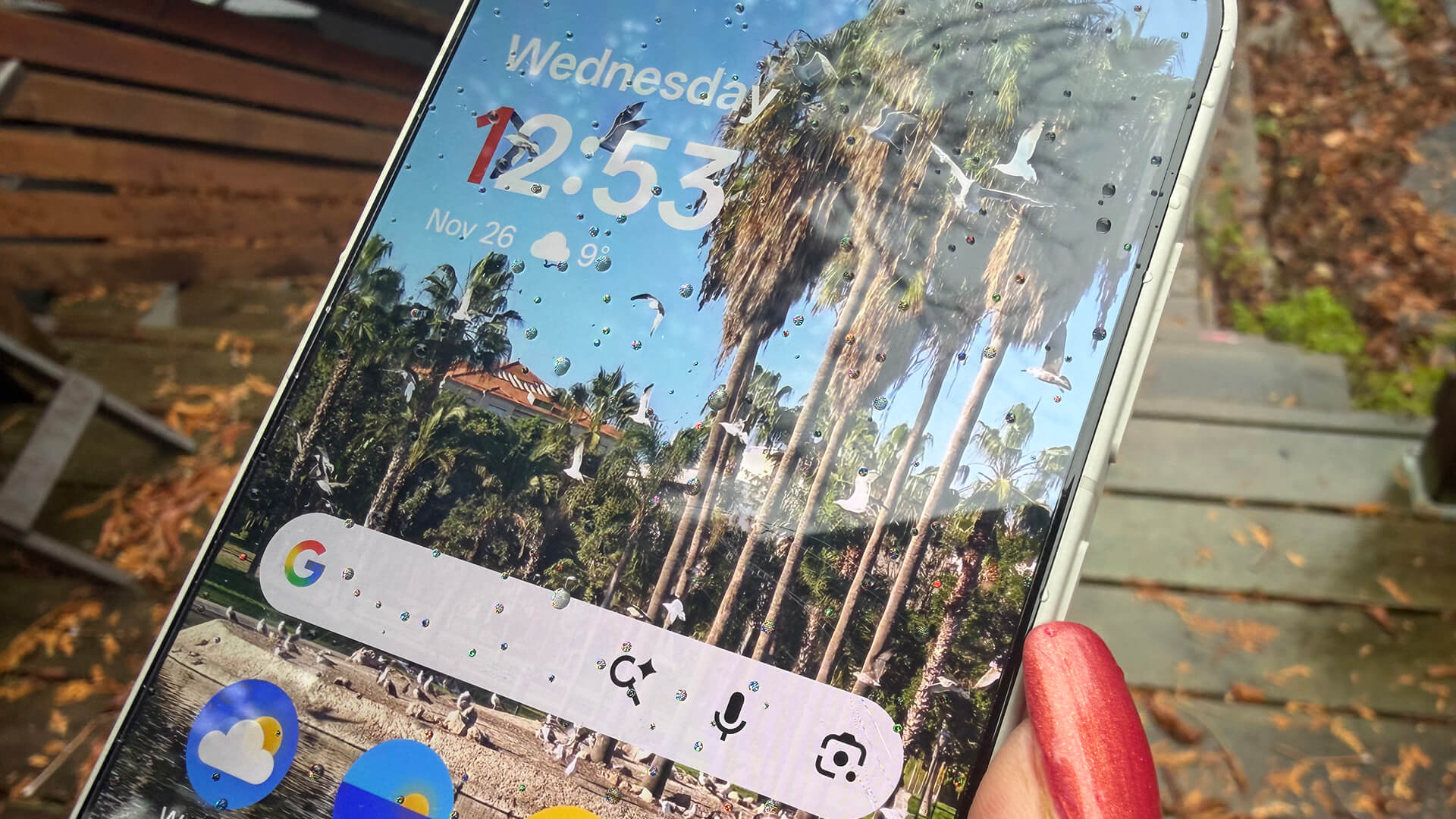
But the big deal with this phone is that it boasts the same dust and water-resistance ratings as the OnePlus 13, including both IP68 and IP69 for submersion and high-pressure water jets. This one also adds IP69K certification, confirming it’s able to withstand high-pressure water jets from close range, as well as extreme temperatures.
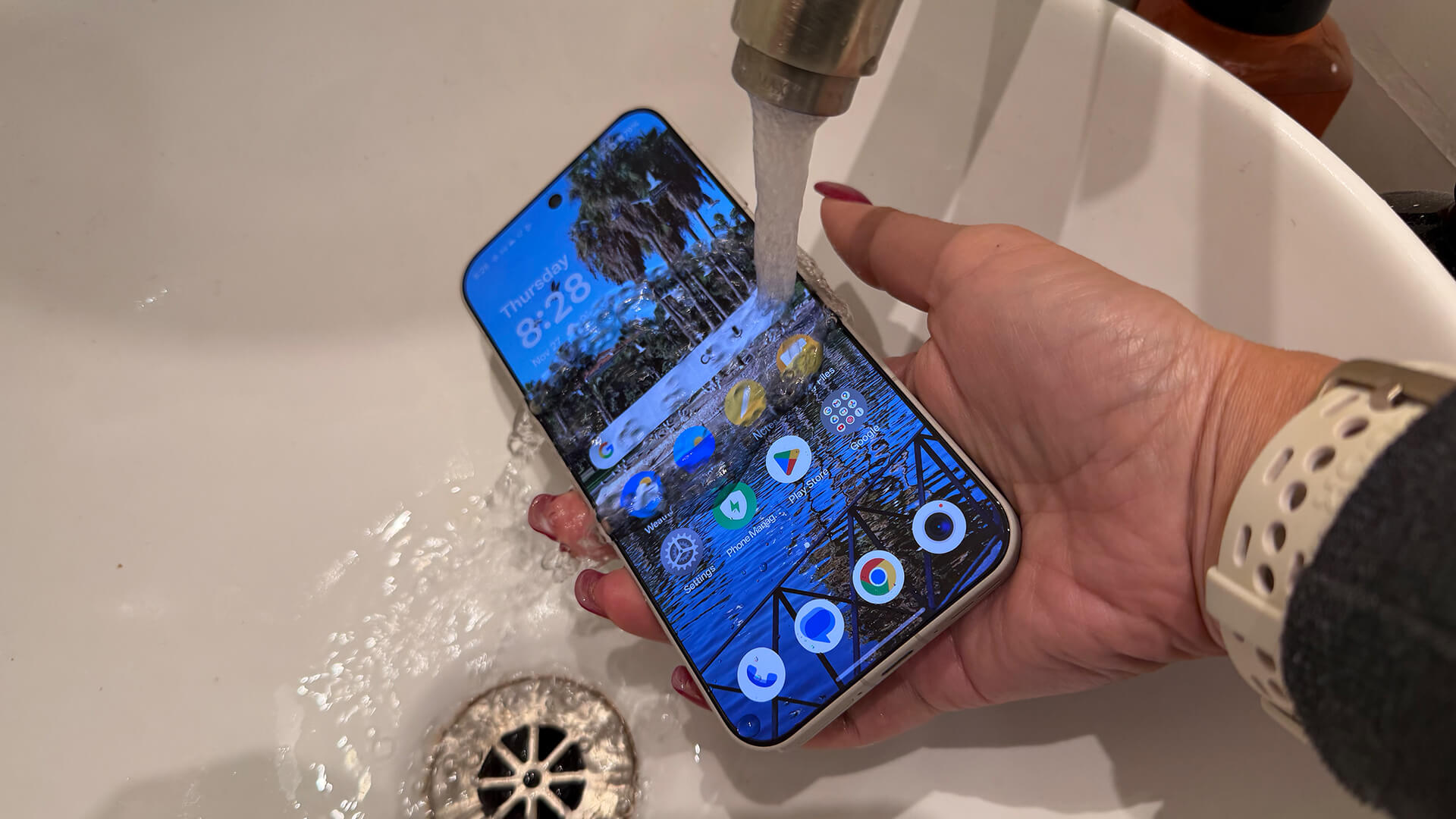
So yes, like the OnePlus 13, you can toss it in the top rack of your dishwasher if you’re so inclined, run a cycle, and it will be fine. I didn’t try that, but I did run a few water tests, including running water from a faucet over it, and it passed with flying colours.
The Cameras: Decent Pics With Useful Editing Features

I took the OnePlus 15 with me on a recent trip to Spain for the Upscale conference, snapping photos as I enjoyed an outdoor walk the day before the conference started. I also took many photos once I arrived back home. The camera captures images with sharp detail and depth. Overall, you get vibrant colours and nice contrast.

Zoom is pretty darn impressive. With ultra-res digital zoom up to 120x, you can get up close and personal while still retaining a good amount of detail.

Night-time photos are decent, with sufficient detail and contrast. In this evening image from Spain, the blue night sky pops in this photo, the moon bright with details in the ripples of the water distinct, the sand textured.
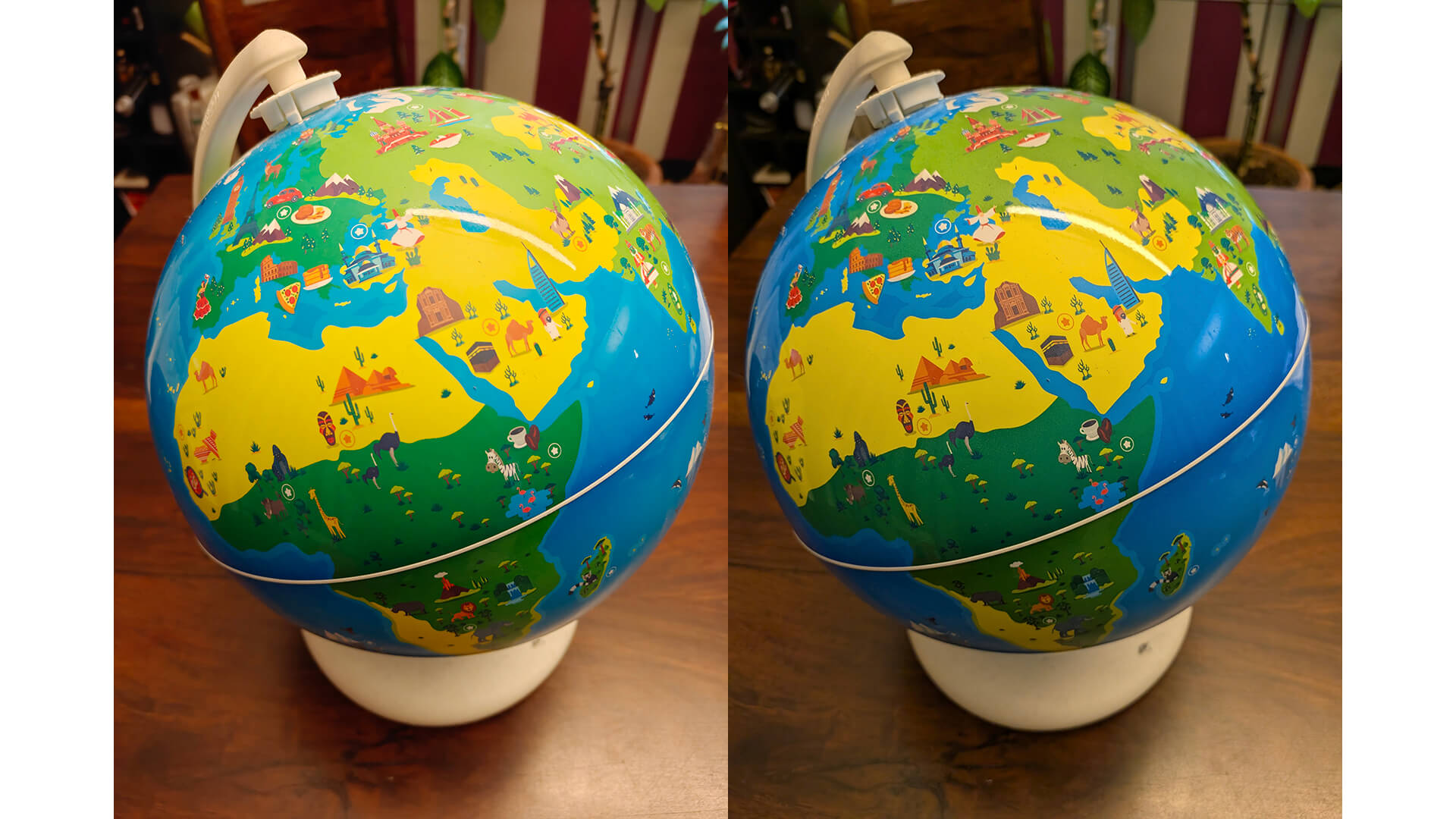
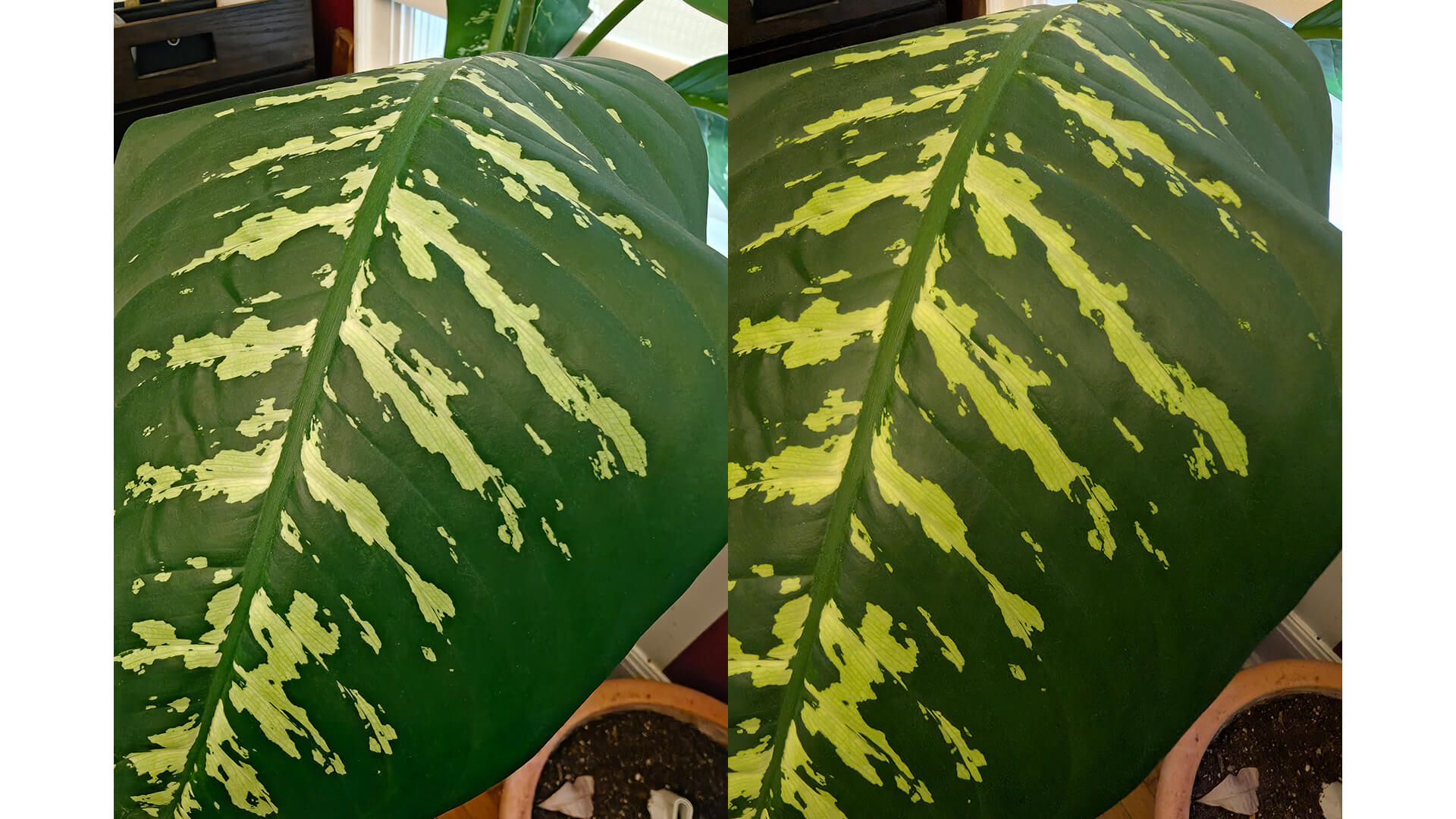
There’s a vibrancy in photos taken with the OnePlus 15 that you don’t find with other smartphones, evidenced in these comparisons between images taken with the OnePlus 15 and the Google Pixel 10 Pro Fold. While the OnePlus 15 images are much brighter and pop more, the Google Pixel 10 Pro Fold images have a better sense of depth, a more natural quality to them. It really comes down to what you want to get out of the photo, as well as messing around with settings to get your desired effect.

Overall, the OnePlus 15 takes wonderful photos and has useful photo editing features that leverage AI. I love the ability to remove reflections, a favourite in the OnePlus 13 as well. You can also do things like unblur photos, recompose shots, and remove distracting elements and even people.

There’s a lot of competition when it comes to phone cameras nowadays, and while the cameras in the OnePlus 15 might not be tops, they hold their own.
AI Experience: Plus Mind

Leading up to the launch, OnePlus heavily promoted Plus Mind, a new AI feature you can access by pressing a side Plus Key or swiping up with three fingers on any screen. What does it do? It saves on-screen content to a dedicated space in the phone. You can also double press the button to record voice memos. The idea is for Plus Mind to function like a digital vault of your thoughts or items you want to bookmark, like web pages, images, memes, important dates, events, e-mails, bookings, and more. It makes sense in theory, but I struggle to either find reasons to use it or remember to do so. I’m more inclined to take a screenshot, type a note, or grab my laptop to log ideas. With that said, I can see how you could eventually become accustomed to using the button and referencing the section.

Another way you can leverage Plus Mind is through Google Gemini, which can connect to the Mind Space area, pulling information to provide personalized suggestions based on the items you have saved. You could save web pages of different hotels, for example, flight options, activities, and restaurants, then use Gemini for help planning a trip. I tried adding various webpages and documents relating to my upcoming trip to Las Vegas for CES 2026. First. I love how the phone instantly picks up on a booking as soon as I use the Plus Key to add it, displaying a pop up to suggest adding the details to my calendar. I then went to Gemini and started a prompt with @mindspace, asking it to help me plan my trip. It pulled in information from Mind Space to deliver logical suggestions.
It isn’t perfect. It pulled in old hotel reservations saved from weeks before that were not relevant to this trip. I took photos of the Ticketmaster page for potentially booking tickets for The Backstreet Boys concert at The Sphere while I’m there and it mistakenly thought I had already booked them. Basically, it summarized the information I had captured, but not much else. I’m sure there are other prompts to use for more intelligent planning. For example, I followed it up by noting that I don’t yet have BSB tickets, and it corrected itself and provided details about pricing, asking if I wanted to look for new tickets for the show that night. Sure, why not? It provided a rundown of available tickets and pricing from various sources, even informed me that some hotels have concert and hotel experience bundles. In this respect, it was very useful.
There are other AI tools as well, including AI Writer for content drafting and summarization, AI Recorder for real-time meeting transcription with speaker identification, and AI Portrait Glow for intelligent photo enhancement.

I used AI Recorder during the aforementioned conference in Spain and it worked flawlessly. I recorded every main stage speaker talk then had the phone transcribe the talk into text and sent a copy of the .txt file to my e-mail. From there, I could scan through the talks to find pull quotes for my article. Being able to do this for interviews as well will be a game-changer, cutting down significant time it takes for manual transcription. For meetings and brainstorming sessions, you can even create an AI summary of the transcript.
The OnePlus 15 comes with a three-month trial for Google AI Pro. The offer expires on August 1, 2026, after which Google AI Pro is $20/mo. should you choose to keep it.
Should You Buy the OnePlus 15?
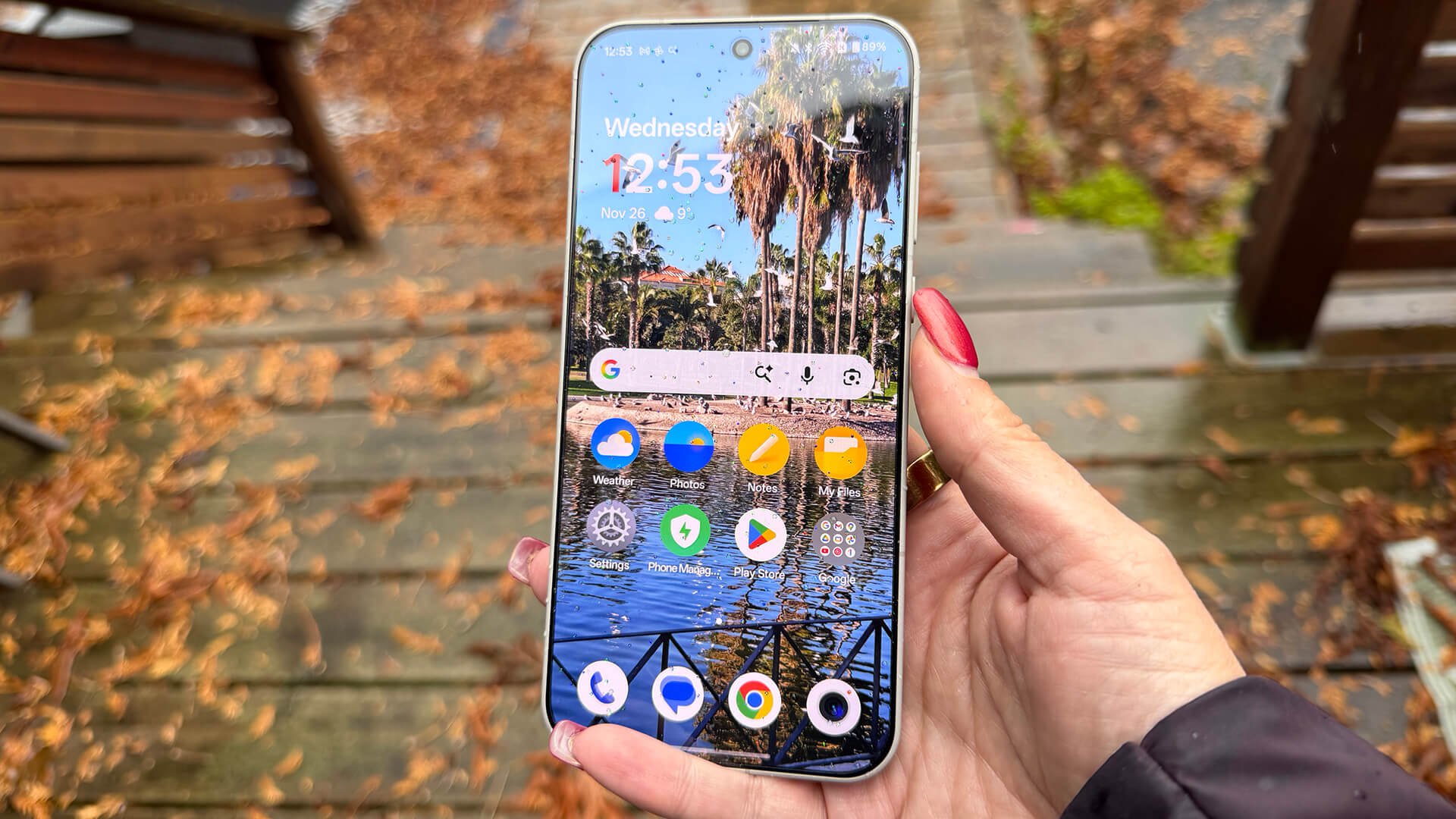
If you’re an Android device power user, the OnePlus 15 is a fantastic phone to consider. From the powerful process to the added RAM and cooling, it’s as good for productivity as it is for entertainment, especially gaming. The integrated AI features are useful, including Gemini, while Plus Mind and Mind Space is the kind of feature I feel like I’d probably use more over time as I get accustomed to using it. It’s so simple to add something to it that I can see it becoming second nature.
Battery life is fantastic: it’s almost unheard of to have a premium phone that can last for up to two days per charge, but this one manages to do it. And you don’t have to fork over more money to get the charger that affords it either. Add to that the extreme durability and you can’t go wrong for the price. This is a solid phone that is suitable for business users, students, gamers, and others, alike.
The OnePlus 15 starts at $1,300 for the 12GB RAM version with 256GB storage (only available in Infinite Black) or $1,400 for the 16GB, 512GB version in all three colours. Matching magnetic cases are $45 each, an upgraded fibre magnetic one for $60. Looking for something more affordable, the scaled down OnePlus 15R is coming December 17, 2025.