
Pros
- Stylish design
- Decent battery life and convenient charging case
- LifeOS system, voice logging has real promise
- Lots of data without a subscription
- Accurate tracking with tons of actionable stats
Cons
- LifeOS is still a work in progress
- App is slow to sync
- Auto workout tracking doesn’t seem to work
- Battery can drain quickly
- Expensive
I reviewed the original Luna Ring last year, and deemed it one of my favourites of the many smart rings I have tried. The company has followed it up with the Luna Ring Gen 2, which boasts exciting upgrades. Many of the upgrades are within the app, but there are hardware improvements, too.
About the Luna Ring Gen 2
There are a few key differences between the Luna Ring and the Luna Ring Gen 2. Both are designed to monitor your health, wellness, and activity. Crafted from durable fighter jet-grade titanium with a PVD coating and inner ring molding, the new ring can track more than 70 health metrics, including sleep stages, heart rate, activity levels, stress, and menstrual health.
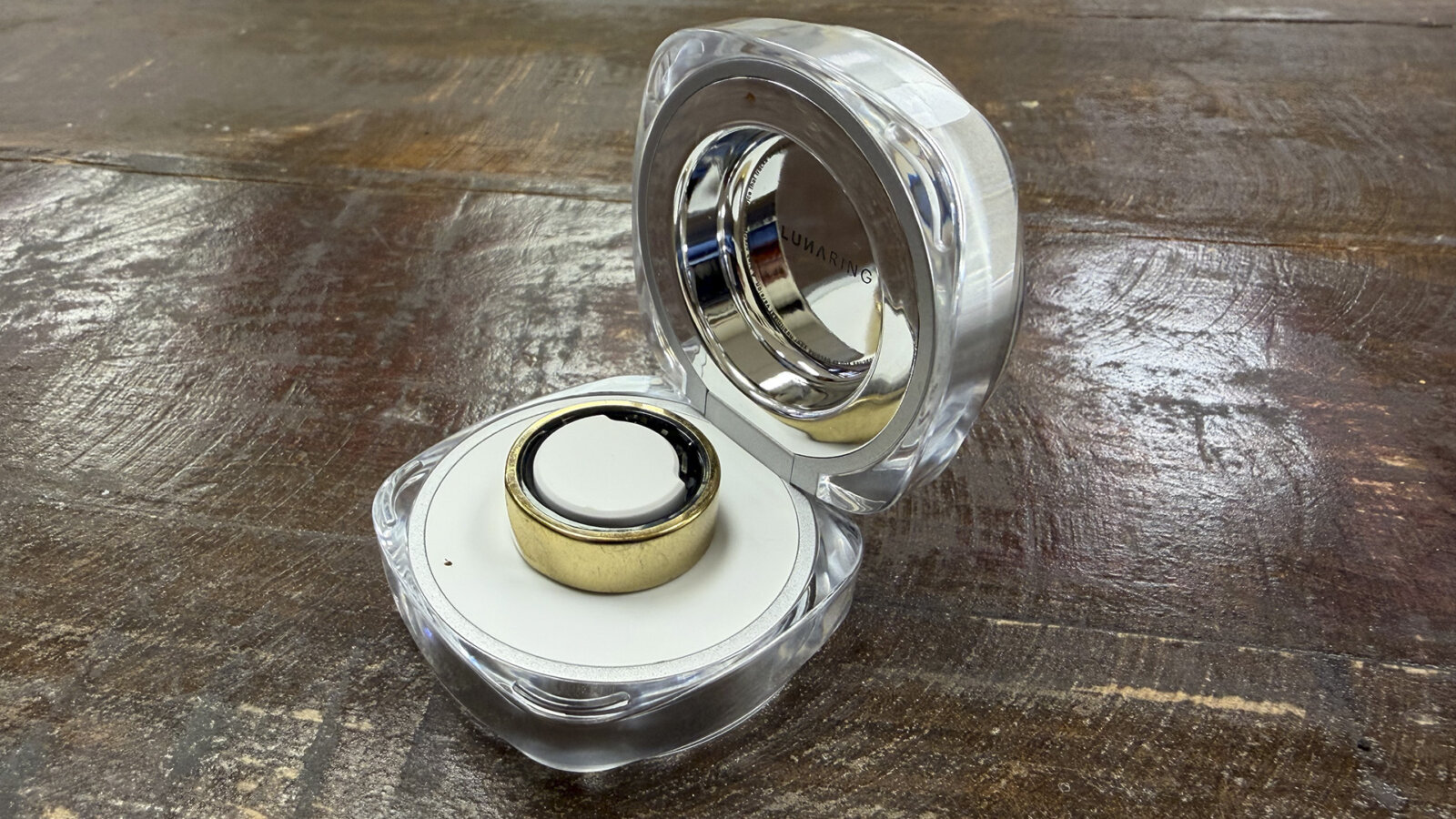
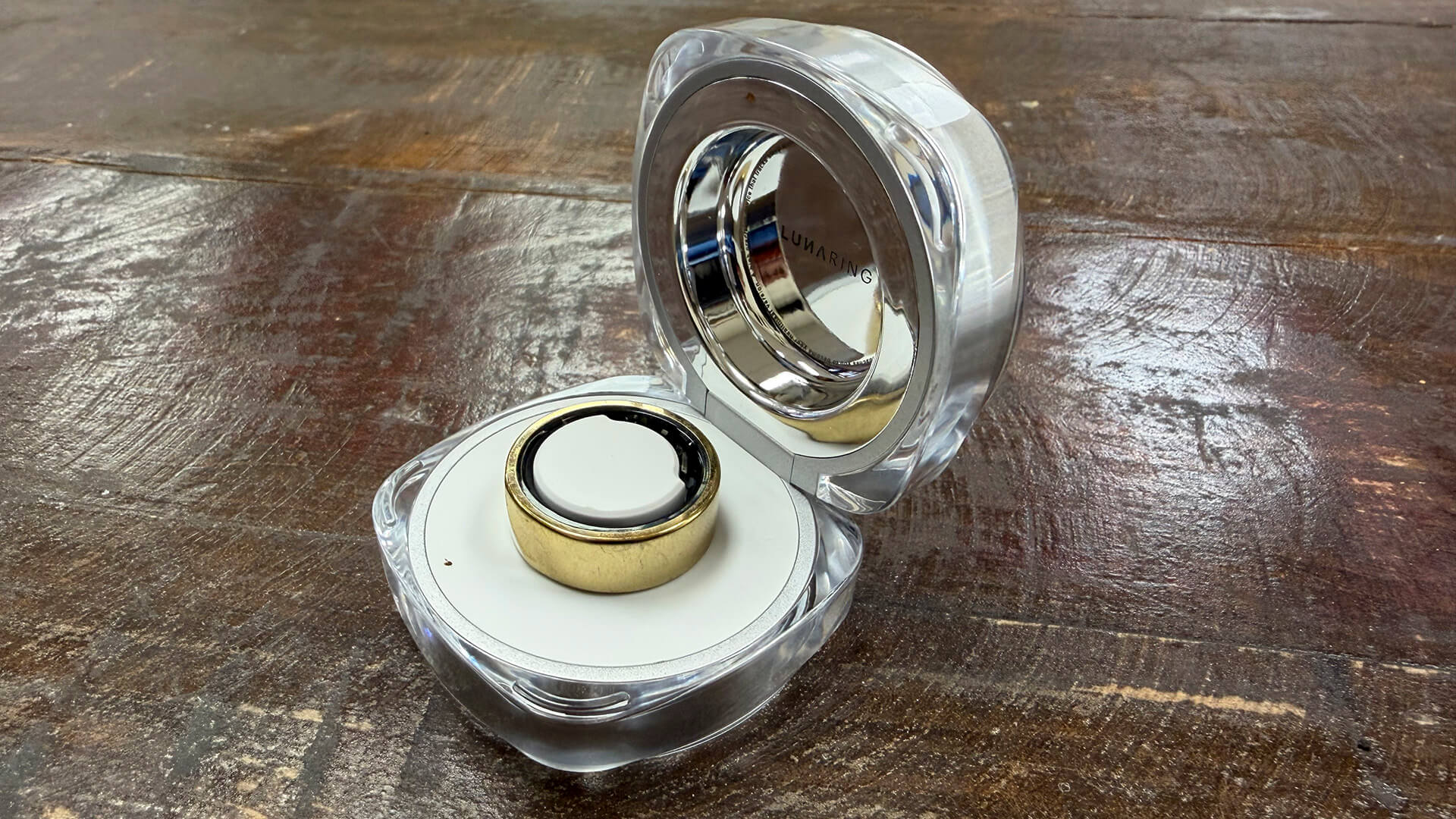
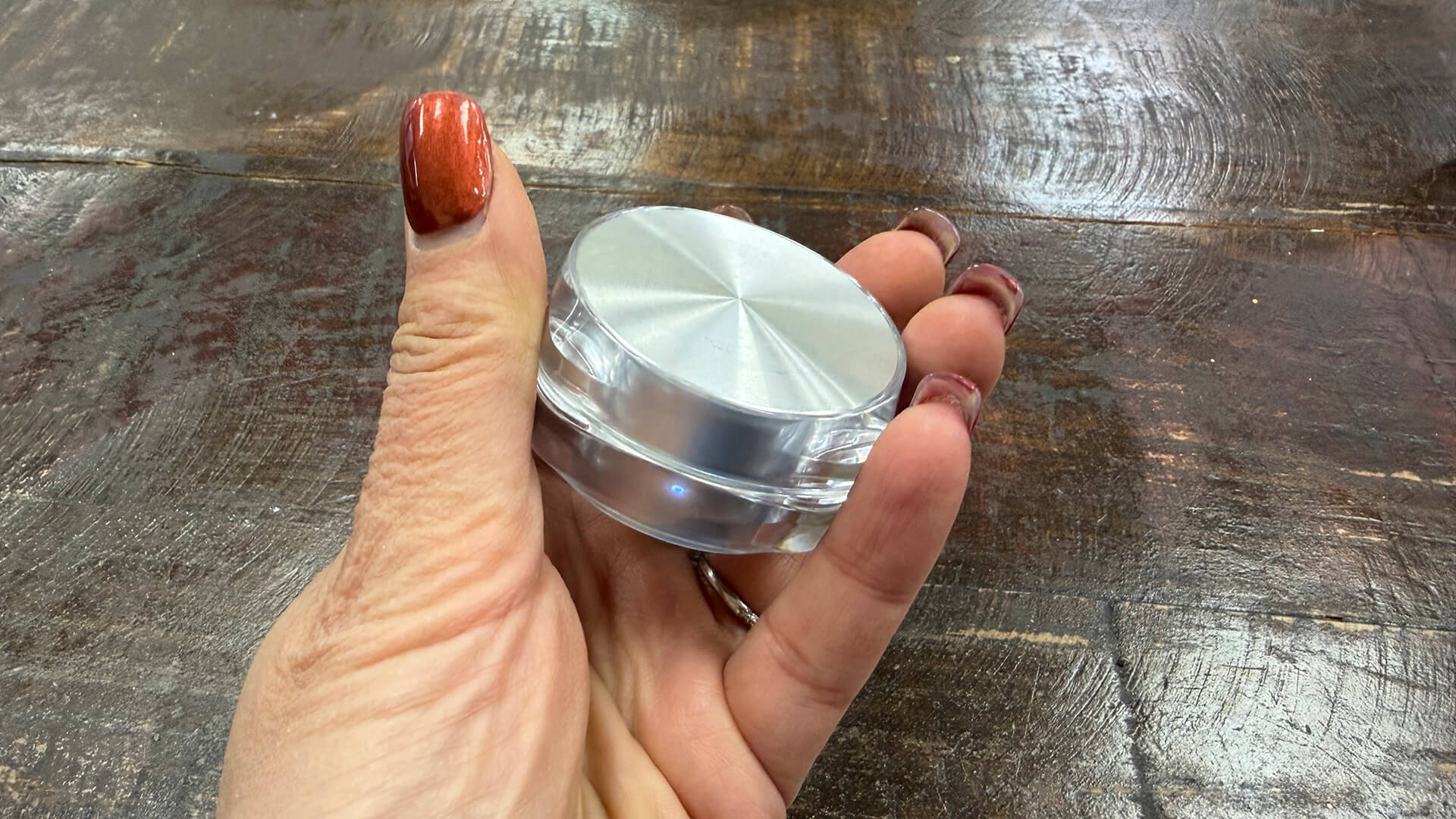
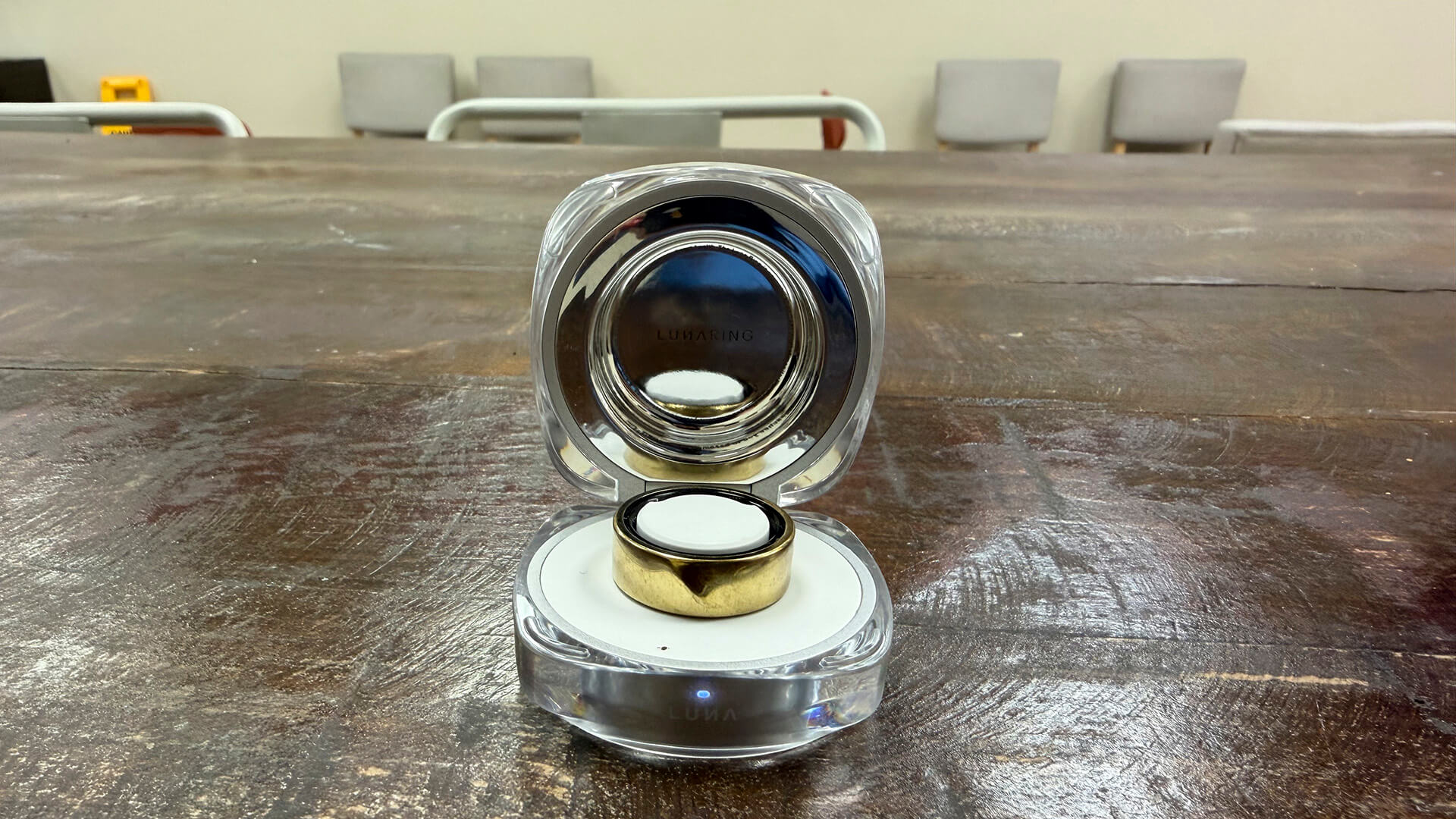
It’s water resistant down to 50 metres with a 5ATM rating. It’s rated to last up to six days per charge, but now comes with a 580mAh charging case that can store up to six battery cycles. Since it has a cover, the case is easy to pop into your bag or even pocket.
Like the original, Luna Ring Gen 2 leverages Luna AI to offer personalized coaching on fitness, nutrition, and recovery. The latest OS upgrade adds a conversational health system to the experience. Called LifeOS, you can interact with the app using natural voice language and get data based on your queries and personal metrics. Using simple voice commands, you can do things like log meals, supplements, caffeine, workouts, even subjective feelings. You can also engage in contextual conversations about your sleep, recovery, stress, hormones, and performance, with responses factoring in your biometric data and daily life habits. Every morning, the app provides a Daily Digest with four key actionable health insights.
The ring is 10% slimmer in design than its predecessor at 8mm in width and 2.9mm in thickness and offers faster processing thanks to new hardware. There’s also a new caffeine window feature that shows you the best times to fuel your body without it impacting your sleep. Finally, the new ring comes in an expanded range of sizes up to 14. Both the first-gen and new models can integrate with Apple Health and Google Fit. Luna Ring Gen 2 sells in Canada for $449.
Luna Ring Gen 2 Review
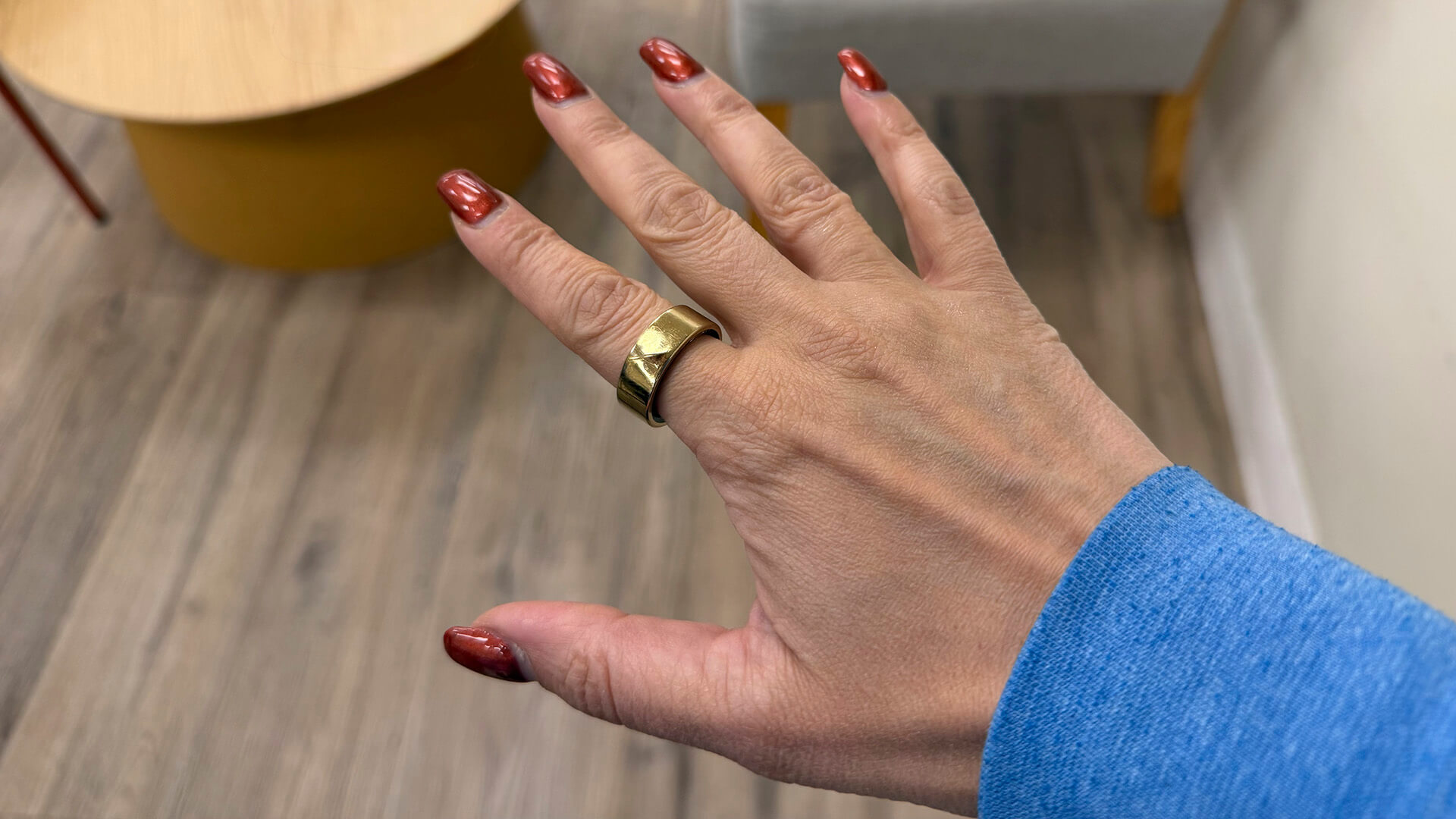
I have been wearing the Luna Ring Gen 2 for several months to truly put it through its paces. Throughout my review period, the app continuously updated with new features, functions and bug fixes, and likely will continue to do so.
The Design & Basics
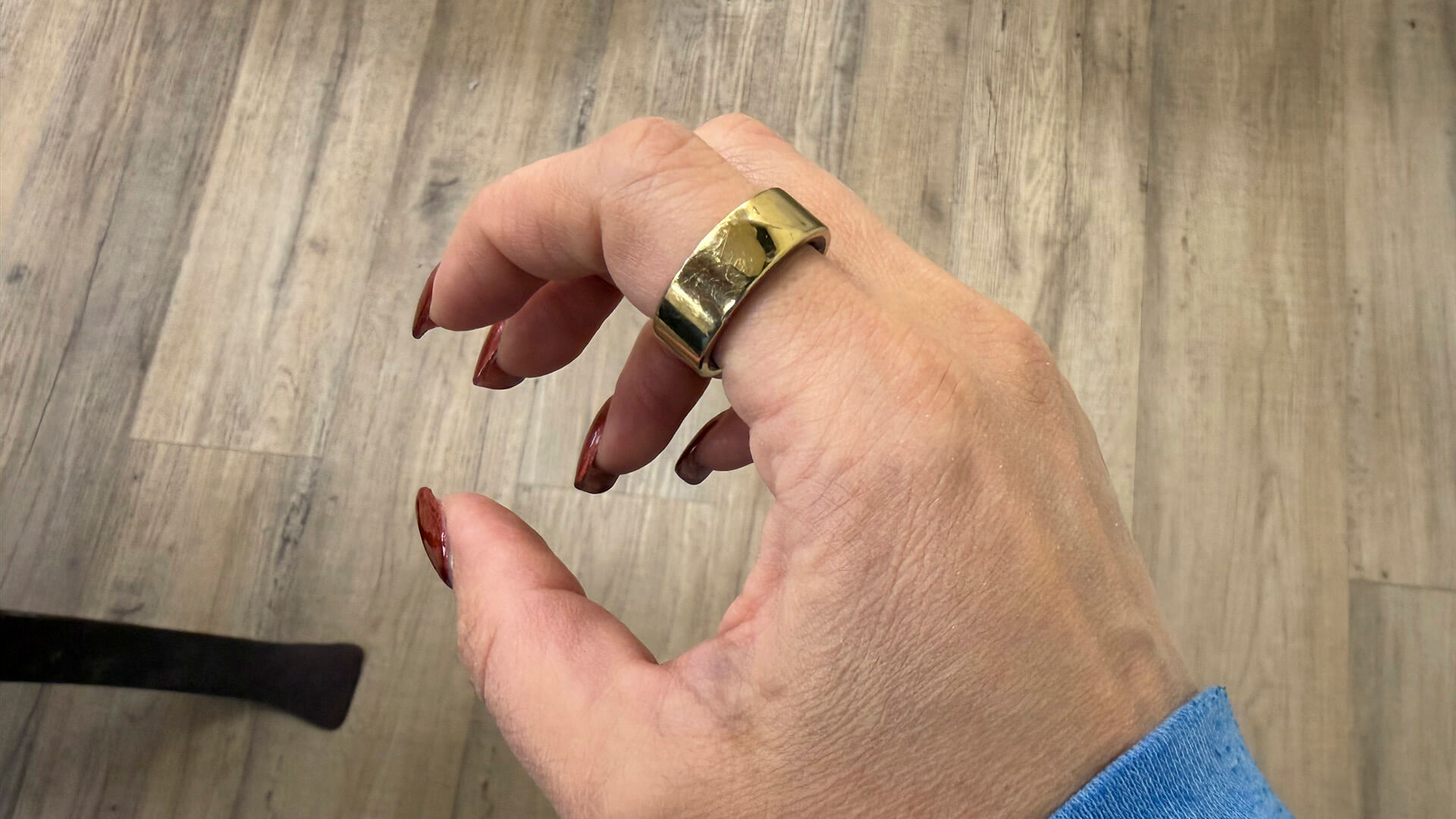
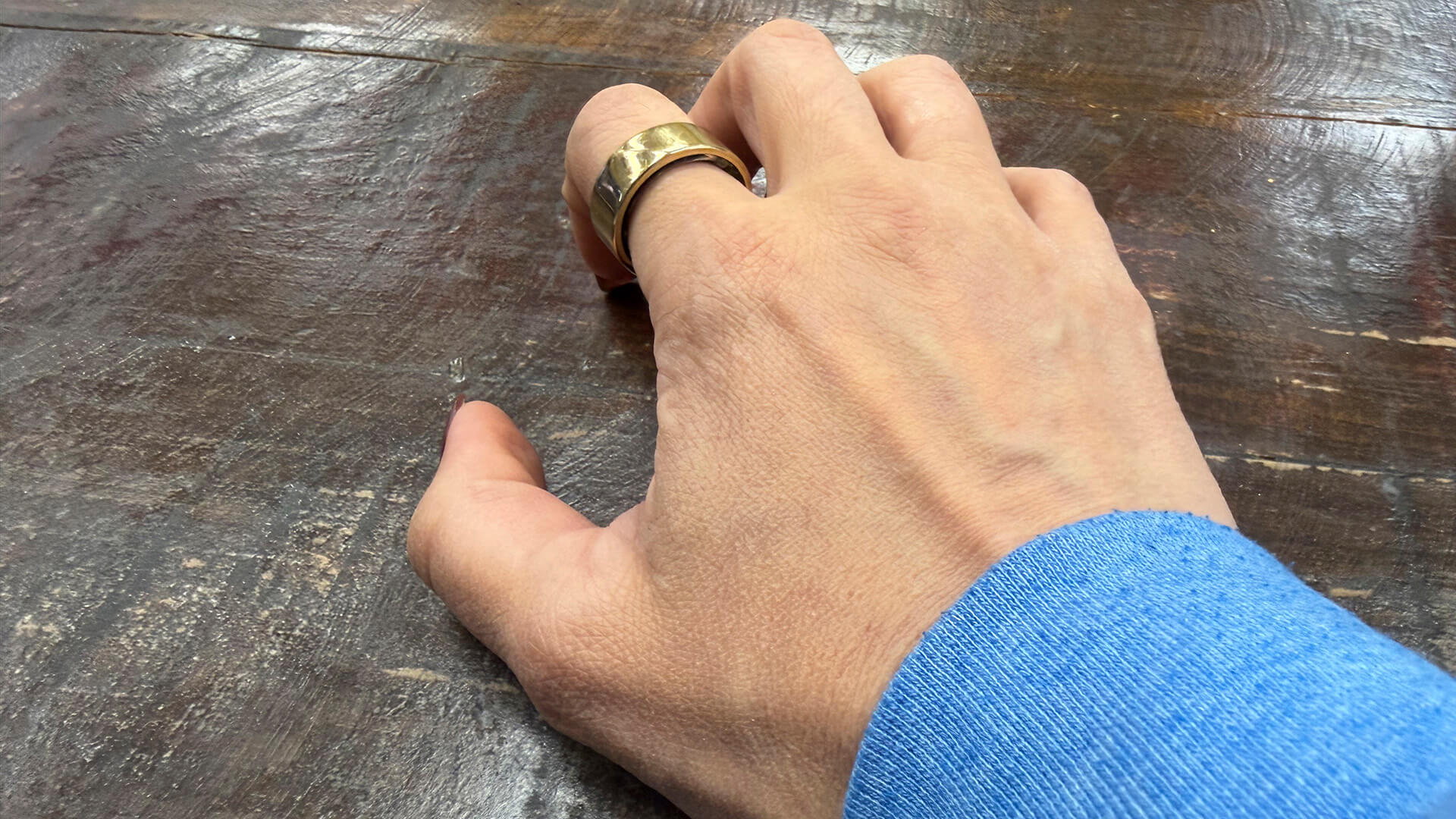
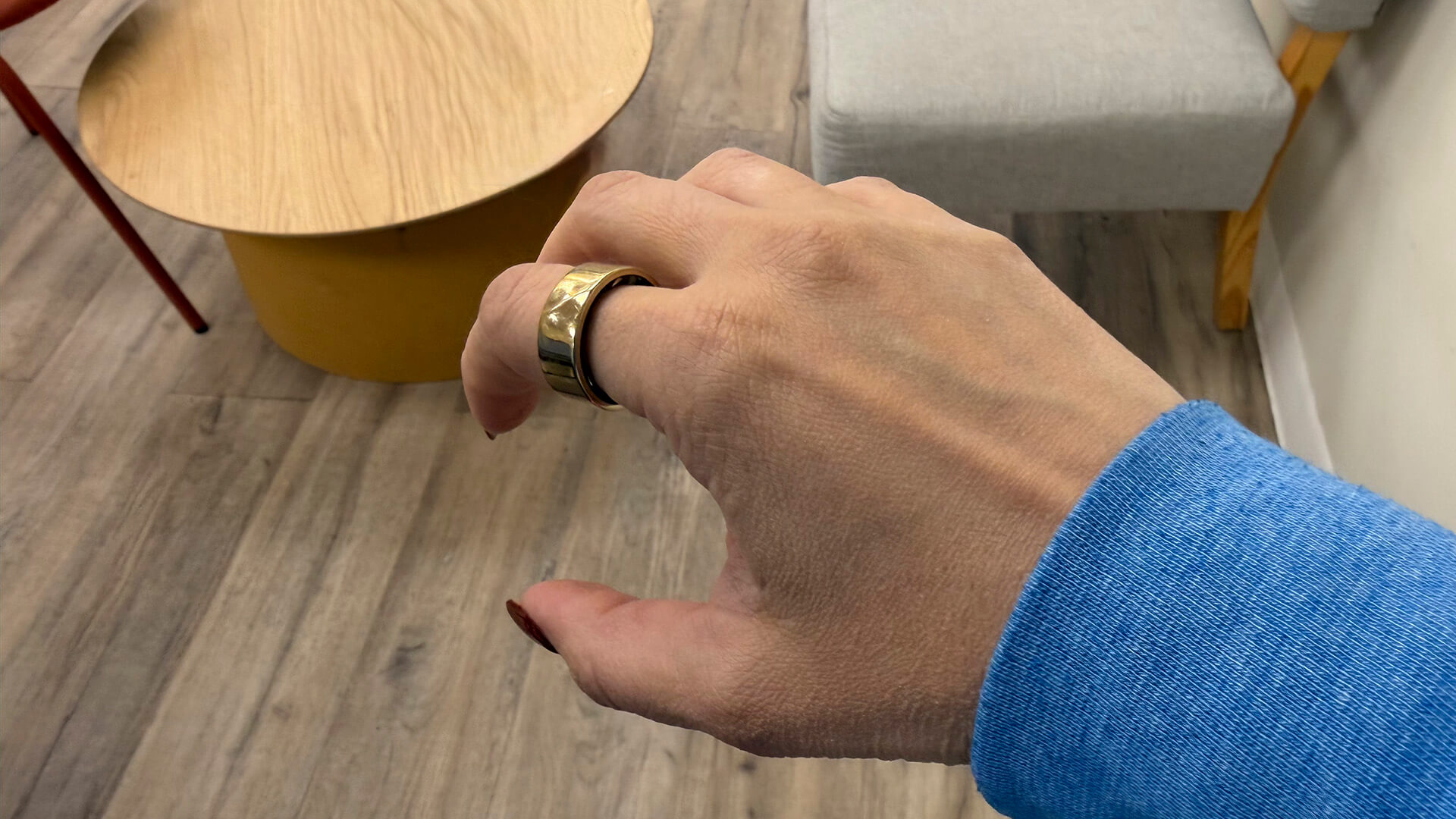
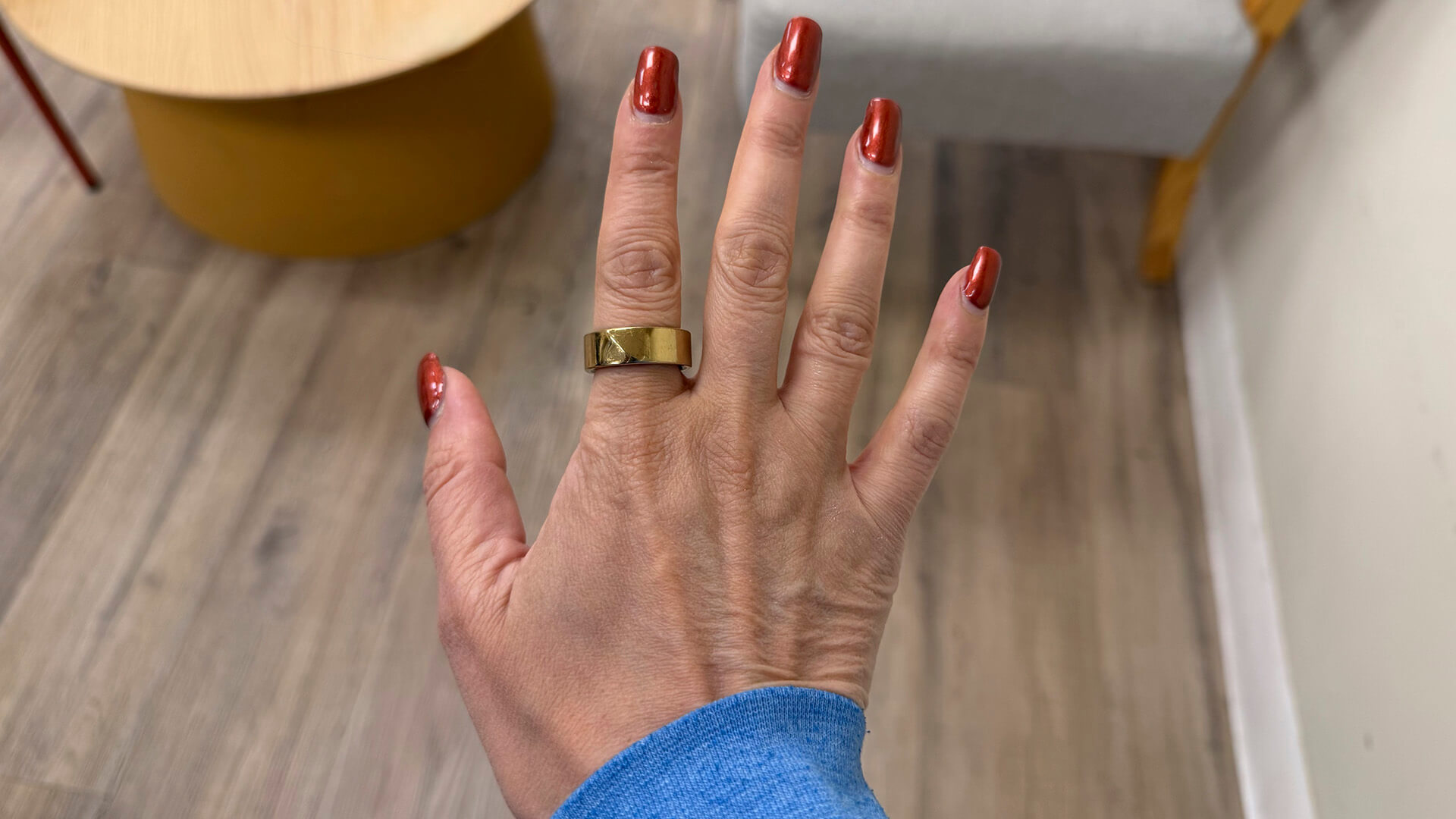
The Luna Ring Gen 2 is just as nice in design as the Luna Ring, the app upgrades being the biggest differentiator along with more convenient recharging. My sample came in the Sunlit Gold finish, one of five colour options, which was a nice change of pace compared to the black, grey, and silver models I have reviewed to date. There’s a lovely line across the top that not only indicates which side should be at the top of your finger (it’s opposite the sensors) but makes it look elegant, too.
Size 8 fit me just right on my index finger, and the ring remained secure through everything from showers to washing dishes, doing my hair and makeup, workouts, and everyday activities. I could easily forget I’m wearing it. It’s nice and slim and looks as good as new after I have been wearing it for months.
Battery life is decent: you should get almost a week out of it per charge. I can’t overstate how much I prefer charging cases over docks. Every smart ring maker should switch to this design. The dock that comes with this one resembles a ring box and has a matching chic look to it.
Tracking Accuracy
The Luna Ring Gen 2 accurately logs sleep and vitals. It should have automatic activity detection for certain workouts, as is the case with competitors like the Oura Ring 4. But it seems more miss than hit. It never seems to pick up my morning walks, so I always have to manually start the workout. It did pick up a few pretty intense boxing workouts, including one that my Apple Watch Series 11 said burned 200 calories over the 30-minute timeframe. But the ring only picked up six minutes of it as workout type “other” each time. Sometimes, it doesn’t pick up workouts at all.
That said, when you manually start and stop a workout from the app, it works well. I did this for my daily workouts, wearing the Apple Watch on the wrist of my left hand and the Luna Ring Gen 2 on the index finger of my right. For a 35-minute boxing workout, which I labeled as Freestyle Workout for the Luna Ring since boxing isn’t a workout type option, the Luna Ring 2 logged 193 burned calories with a maximum heart rate of 139 bpm and average heart rate of 122 bpm. For this same workout, the Apple Watch logged 172 calories burned, a maximum heart rate of 161 bpm, and an average heart rate of 129 bpm. That’s pretty close.
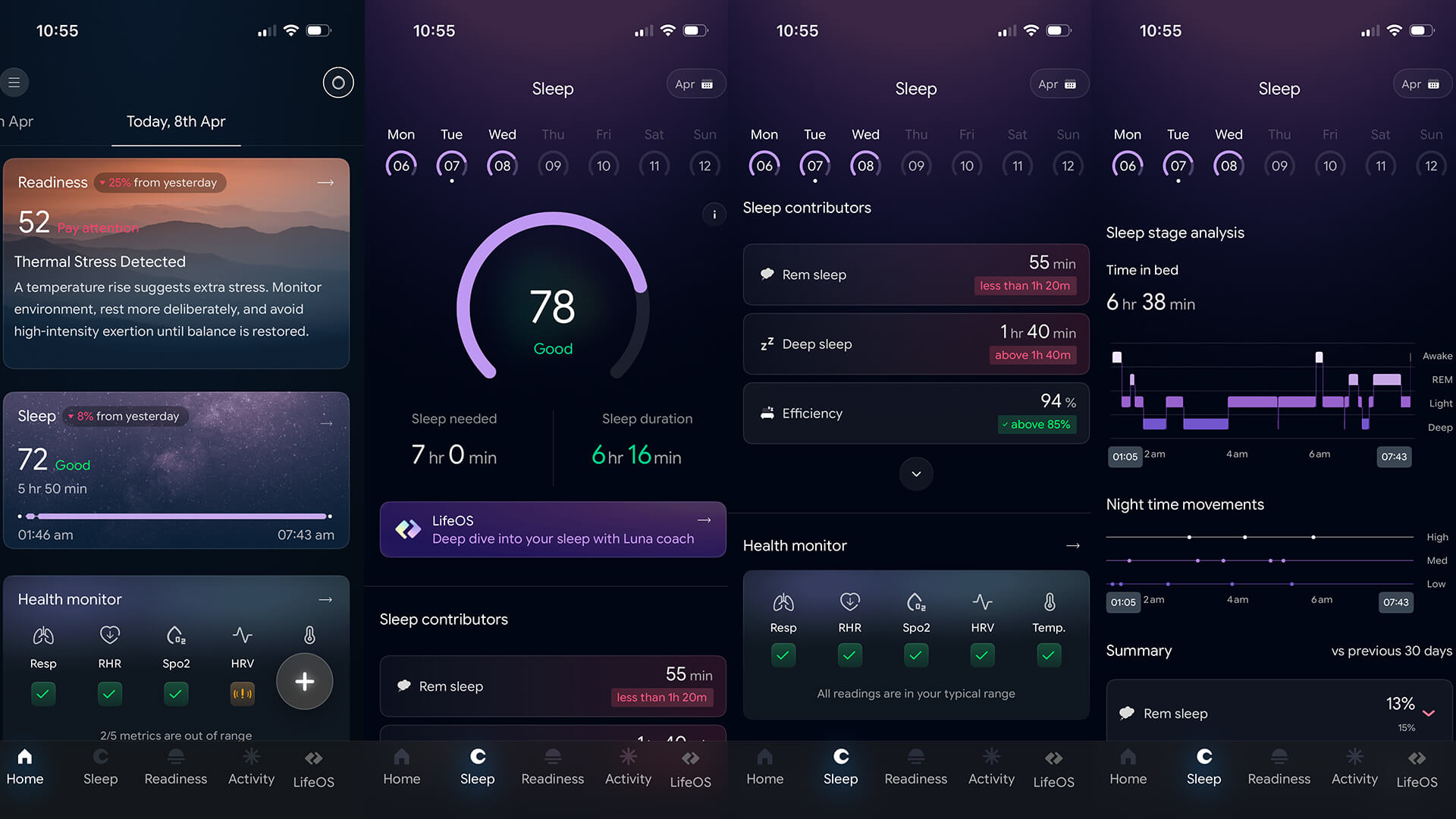
What about sleep? One evening, the Luna Ring Gen 2 tracked 6 hours, 16 minutes of sleep, 55 minutes in REM and 1 hour, 40 minutes in deep (it only provides a percentage breakdown for other stages along with other data like efficiency and latency versus times). Comparatively, the Apple Watch said I had 5 hours, 30 minutes total sleep, 1 hour, 22 minutes in REM and 29 minutes in deep sleep. This is a bit off, especially when it comes to deep sleep. But I find Apple Watch consistently understates deep sleep compared to every other smartwatch and smart ring I have reviewed.
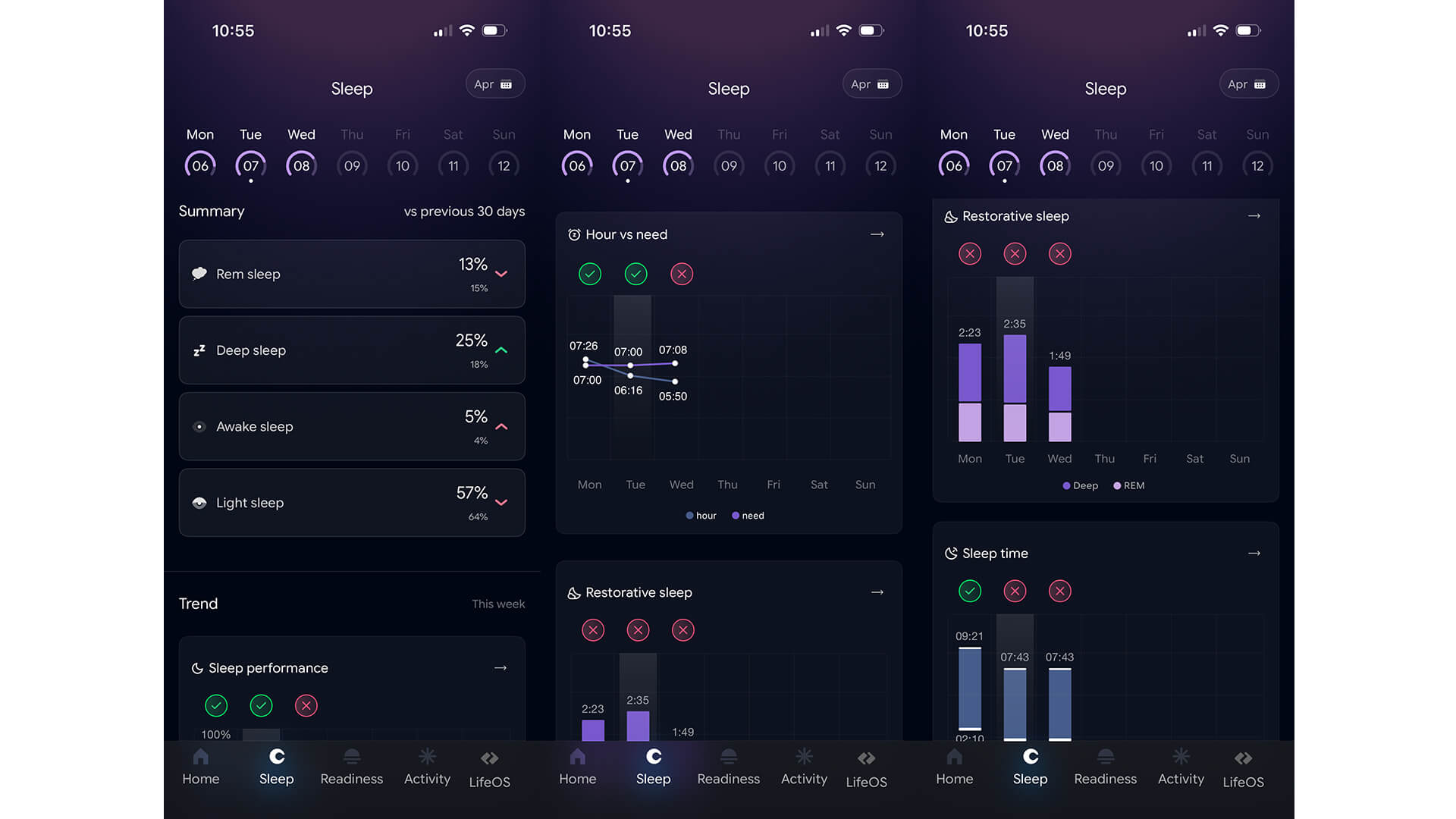
The app is feature-rich, but it is slow to update each time you open it, which makes wanting to check in when I’m in a hurry less appealing. It’s also frustrating when I want to start a workout quickly and must wait for syncing process to finish.
LifeOS Review
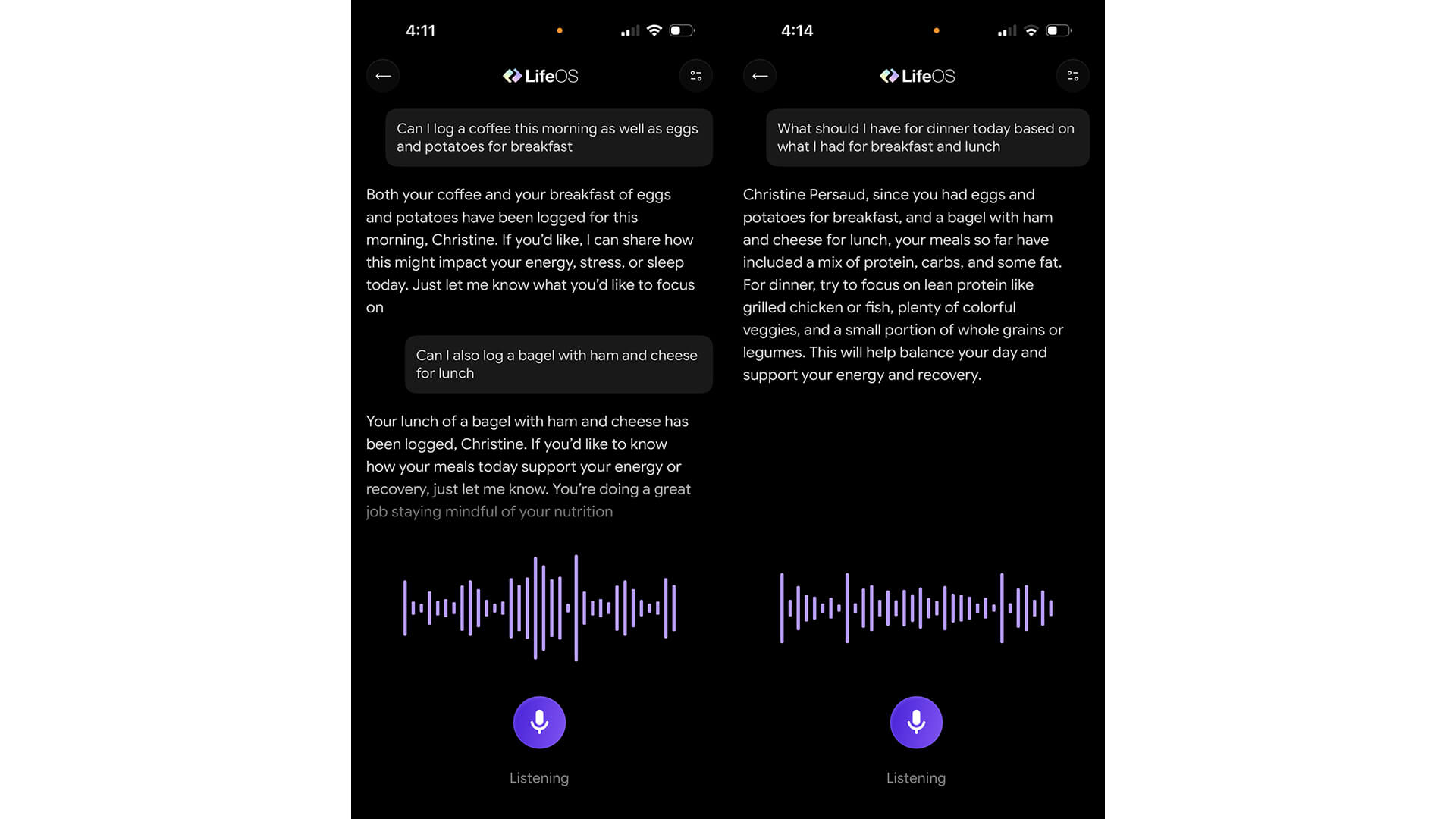
The LifeOS features are what really set this smart ring experience apart from others. To get the most out of it, you have to actively add to your timeline. But if you get into the routine of doing this, it could be helpful. You can either open the app and tap on the microphone icon to start talking or with iPhone, simply say “Hey Siri, Track With Luna.” The latter is the fastest way to track things like what you’re eating, how you’re feeling, what supplements you just took, or whatever other part of your day you want to log.
If you use the microphone icon from within the app, the virtual assistant does take a few seconds to boot up and some time to analyze your words and craft a response. This isn’t an instant ChatGPT-like system, but it is much faster when using the “Track with Luna” command with Siri, so logging can be done virtually anywhere with verbal commands.
I wasn’t sure where to start so I asked it to log my breakfast and lunch. If you use the Siri command, you simply get confirmation that the data was logged. With the in-app AI, it might continue to engage. For example, it asked if I wanted to know how the meals might impact my energy or recovery. Sure! I later asked what I should have for dinner based on what I had for breakfast and lunch. You can do this by manually opening the app or saying “Hey Siri, Ask Luna,” which will open up the conversation screen. With contextual awareness, the information I initially provided in memory, it noted that since my lunch consisted of protein, carbs, and fat, I should focus on lean protein with colourful vegetables and a small portion of whole grains for dinner to balance the day and properly support energy and recovery. Neat!
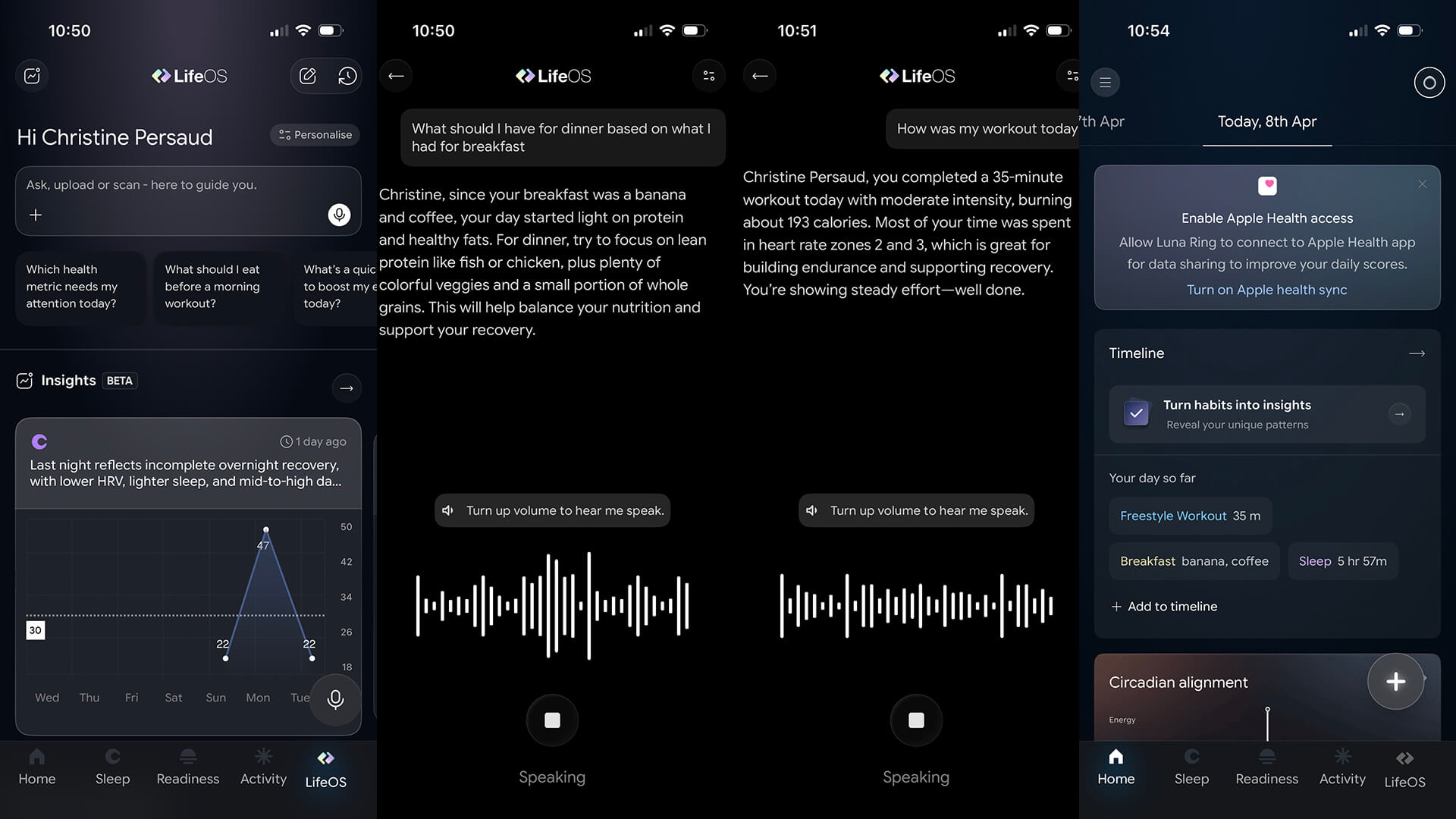
Once logged, the data appears under the timeline section of the app homepage with a header “your day so far.” So, the more you log, like meals, caffeine, mood, supplements, and symptoms, the more it will show in your timeline and presumably use this information to better answer future questions. Maybe you want to try taking your protein shakes at different times to see if there’s any correlation between performance and how early you take it, for example, or just get meal advice or log taking vitamins.
It isn’t perfect. Going back to the aforementioned boxing workout that only logged six minutes of 30, I asked the AI what gives. At first, it mistakenly thought I only did a six-minute workout when I intended to do 30 and nicely offering encouraging words. After I clarified, it apologized, acknowledged that can be frustrating, and asked if I’d like to add the full workout to my log. Of course! The workout did not appear anywhere in the actual log where I could see it, but it seems to be recorded somewhere in the ether of the app.
Also note that it won’t track medications at this time, only supplements. When I tried to log that I took an allergy pill through Siri, I got an invalid message. Trying through the app, the voice assistant confirmed it can’t log medications at this time.
Overall, LifeOS is one of the most advanced AI systems I’ve seen for a smart ring with ambitious features that I suspect will improve over time with consistent updates. However, I can see the vision that’s beginning to form, especially with the ability to log things via voice commands, and it’s a pretty exciting one.
The App
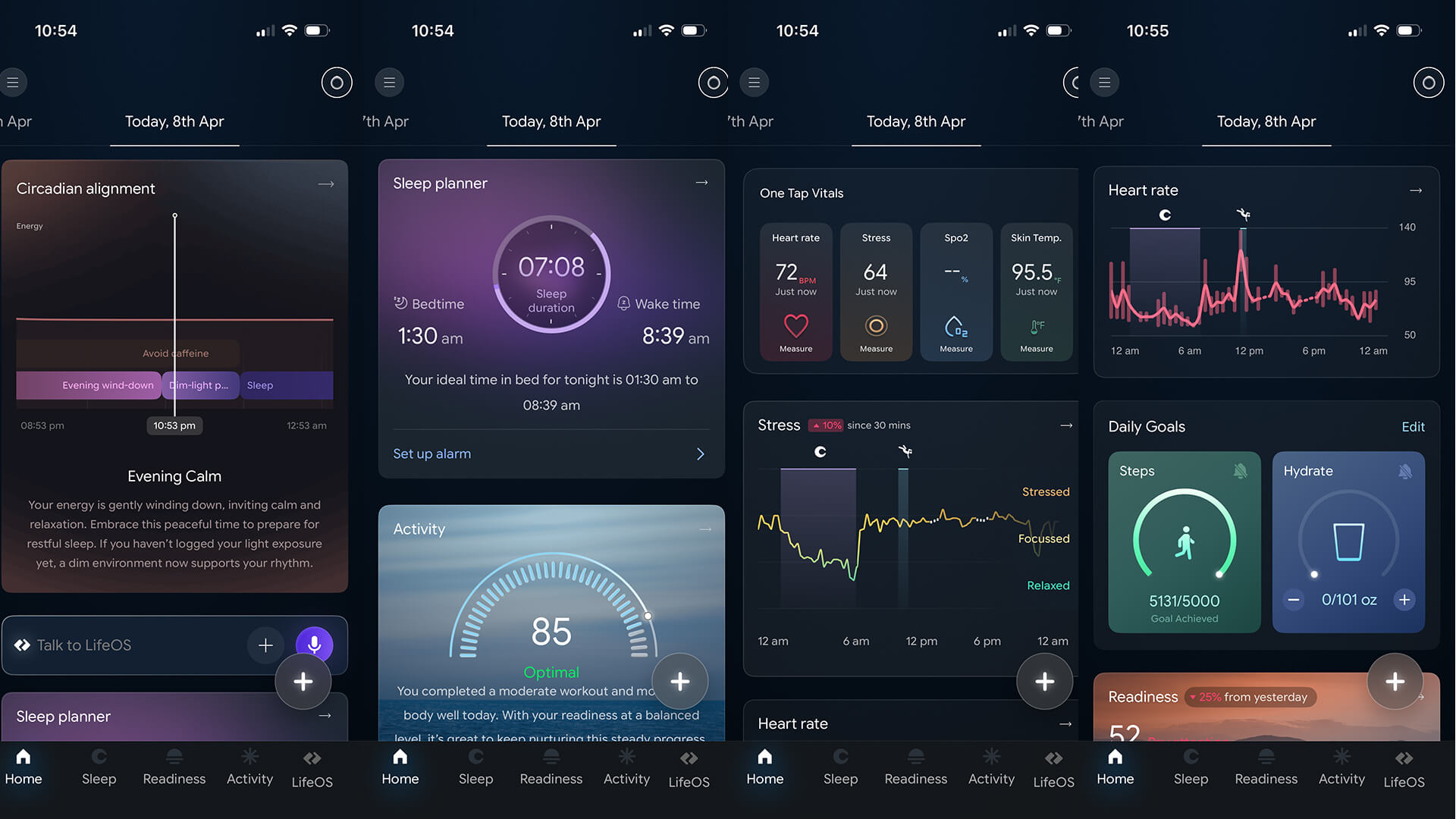
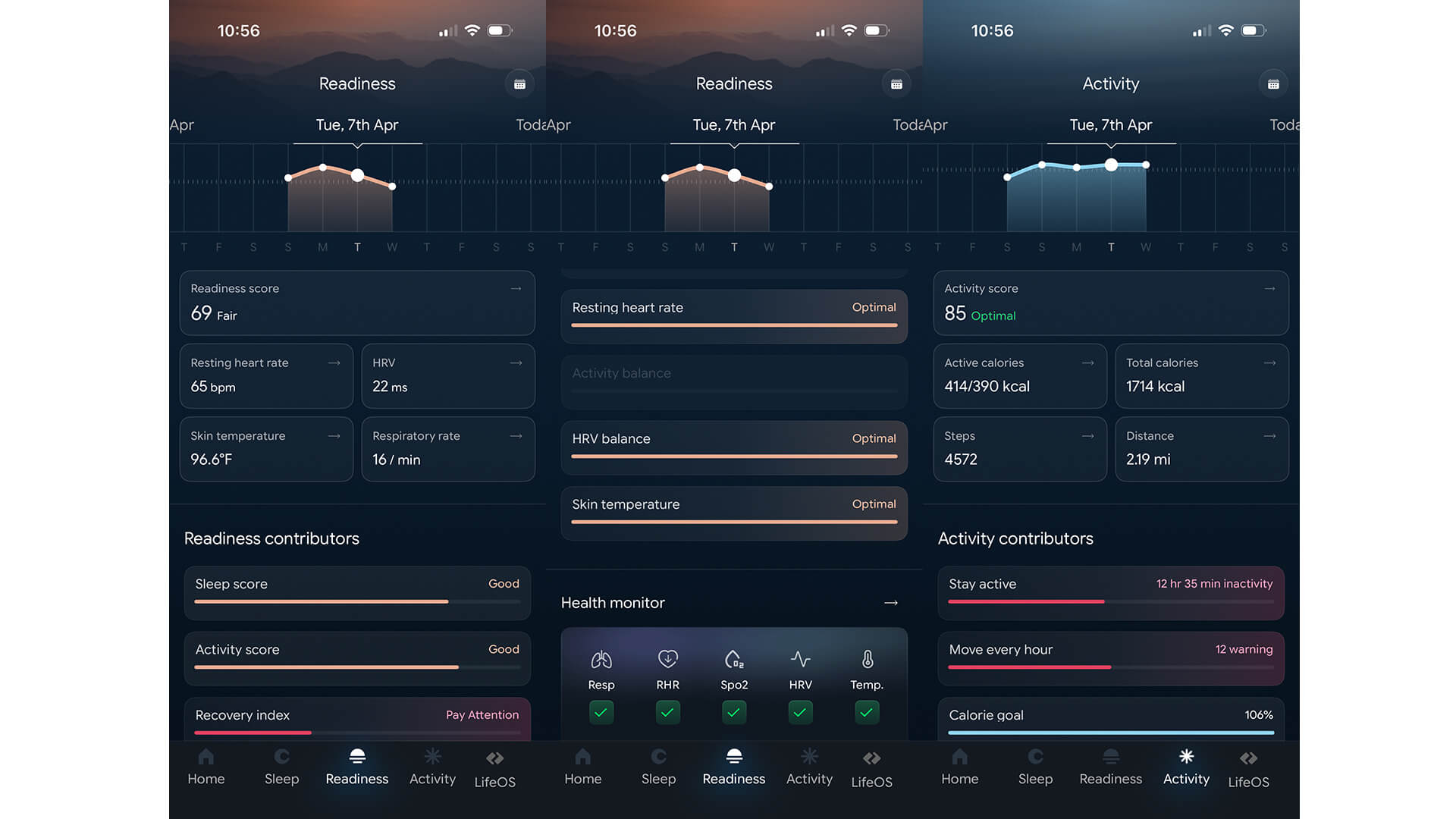
The app is, of course, about more than just LifeOS and AI-driven features. It’s a comprehensive lens into your health and wellness, with stats divided by four distinct tabbed pages. Under Home is the aforementioned timeline with what you have logged, like your meals or supplements, and data about circadian alignment, sleep planner, activity, one-tap vitals, stress, heart rate, daily goals, readiness, sleep, health monitor (key stats and warnings about things like low heart rate variability or rising temperature), and women’s cycle tracking. Yes, it’s a long page, so you’ll be doing quite a bit of scrolling to get to the end.
The next page is an analysis of your sleep that goes far beyond just bed and wake-up time, stages, and score. You can see trends over time with bar charts that provide an easily digestible summary. In the Readiness tab, you’ll see your overall score, which can help you determine if you should do an intense workout or take a rest day. Luna cues provide advice based on your figures. For example, at the time of this writing, mine says my recovery signals caution and suggests I only do moderate activities with steady pacing for today. You can even add events to log what might be contributing to the score beyond the vitals tracked, like alcohol consumption, a late dinner, or a stressful day.
In the Activity tab is your activity score along with how many calories you have burned so far for the day, how many steps you have taken and distance you have traveled. From any page, tap the “+” icon in the bottom, right corner to manually add information about a workout you’ve done or start recording one you’re about to do. You can also add sleep data, log your menstrual period, or add another activity, like caffeine, alcohol, supplements, and more.
Overall, the app is comprehensive but it’s not overwhelming because the data is neatly arranged in a long list you can scroll up and down through. Key data like the health monitor tab appears on every page so you don’t need to flip back and forth, which is nice. Most important is that data is presented in a way that is useful. The graphs, charts, scores, and comparative information is easy to digest and make sense of the numbers. For example, in the activity tab, it doesn’t just provide a score but notes that my activity level today is down 20% compared to yesterday. For this week, I know that the hours of sleep I got compared to what I need was only met three nights of the five so far.
Should You Buy the Luna Ring Gen 2?
The Luna Ring Gen 2 is without a doubt one of the most ambitious smart rings I have tried to date. Meeting with the company at CES 2026, I can see how passionate they are about the product and features like LifeOS. It’s meant to be a comprehensive tool that could potentially replace a smartwatch. There’s no screen, but you can use voice to easily log information to the app on the fly so everything happens in the background, eliminating distractions. I’m more inclined to log details like meals and moods knowing I could be doing something else and simply say “Hey Siri, Track With Luna” then add the data I want to add without ever picking up my phone
You can go about your day advising what you ate, how you’re feeling, and whatever comes to mind like you’re filling out a daily report of your health and nutrition. Then, call back to the information in meaningful ways. Meanwhile, when it comes to tracking overall, this smart ring is accurate and proactive in advising about anomalies, like temperature fluctuations and heart rate variability changes. There’s a framework for a system that could eventually allow for the most comprehensive, distraction-free smartwatch alternative around.
Get the Luna Ring Gen 2 for $449.