
Pros
- Cheaper than the Sonos Era 100 SL
- No microphone for those who prefer it
- Compact speaker with versatile placement options
Cons
- Doesn’t have a microphone
- Only slightly cheaper than the Sonos Era 100
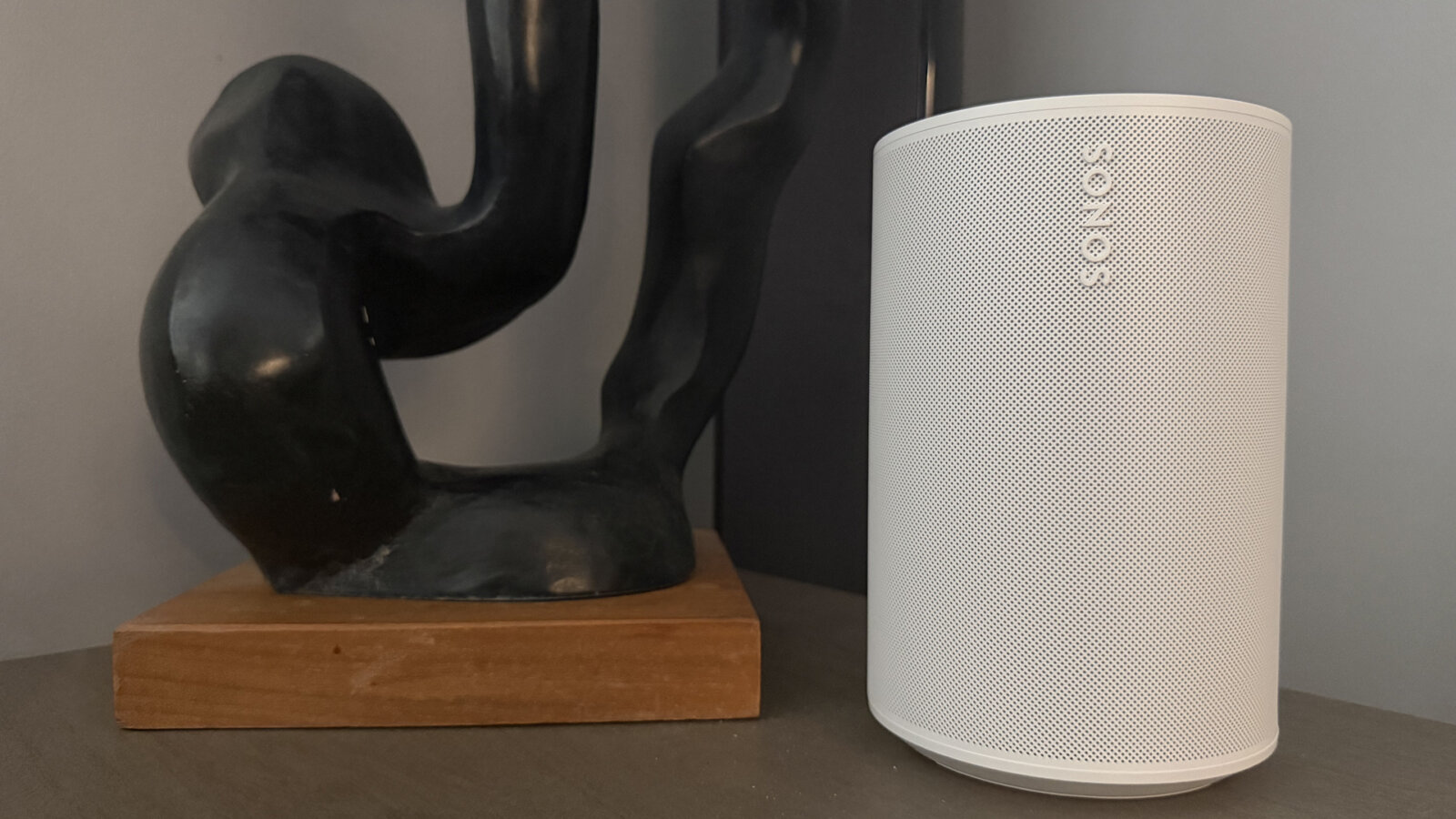
The Sonos Era 100 SL is one of two new speakers Sonos just launched, debuting alongside the Sonos Play. It’s nothing to get particularly excited about because it’s basically a carbon copy of the Sonos Era 100. What’s the difference? The “SL” in the name refers to “speechless,” meaning it does not have a microphone. So, you can’t use voice assistance with it. Does this matter and it is worth the downgrade to save $40? That really comes down to personal preference. But I set out to see.
About the Sonos Era 100 SL
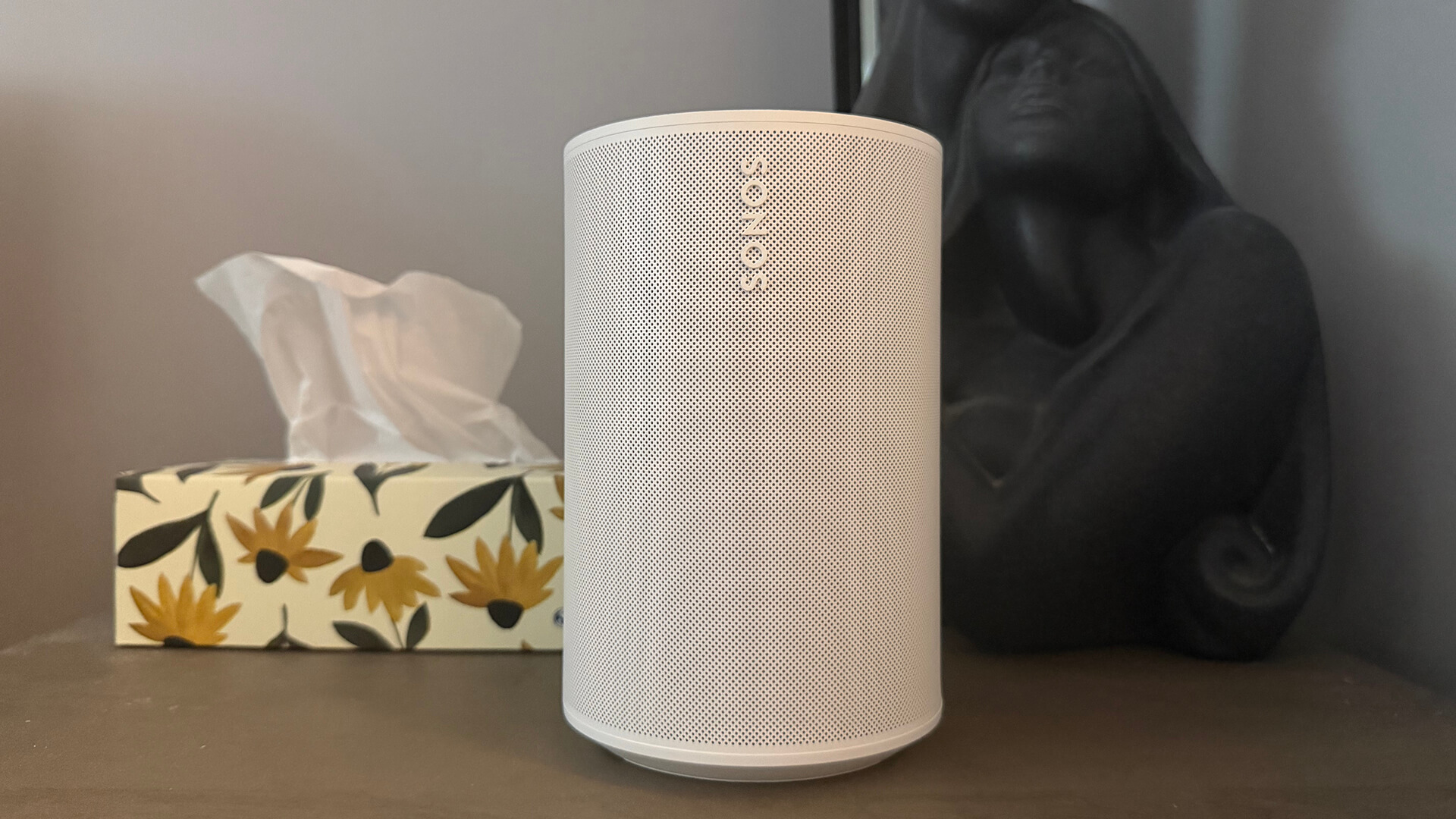
The Sonos Era 100 has all the same specifications as the Sonos Era 100, right down to the twin look. The only thing missing is the tiny speech bubble button at the top for the mic, which is absent in this new version.
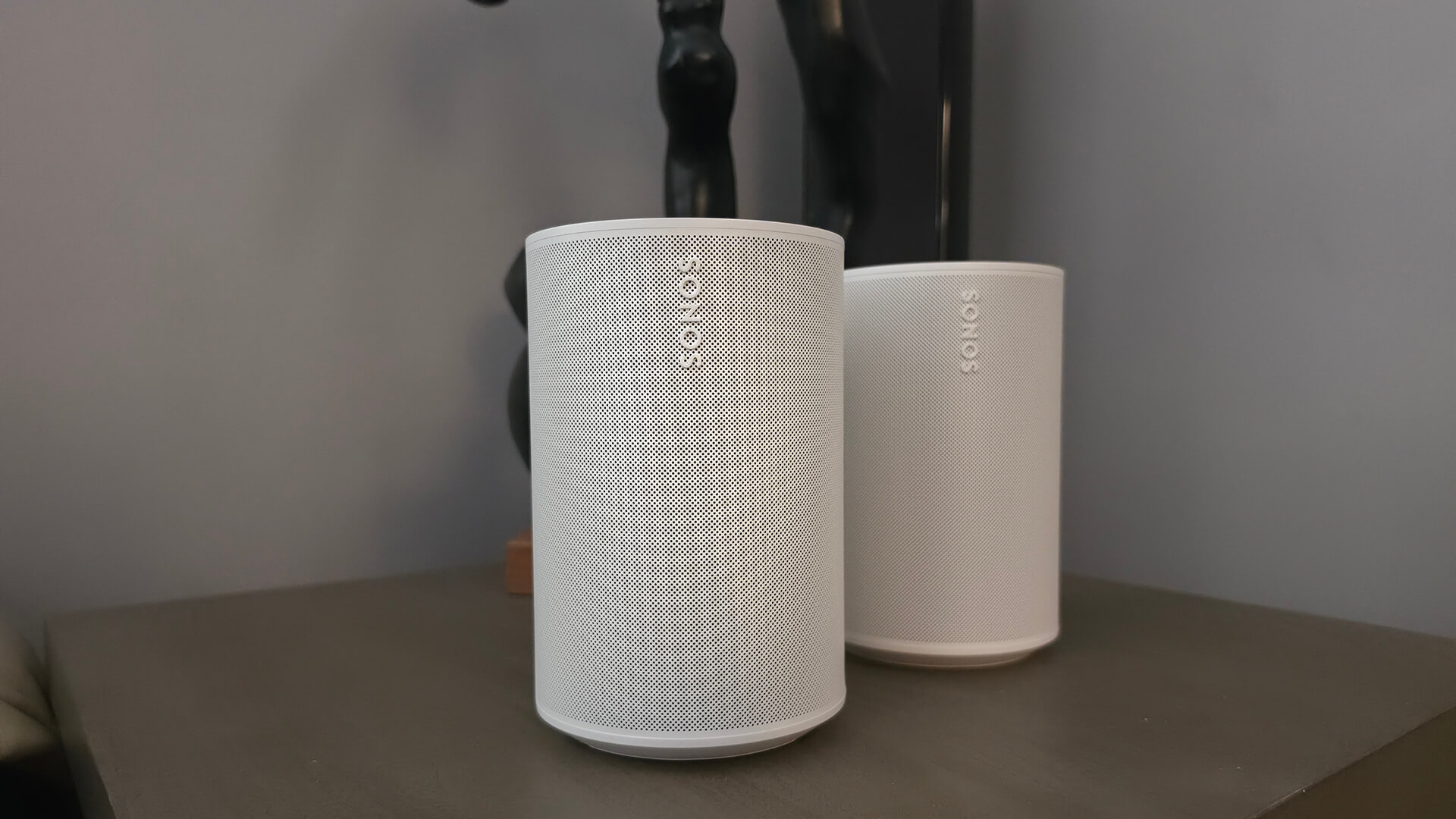
You’re promised room-filling sound with the ability to pair two for stereo sound or add it to a soundbar for surround sound. It’s equipped with dual-angled tweeters and a powerful midwoofer.
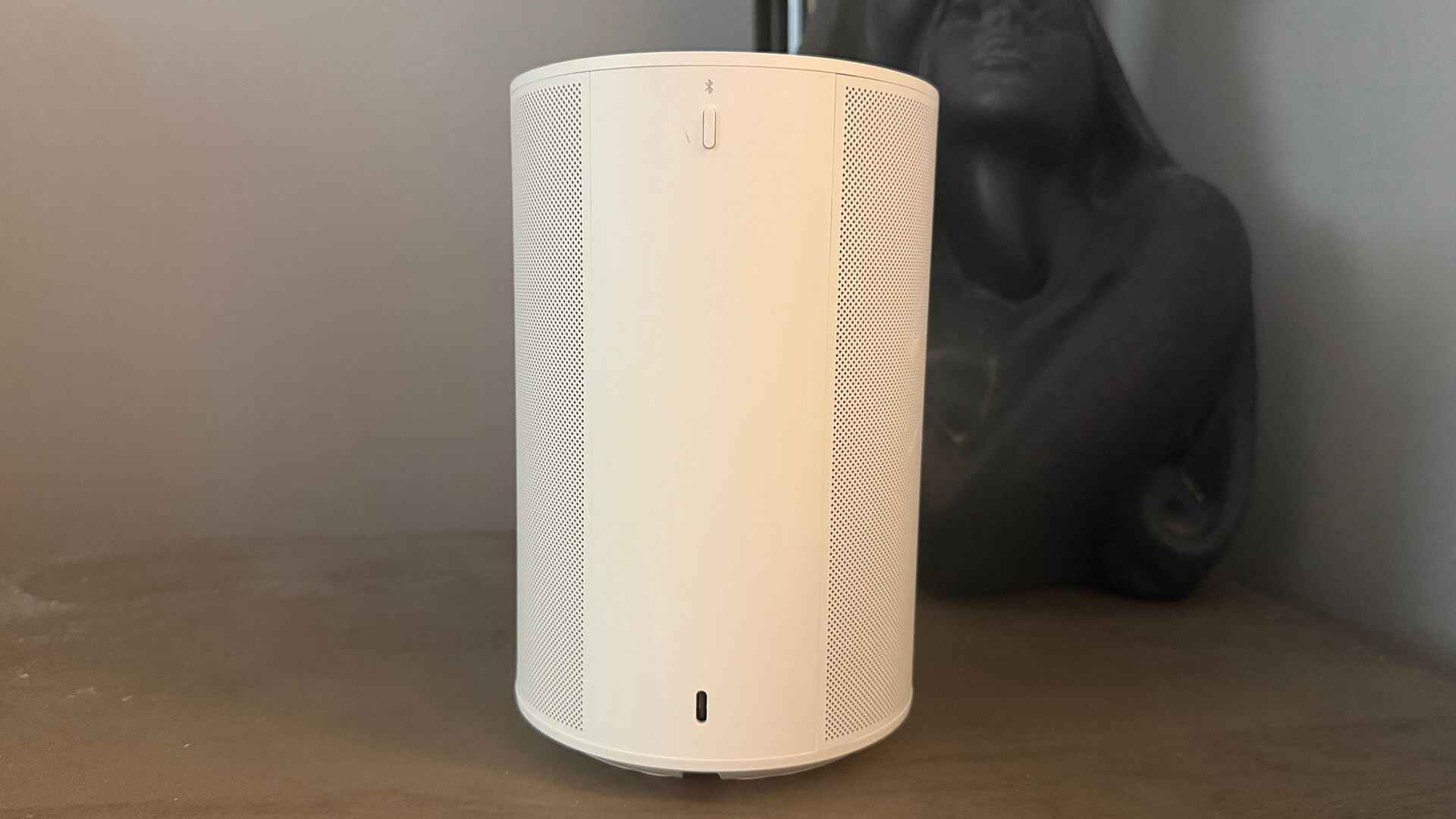
It can connect via Wi-Fi, Bluetooth, Apple AirPlay, and line-in and play tunes from a long list of services, like Spotify, Apple Music, Amazon Music, and Sonos Radio. With line-in, you can connect a turntable or other audio devices using a separate aux cable and the Sonos Line-In Adapter.
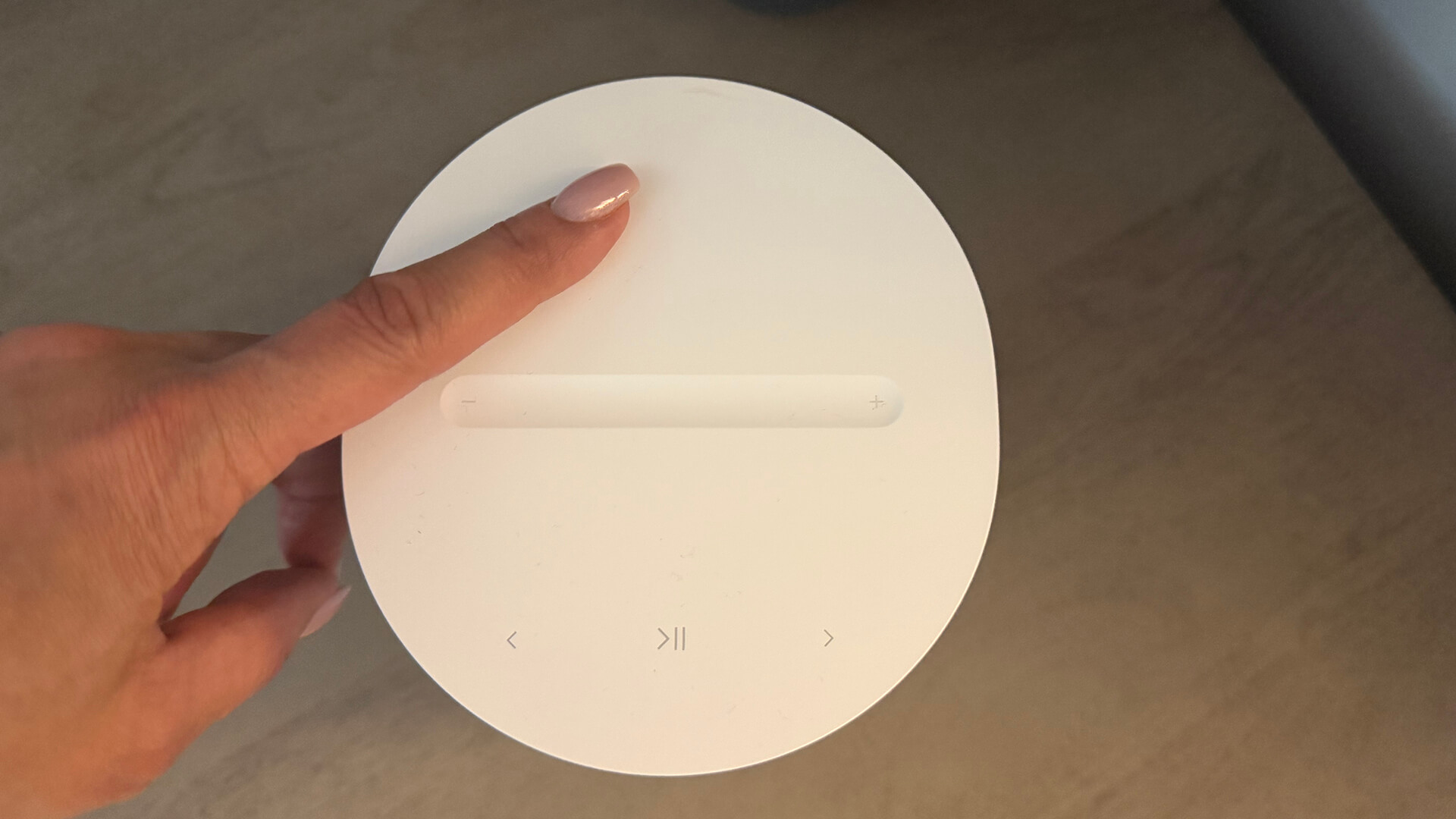
There are touch controls on the top or you can use the Sonos app. Use Trueplay to tune audio for Apple iOS devices. It isn’t made for outdoor use, but the speaker is humidity resistant.
Available in black or white, the Sonos Era 100 SL sells for $249, $40 less than the Sonos Era 100. It’s slightly lighter as well, down from 4.45 lbs. to 4.3 lbs.
Sonos Era 100 SL Review: A Rehash of the Audio Quality
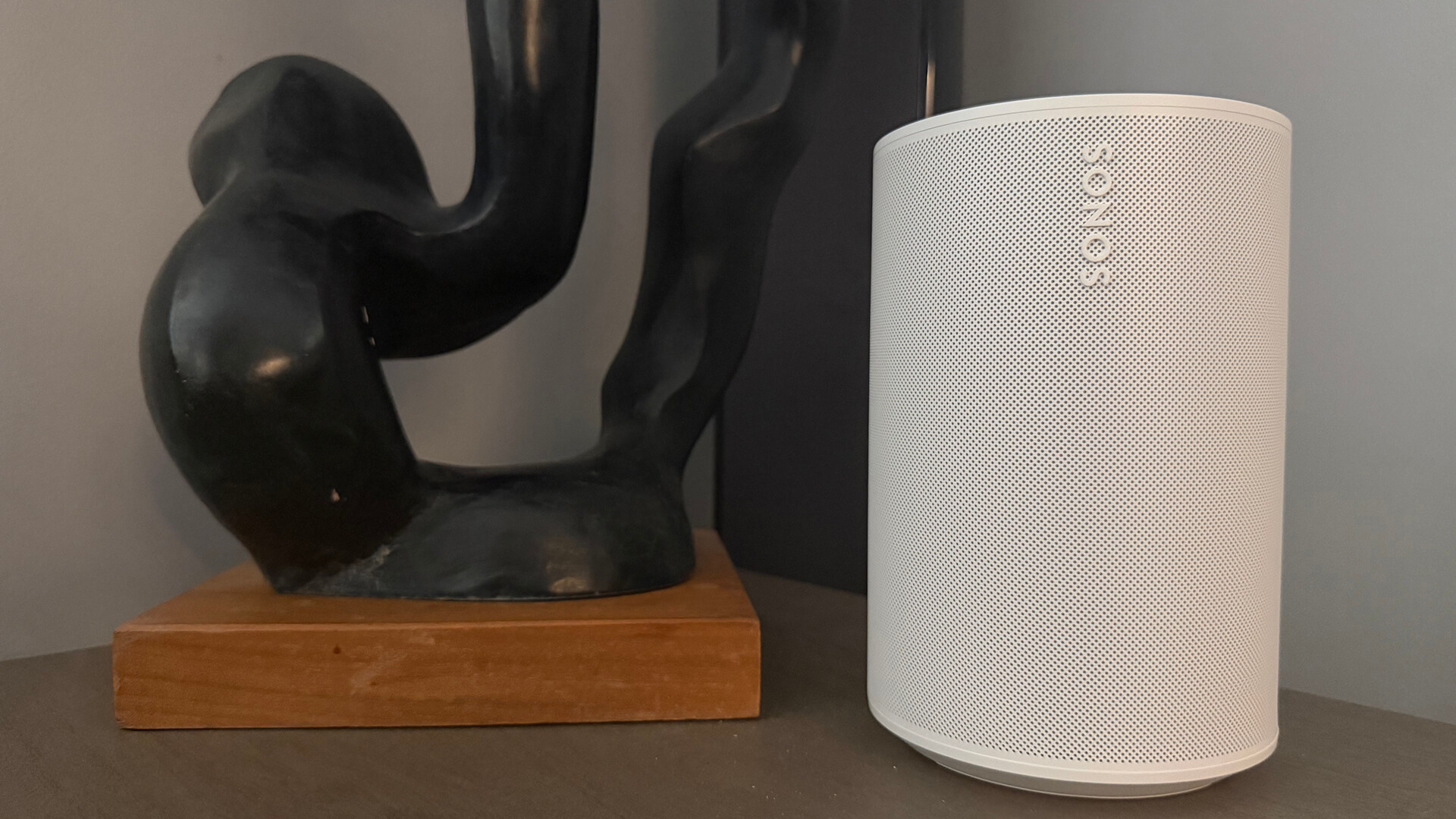
If you have already read my review of the Sonos Era 100, the same applies for the Sonos Era 100 SL. To sum up my thoughts from that review, you get pleasant and expansive sound with a nice balance of instruments and vocals. There’s no audible distortion, even when cranking it up pretty loud (as loud as I could take it while blasting some Michael Jackson and Run DMC).
It does sound slightly hollow, especially noticeable when comparing it to high-end wired speakers I have at home. I found that those speakers have better audio separation. I could hear more detail in songs that otherwise sounded buried with the Sonos Era 100 (and likewise, the Sonos 100 SL). I’m not necessarily making a fair comparison here since these wired, ceiling-mounted speakers cost much more. When looking apples to apples at other Bluetooth/Wi-Fi speakers in the same price range, the Sonos Era 100, and by default the Sonos Era 100 SL, perform pretty well. Singularly, either is great for background tunes while you work or enhanced audio while watching a movie on your laptop.
Setting up For Surround Sound
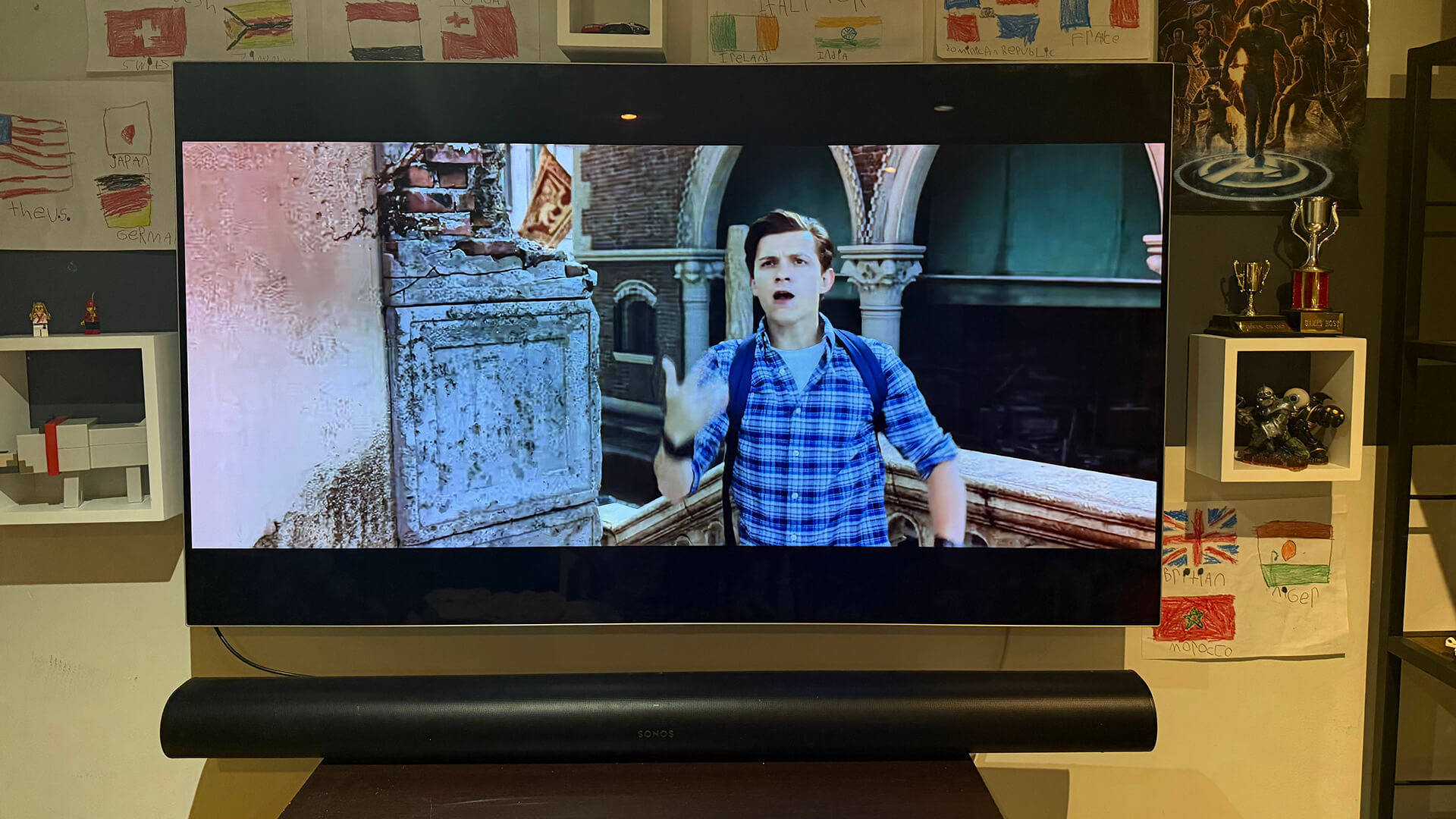
Having both the Sonos Era 100 and Sonos Era 100 SL, I decided to set them up connected to a Sonos Arc soundbar in the basement. This allowed me to try the full surround sound experience. This is something I didn’t have the chance to do with just the single Era 100 three years ago when I initially reviewed it.
I connected the three speakers to an LG OLED TV my son uses in his playroom for streaming shows and YouTube videos. We positioned them as left and right rear speakers, to the best of the ability based on the odd layout of the room.
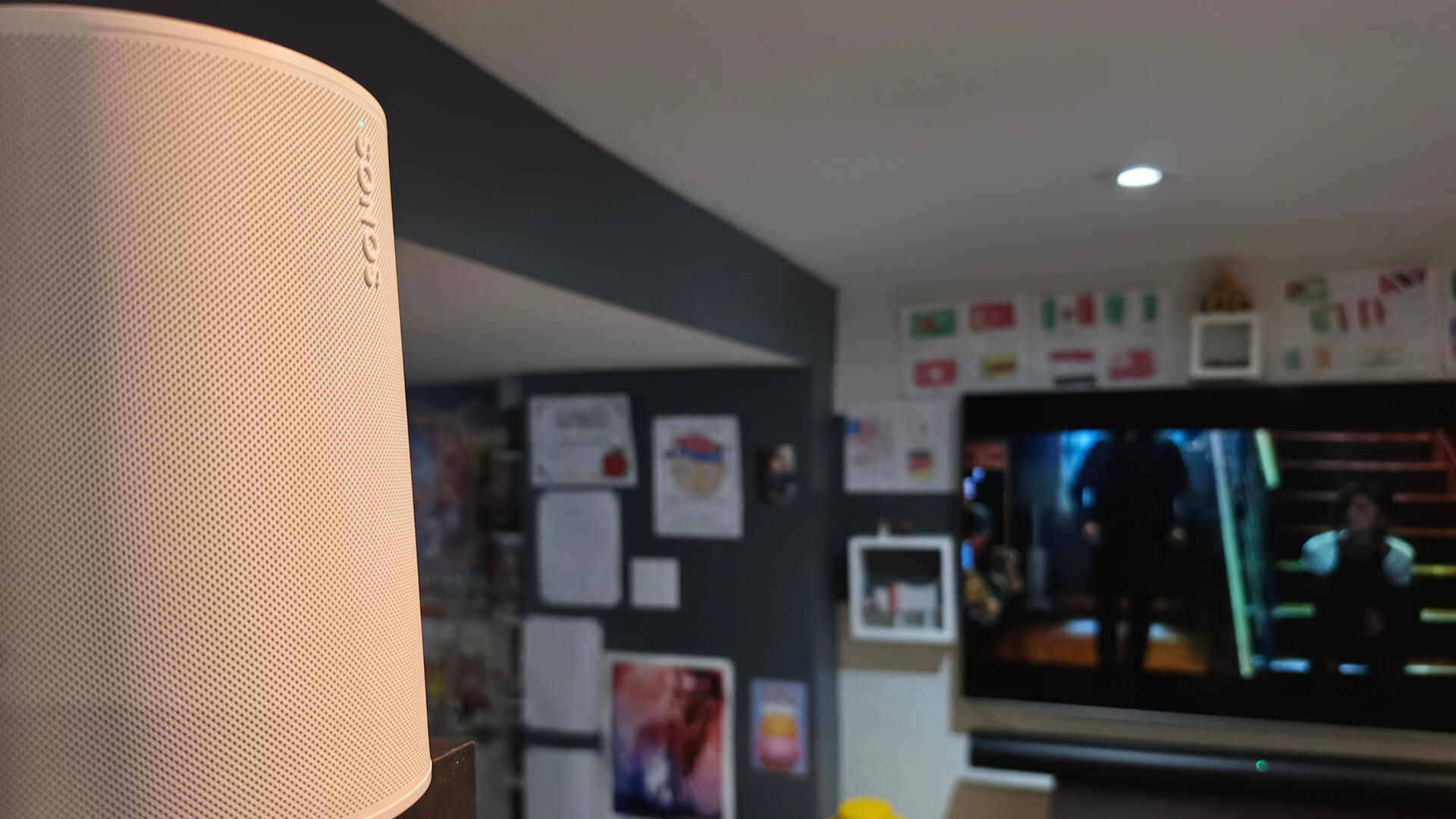
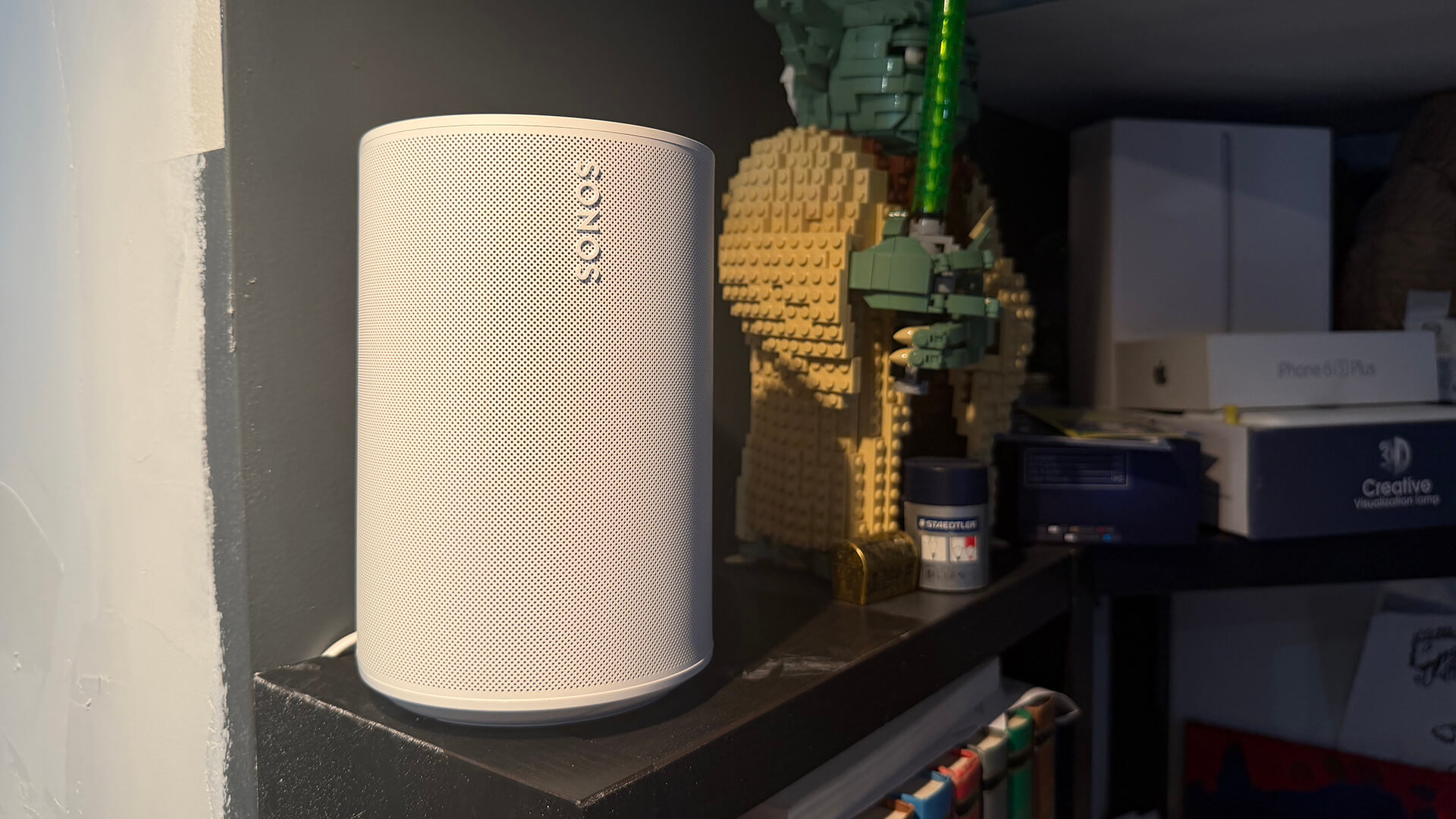
The Sonos Era 100 SL is at the top of his desk to the left of the TV. The Sonos Era 100 is on a windowsill to the right. (Keep in mind this is just a temporary set-up for testing purposes).
Compared to audio from the soundbar alone, it was naturally more immersive. Sound envelopes the small space. There’s more detail on either side of the scene when you’re sitting in the sweet spot right in front of the TV. Punches and screams in shows like Invincible might startle you. Action in intense scenes from the movie Spider-Man: Far From Home feel fuller, more cinematic.
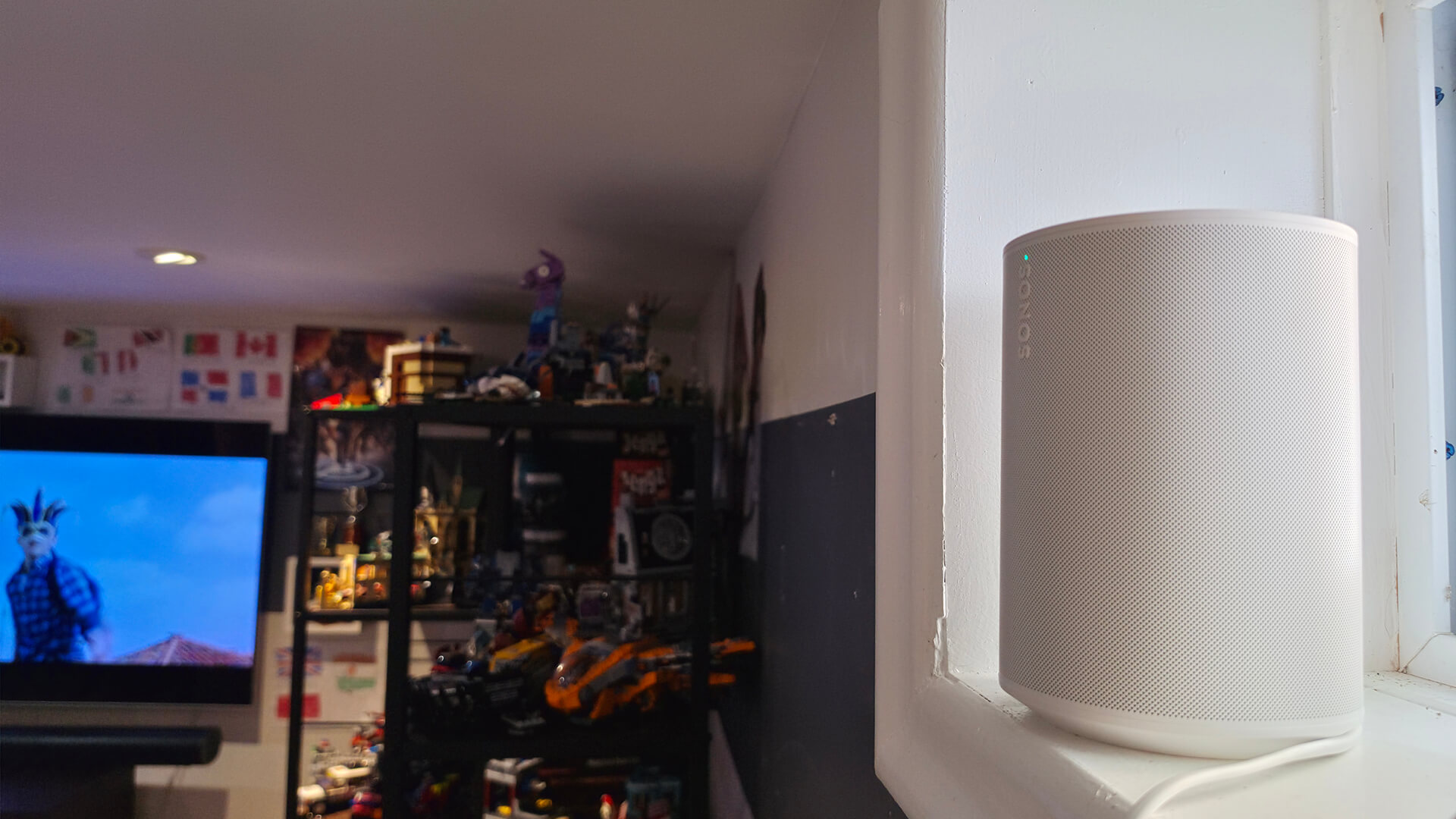
It’s only a subtle difference at a normal volume. But you really hear it once you crank it up and put the system to the test. However, the set-up is screaming for the addition of a subwoofer. This would really create atmosphere with content like action movies and thrillers. Nonetheless, it’s a step up from the TV and soundbar alone, even from just these two small speakers.
Do I Miss the Mic?
The biggest question with the Sonos Era 100 SL is if you will miss the microphone. And that will really come down to how you use it. The Sonos Era 100 does not work with Google Assistant. The only voice control options are Sonos Voice or Amazon Alexa. You can use the “Hey Sonos” and “Alexa” commands to ask the speaker to play a song, lower the volume, and more.
I found in my review of the Sonos Era 100 that I didn’t really use voice control aside from testing. My preference was to either connect the speaker to my phone or laptop via Bluetooth or used the Sonos app to control playback. I have had frustrations with the Sonos app in the past. It really does need a more intuitive redesign. So, I would sometimes just use the top-mounted controls if I was nearby.
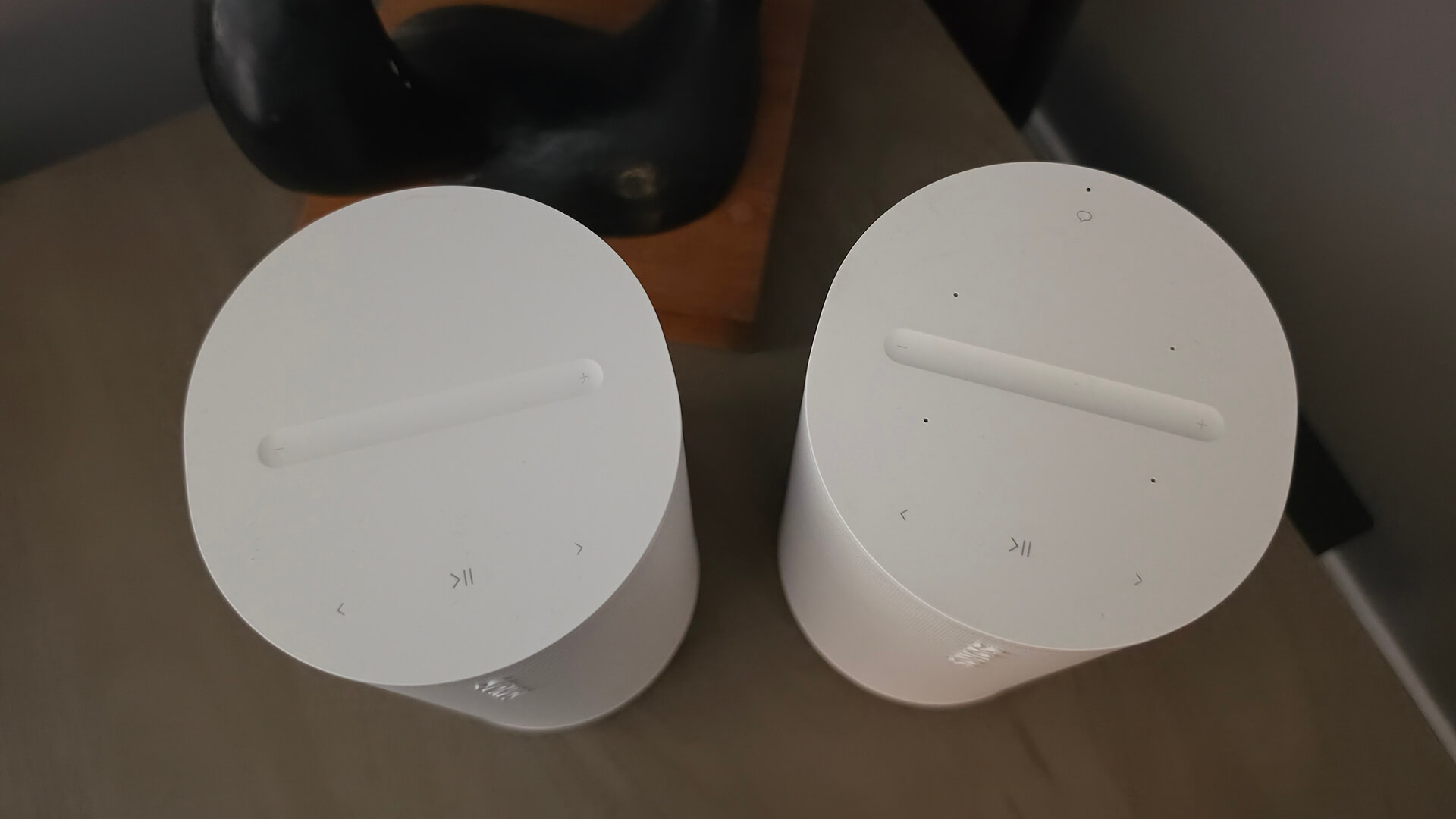
Voice control simply isn’t a big part of my days, so I feel like I wouldn’t miss it. That said, I am simultaneously reviewing the Sonos Play speaker and notice that I do like to use Alexa to queue up a song or adjust volume with that speaker. However, the Sonos Era 100 SL and Sonos Era 100 are not battery-operated portable speakers like the Sonos Play. So, you’ll likely set them up like I did, as part of a specific playback zone, versus bringing them around the home and out, which makes voice control less necessary.
Where you might miss it is if you position this speaker on your nightstand in the bedroom or counter in the kitchen. It’s nice to use voice commands to silence or set an alarm in bed, while your hands are dirty while making dinner in the kitchen, or to adjust playlists while working in your home office or doing chores. So, it really comes down to how and where you plan to use the speaker.
Keep in mind also that if you already have a smart speaker in the room that handles that, like an Amazon Echo device, you might not care. If you live in a Google Home/Gemini controlled household, this doesn’t matter. The Sonos Era 100, as noted, doesn’t support Google Assistant anyway.
Further, $40 isn’t that huge of a savings. For an extra $40, I feel like you might as well just go with the OG Sonos Era 100 just in case you ever want to use voice control. If your budget is ultra-tight, however, this is the model to get. That $40 can go towards your music streaming subscription for the next four months,
Should You Buy the Sonos Era 100 SL or Sonos Era 100?
Now, comes the big question: is it worth getting the Sonos Era 100 SL instead of the Sonos Era 100? If you can say with absolute certainty that you won’t want to use voice assistance, go for the Sonos Era 100 SL. Some people don’t like the idea of adding so many devices with mics in the home. In this case, the Sonos Era 100 SL is a viable alternative as well. Do you already have a smart speaker, or is your home run by Google Home? You might as well save the $40 and go with the non-voice-enabled version, too. Ditto if it’s going to be part of a home theatre system with two alongside a soundbar and subwoofer. If this is the case, chances are voice control is not on your priority list.
However, using it for the bedside table, kitchen, home office, kids’ room or desk, where you’ll find smart assistance most useful, the Sonos Era 100 is worth the upgrade. If you use Alexa and want to extend its reach to whatever room or space you place these speakers, the Era 100 gives you this luxury.
By and large, these two speakers are one in the same minus the mic. Take your pick based on what makes the most sense for how you want to use it in your home.
Find the Sonos Era 100 SL for $249 and the Sonos Era 100 for $289.