

Pros
- ActiveTrack works well
- Built-in storage is a massive plus
- Gesture controls work well
- Content transfer is blazingly fast
- Fantastic battery life and ultra-fast charging
Cons
- ActiveTrack doesn’t work as well from far away, with uniformed players
- Expensive for the full set
Two years ago, I reviewed the DJI Osmo Pocket 3, and since then, I have been singing its praises. It’s the one device I always have on me at work events. Inevitably, someone always stops me to ask about it or comment on how “cool” it is. So, I was excited when DJI announced the follow-up DJI Osmo Pocket 4. This compact gimbal camera improves on the experience in a variety of ways, and I was excited to compare.
First, I wanted to see if it’s the better camera of the two, and second, if it’s worth the upgrade for those who already own the DJI Osmo Pocket 3. After using it for several months at work events and filming footage for social videos and reviews at home, I’ve come to a verdict.
DJI Osmo Pocket 4 vs. Osmo Pocket 3
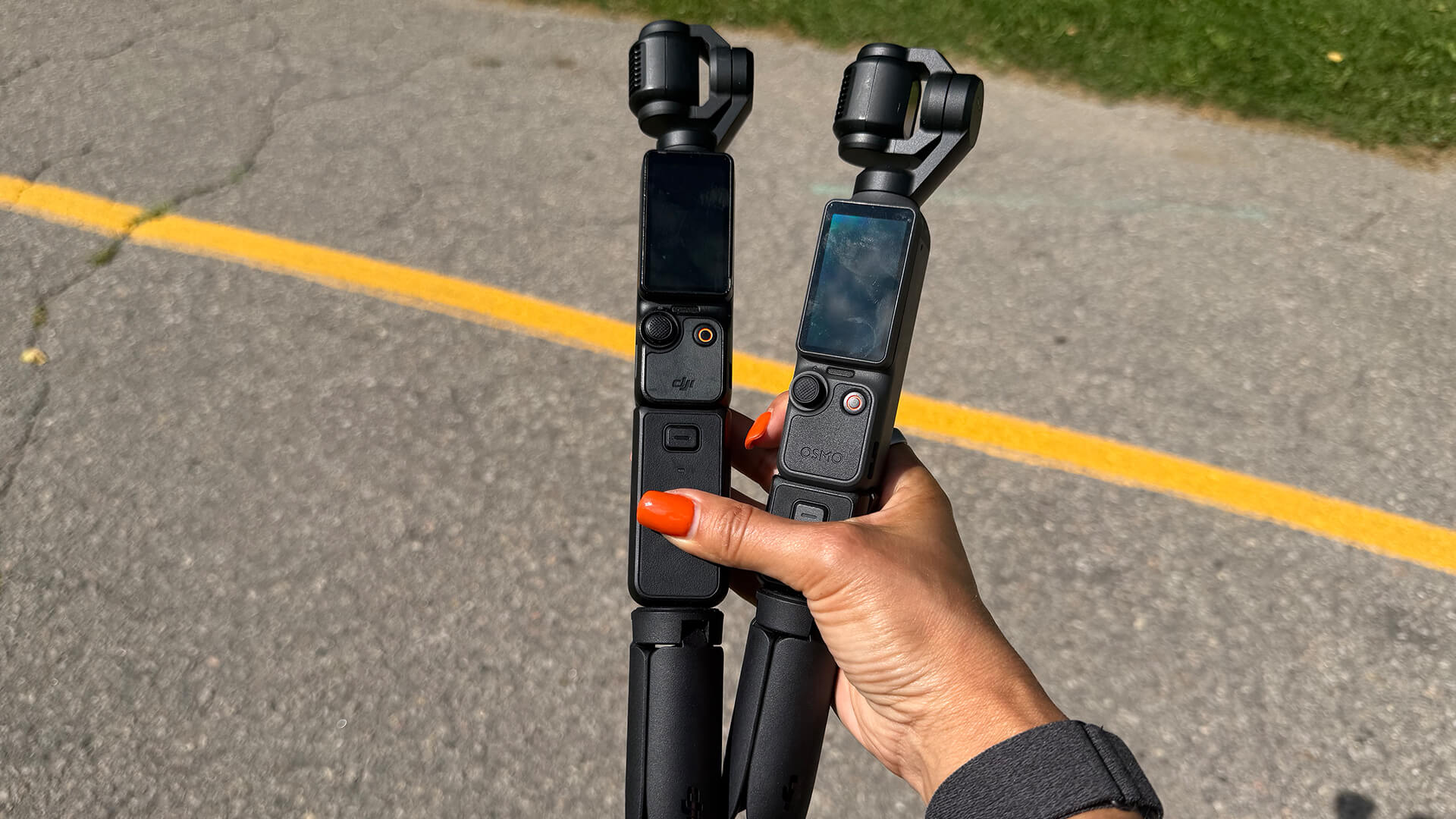
First, let’s consider how the DJI Osmo Pocket 4 compares to the Osmo Pocket 3. It boasts enhanced imaging capabilities, able to capture 4K videos at up to 240 frames-per-second (fps), including ultraHD slow-motion video, along with clearer low-light shots, more true-to-life colours and natural skin tones. It also has 14 stops of dynamic range for more cinematic depth.
There’s also new intelligence tracking capabilities that will keep desired subjects in focus and frame as you move, and a dedicated Zoom button for easily switching between 1x and 2x lossless zoom.
You should get smoother camera movements through multiple gimbal modes, including ActiveTrack 7.0, Spotlight Follow, and Dynamic Framing. Lock focus onto a subject using Subject Lock Tracking and it will follow them. Tap on screen to choose a new subject and it will follow them instead. Registered Subject Priority can be used to prioritize focusing on a pre-registered subject.
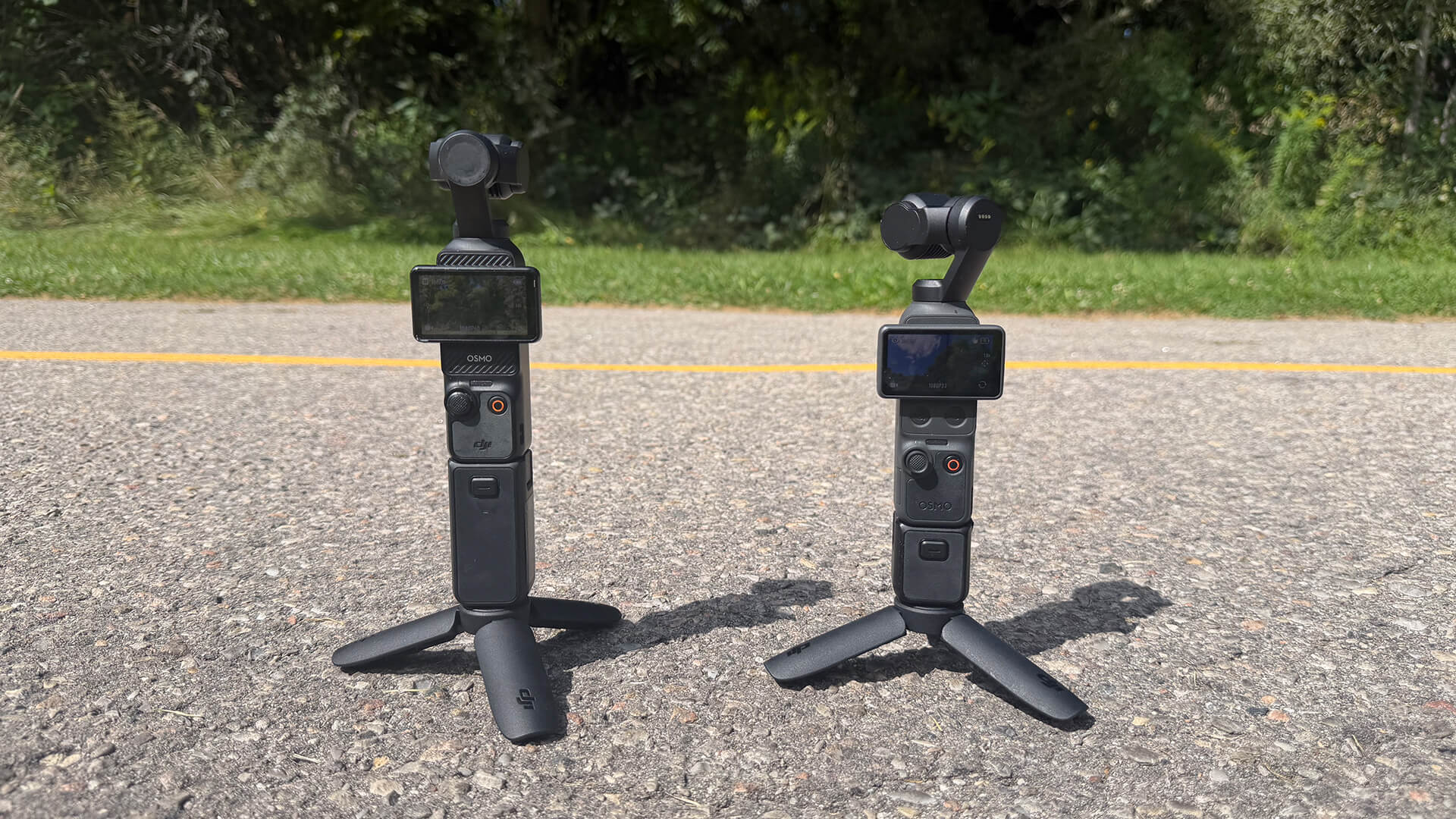
Quick Shots can also be captured via gesture controls, like showing your palm (Palm Gesture) to toggle ActiveTrack or flashing a peace sign (“V” Gesture) to take a photo or start and stop recording. You can also immediately begin recording by rotating the screen.
Below the screen are two new buttons: the aforementioned dedicated Zoom button that can switch between 1x to 2x zoom or jump to 4x zoom and a custom preset button that can trigger your preferred settings. The new 5D joystick allows you to move the camera backwards, re-centre the gimbal, and flip the camera. With 107GB of built-in storage, you can shoot more footage and easily transfer up to 800MB/s of footage without a memory card.
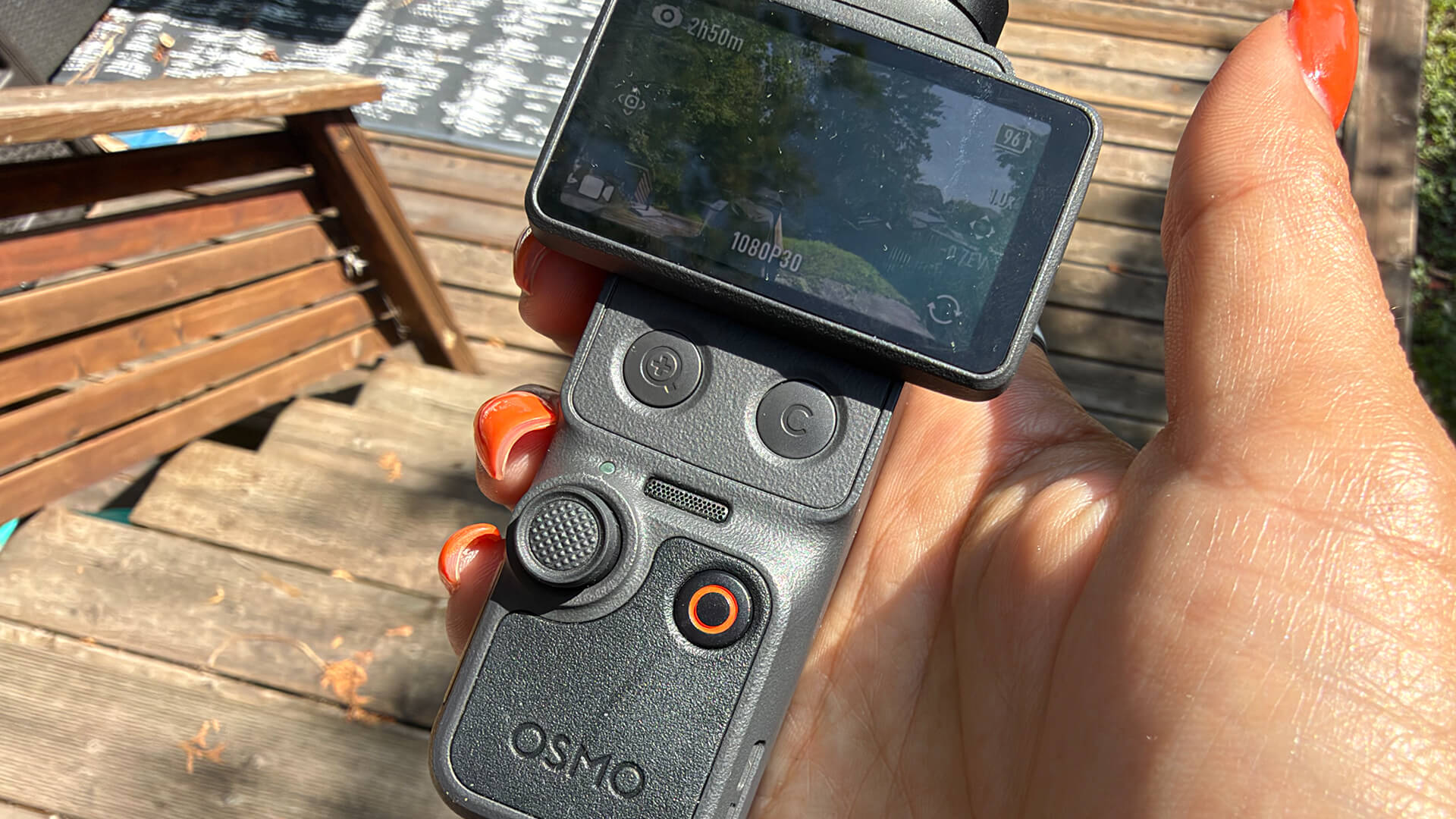
Other shooting options include Slow Shutter Video to create motion blur, capturing movement trails and the passage of time for a unique visual experience; Film Tone to recreate classic styles; In-Camera Beautify to fine-tune skin smoothness, brightness, and tone. With an Attachable Fill Light, add natural, soft lighting to enhance low-light or backlit scenes, with three brightness and temperature settings.
The Osmo Pocket 4 captures clear vocals while recording ambient sounds through its built-in microphone array. It also supports direct connection to DJI Mic transmitters, enabling a four-channel audio recording. Supported DJI Mic transmitters include Mic 2, Mic 3, and Mic Mini (each sold separately or included in select combos). Get up to about 240 minutes (four hours) of 1,080p/24fps footage per charge. Recharge it from 0-80% in 18 minutes to get up to three hours of shooting.
The DJI Osmo Pocket 4 Creator Combo sells for $829.99, and that’s the one I would go with.
Set-up and accessories
I received the Creator Combo for review, which includes loads more accessories than the Creator Combo for the DJI Osmo Pocket 3. It comes with a DJI Mic 3 transmitter, fill light, wide-angle lens, Osmo mini tripod, and more (different variations on the sets may differ based on availability).
I love the inclusion of a smaller pouch alongside the zippered carrying bag. I often only need the camera, mini tripod, and mic. So, this zipper bag is perfect for that. I also love the gimbal protector that protects the lens when not in use. If I was to be picky, I’d love a screen cover as well to protect the screen from scratches. But if you store it in the small pouch or leather case, you don’t really need one.
It was super easy to set up in minutes after a quick firmware update (several more firmware updates came throughout my review period).
Video Quality, ActiveTrack is Impressive
I got to work capturing video both at home and on the go. I wanted to test ActiveTrack so I first used that at my son’s baseball games. Sitting further away made it challenging, though the camera had no issue locking onto the subject I chose (usually the batter). However, it was tricky once the person started running since every kid is wearing the same uniform.
You’ll get the best results with this feature when you are closer up and have a clear view of the person’s face. I used it for a few work-related videos, capturing me walking or running. I latched onto my face while setting up the camera, walked over to my spot, then did my thing as the camera followed me. One thing I will note is that I could sometimes not get ActiveTrack to work remotely using the app on my phone if I was too far away. Sometimes, it also worked inadvertently when I didn’t want it to, like when I was talking on camera and gesticulation my hands and it was mistaken for a gesture. You can turn ActiveTrack off to prevent this. The “peace sign” gesture works perfectly for snapping stills.
Video offers smooth motion and gorgeous quality. I got impressive colours and detail when filming at a summer backyard barbecue with friends. The green of the grass and detail in the uniforms from my son’s baseball games pop. Shooting fireworks on Canada Day yielded impressive results, the fireworks bursting to life on the dark sky in the footage. All my close-up social videos as I review other products are shot with this camera (see @christineTechCA on Instagram and TikTok, and give me a follow while you’re at it!) and quality is great.
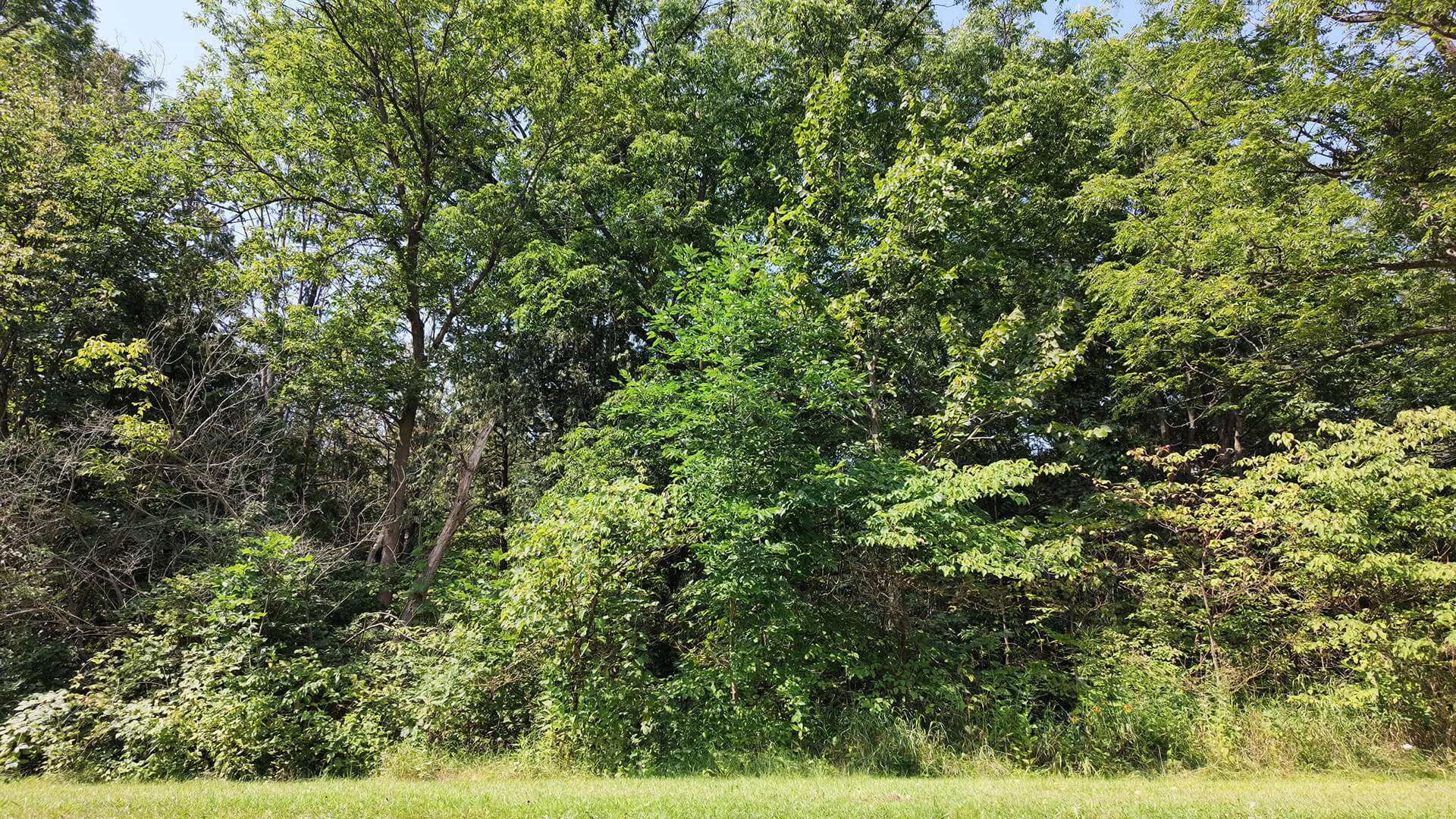
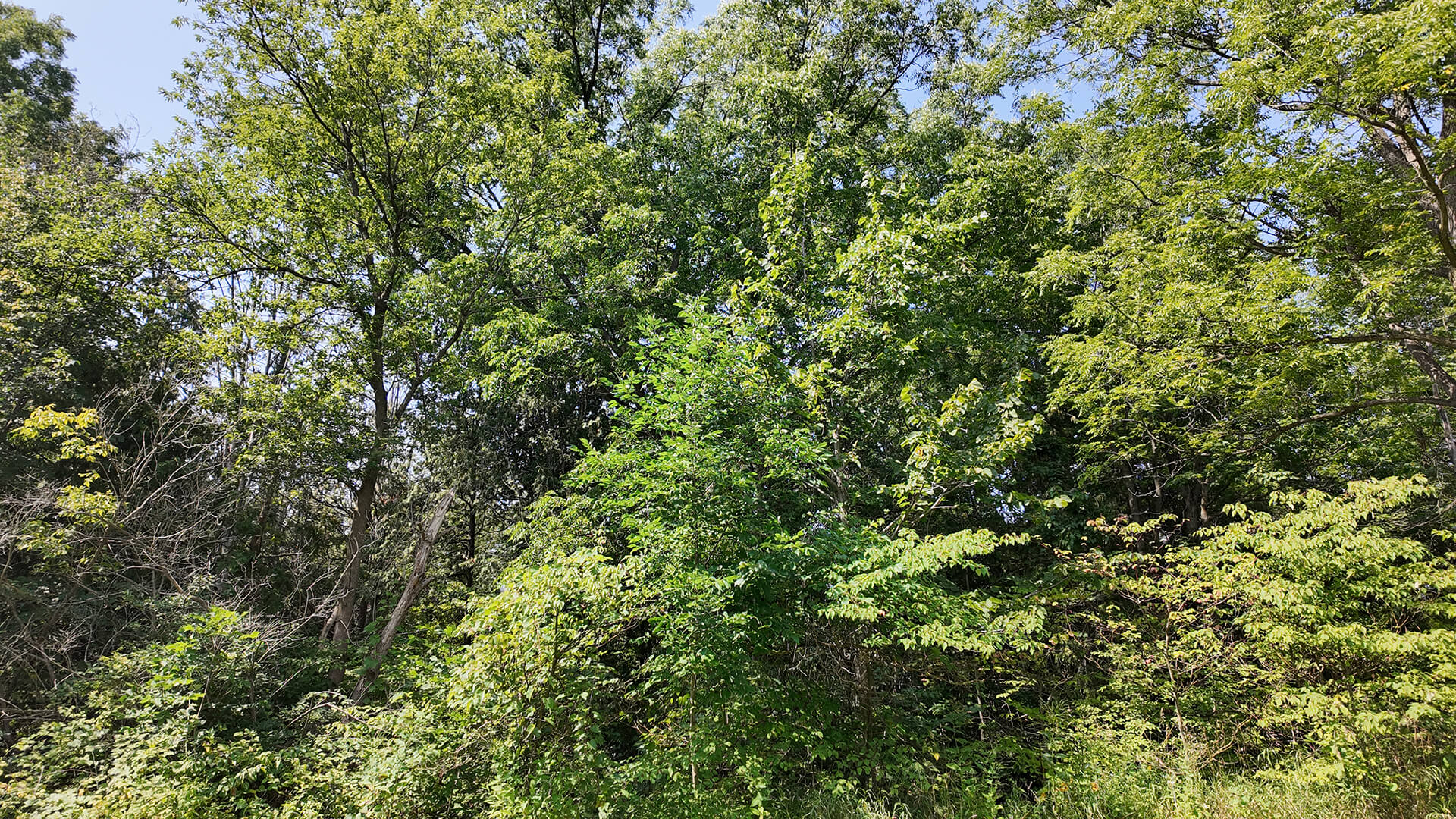
I shot a few videos side-by-side with the Osmo Pocket 3 to compare. In this video of the gorgeous trees on a local trail, you’ll notice more natural tones and slightly smoother motion.
In this video walking through a dark tunnel on that same trail, quality is equally good on both. But you’ll notice that as I approach the opening, the sunlight coming through is blown out in the footage from the Osmo Pocket 3 whereas the Pocket 4 balances it much more nicely.
It’s Incredibly Easy to Use
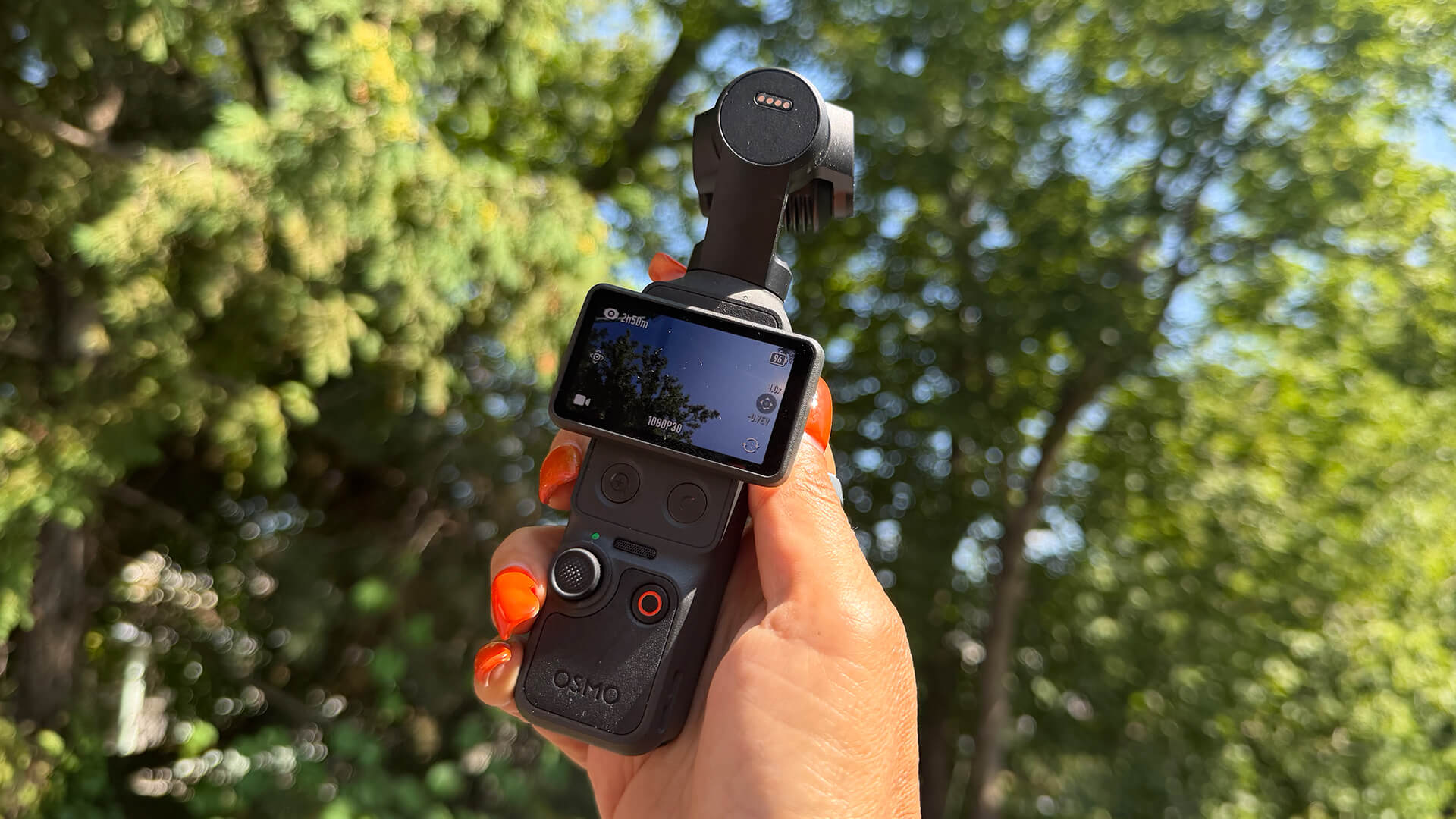
What I especially love about this camera is how easy it is to use, something carried over from the Pocket 3. Once I capture all the footage I need, transferring it to my iPhone for cutting together is incredibly simple. The videos download blazingly fast, even noticeably faster than the already quick DJI Osmo Pocket 3.
My son used it to take a 40-minute video of him opening Pokémon card packs (yes, it’s a thing) and the video transferred to my iPhone in seconds. For someone who shoots footage at a show like CES in Las Vegas and needs something I can use to transfer, cut with CapCut, and upload, the ability to do this in literal minutes while I’m standing in the corner of the convention centre or sitting in the press room is invaluable. Sure, I could use my phone. But the quality from this camera is top-notch.
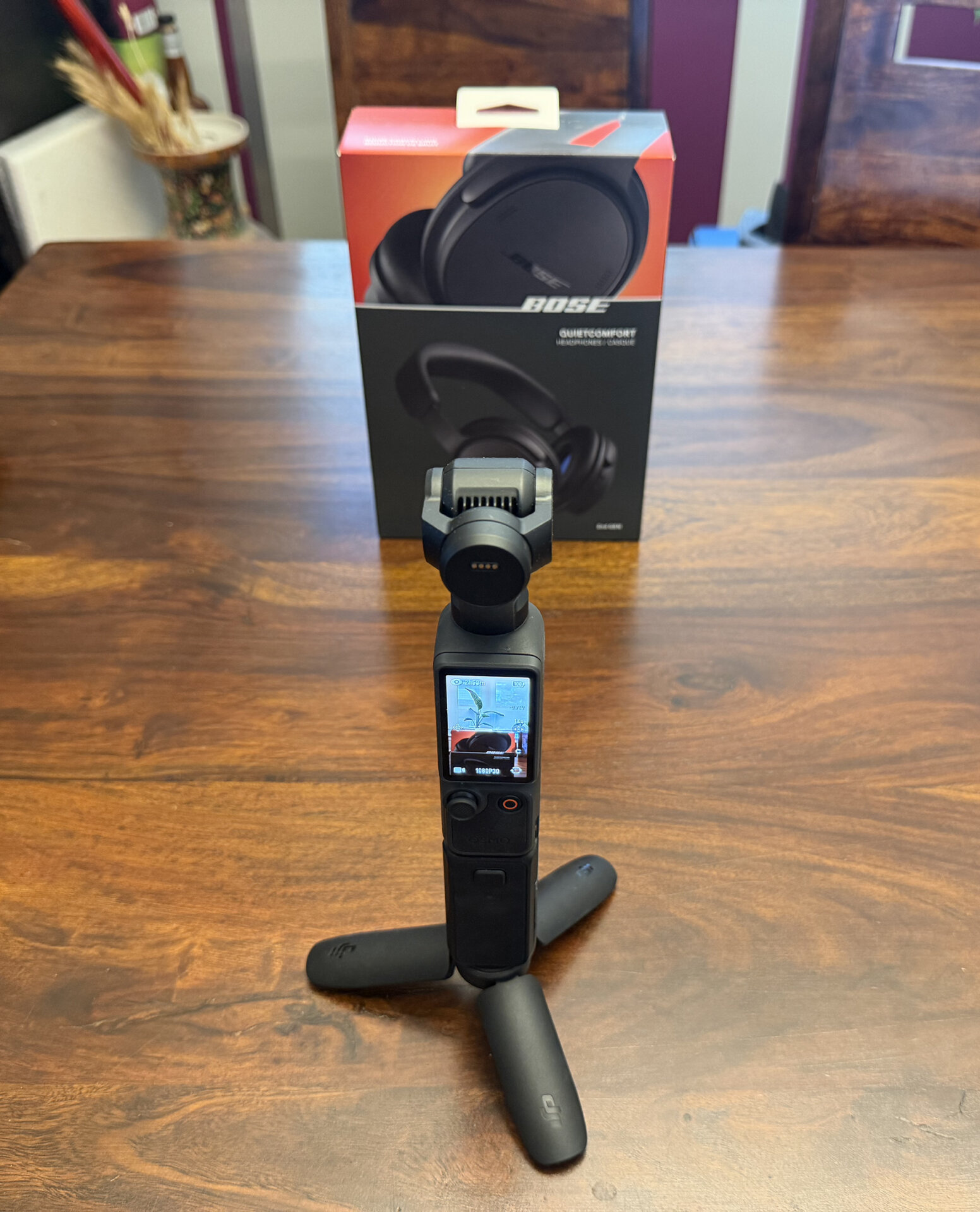
Using the included mic, I recorded many videos as well. Syncing is simple and audio quality is superb. Like with the Pocket 3, the mini tripod is perfect for recording tabletop, and I love that it collapses for handheld use. While I did not have the chance to try all the other accessories, if you’re a serious content creator, even a budding one, I implore you to get the Creator Combo with everything you could possibly need to shoot like a pro (minus, perhaps, a full-sized tripod).
Battery Life is Top-Notch
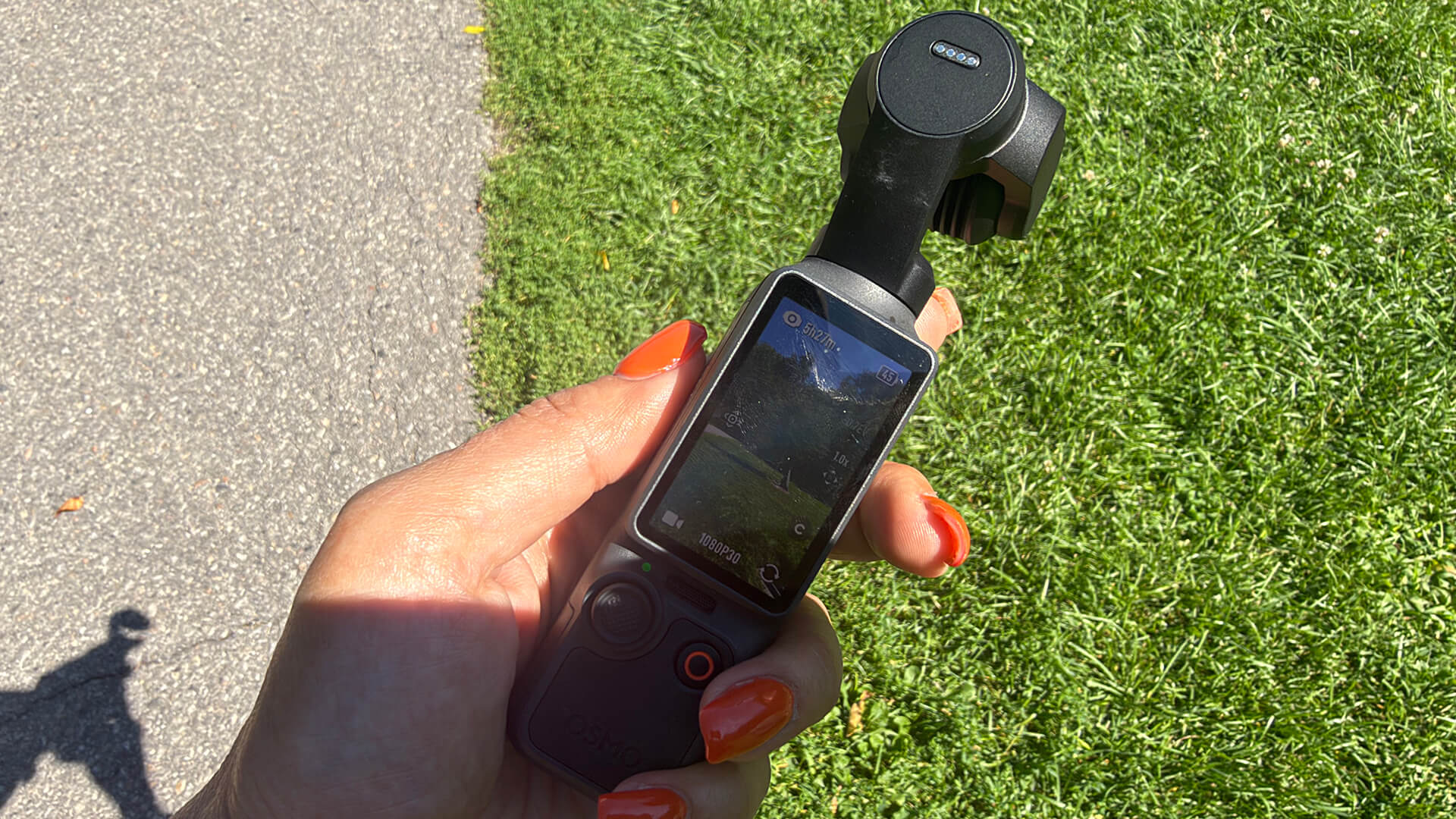
The battery lasts a long time, up to 240 minutes per charge, which is a massive upgrade from the 166 minutes in the Osmo Pocket 3. Considering I could get through a full day at a trade show recording videos constantly and the Osmo Pocket 3 never died, this gives me even more confidence that the Osmo Pocket 4 is up to serious tasks and full-day shooting.
Plus, it charges incredibly quickly: you can get it to 80% in 18 minutes (16 minutes with the Osmo Pocket 3) and my experience has found this to be accurate.
DJI Osmo Pocket 4 vs. Osmo Pocket 3: Should You Upgrade?
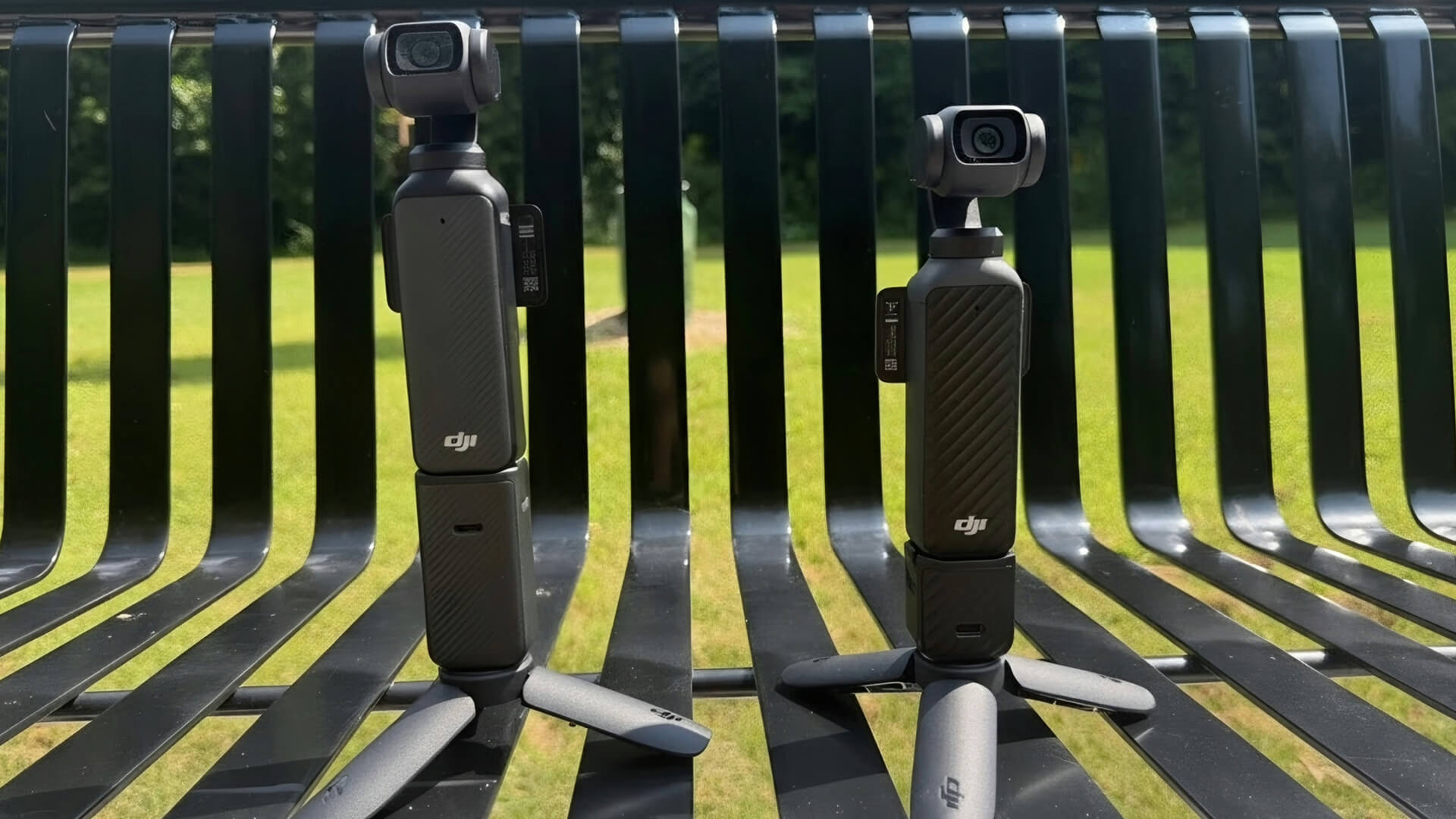
While I did not try out every recording capability of this camera, even just using it as an everyday camera for work and personal needs, to capture fun footage at parties, unboxing videos, Broll for video reviews, and footage at my son’s baseball games, it’s fantastic.
If you’re looking for a new gimbal camera, I would not hesitate to recommend the DJI Osmo Pocket 4. It’s a step up from the Osmo Pocket 3 with higher brightness (1,000 nits versus 700 nits) and a wider-angle lens. You get more precise ActiveTrack that supports up to 4x zoom. It has additional quick access buttons and can run for longer per charge. The built-in storage is so appreciated: I have been using it for months, recorded dozens of videos ranging from ones that are only 10 seconds long up to 40 minutes, and I still haven’t run out of room.
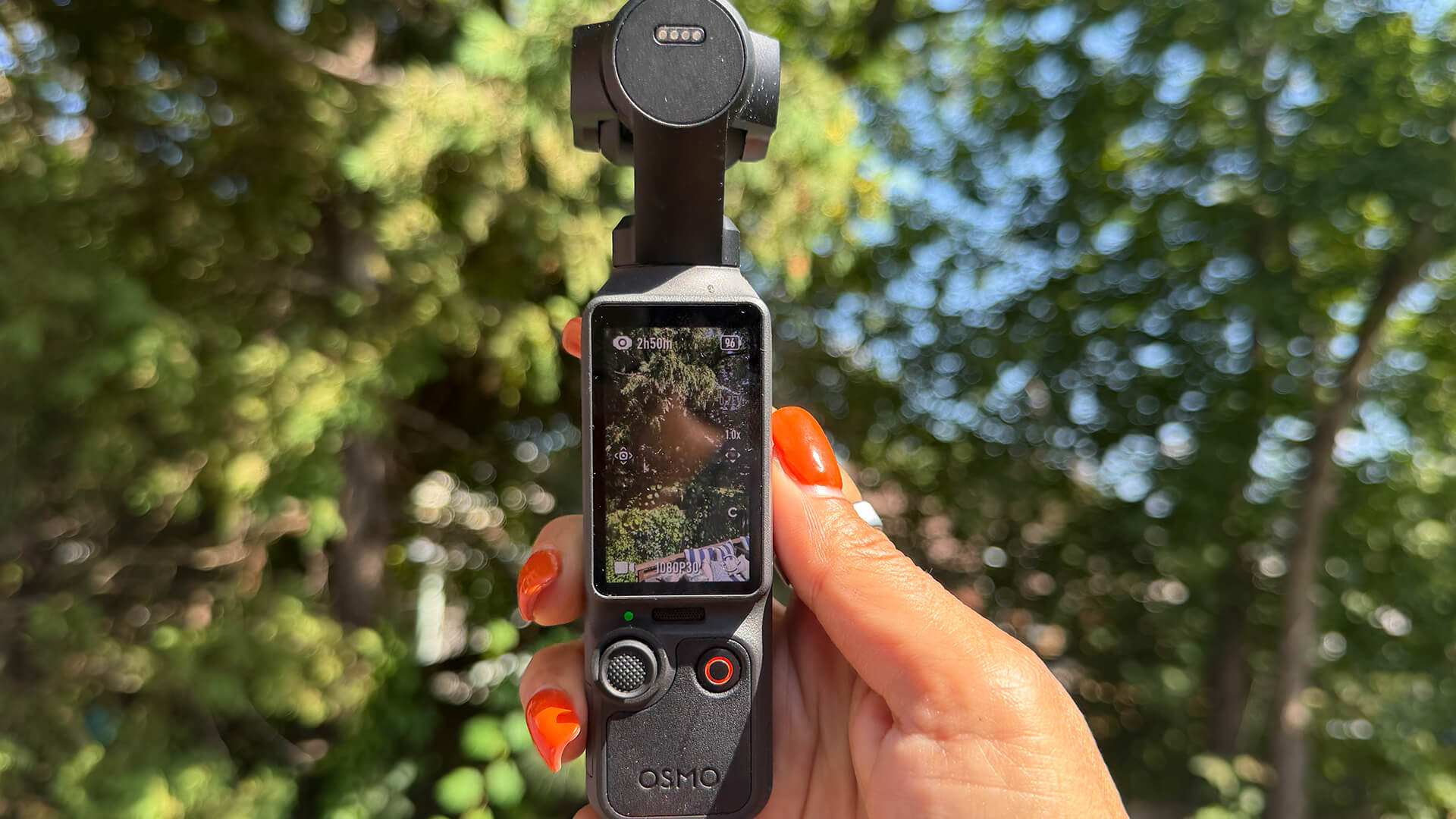
It’s undoubtedly the better camera of the two, but the DJI Osmo Pocket 3 is still a great buy. You’ll save about $120 (pricing may vary) and be thoroughly pleased with the results. If you’re a serious content creator, you might find upgrading to the Osmo Pocket 4 worth it. For everyday use, you might not necessarily realize all the benefits of the Osmo Pocket 4 or may be willing to trade off to save some money.
Either way you slice it, they’re both great cameras. I struggle to find anything negative to say about the DJI Osmo Pocket 4. I haven’t yet devised my list of top tech for 2026, but I’m confident this gimbal camera will have a top spot on it.


Note that DJI also recently released the DJI Osmo Pocket 4P that has a dual-lens system, dedicated telephoto zoom, and higher dynamic range. Stay tuned for my review!
Buy the DJI Osmo Pocket 4 Creator Combo for $829.99 or the DJI Osmo Pocket 3 Creator Combo for $649, down from $748.98.